How to activate SWPanel InstantPass for my customer account
To activate the login to your SWPanel account with InstantPass, first you must access your SWPanel with the client account in which you wish to activate it.
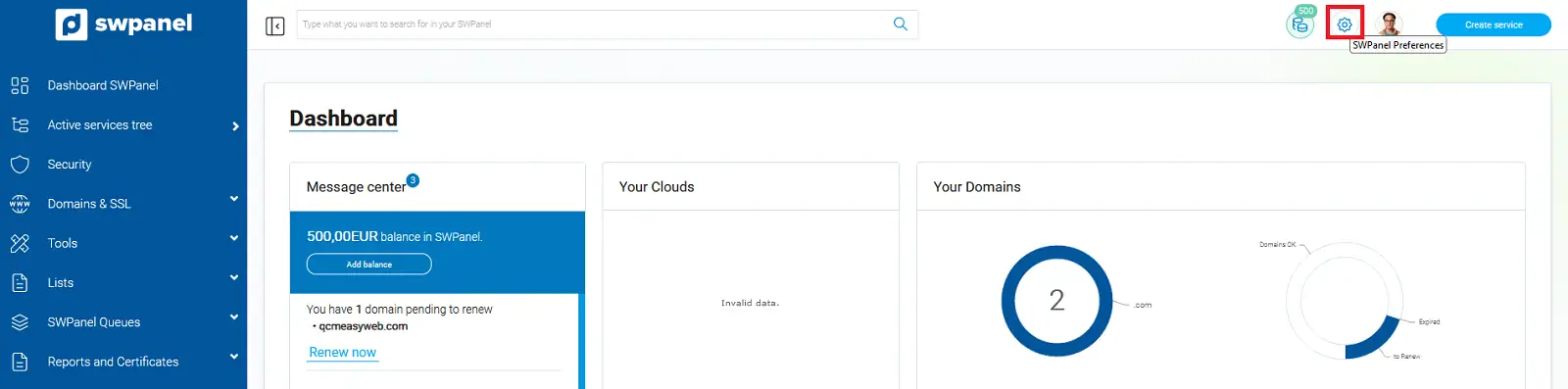
Once in the general account dashboard, we click on the SWPanel Preferences icon.
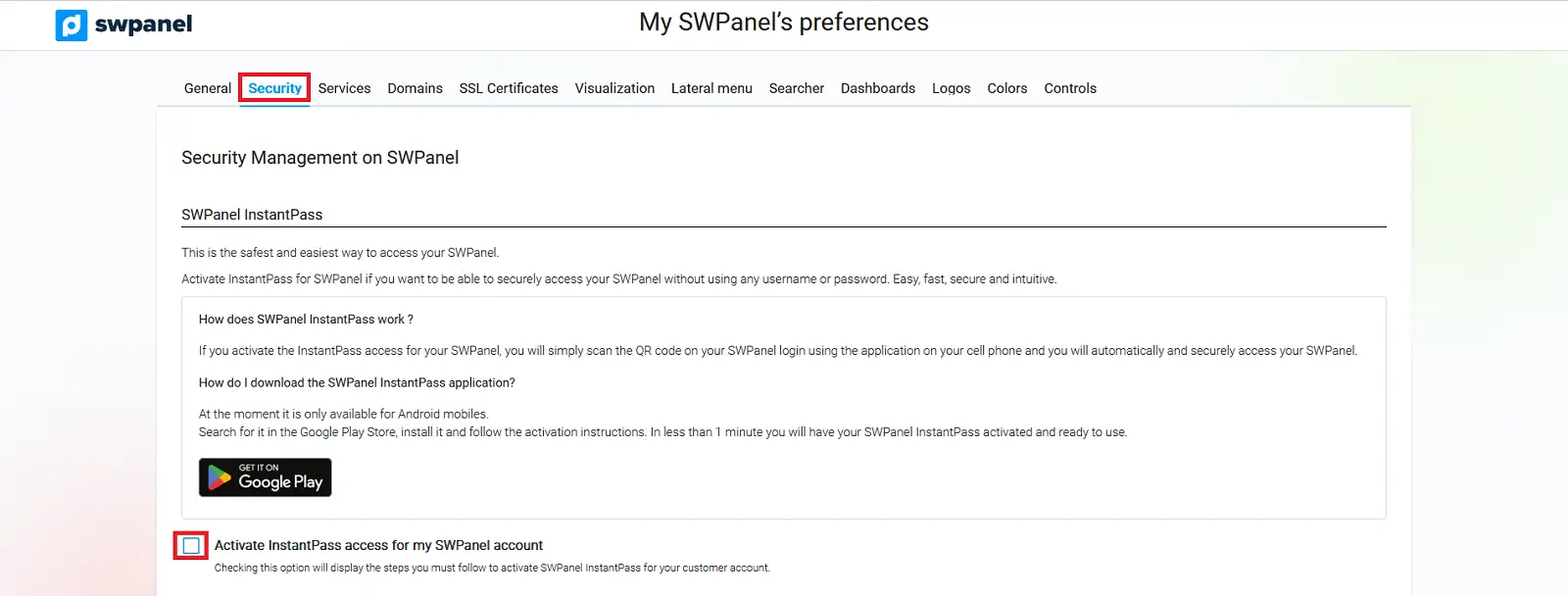
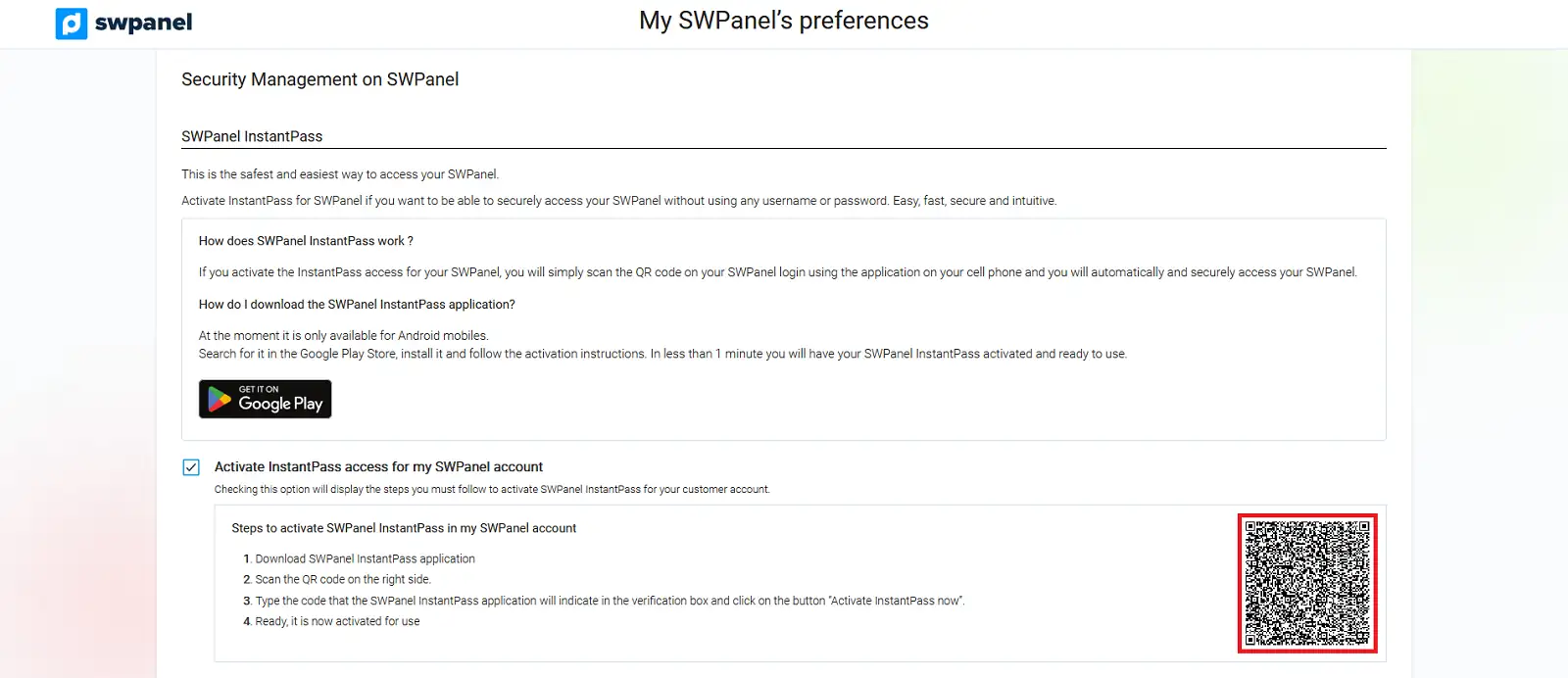
In the following section, we must go to the Security tab, and in the SWPanel InstantPass section, check the box Activate InstantPass access for my SWPanel account.
Once the box is checked, we will be given a list of instructions to follow to download and activate InstantPass.
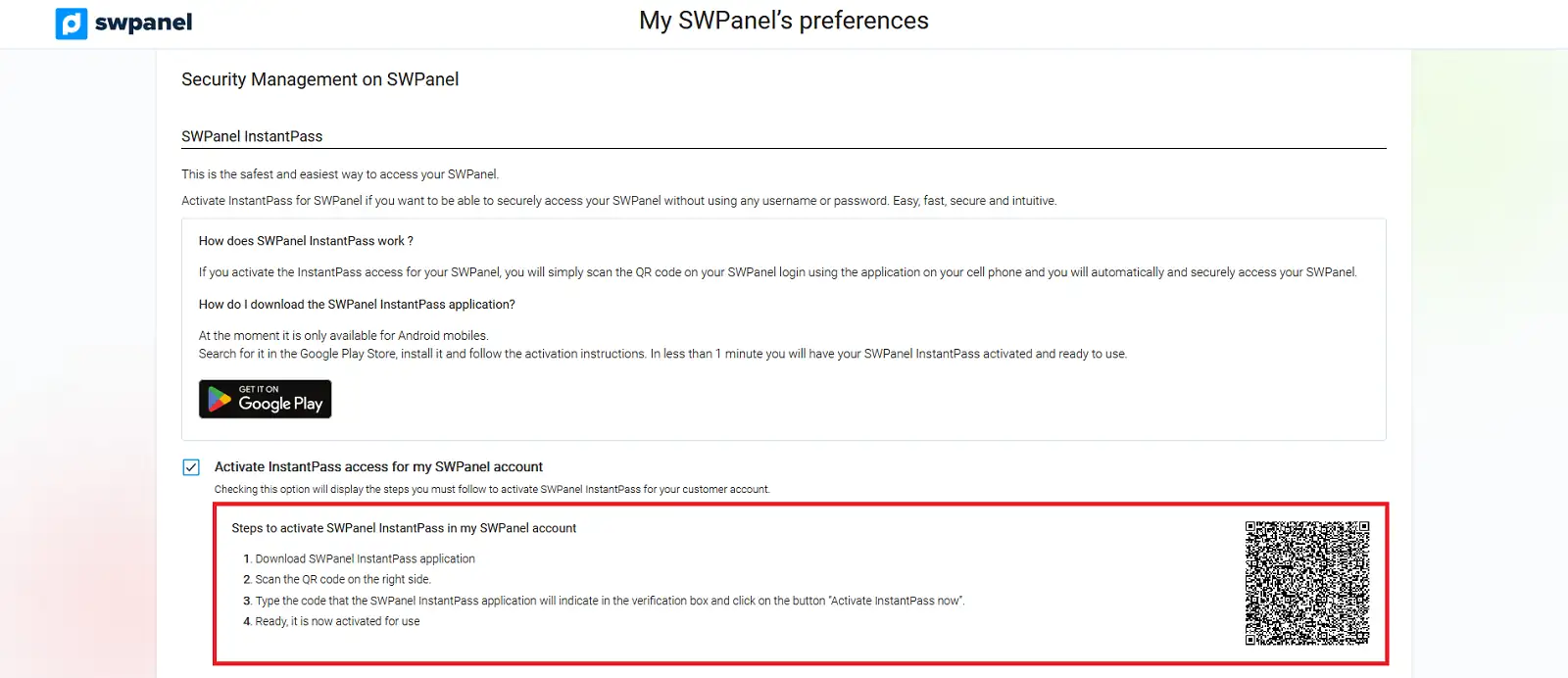
- We must download the application. You can download it directly from the shortcut button that we have provided in these instructions.
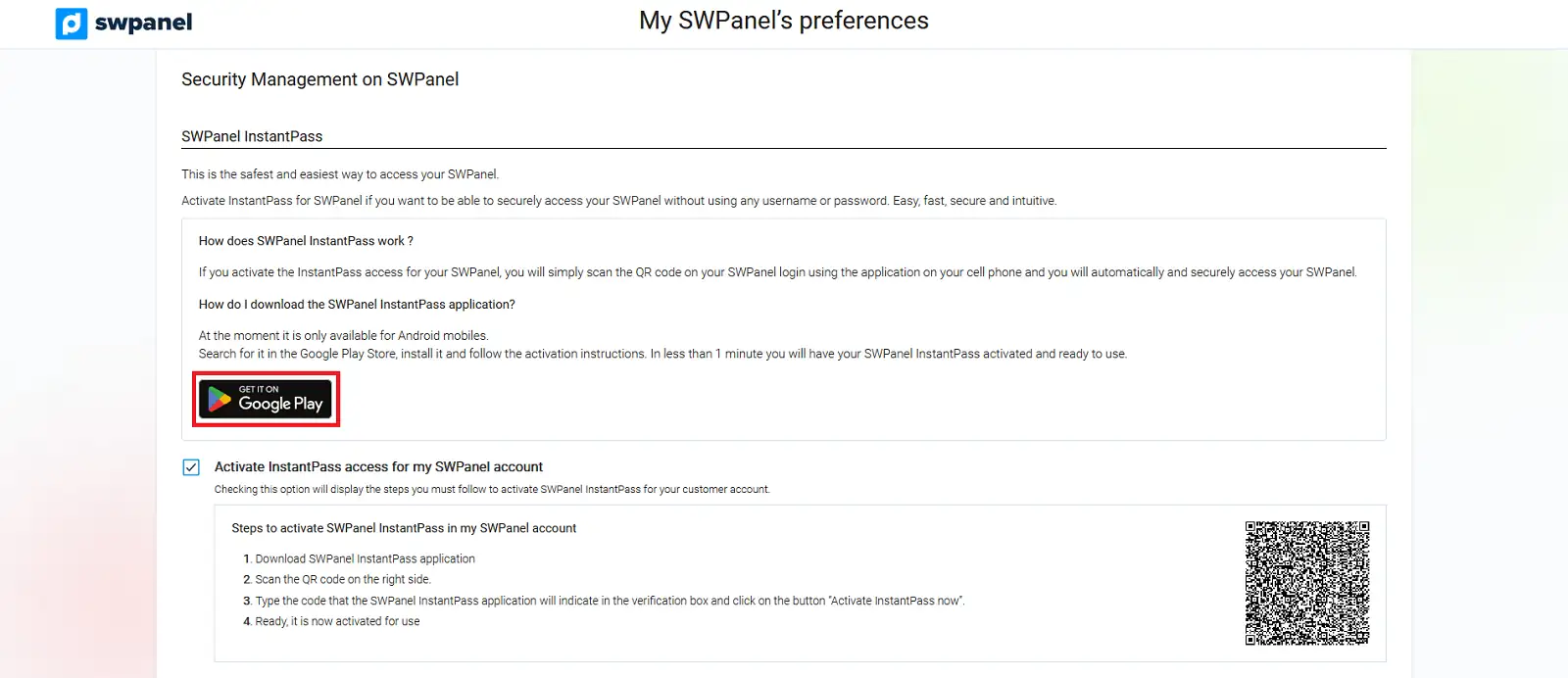
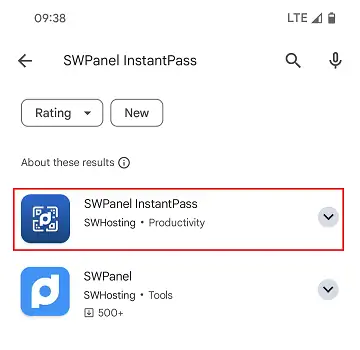
You can also do it by downloading the app from Google Play, entering the full name of the application: 'SWPanel InstantPass'
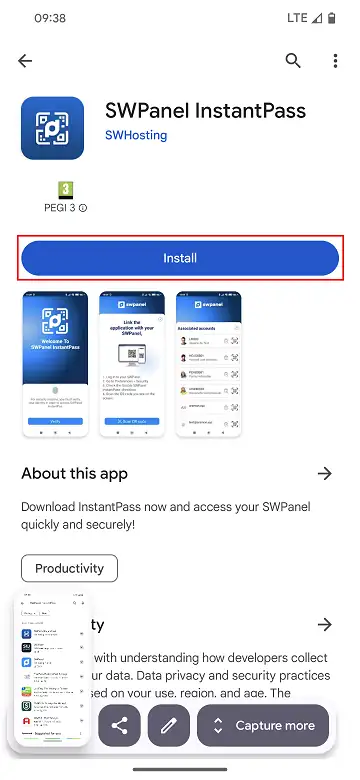
And installing it once located.
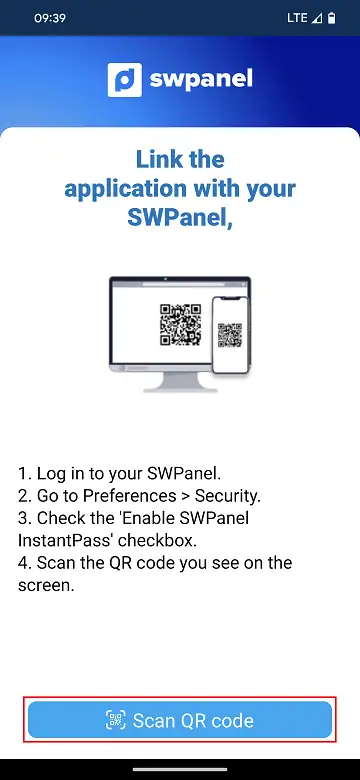
- Once we have the application installed on our device, we must open it and scan the QR code that was shown in the previous section in SWPanel:
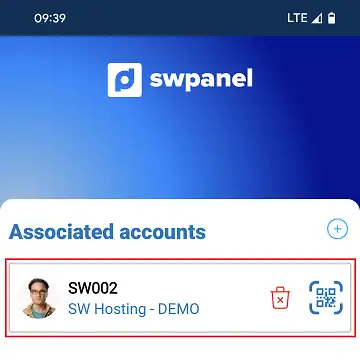
- Once we have correctly linked our account to the application, we will be able to view the associated accounts:
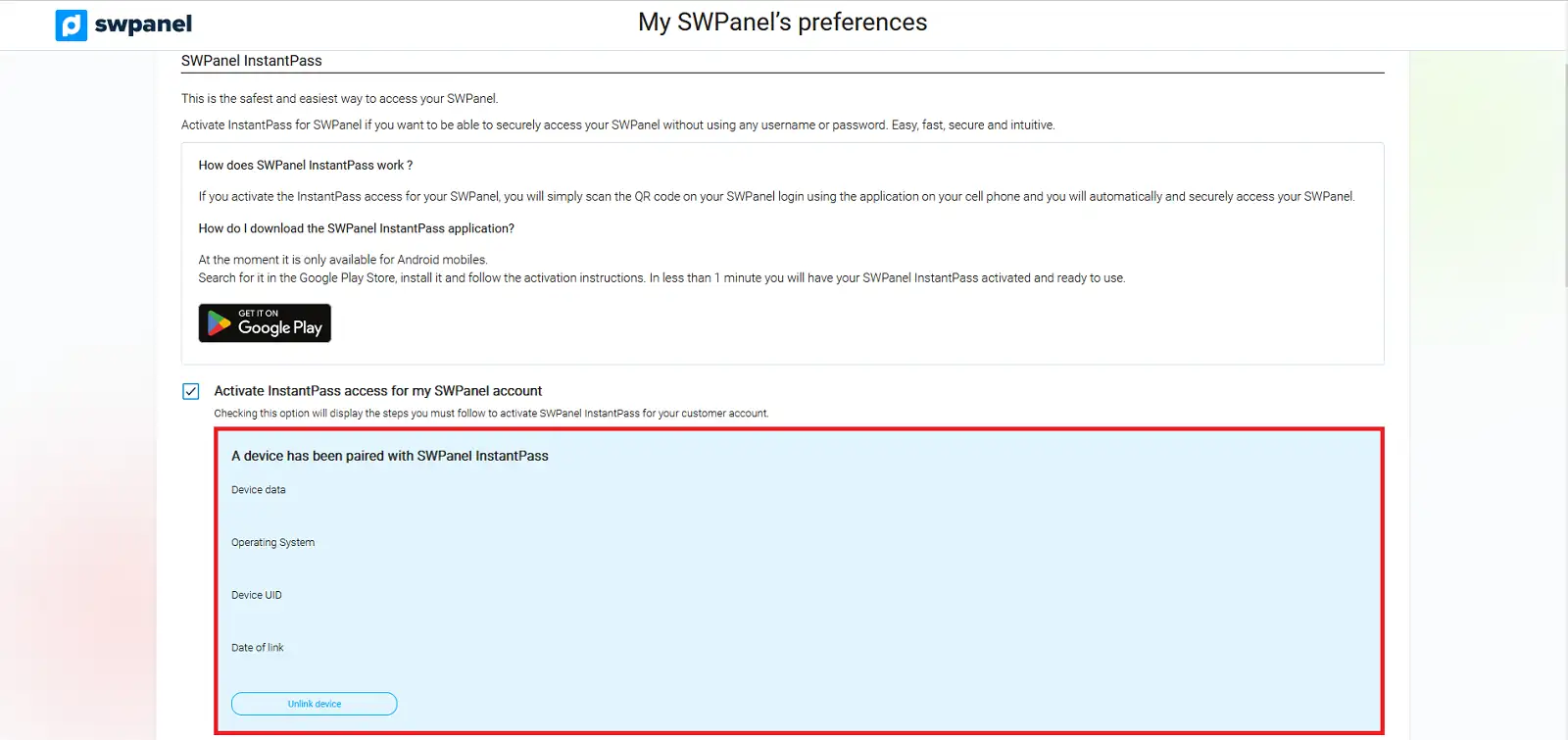
Additionally, in our SWPanel, in the section mentioned above, we will be able to see the device correctly linked.