How to use the Telegram Bot linked to your SWPanel
SWPanel more connected, now you have it on your Telegram.
Handbuch: How to link the Telegram Bot to your SWPanel
Once your SWPanel account is linked with Telegram, you can have real-time information about everything happening in your client account and also perform the following commands:
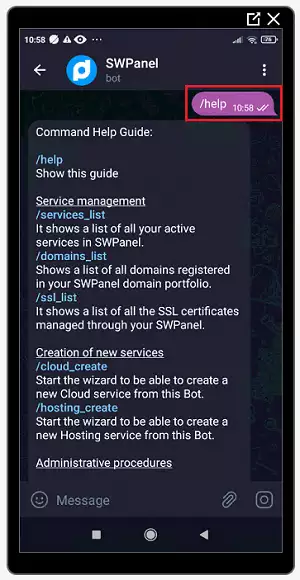
Help
- /help -> Shows the help.
Balance Management
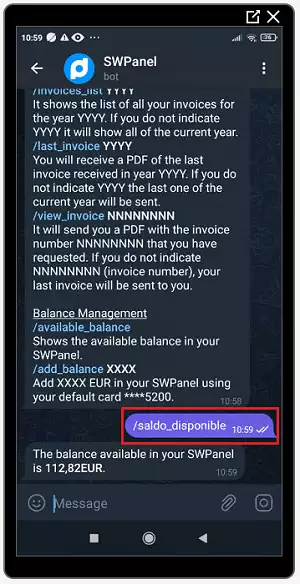
- /saldo_disponible -> Shows the available balance in your SWPanel.
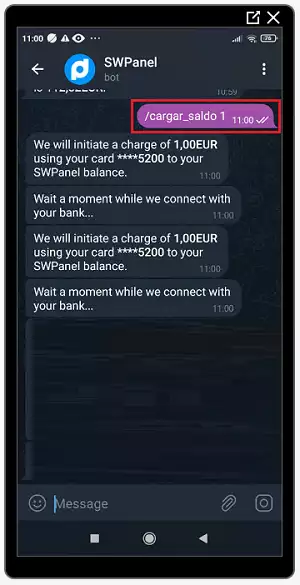
- /cargar_saldo XXXX -> Adds XXXX EUR/USD to your SWPanel using your default card.
Invoice Management
-
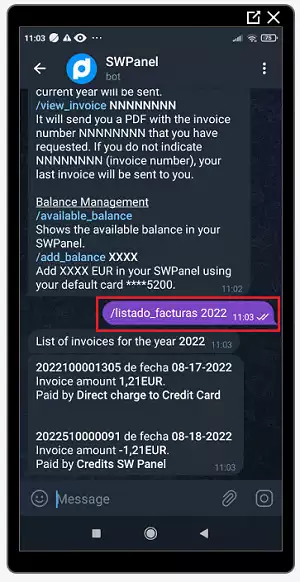
/listado_facturas YYYY -> Shows the list of all your invoices for the year YYYY. If you do not specify YYYY, it will show all of those from the current year.
-
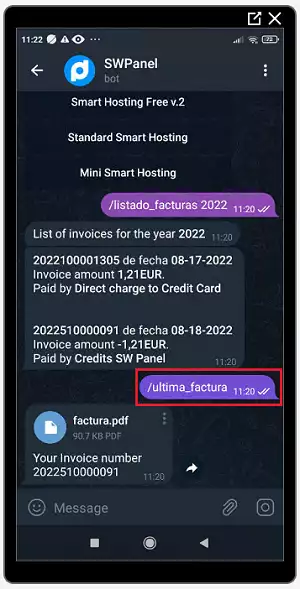
/ultima_factura YYYY -> You will receive a PDF of the last invoice received in the year YYYY. If you do not specify YYYY, the last one of the current year will be sent.
-
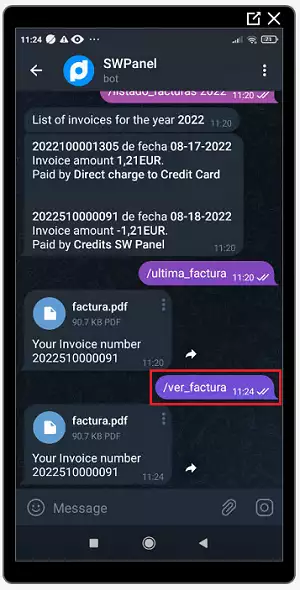
/ver_factura NNNNNNNN -> It will send you a PDF with invoice number NNNNNNNN that you requested. If you do not specify NNNNNNNN (invoice number), it will send you your last invoice.
Service Management
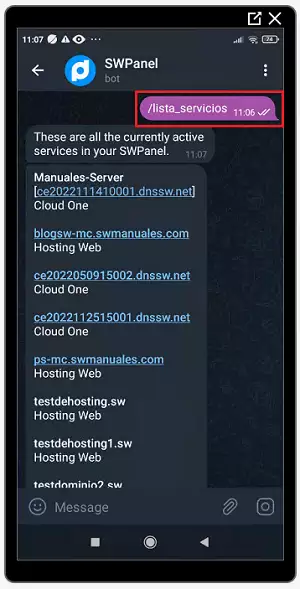
- /lista_servicios -> Shows a list of all your active services in SWPanel.
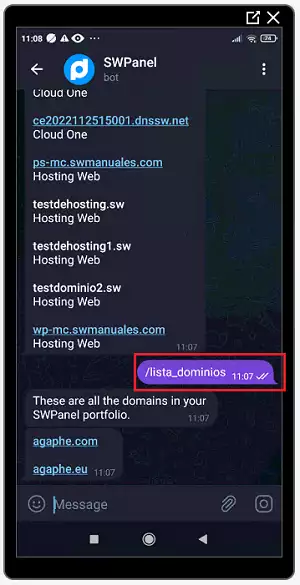
- /lista_dominios --> Shows a list of all domains registered in your SWPanel domain portfolio.
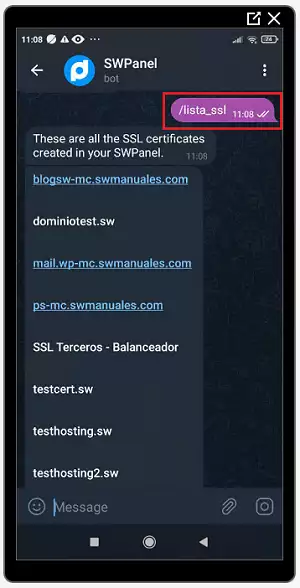
- /lista_ssl -> Shows a list of all SSL certificates managed through your SWPanel.
Creation of new services
-
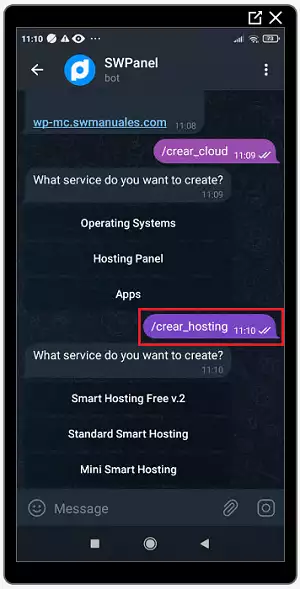
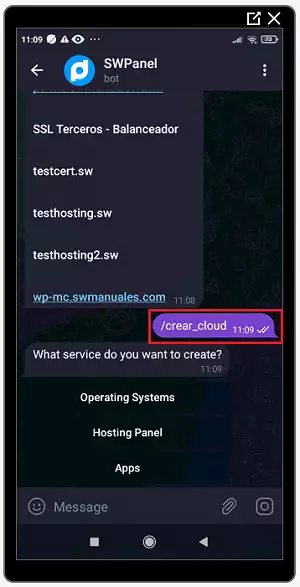
/crear_cloud -> Starts the wizard to create a new Cloud service from this Bot.
-
/crear_hosting -> Starts the wizard to create a new Hosting service from this Bot.