
How to block a domain
Mis à jour le
2026-10-24 03:01:28
38
visites
A locked domain prevents it from being transferred to another provider without your consent. This is a security measure, not a peculiarity or an issue.
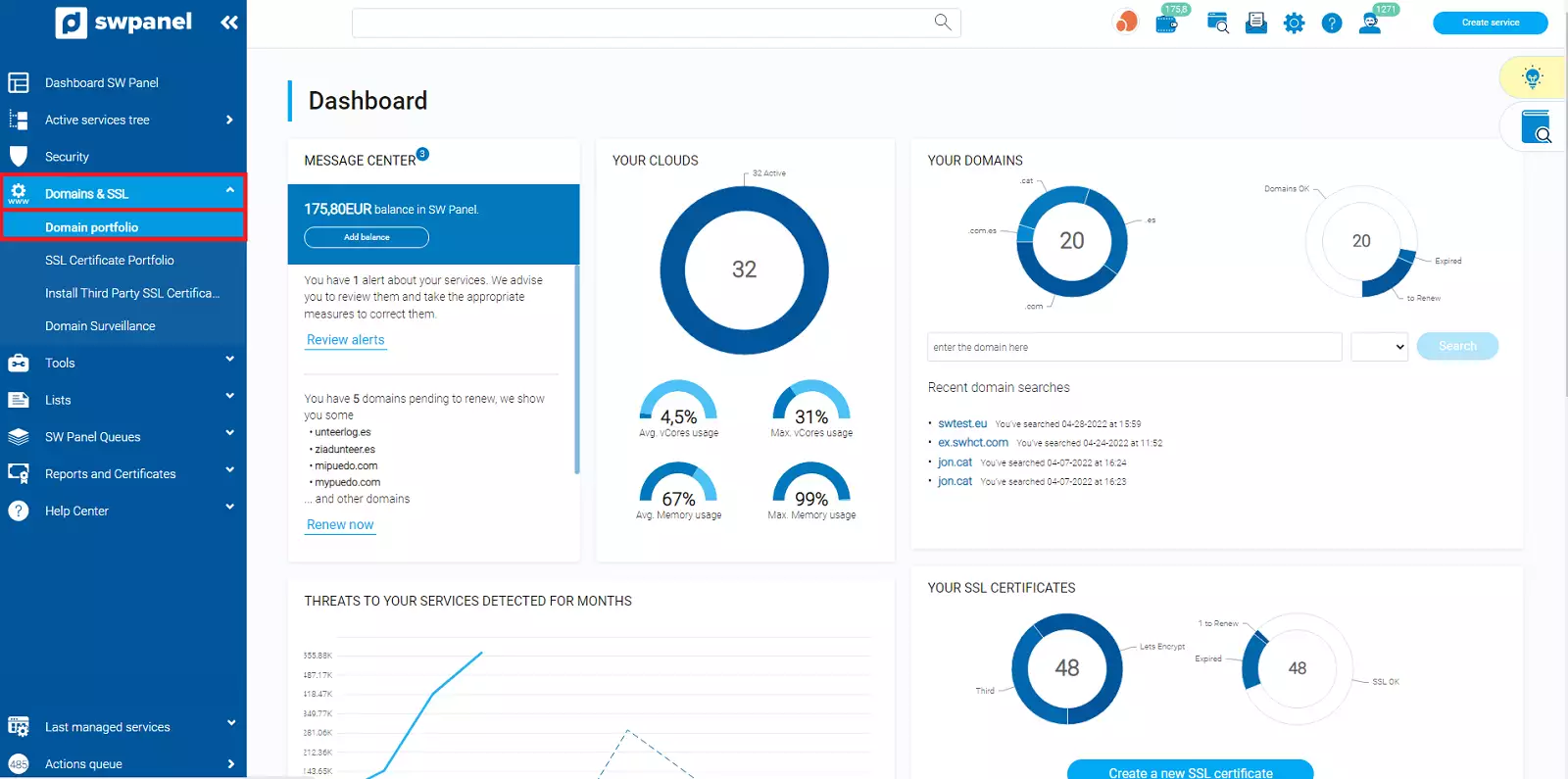
- To proceed to lock your domain, open the 'Domains and SSL' pop-up menu and click on 'Domain Portfolio'.
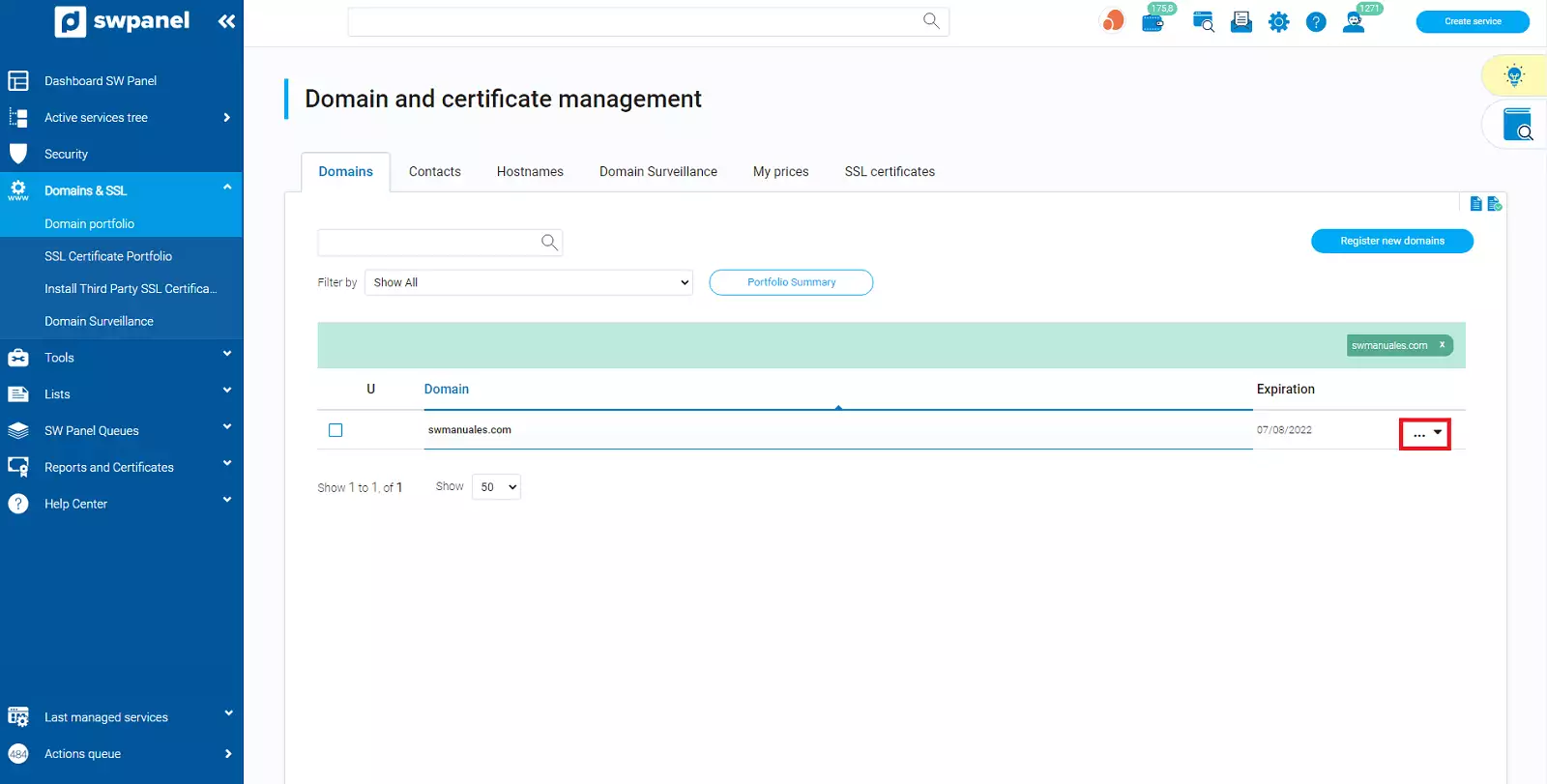
- Next, search for your domain and hover the mouse cursor over the [...] menu.
If you have more than one domain, you can easily find it using the search bar found in this section
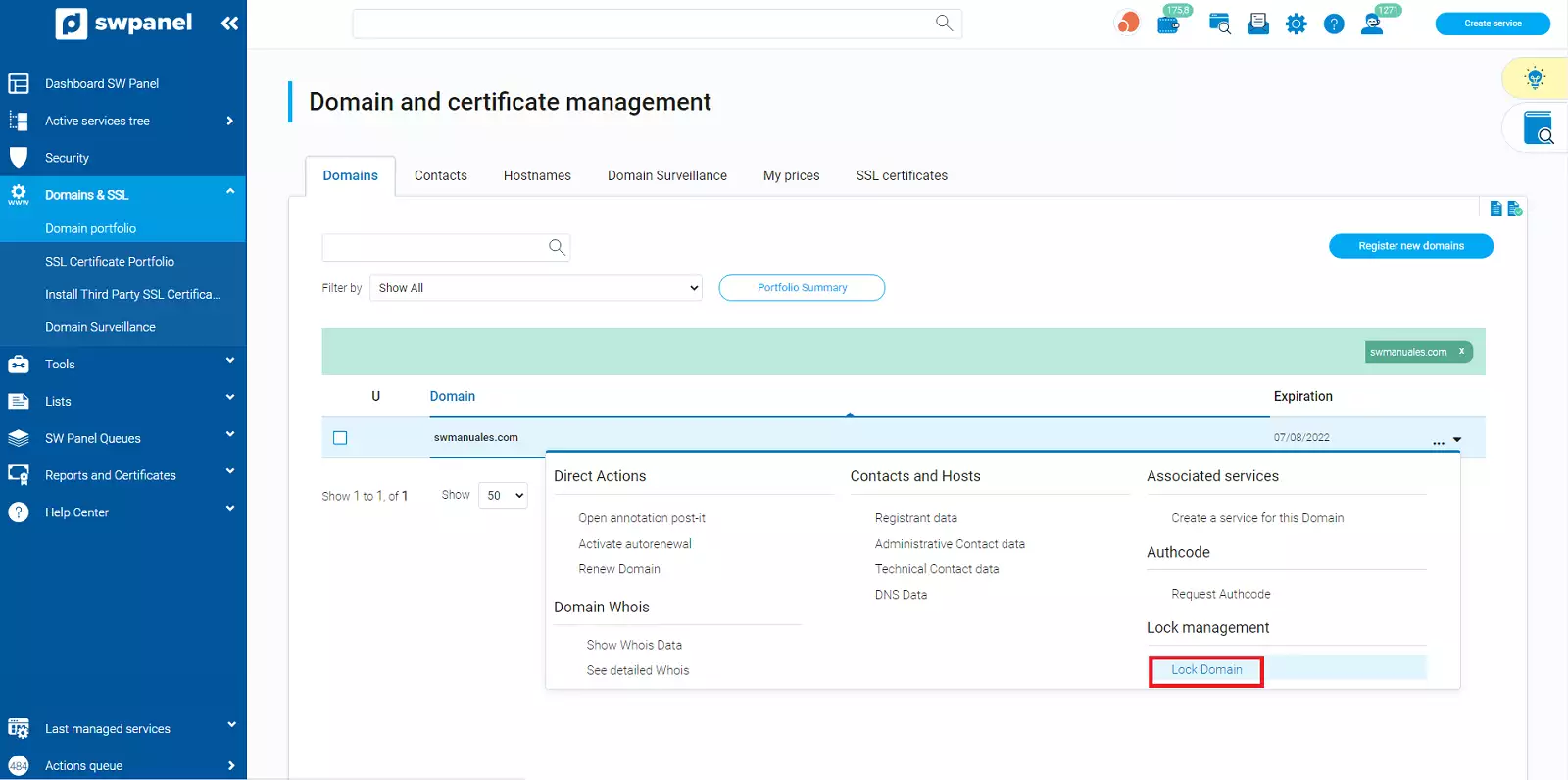
- Click on the 'Lock Domain' option.
- Finally, you must check the checkbox confirming that you agree to lock the domain and proceed with the activation.
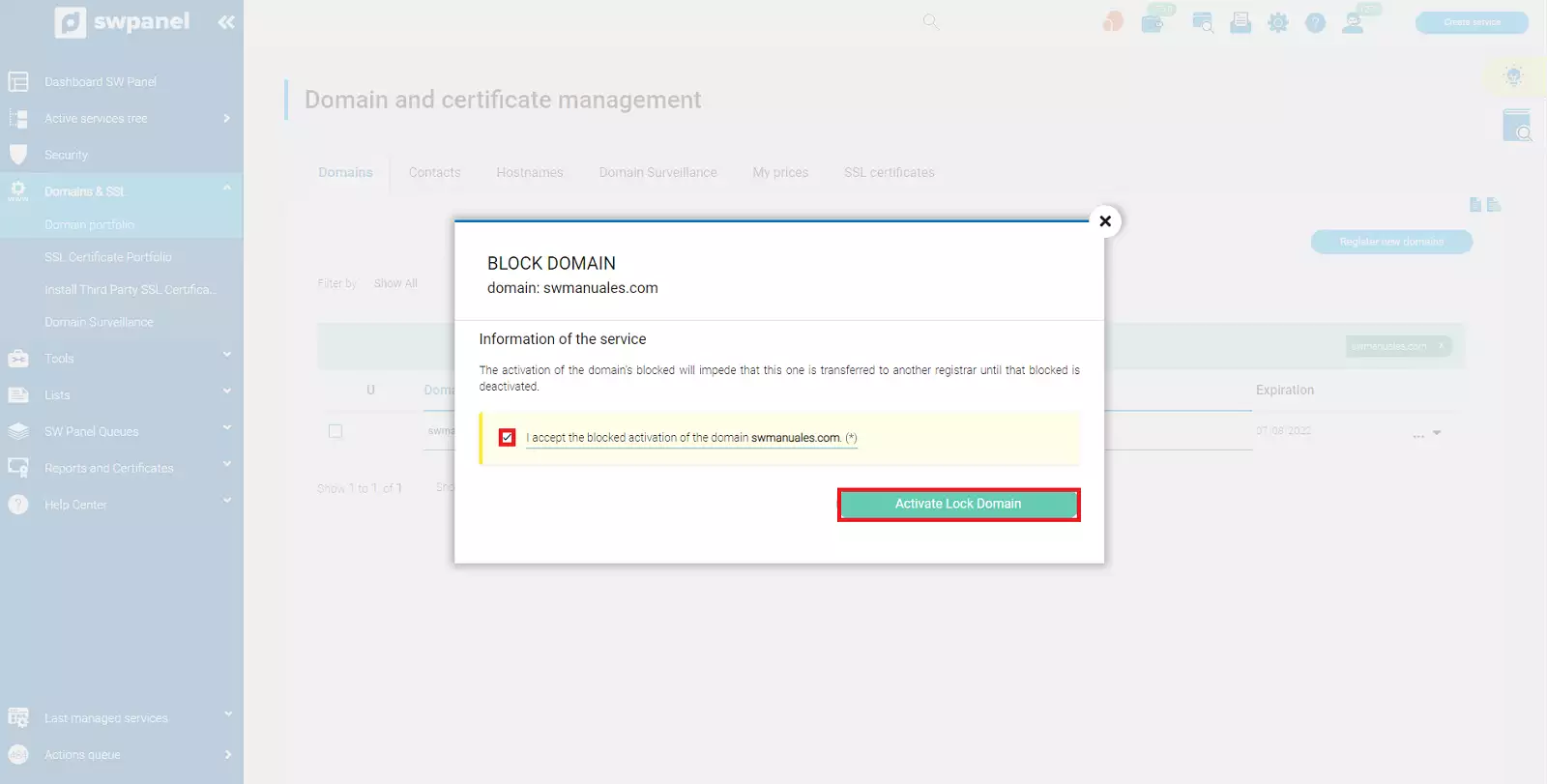
Done! Your domain is now locked.