How to convert an EasyWeb SW into Hosting
To convert an SW EasyWeb into a Hosting, you must follow these steps:
1. Access your customer account and in the top search bar of the SWPanel, search for the name of your SW EasyWeb and access it by clicking on its name:

2. From your SW EasyWeb Dashboard, go to the left side menu in the 'Payments and Cancellations' section and click on 'Request cancellation'
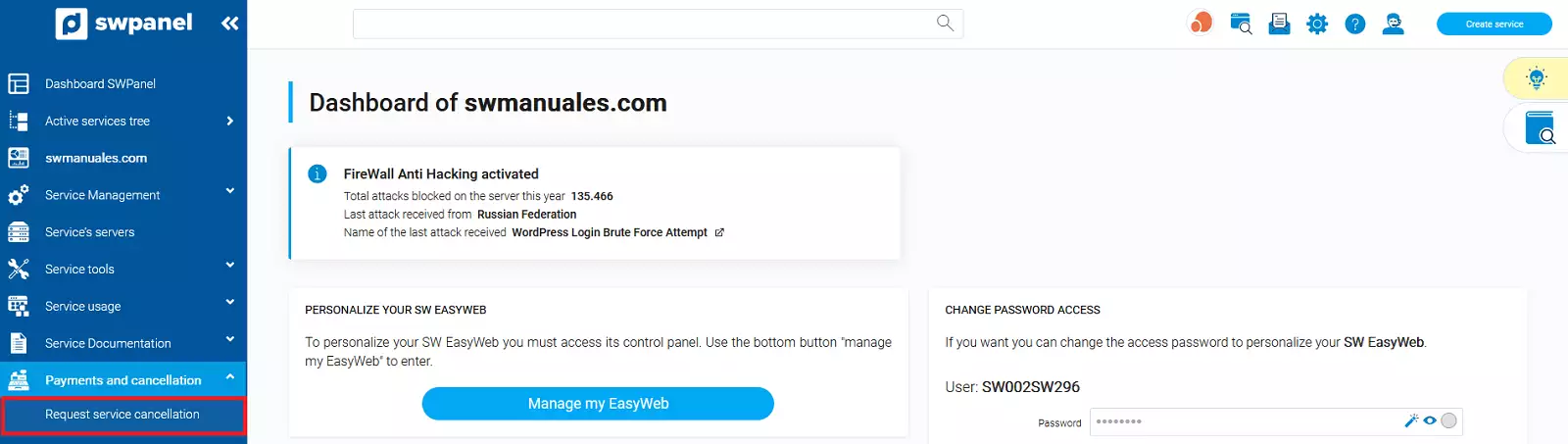
Please keep in mind that the cancellation of your SW EasyWeb will delete any type of configured content, as well as the associated email account and all its messages. If you wish to keep the email messages from the email account associated with your SW EasyWeb, you should make a backup of them via your email client before requesting the cancellation.
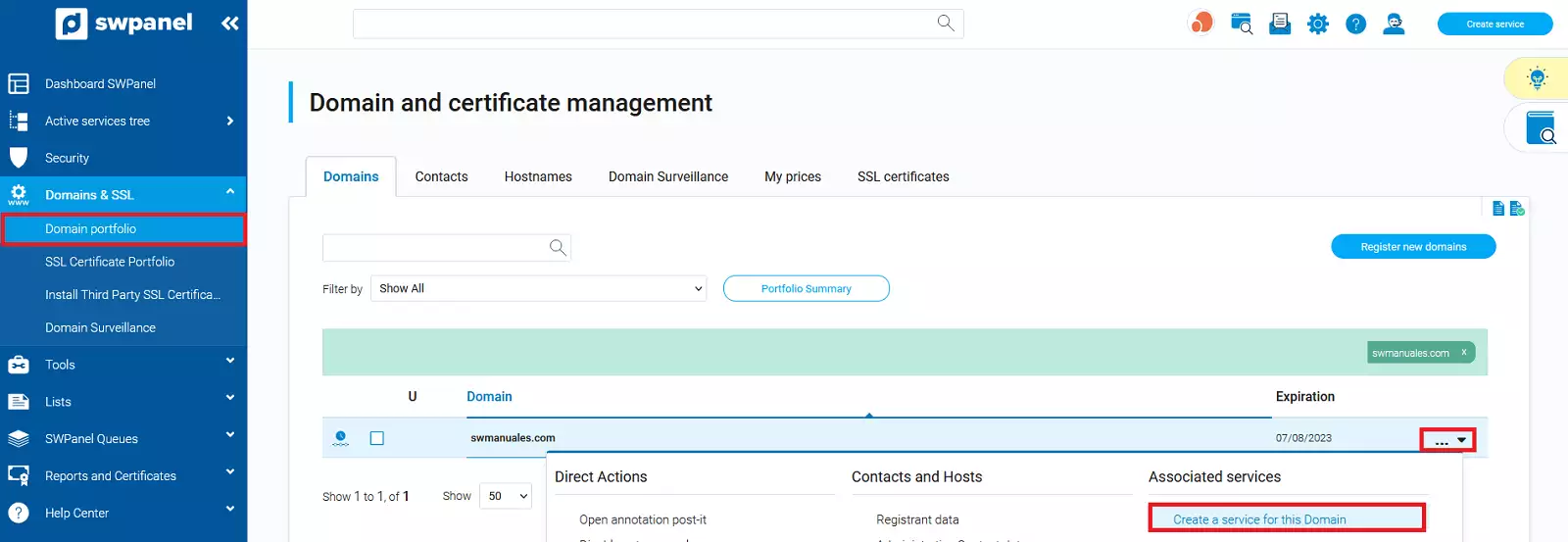
3. Once the cancellation has been completed and your SW EasyWeb has been deleted, go to your 'Domain Portfolio', locate the domain on which you wish to create your new Hosting and in the domain menu, click on the 'Create a service for this domain' option
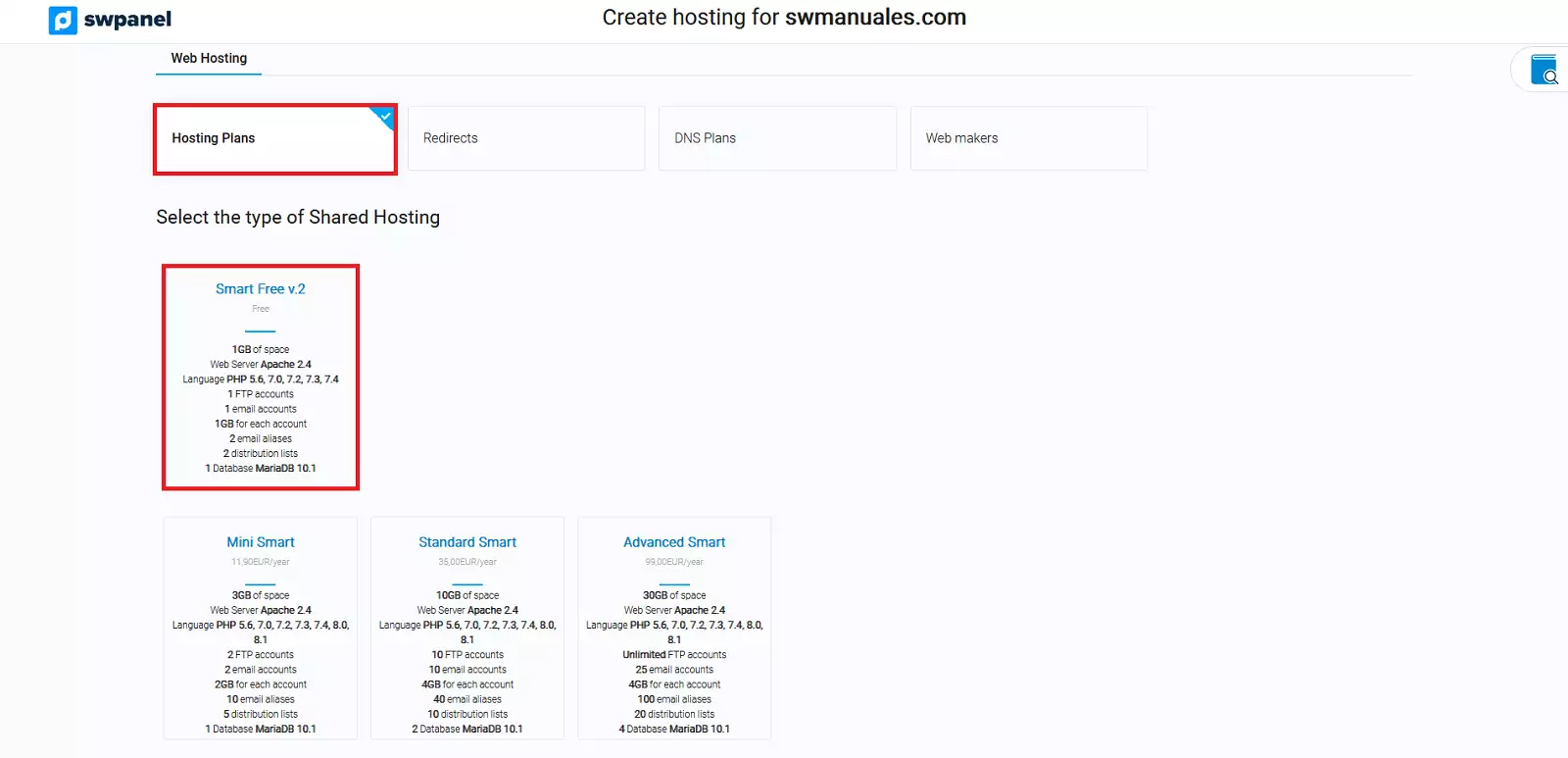
4. In the following window, check the 'Hosting Plans' option and, under the Shared Hosting type, choose the Hosting modality you prefer, for example Smart Free v.2.
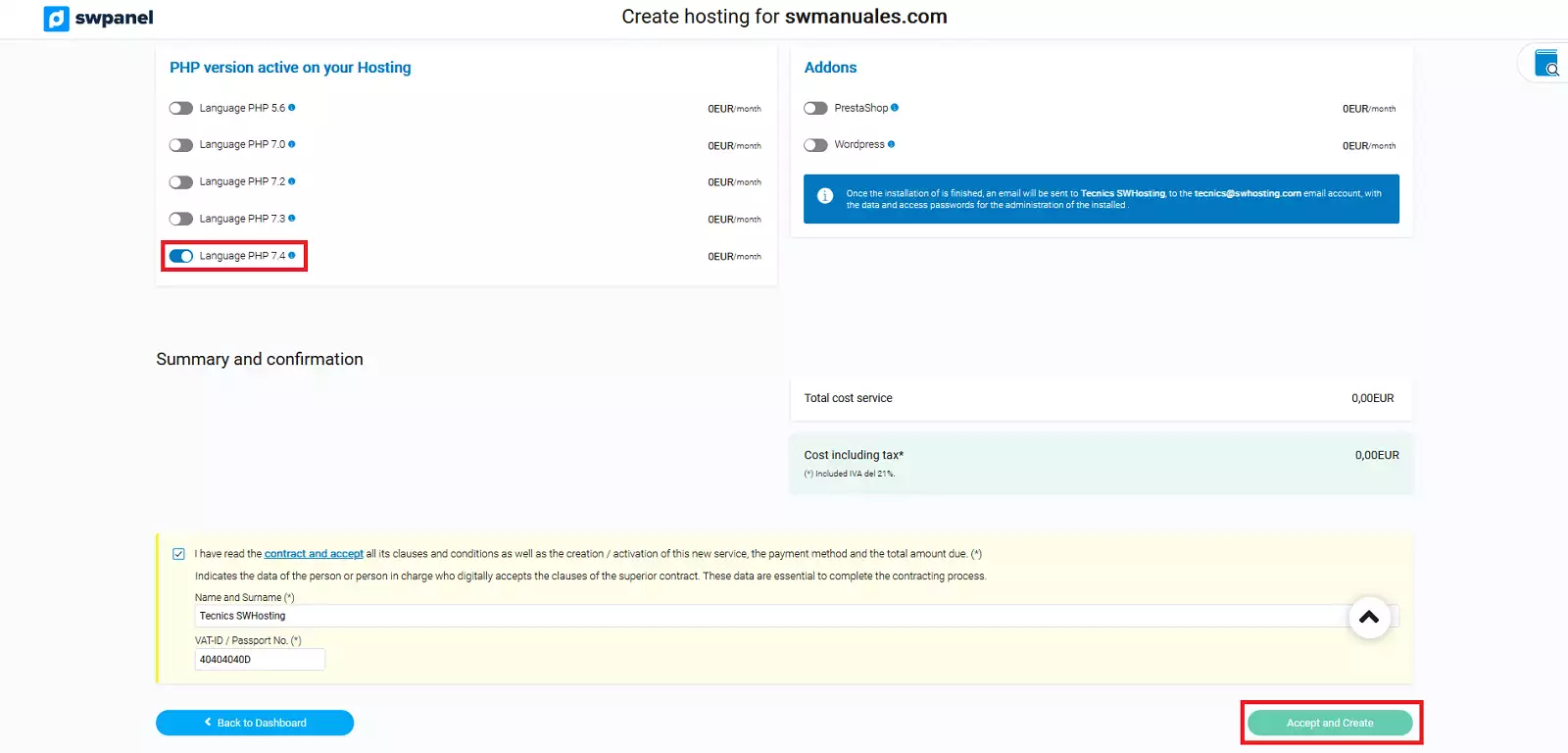
Select the PHP version you wish to activate for your Hosting and finalize the creation process by clicking the 'Accept and create' button