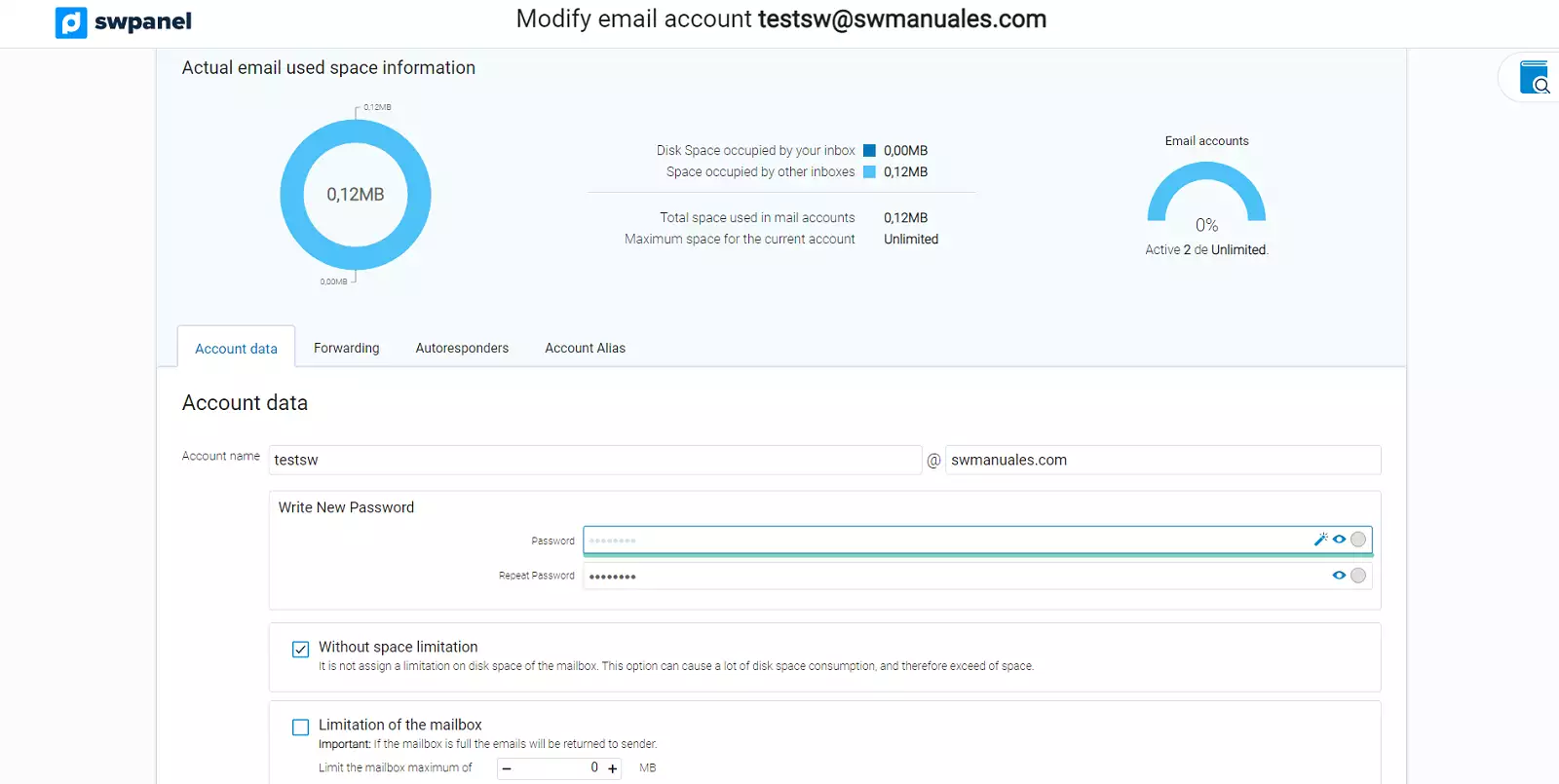
How to create access to the SWPanel to manage an email account
To create access to SWPanel and manage an email account, you must follow these steps:
1. Enter the name of the Hosting service in which the email account for which you want to create access to SWPanel has been created.
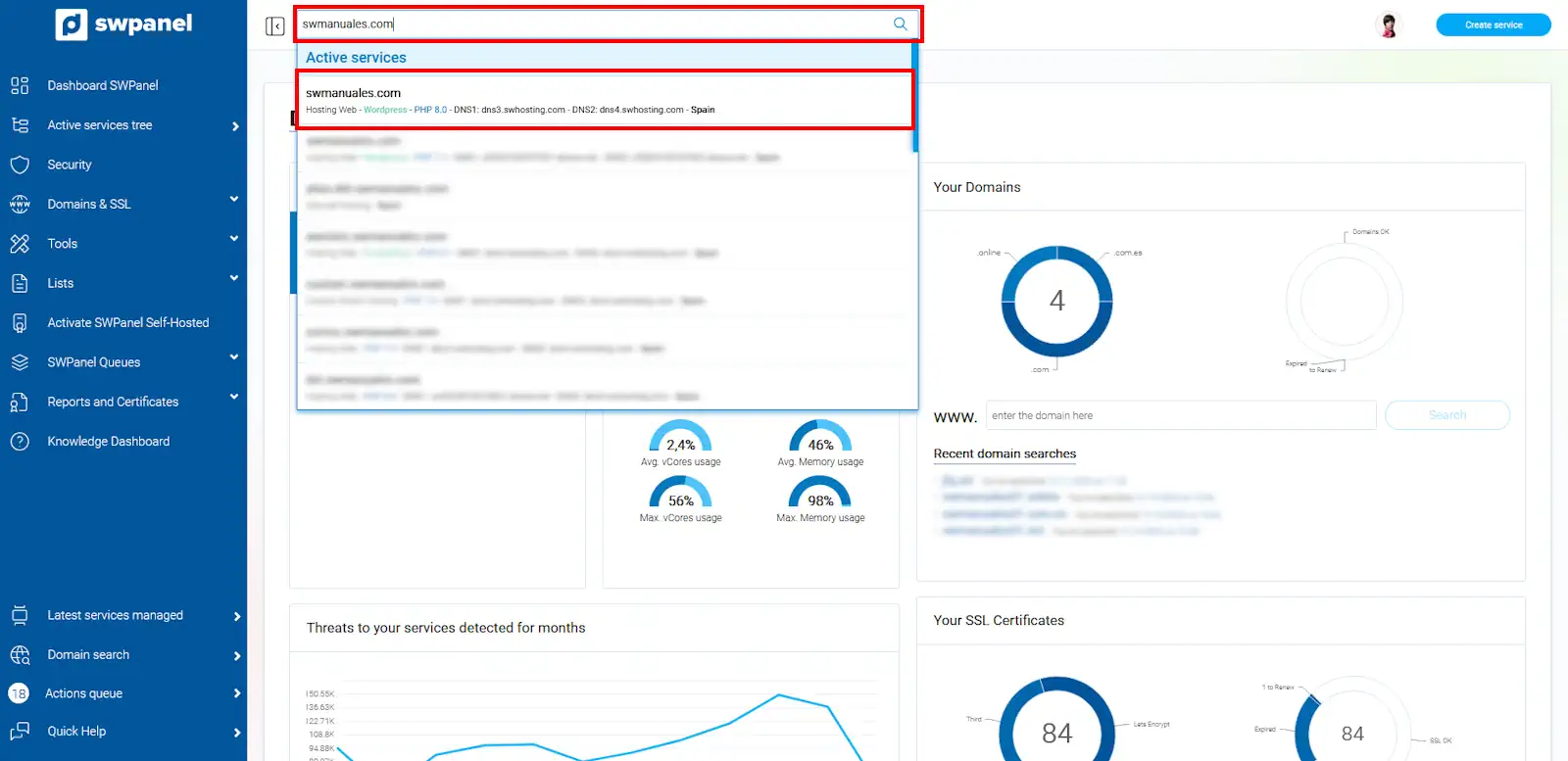
info_capture The screenshot is for guidance purposes. It was taken using version 2025.00.0017 dated 11/12/2024. It may differ from what the current version of SWPanel shows.
2. In the tools menu, located on the left side of your Hosting service Dashboard, click on the Service management dropdown and access Email management.
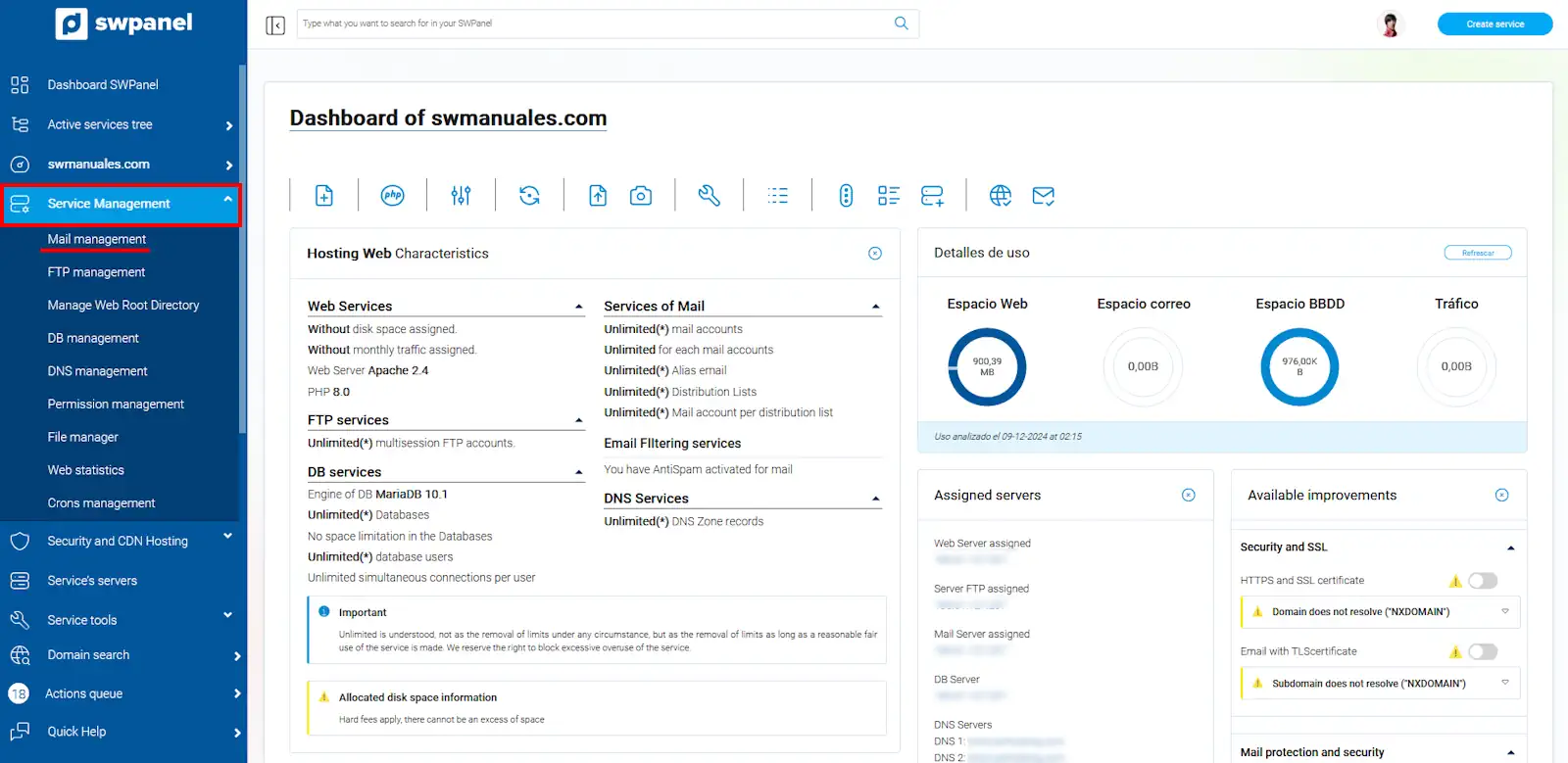
info_capture The screenshot is for guidance purposes. It was taken using version 2025.00.0017 dated 11/12/2024. It may differ from what the current version of SWPanel shows.
3. Once in the email management of the hosting service, locate the email account for which you want to create access to SWPanel. Go to the email account menu via the three-dot icon, located to the right of the email account name [...], and once the menu is open, you must click on Activate SWPanel Login for this account.
If you have not yet created the email account, you can follow the following manual to create it in your Hosting service: Manuel : Email
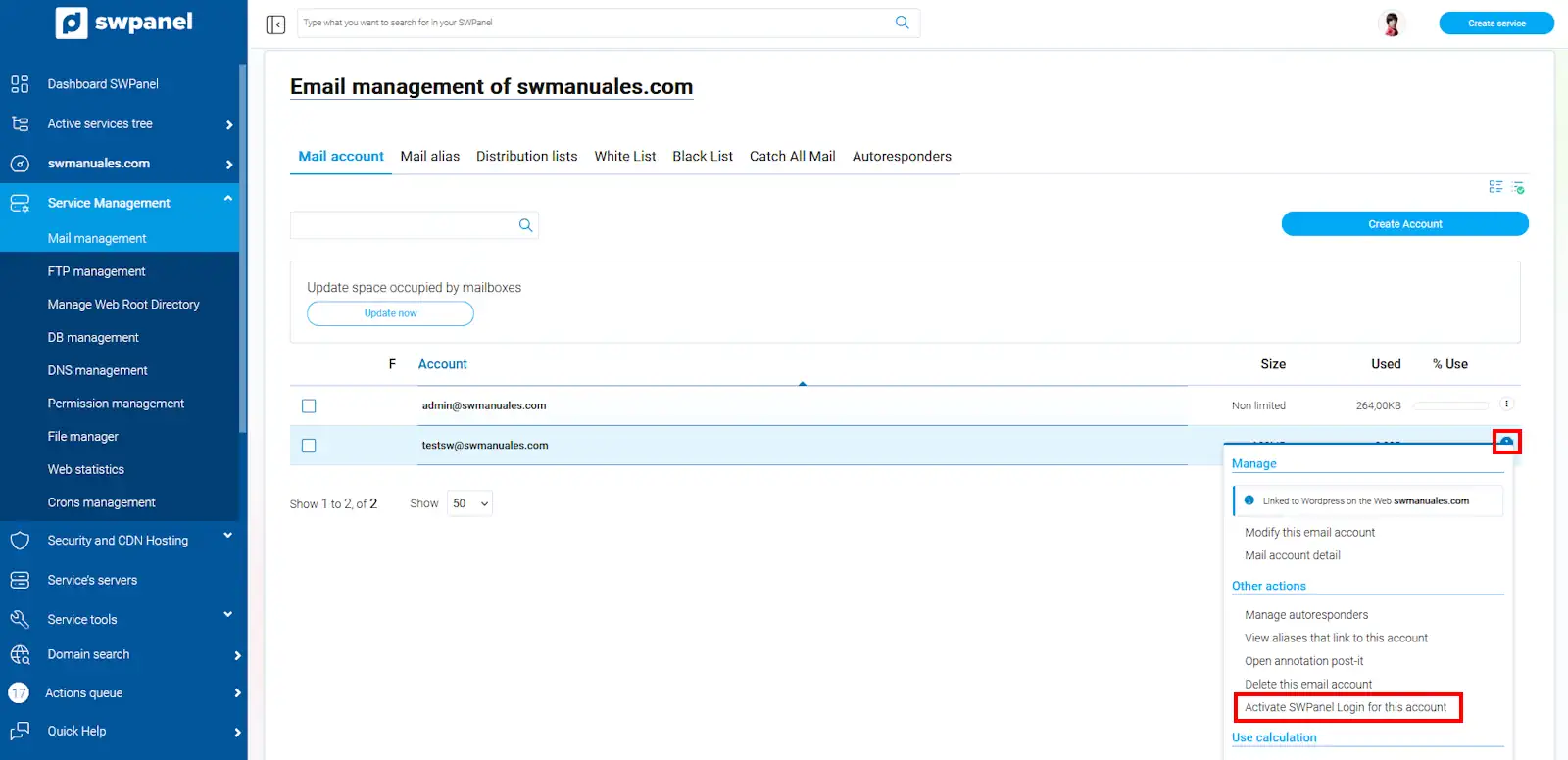
info_capture The screenshot is for guidance purposes. It was taken using version 2025.00.0017 dated 11/12/2024. It may differ from what the current version of SWPanel shows.
4. Now you must select Mail Management in the access profile section. Check the 'Checkbox' where you 'accept the activation of access to SWPanel with the details of this email account' and click on Activate SWPanel Login.
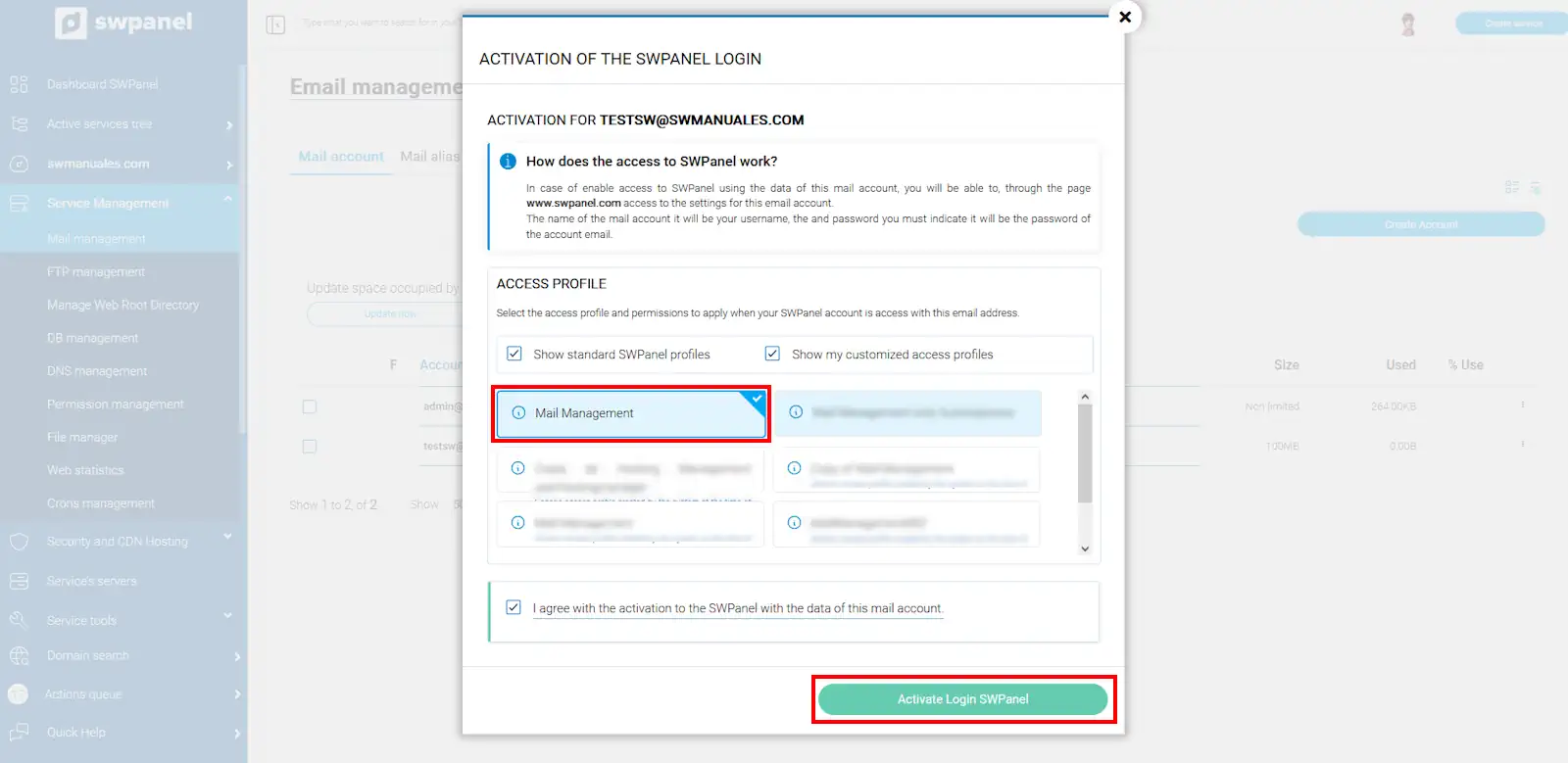
info_capture The screenshot is for guidance purposes. It was taken using version 2025.00.0017 dated 11/12/2024. It may differ from what the current version of SWPanel shows.
5. Finally, you will now be able to access SWPanel using the username and password of your email account.
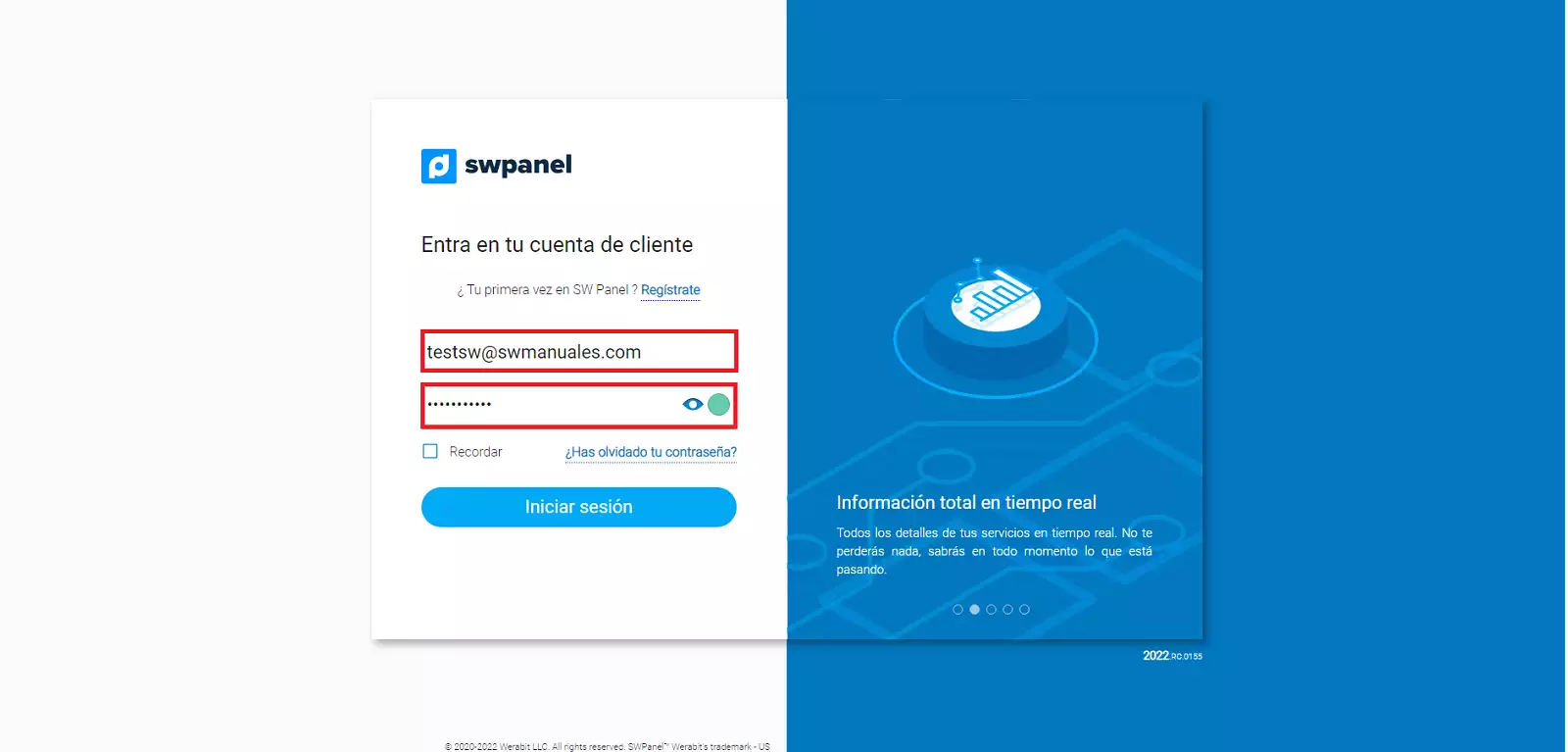
Once you have logged in, you will directly see the management of the email account with which you have accessed SWPanel.