How to create access to SWPanel using a new user
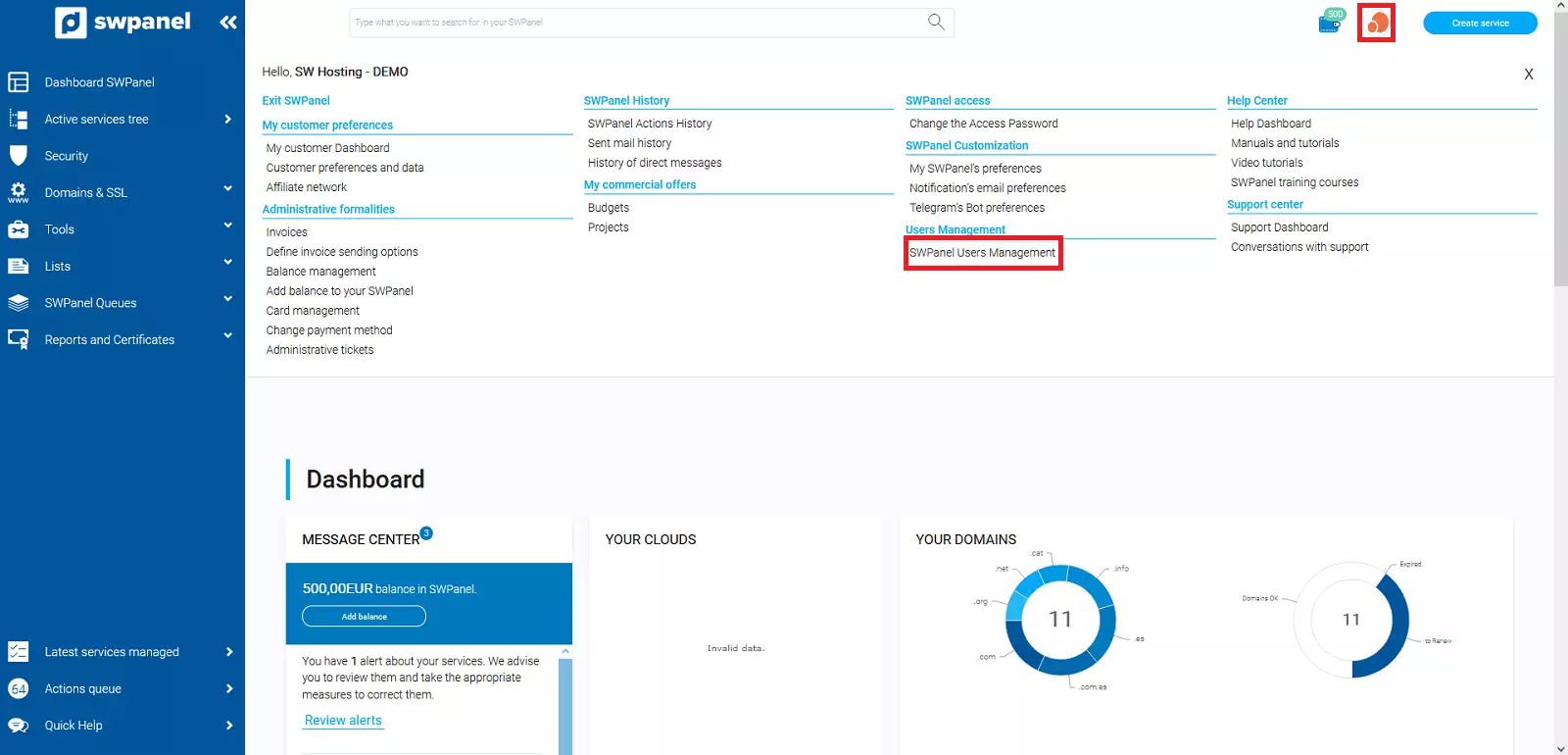
To create access to the SWPanel using a new user, hover over the profile picture in the upper right part of your SWPanel and click on 'SWPanel User Management'.
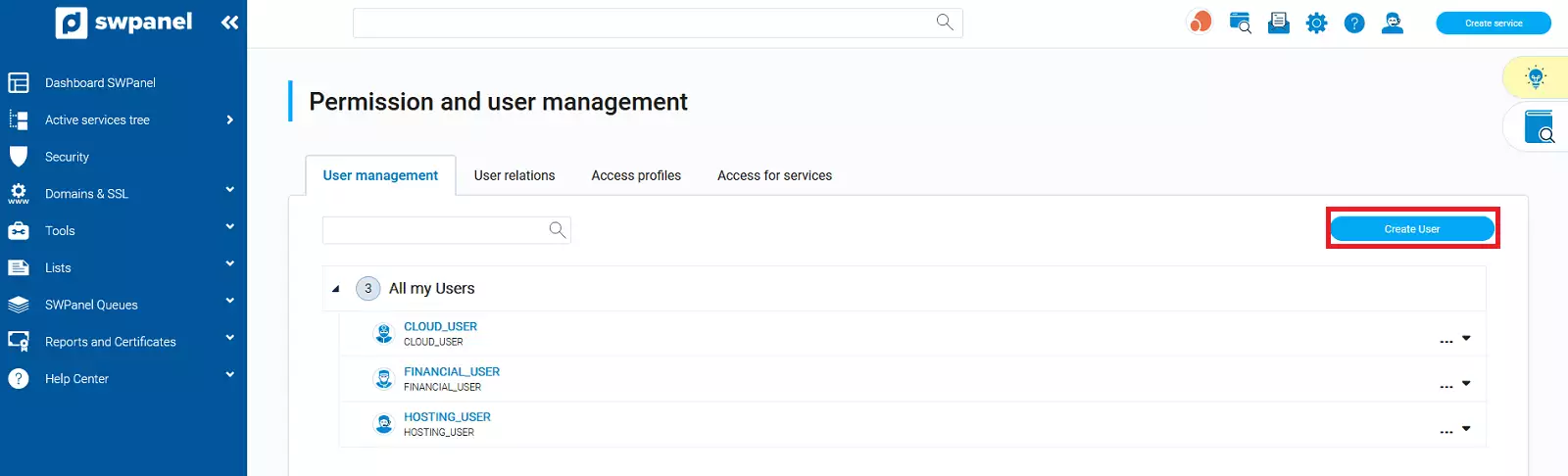
Go to the User Management section:
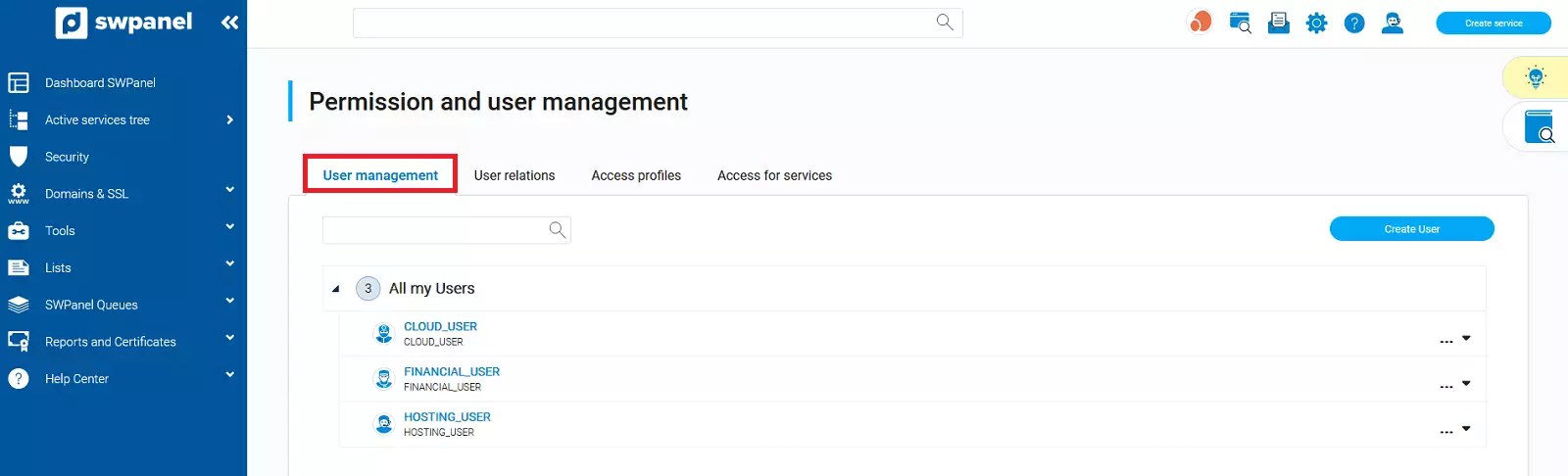
In this tab, click on the Create user button:
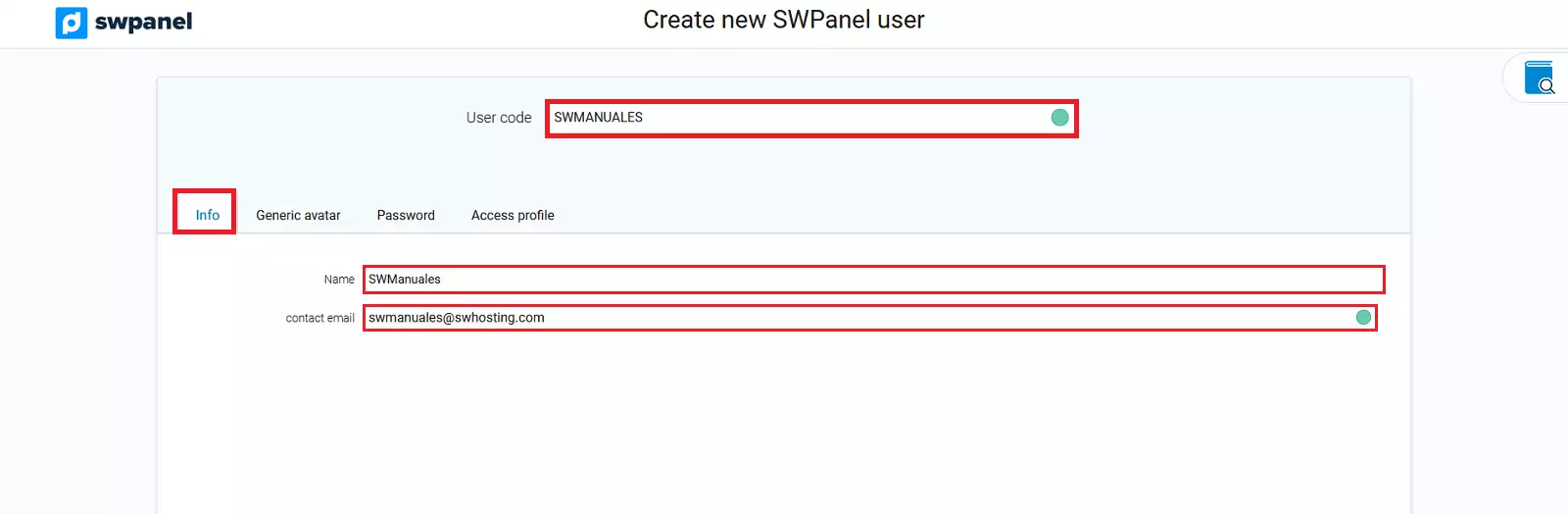
In user code, enter the name the user will have, for example: SWMANUALES.
In the following fields, within the Information section, fill in the name and contact email details, where all notifications for this user will be received.
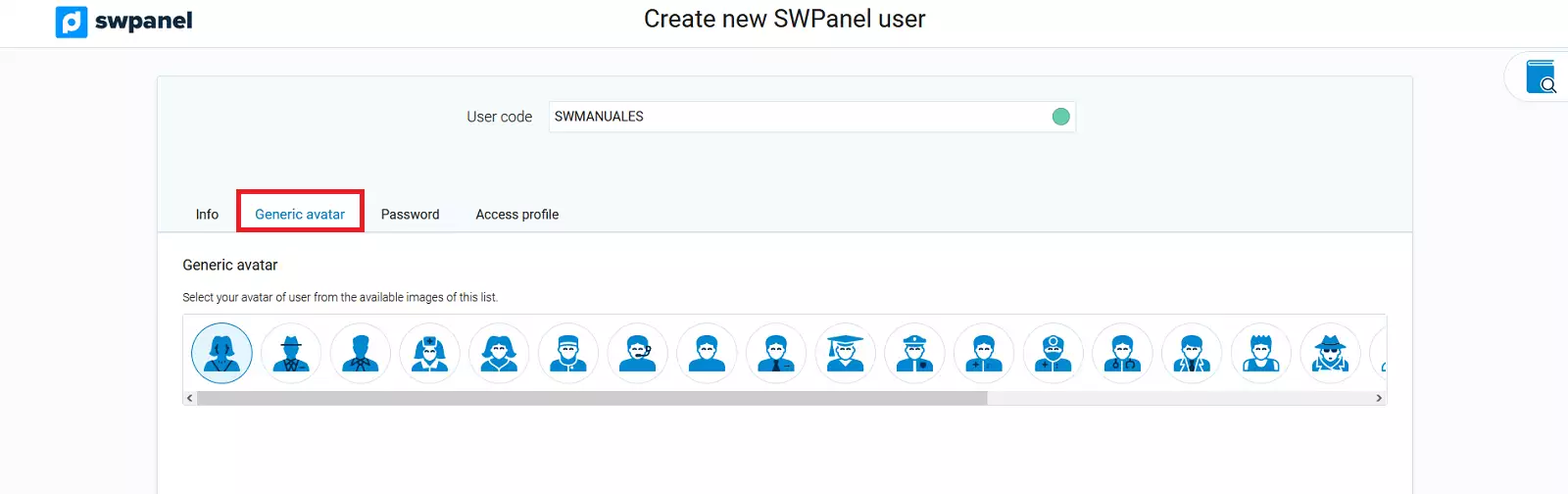
In the Generic Avatar section, you have the option to choose the avatar you want for your user.
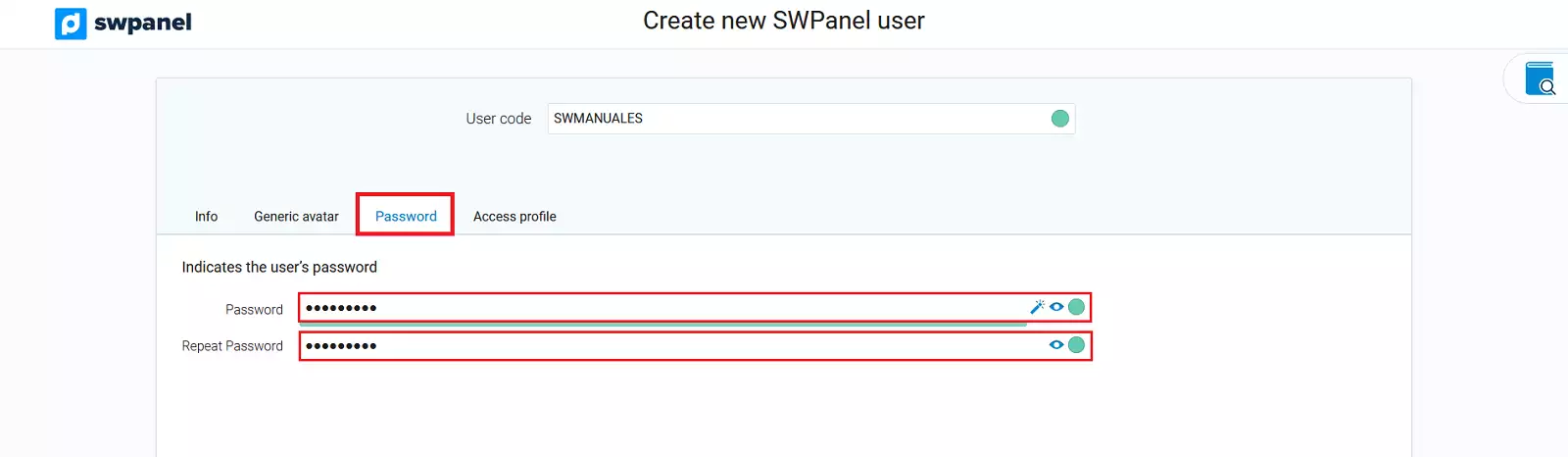
In the next tab, create a password for your user, which you will use to access the SWPanel.
Finally, in Access Profile, you must choose the access profile you want your user to have (the permissions for each access profile are explained below).
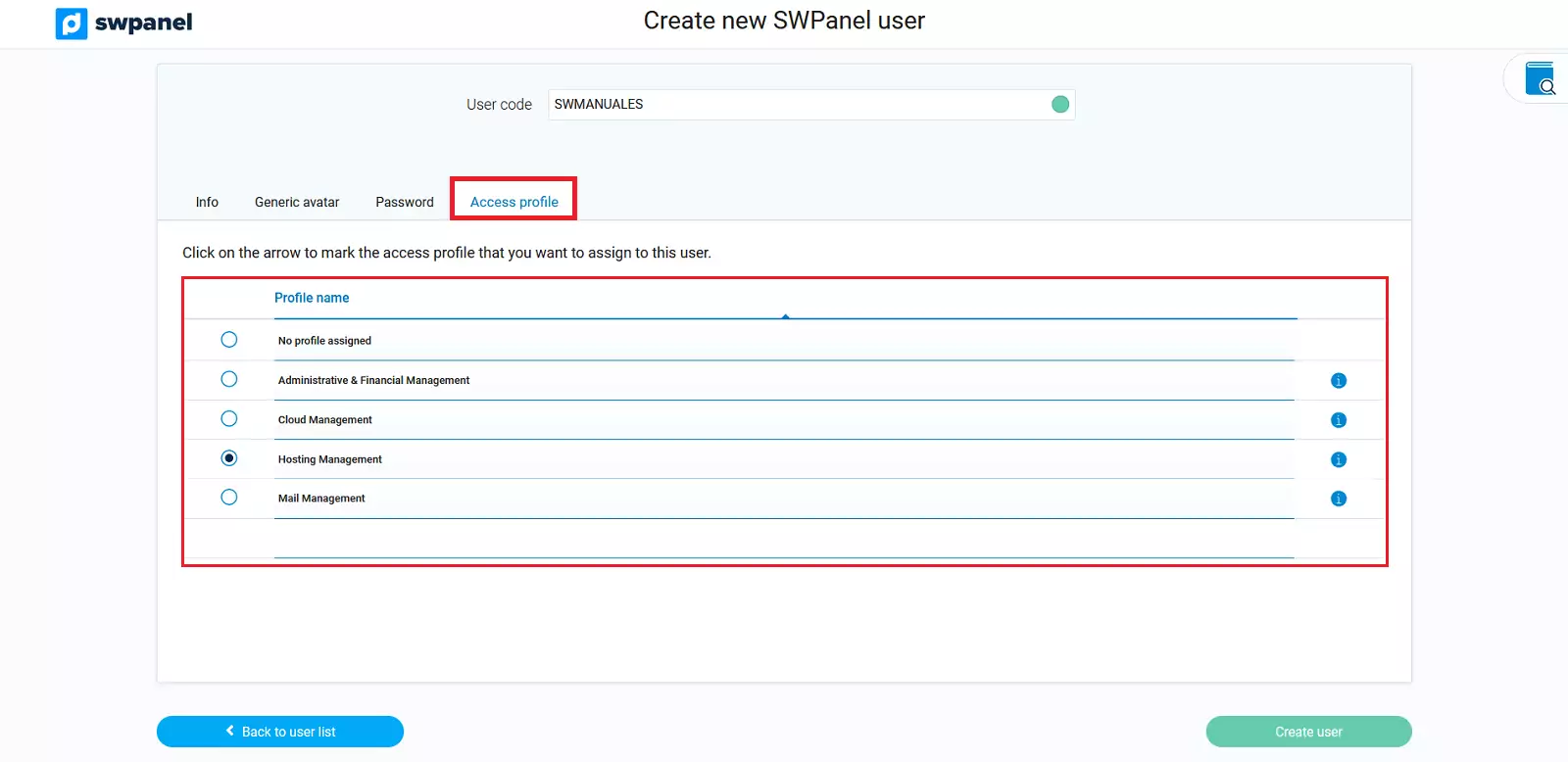
Access Profiles
There are different access profiles:
- Administrative & Financial Management: with this access profile, you will be able to view and manage your invoices, manage balance, manage credit cards and open administrative tickets, among others.
- Cloud Management: with this access profile, you will be able to view and manage actions on cloud servers. Hosting services cannot be created through this profile.
- Hosting Management: with this profile, you will be able to manage all elements specific to a hosting service, but without having access to the Cloud.
- Mail Management: with this profile, you can create access to the SWPanel to manage an email account. Manuel : How to create access to the SWPanel to manage an email account
You can see all the actions that the different profiles can perform by clicking on the 'i' icon, located to the right of each one.
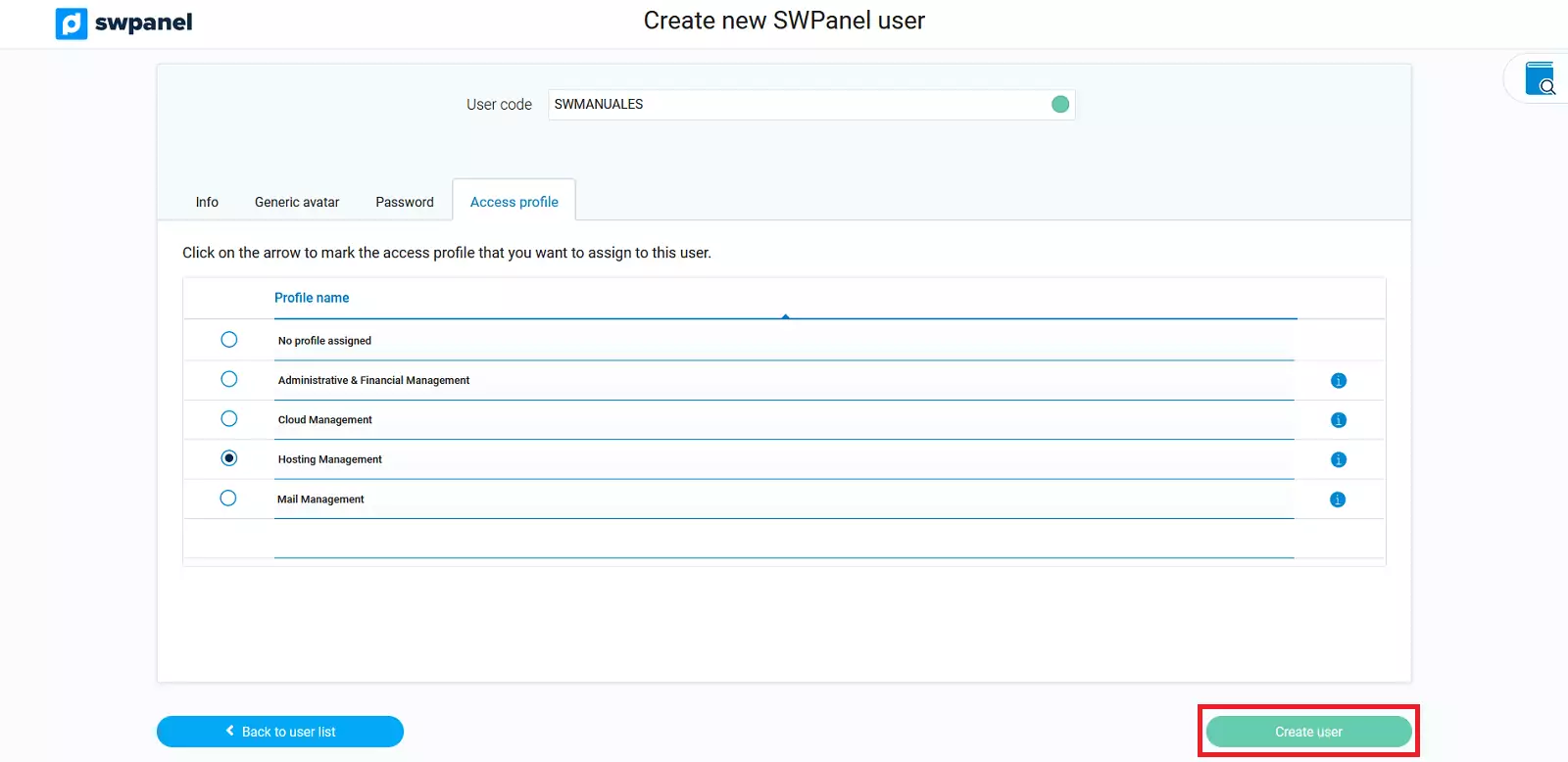
Once the hosting profile is chosen, proceed with the user creation.
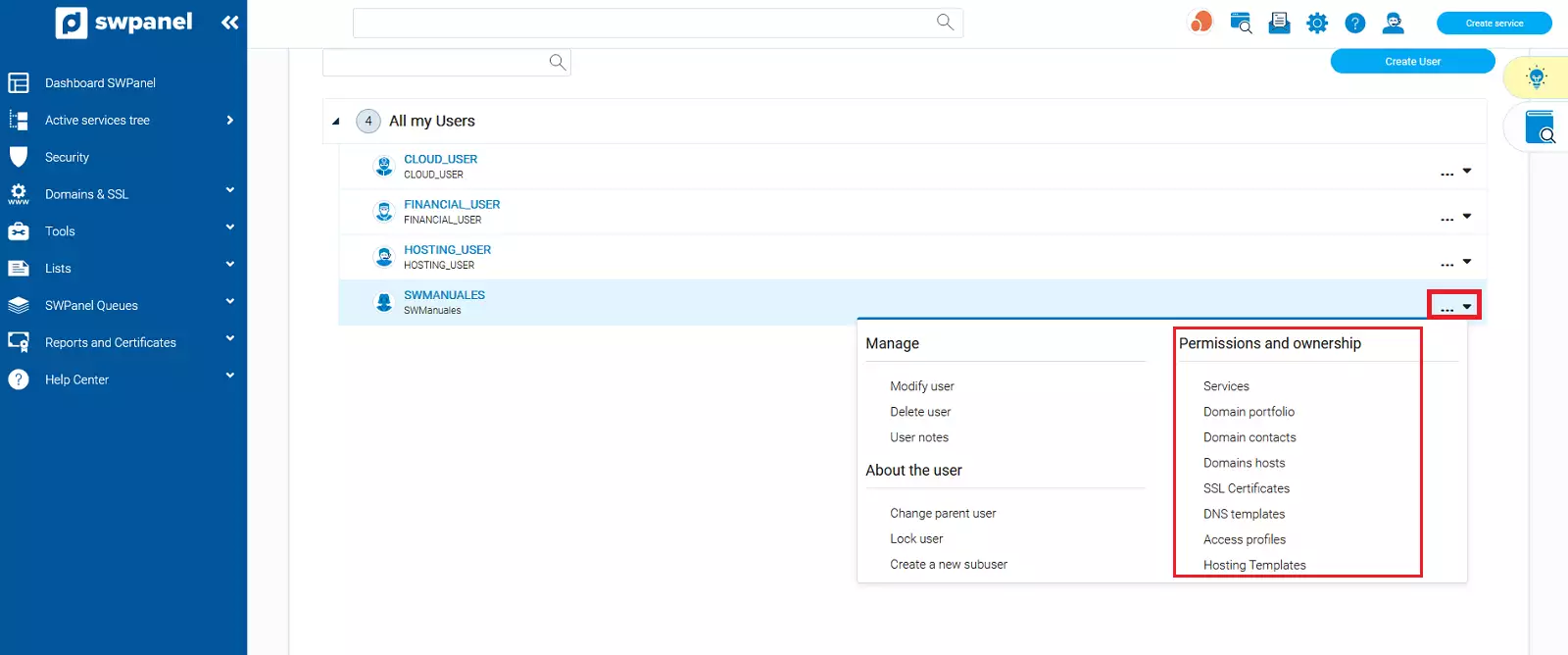
After creating the user, go to the dropdown on the right. In the permissions and ownership section, you have a list of the different services that you can make your user see and modify according to the Access Profile specified previously during its creation.
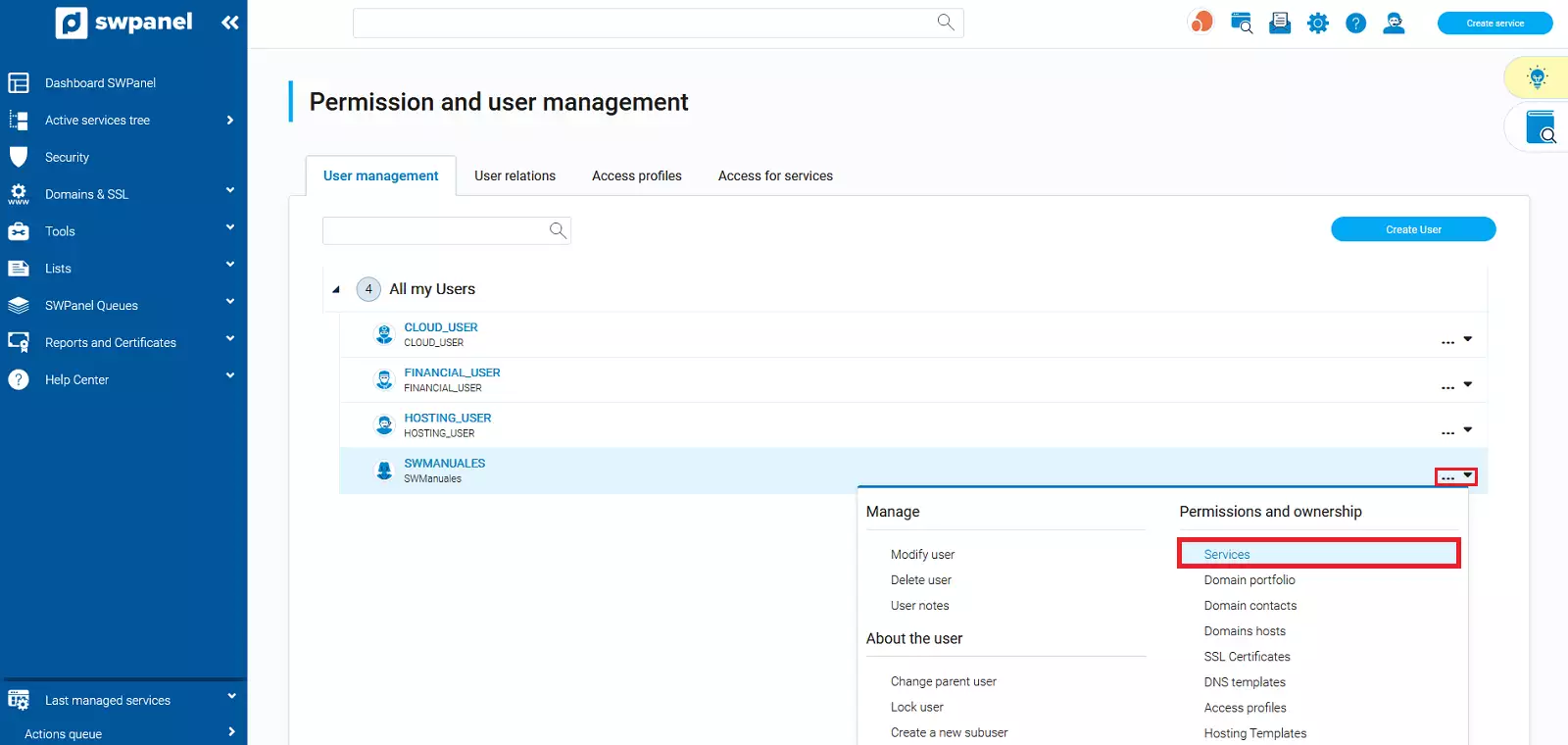
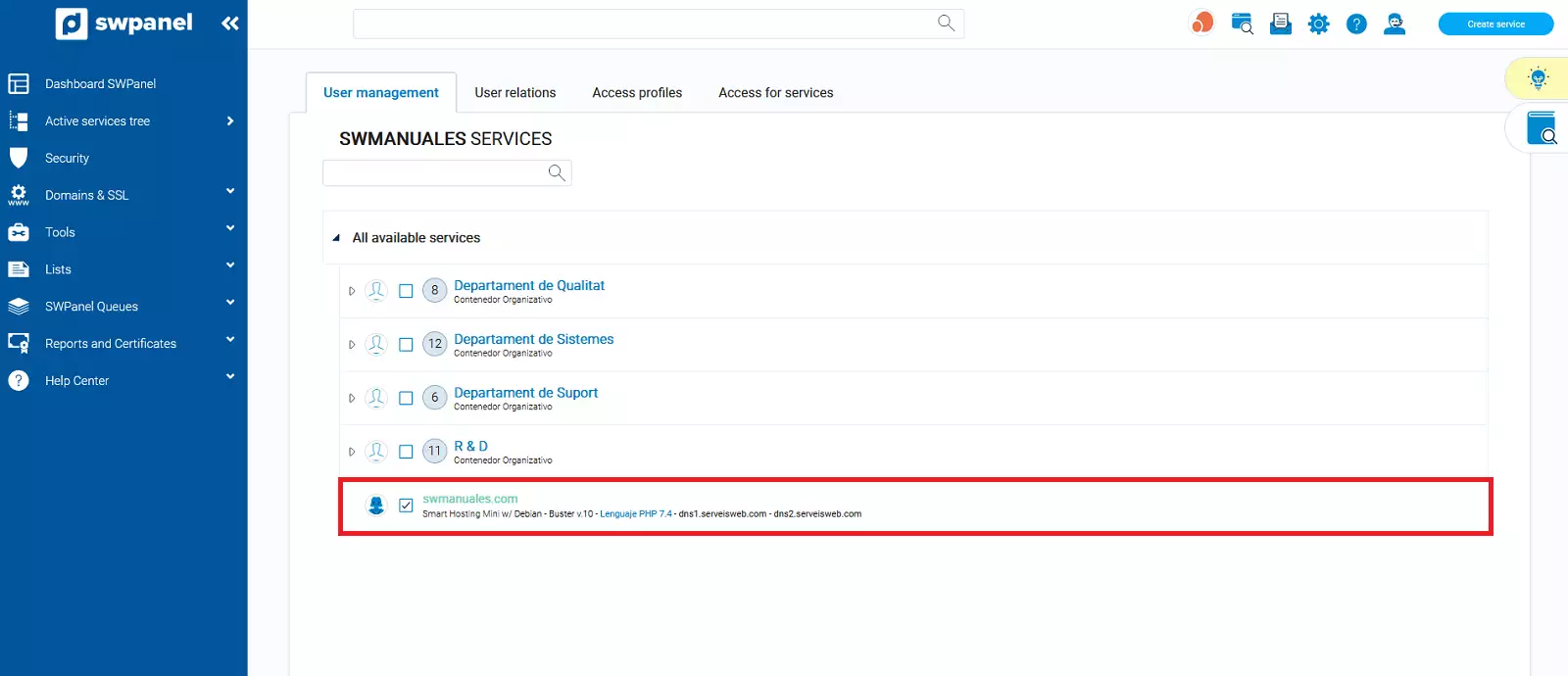
For example, if you want your user to be able to see and control a Hosting service, go to Services.
Select the services for which you want your user to have permissions:
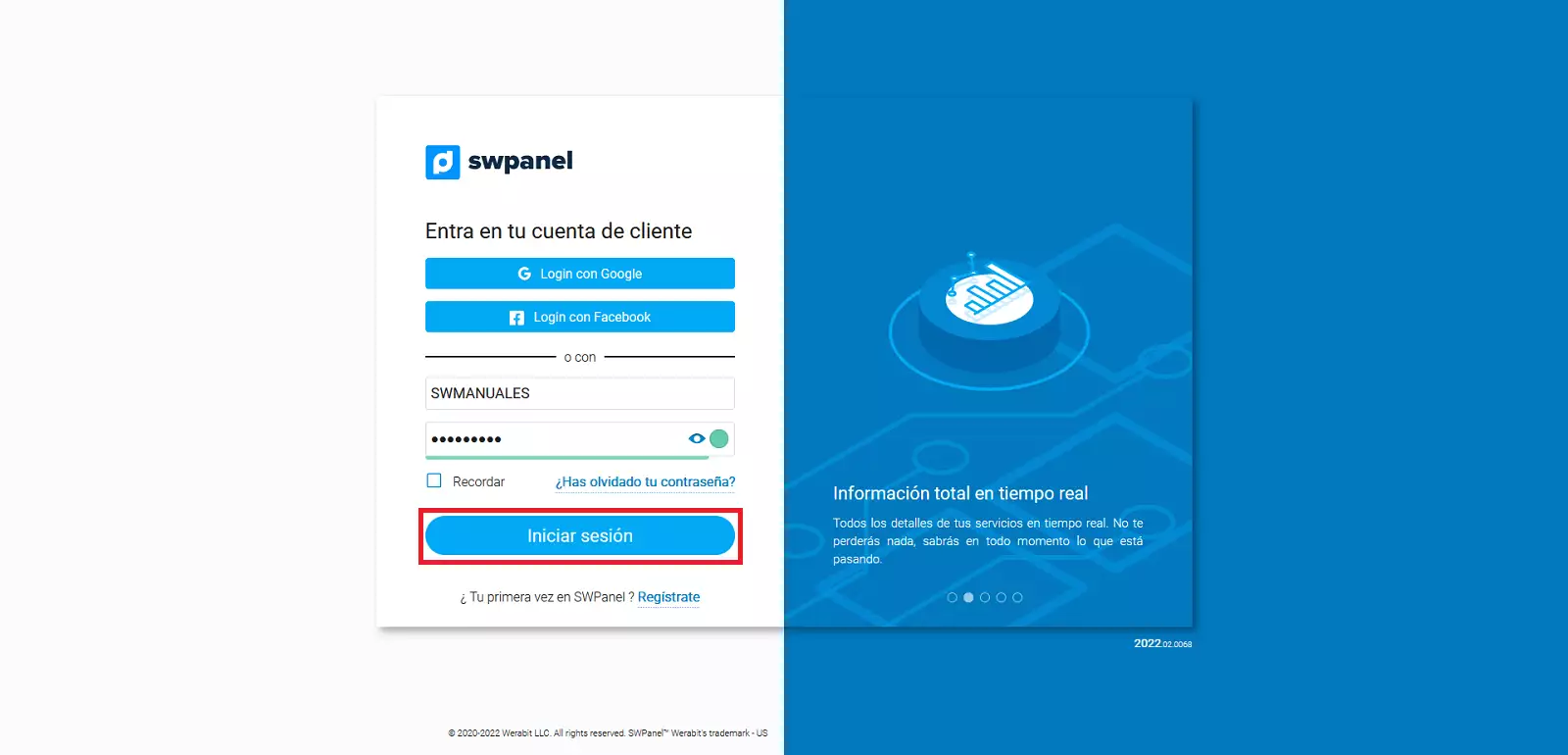
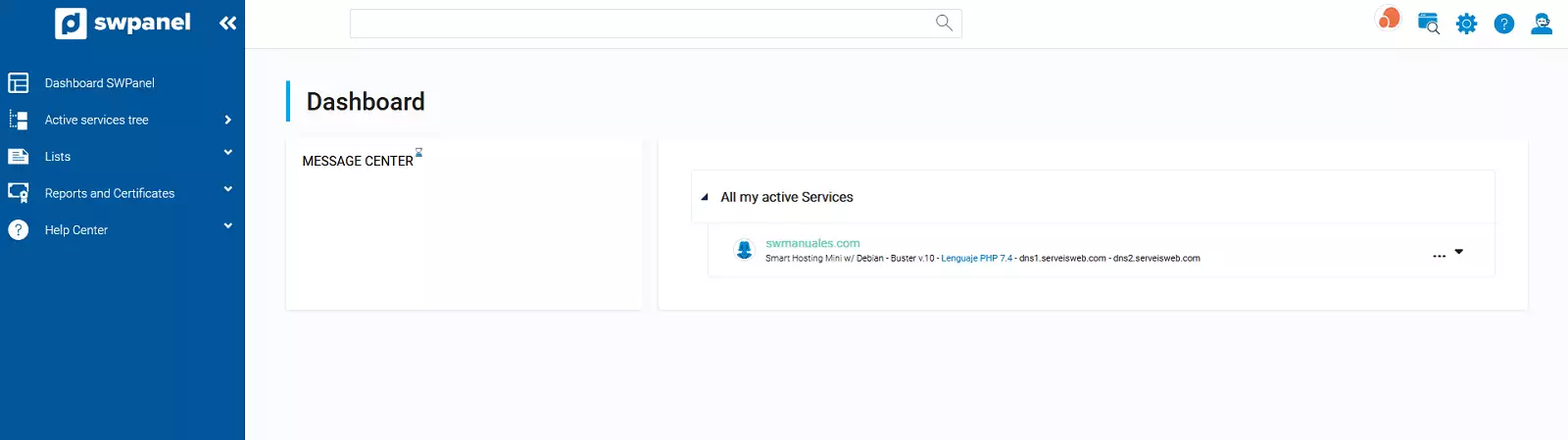
Finally, proceed to access the SWPanel with the user you have just created: