How to unlock a domain
Mis à jour le
2026-10-23 10:01:19
49
visites
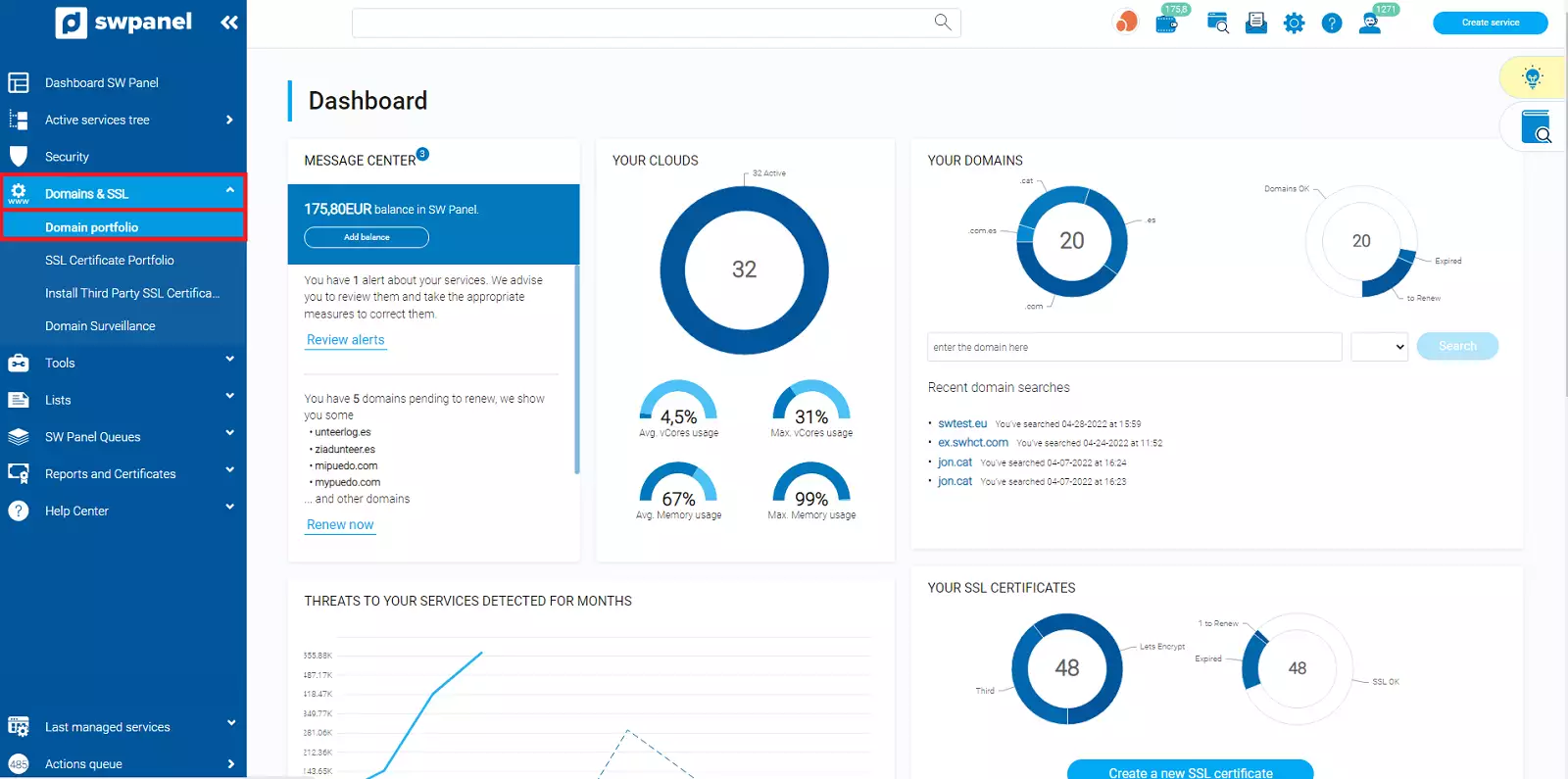
To proceed to unlock your domain, open the 'Domains and SSL' pop-up menu and click on 'Domain Portfolio'.
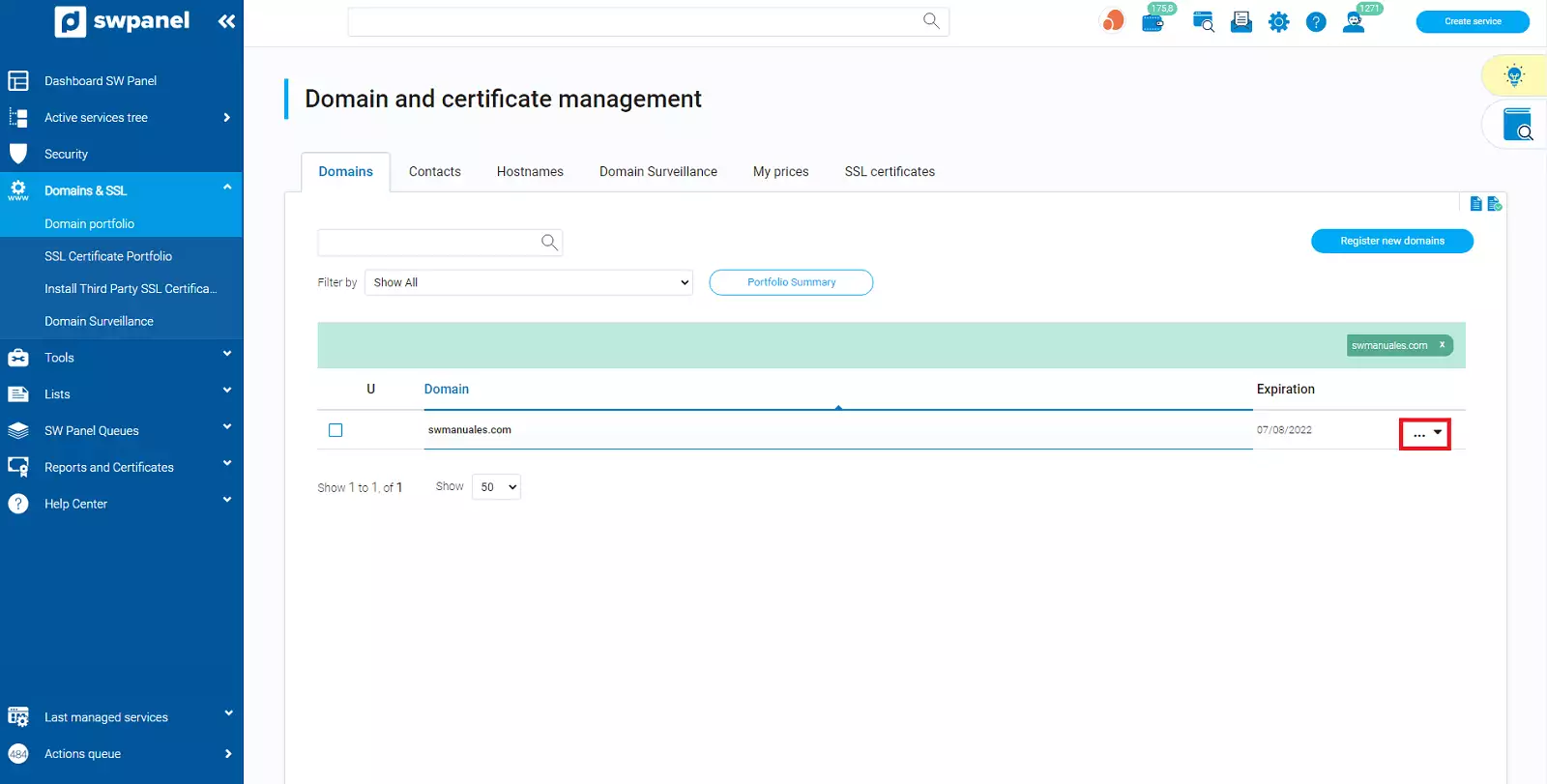
Next, search for your domain and hover your mouse cursor over the [...] menu.
If you have more than one domain, you can easily find it using the search bar found in this section.
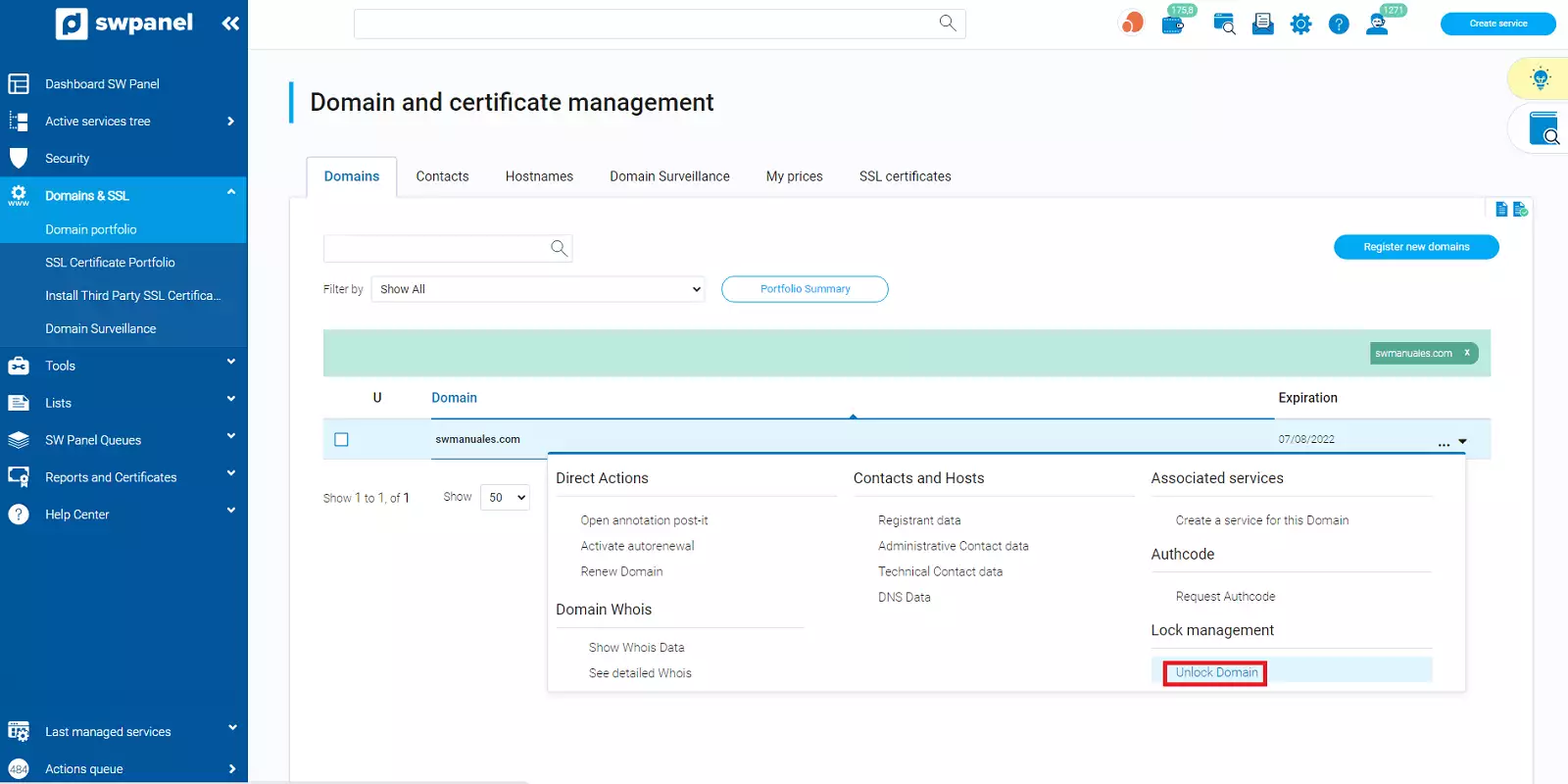
Click on the 'Unlock Domain' option.
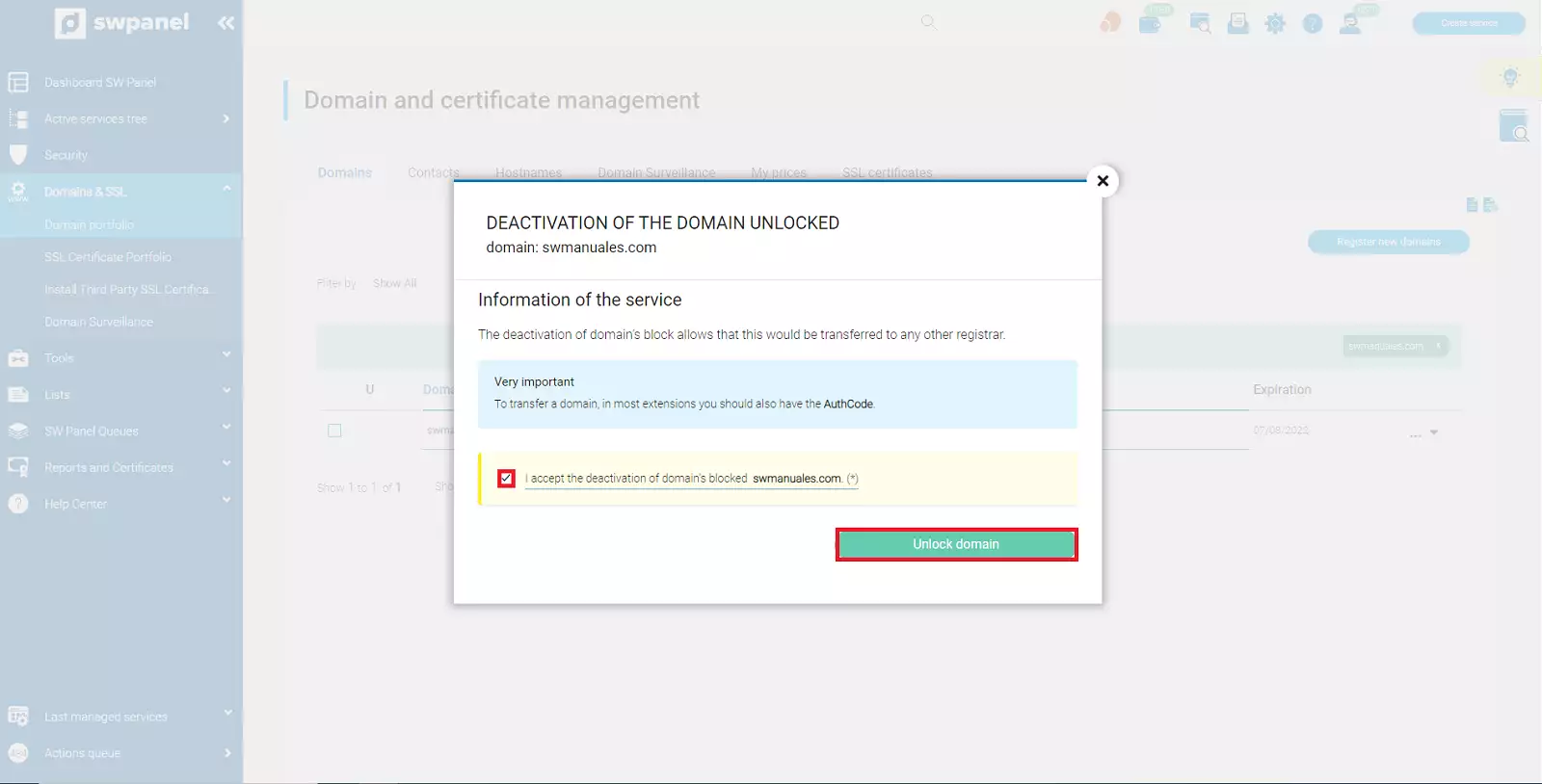
To finish, you must check the checkbox to confirm you agree to unlock the domain and proceed to activation by clicking the green button.