
View hidden files with Filezilla
Mis à jour le
2026-10-24 08:01:13
7
visites
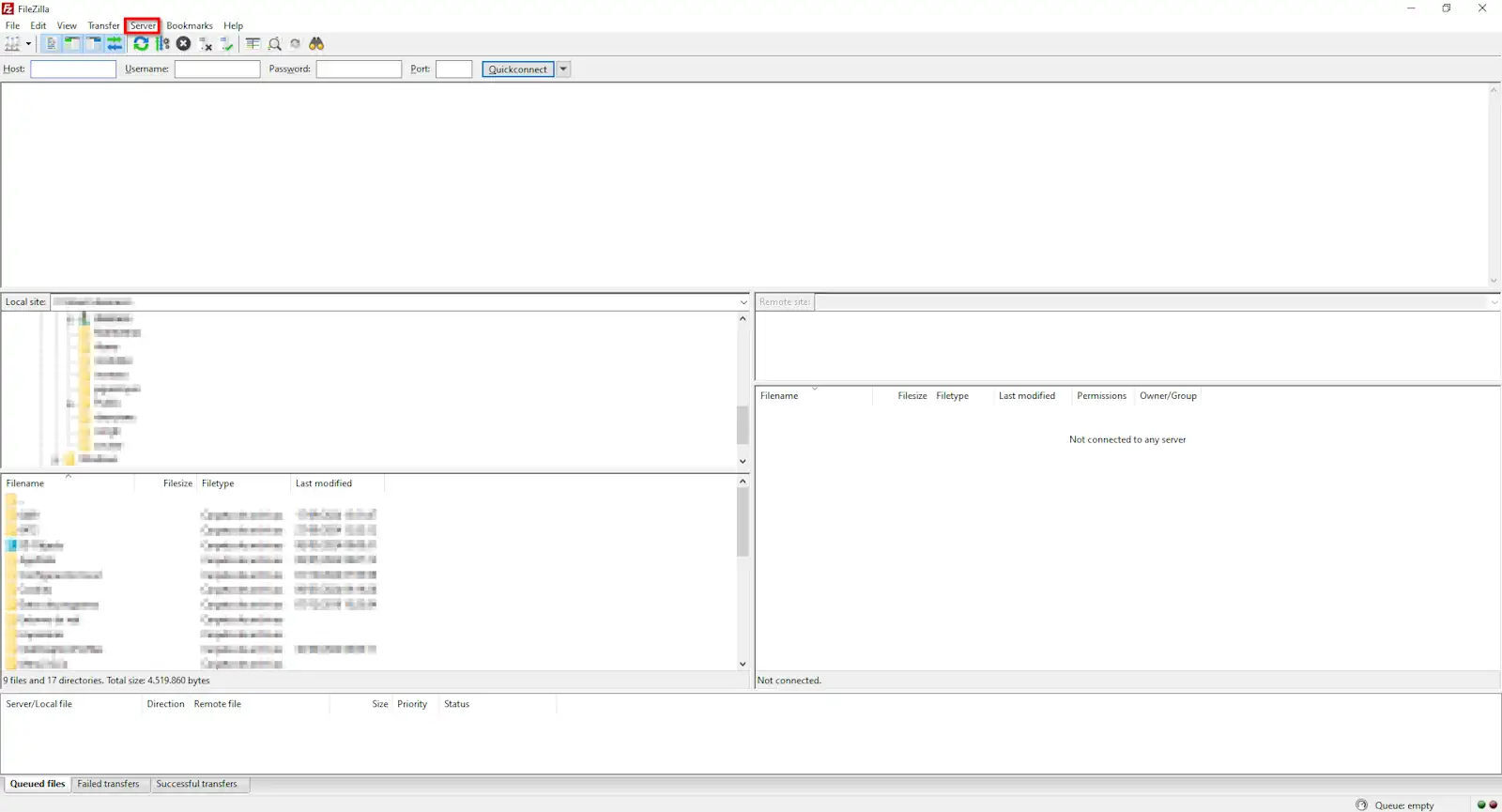
To see the hidden files of your Hosting service via a Manuel : How to access your Hosting service via Filezilla, you can do it in a very simple way. To do this, you must click on Server, located at the top of its user interface.
Next, click on the option 'Force show hidden files'.
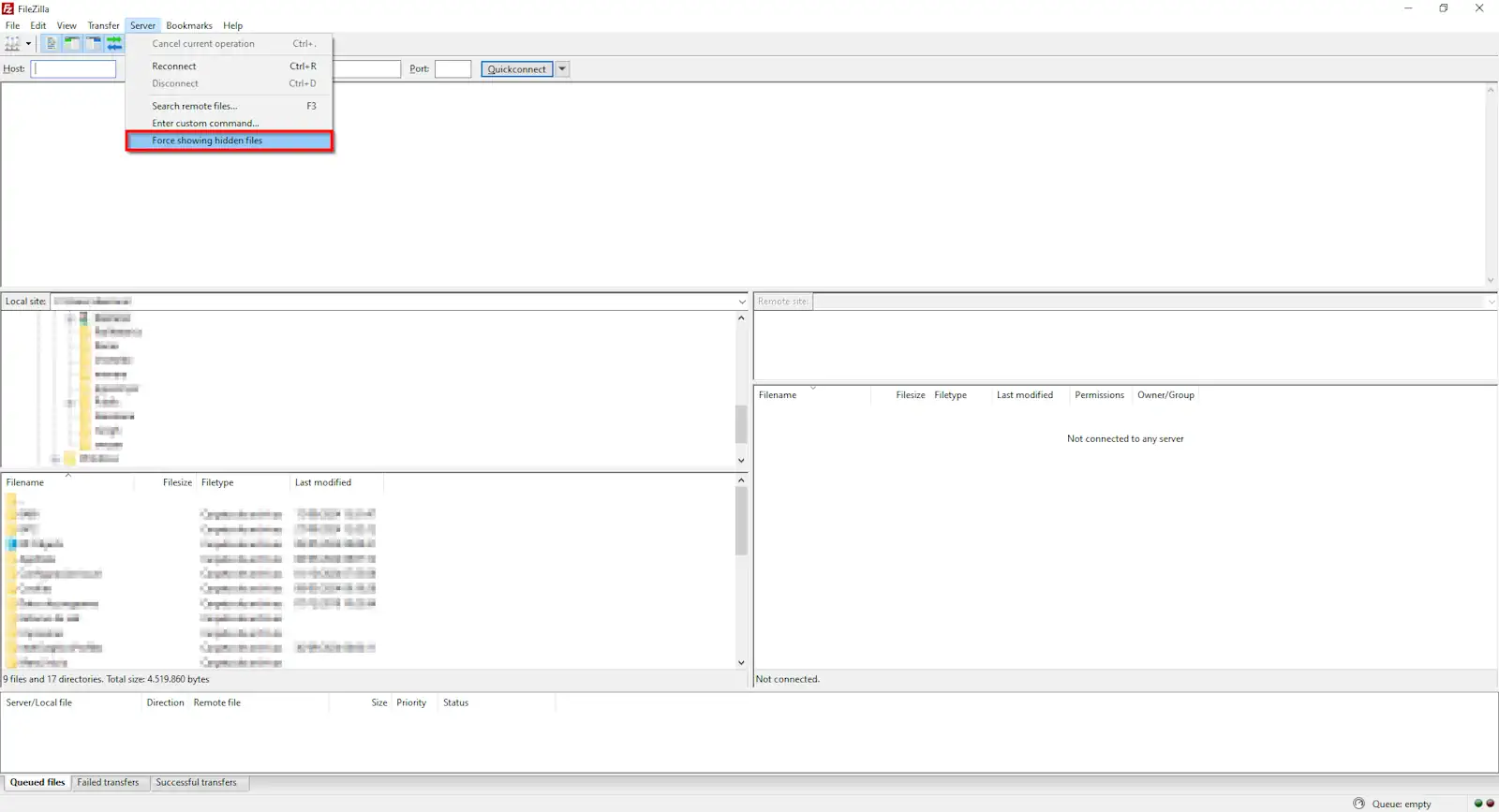
Done! Now you will be able to see hidden files of your hosting, such as the .htaccess.