How to export your Web
Aggiornato il
2026-10-23 12:02:11
102
visite
How to export your Web
The action of exporting a web implies saving and moving the content in its entirety to be sent. You can use the exported files to import them elsewhere, or use them as a backup.
At SW Hosting you can export your Web through the Dashboard of your service in the SWPanel. The steps to export your web are as follows:
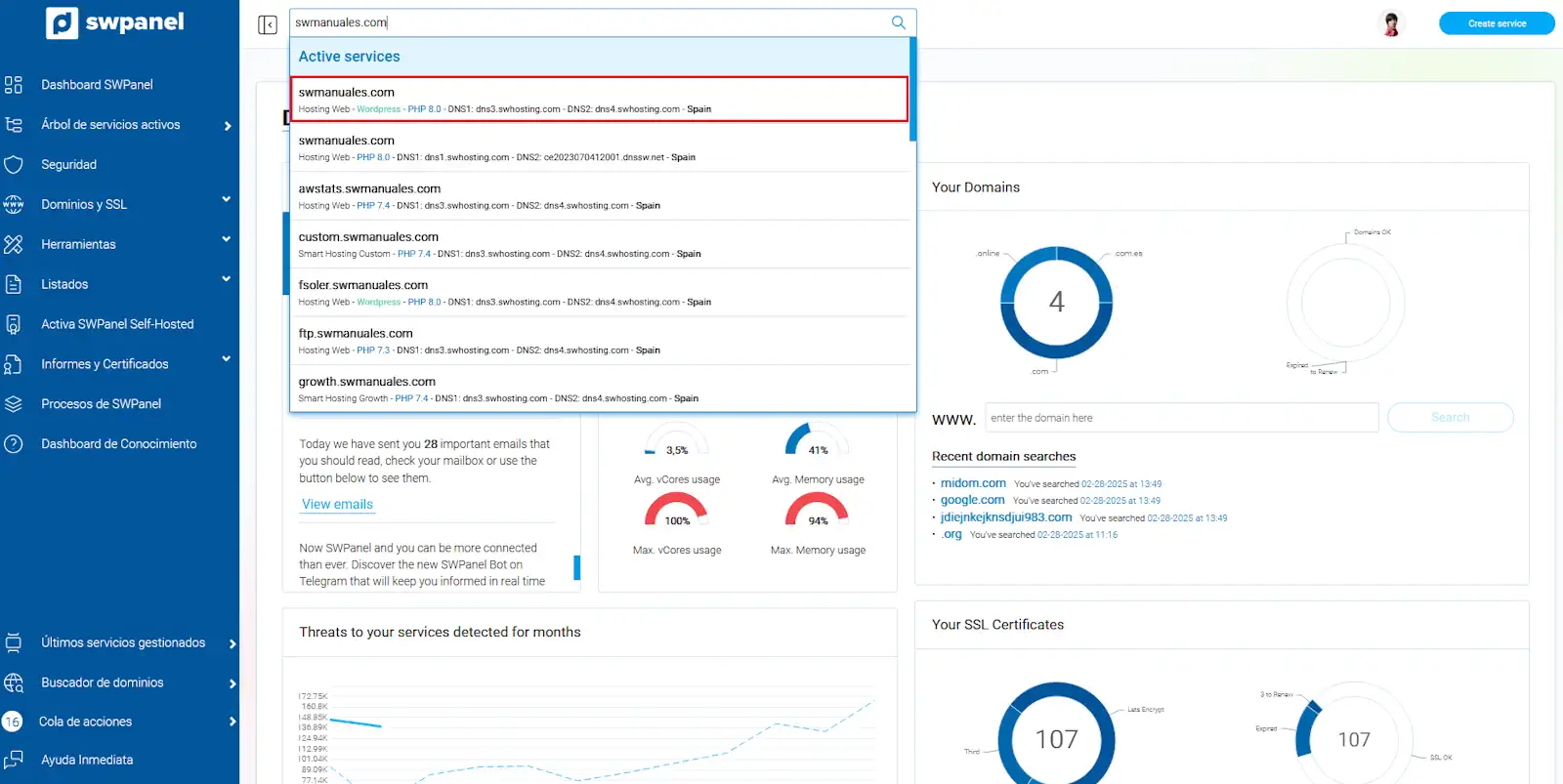
1. From the search box of your SWPanel, you must locate the service where the web you want to export is hosted.
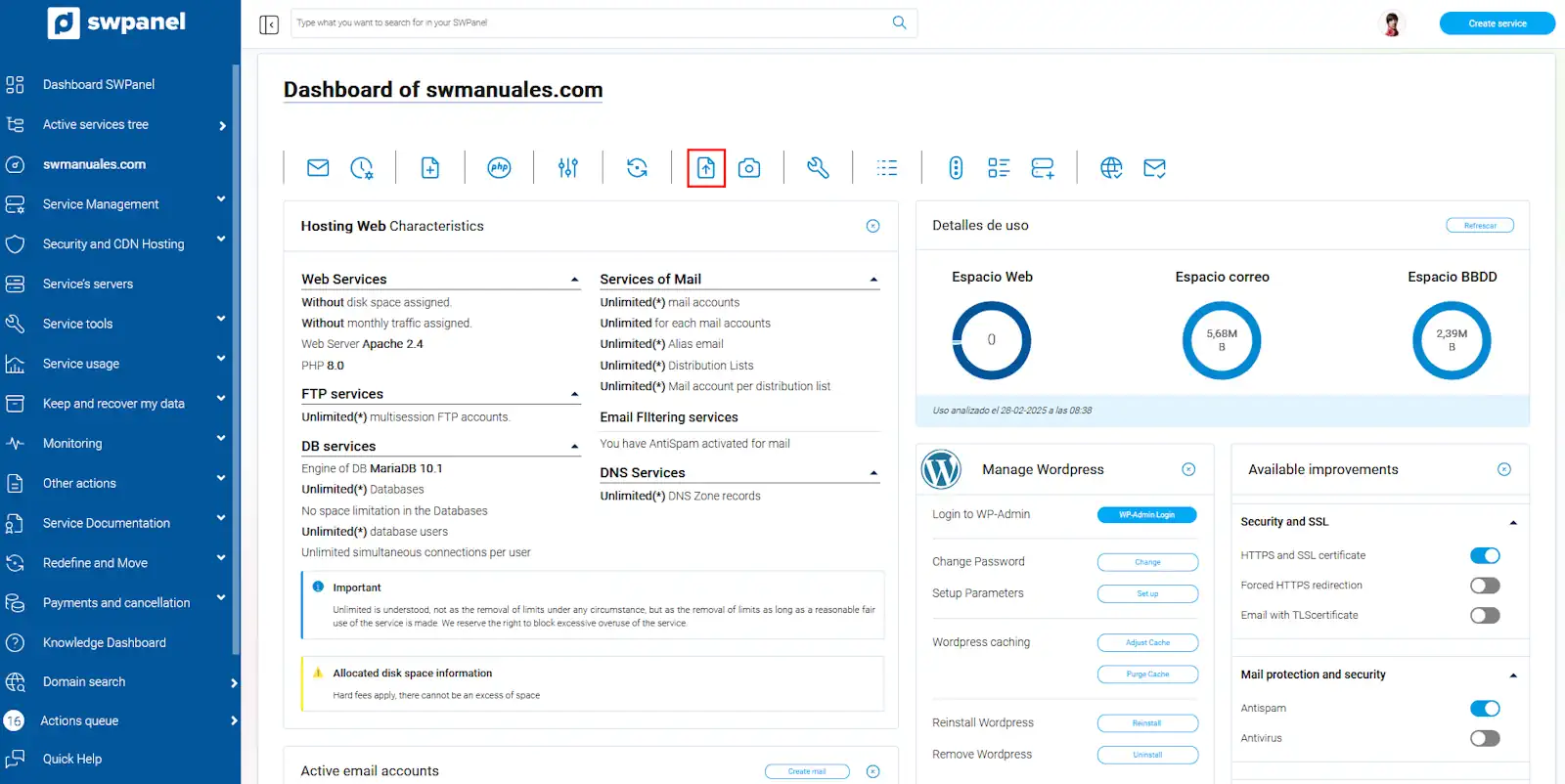
2. Once located in the service Dashboard, you must click on the button 'Export the Web now'.
3. In the current tab, the web export options will be displayed. The export will generate a compressed file in '.tgz' format, similar to the well-known '.zip' or '.rar'.
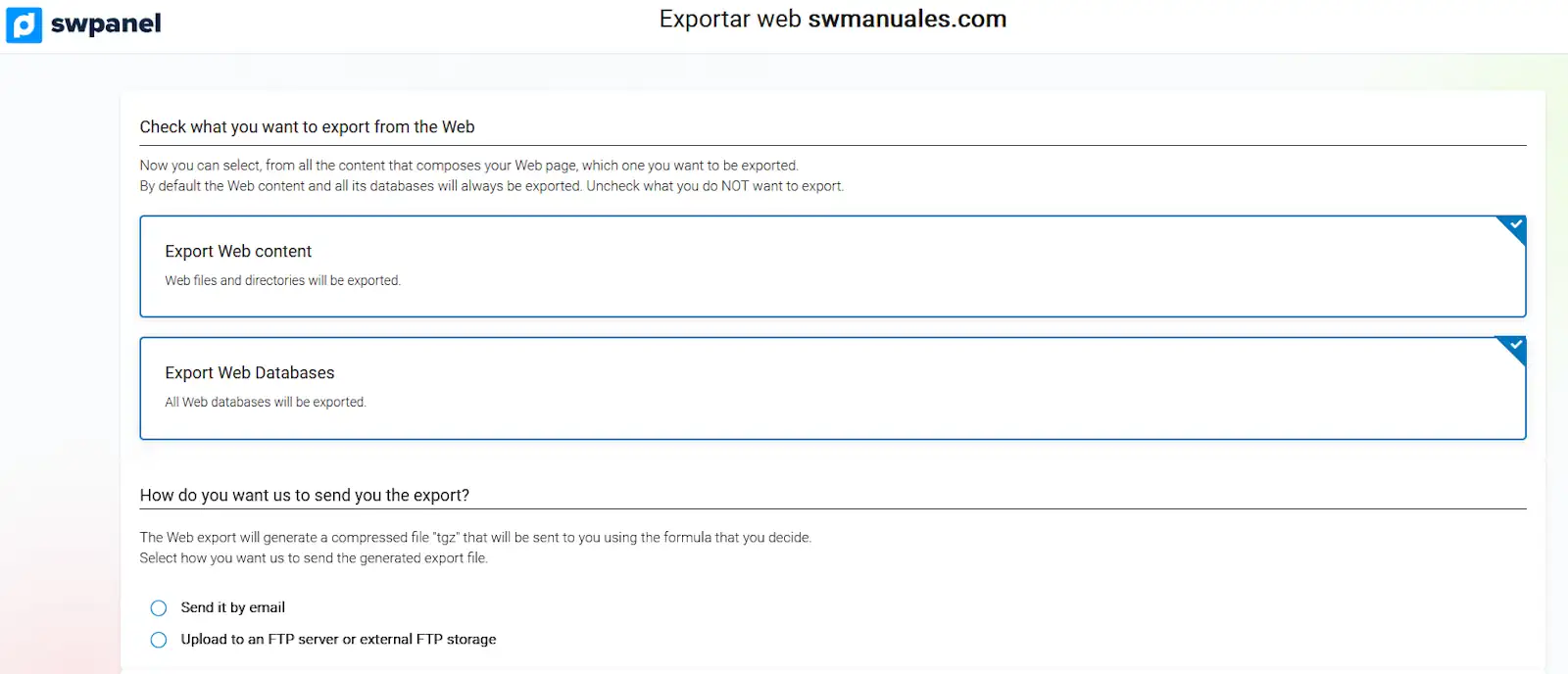
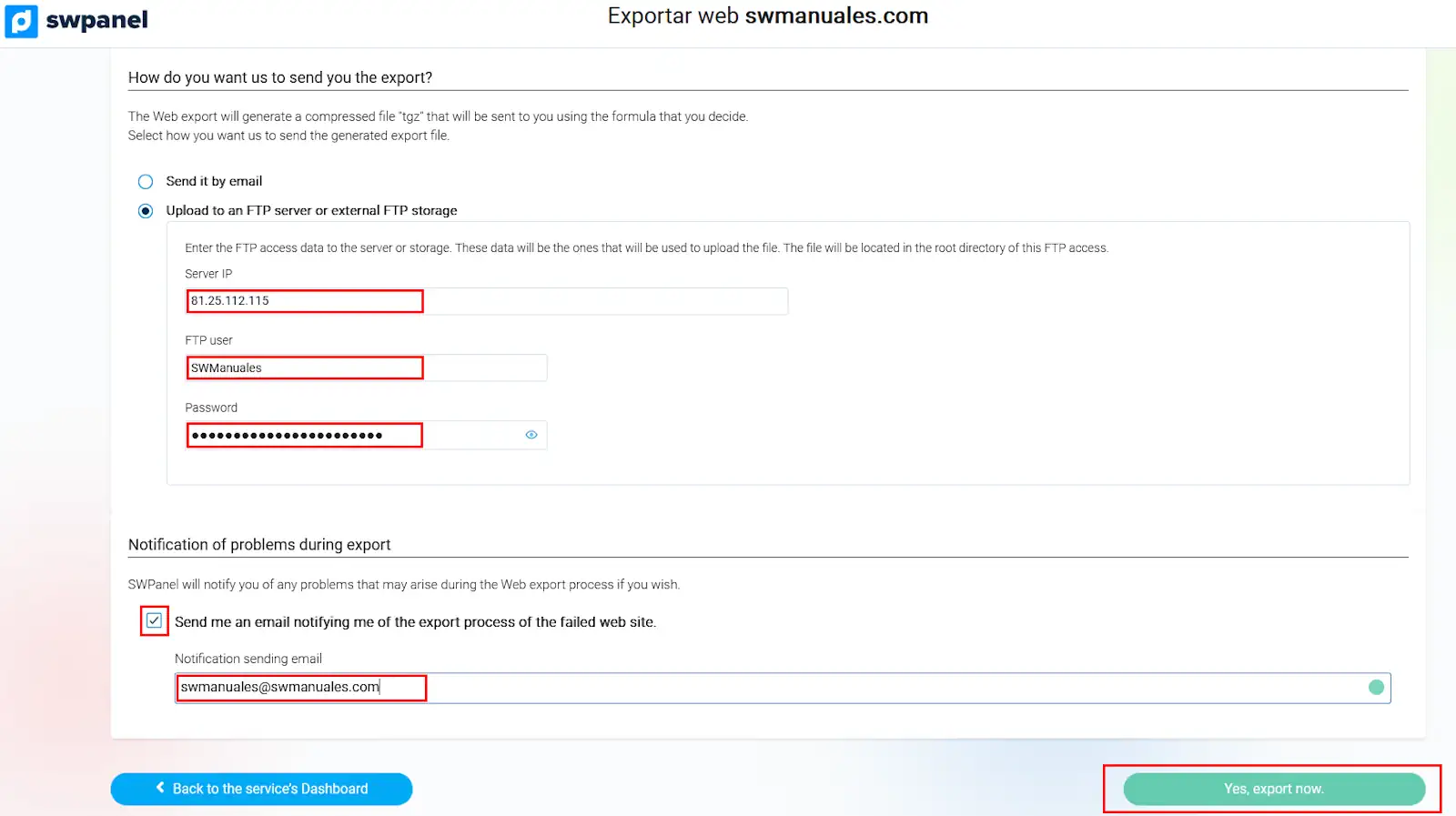
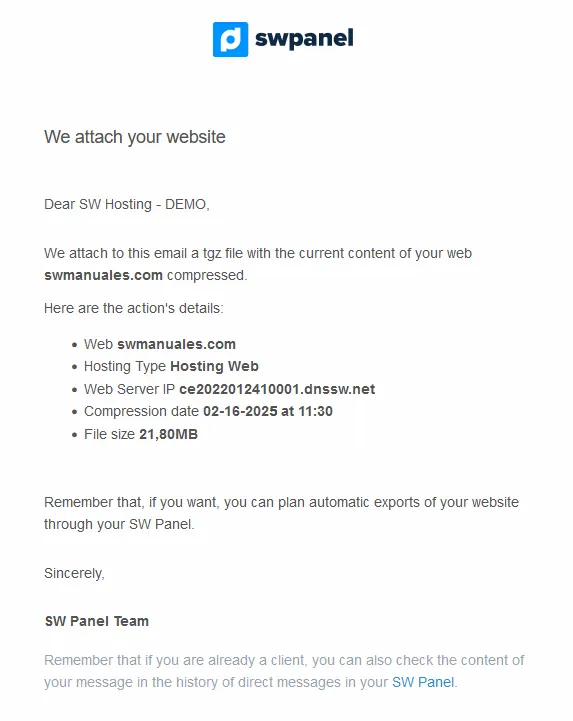
- Send it by email: The web will be sent to the indicated email, in the box that will appear under the check once the green button, located in the lower right part of the SWPanel 'Yes, export now', is clicked.
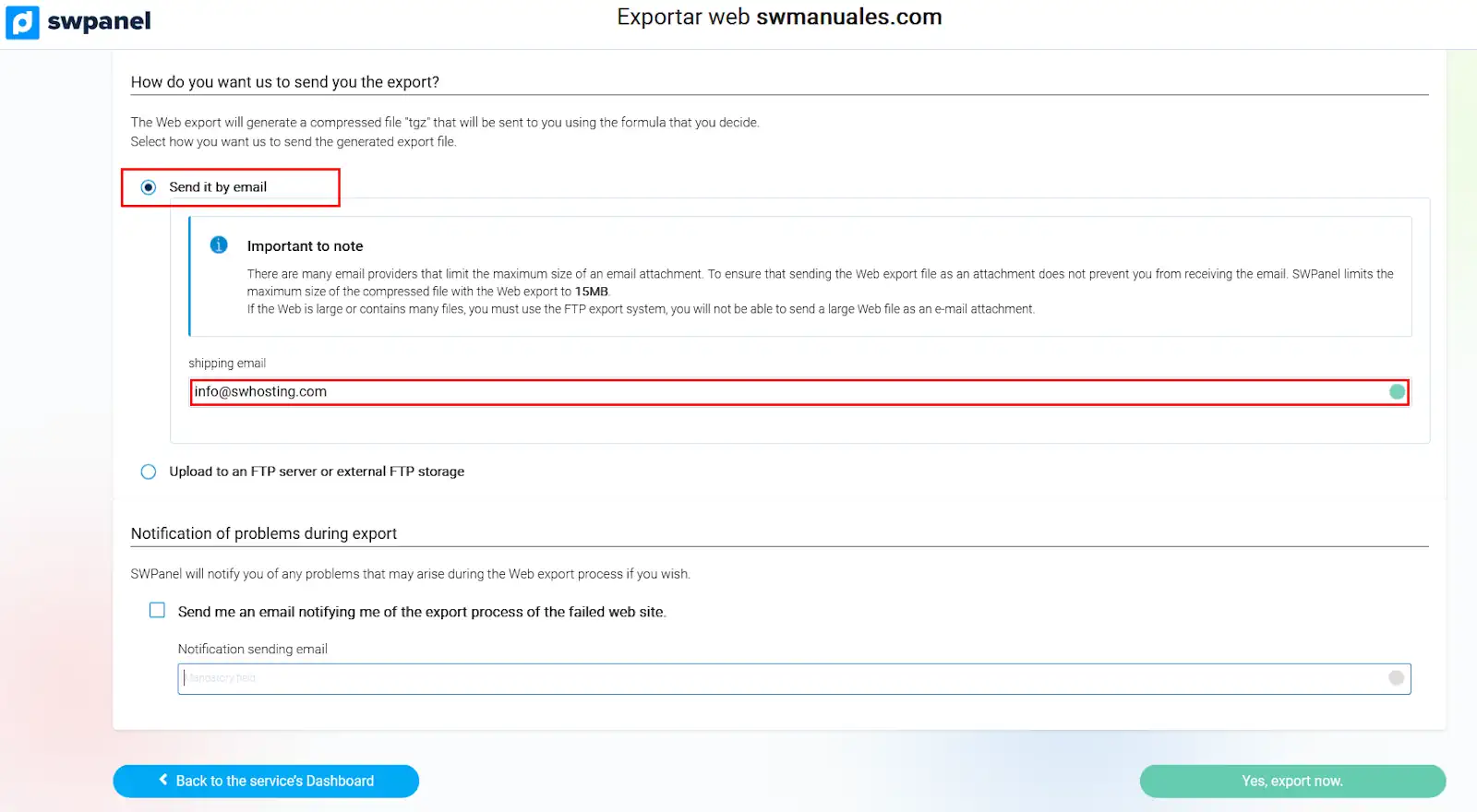
- Upload it to an FTP server or to an external FTP storage: This option will provide the possibility to send the web export to the destination specified in the boxes that will appear under the check. Additionally, an email notification can be received if the corresponding checkbox is marked and an email address is indicated. The action will be performed once the green button, located in the lower right part of the SWPanel 'Yes, export now', is clicked.