
Requirements for the validation of a TLS Let's Encrypt certificate request for your hosting email
A free TLS certificate can be installed in your Hosting email service, as long as a series of essential conditions are met so that the certificate request is validated by the Let's Encrypt certification authority that will issue the TLS certificate.
The requirements for the validation of a free Let's Encrypt TLS certificate request for your Hosting email with SWPanel are as follows:
a) To have a registered domain in your customer account on which the SSL certificate request must be made.
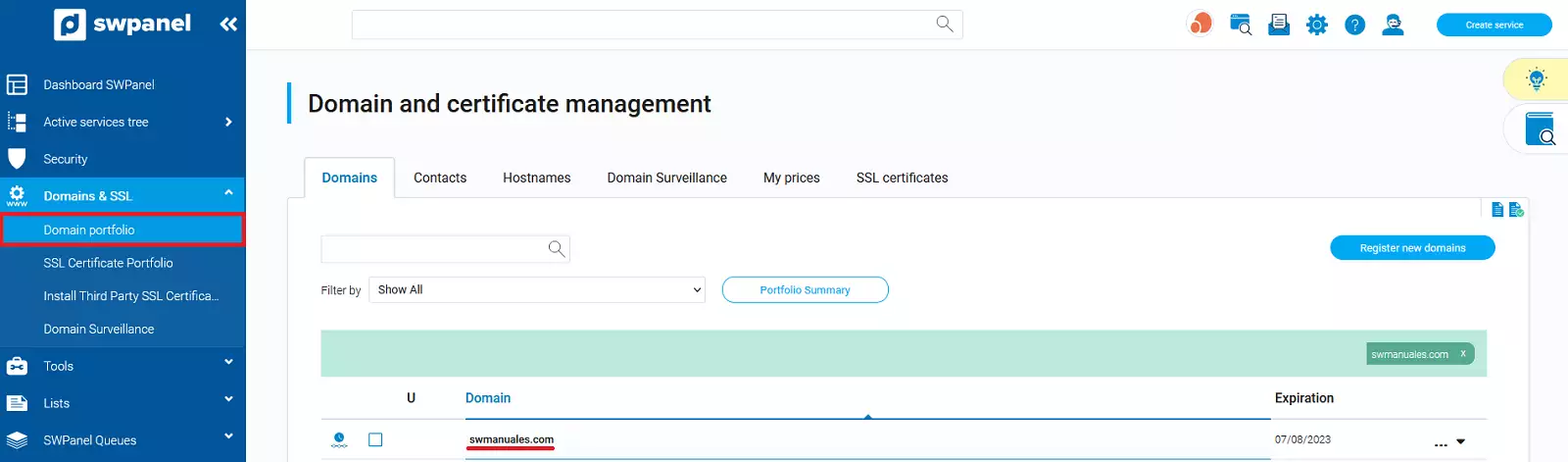
b) That this registered domain has an associated Hosting service created in your customer account with its corresponding assigned DNS servers.
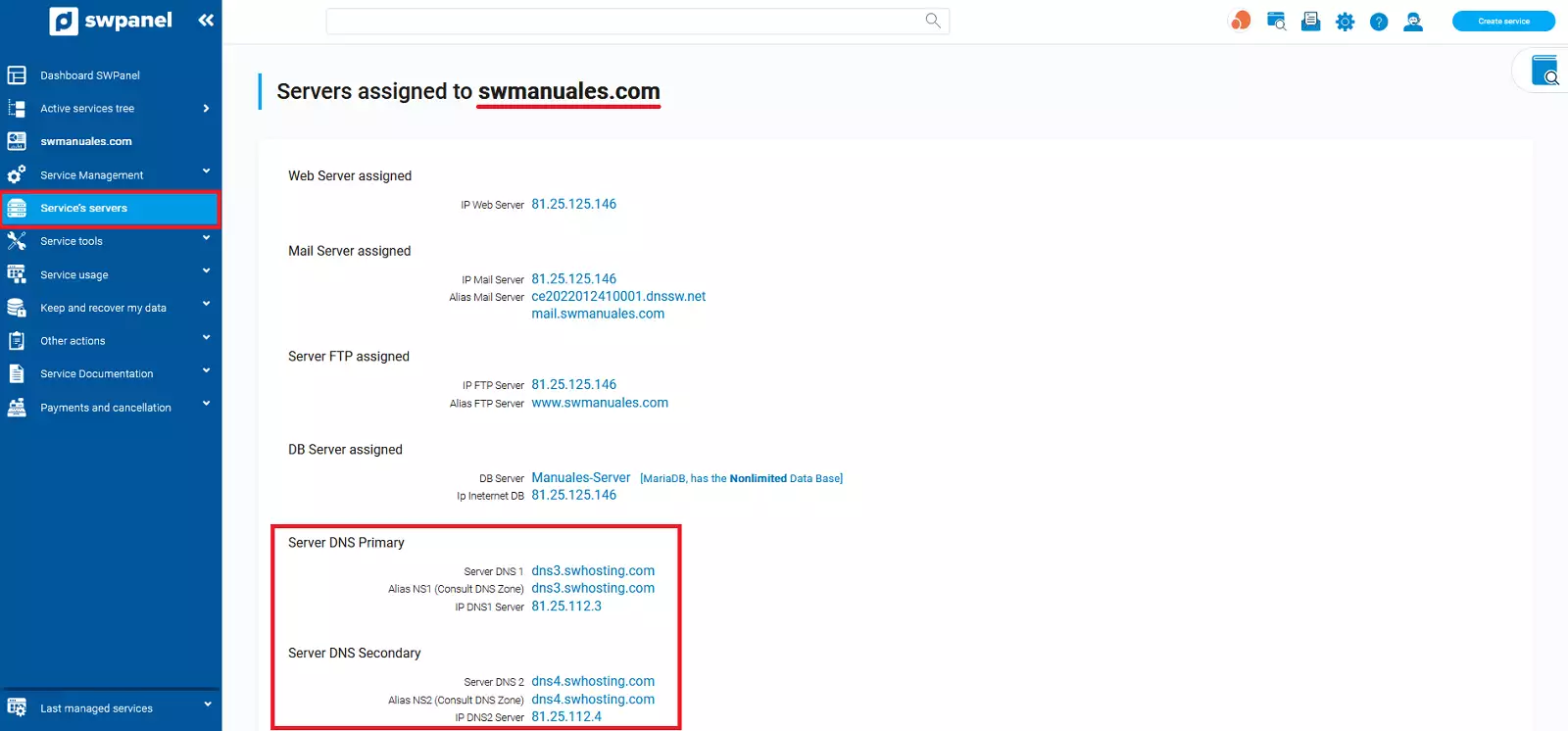
c) That the registered domain has the same DNS servers (Nameservers) configured as those corresponding to the hosting service to which the domain is associated.
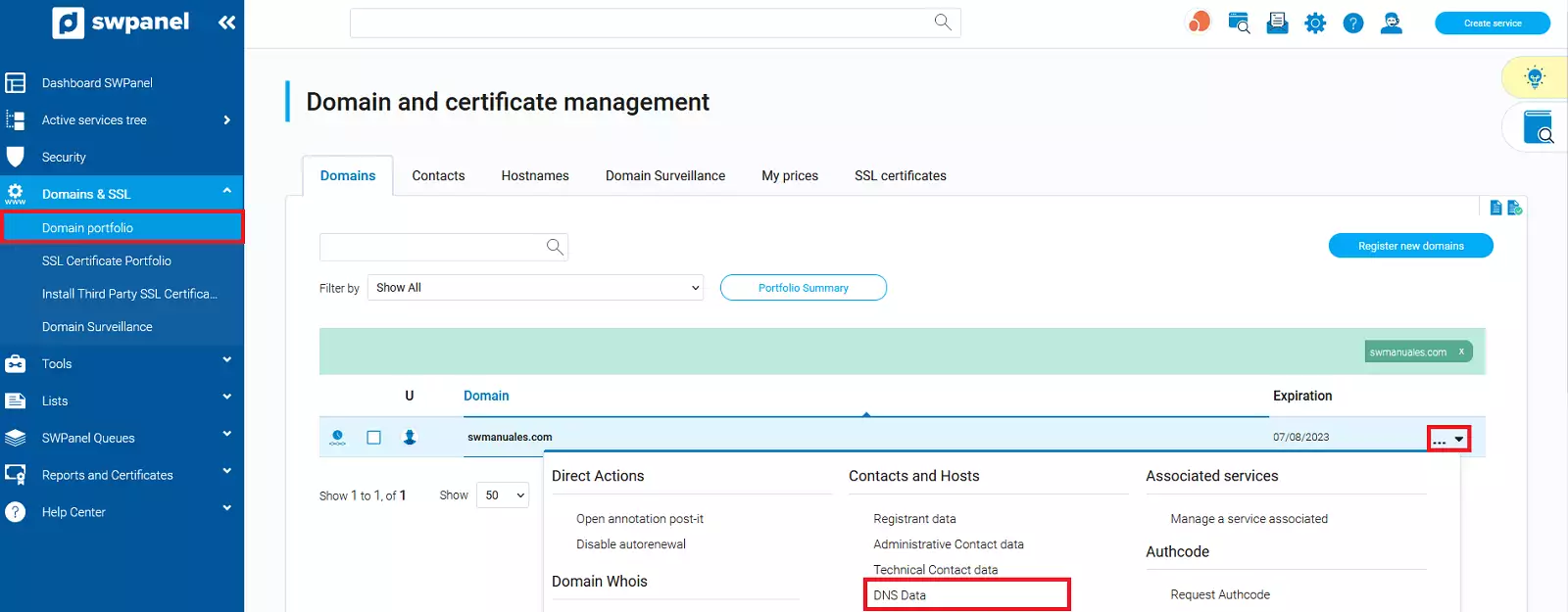
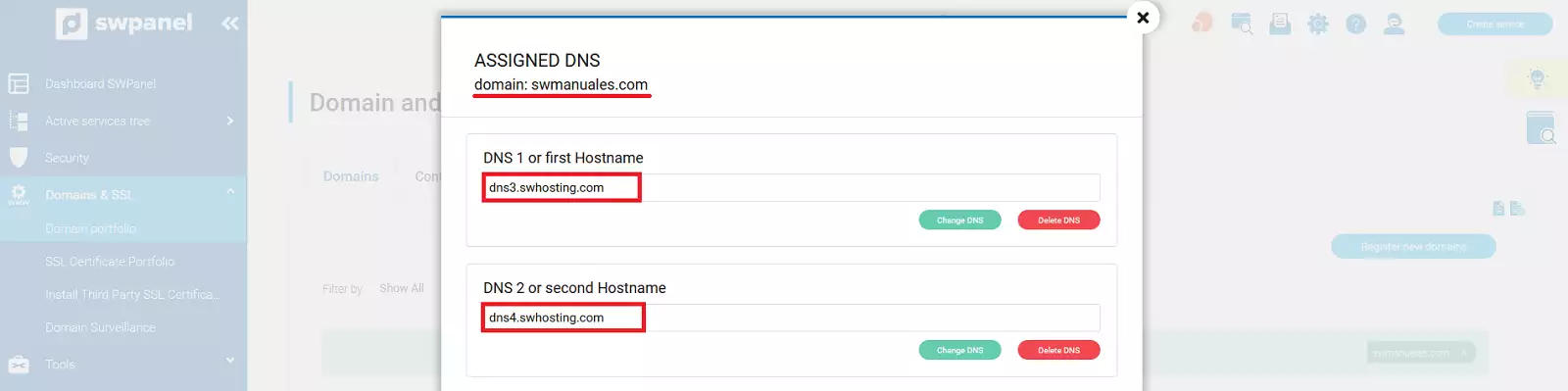
When contracting your Smart Hosting, DNS servers (Nameservers) are assigned to it, which are automatically configured for the associated domain, if it is also registered in your SWHosting customer account.
In the event that you have a Cloud server with SWPanel, you can define the DNS servers (Nameservers) at the time of Hosting creation and they will be automatically configured for the associated domain, if it is also registered in your SWHosting customer account.
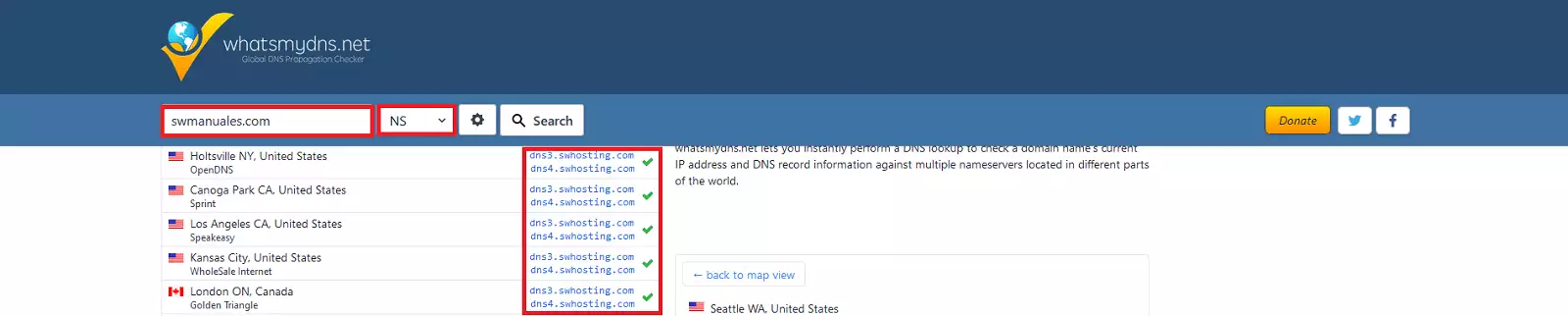
d) Once the DNS servers (Nameservers) are associated with the domain, they propagate across the Internet, so that the Let's Encrypt certification authority can verify which DNS servers (Nameservers) are configured for that domain.
You can check that the DNS servers (Nameservers) assigned to your domain are already propagated on the internet, using tools such as whatsmydns.net and from the following URL https://www.whatsmydns.net/#NS/swmanuales.com (You must indicate your domain name instead of swmanuales.com).
e) That the CNAME type DNS record with the name mail of your Hosting corresponds exactly to the same IP of the mail server defined by the MX type DNS record and that this information has propagated across the Internet.
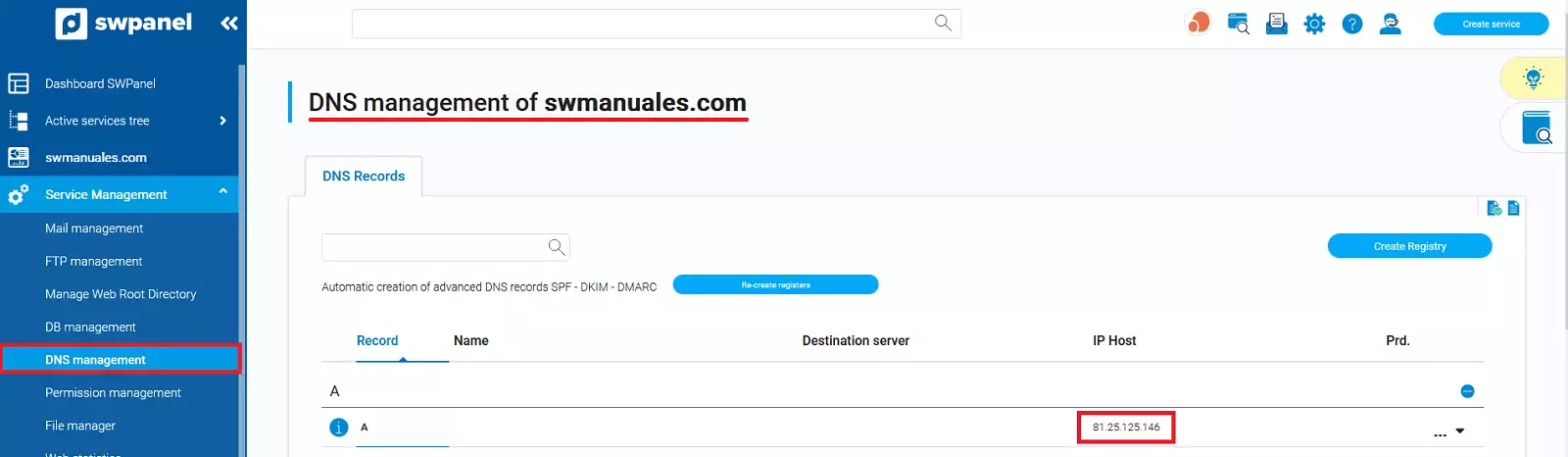
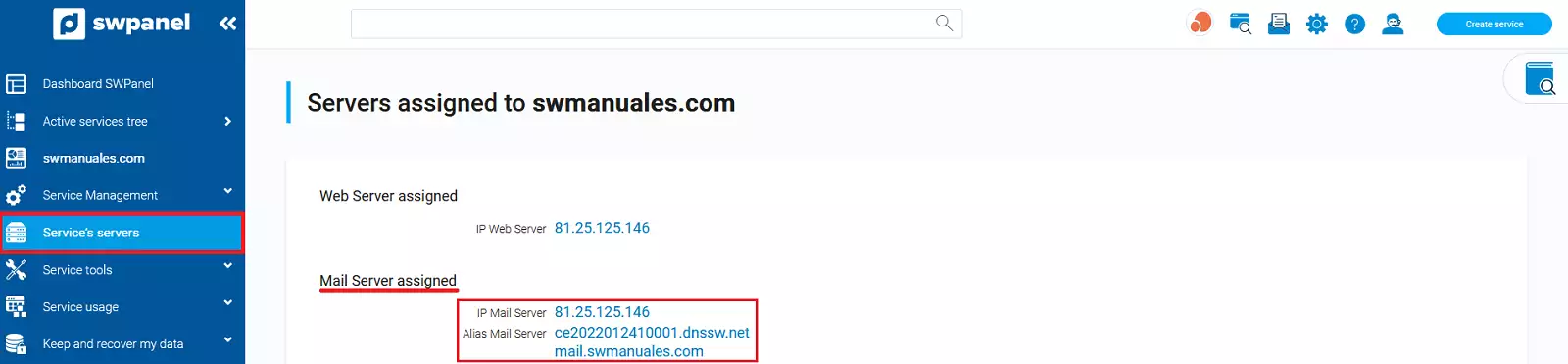
You can check the information propagated on the Internet regarding the IP corresponding to the CNAME mail record of your domain's DNS zone with the following URL:
https://www.whatsmydns.net/#A/mail.swmanuales.com (You must indicate your domain name instead of swmanuales.com).

In practice, Let's Encrypt, the issuer of the TLS certificate, checks whether the IP of the mail server where your hosting is hosted and which is responsible for making the TLS certificate request, coincides with the IP of the mail server defined in the MX type record of the DNS zone of the domain for which the certificate will be issued. That is, whether the IP of the mail server making the TLS certificate request for mail.yourdomain.com, coincides with the IP of your mail server on the Internet.
If all the above requirements are met, you will be able to activate a TLS certificate for your Hosting email with SWPanel: