
How to restart domain validation after its suspension
In 2013, a mandatory compliance data verification policy was established. If the validation of the domain owner contact has not been performed in time (within 15 days), the domain stops working at the DNS level. If it is validated after a suspension, there will be DNS propagation.
You can obtain more information by viewing our manual Handbuch: Whois Accuracy.
If you have not been able to validate it within that period, do not worry, you can proceed to restart the domain validation process via the SWPanel.
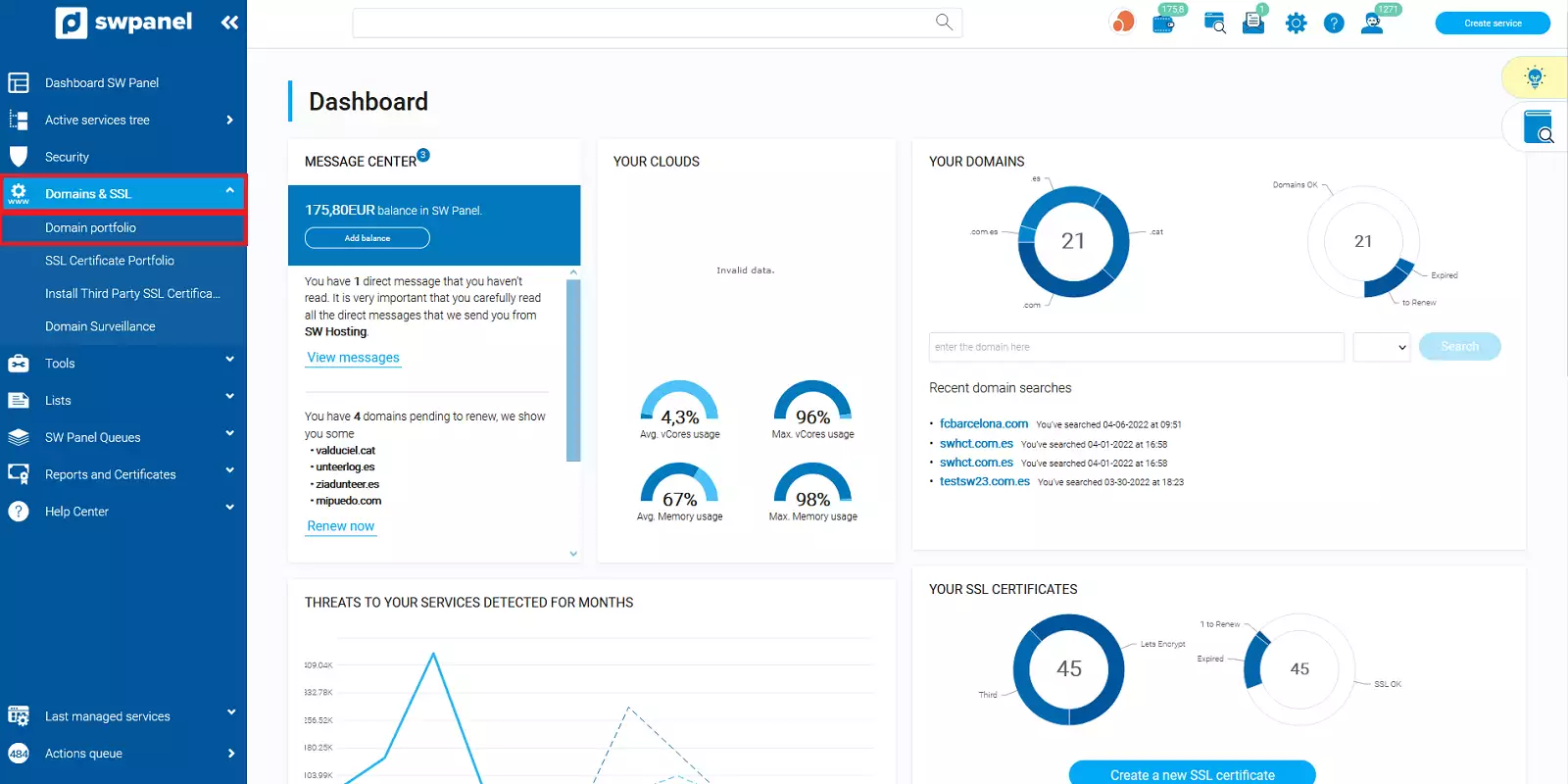
First, you must access your SWPanel, click on the Domains and SSL option located in the blue left side menu, and then click on Domain Portfolio.
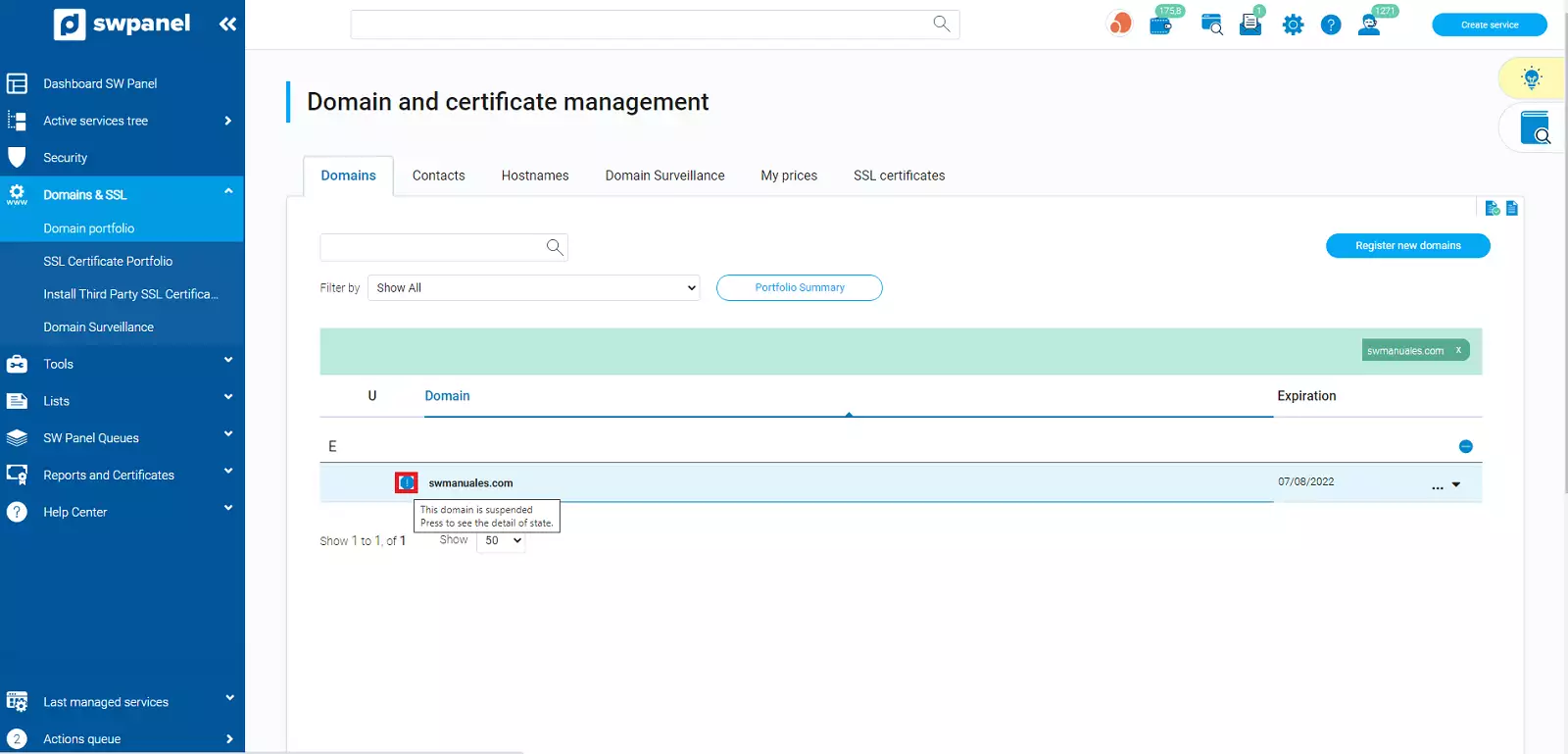
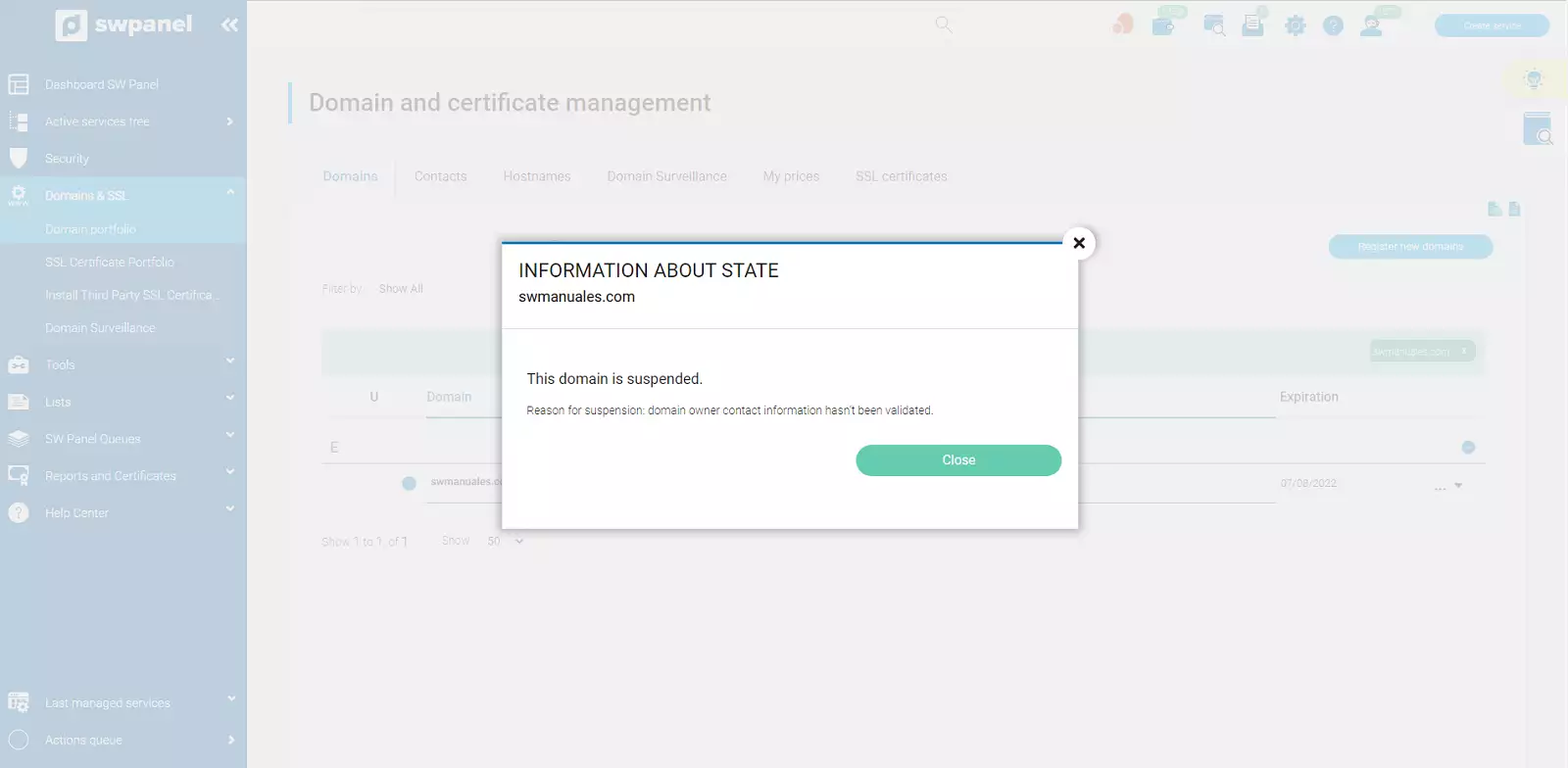
Once you are in your domain portfolio, you will see an exclamation icon located to the left of your domain. If you click on the icon, you will find information about its status. In this case, suspended for not performing the validation in time.
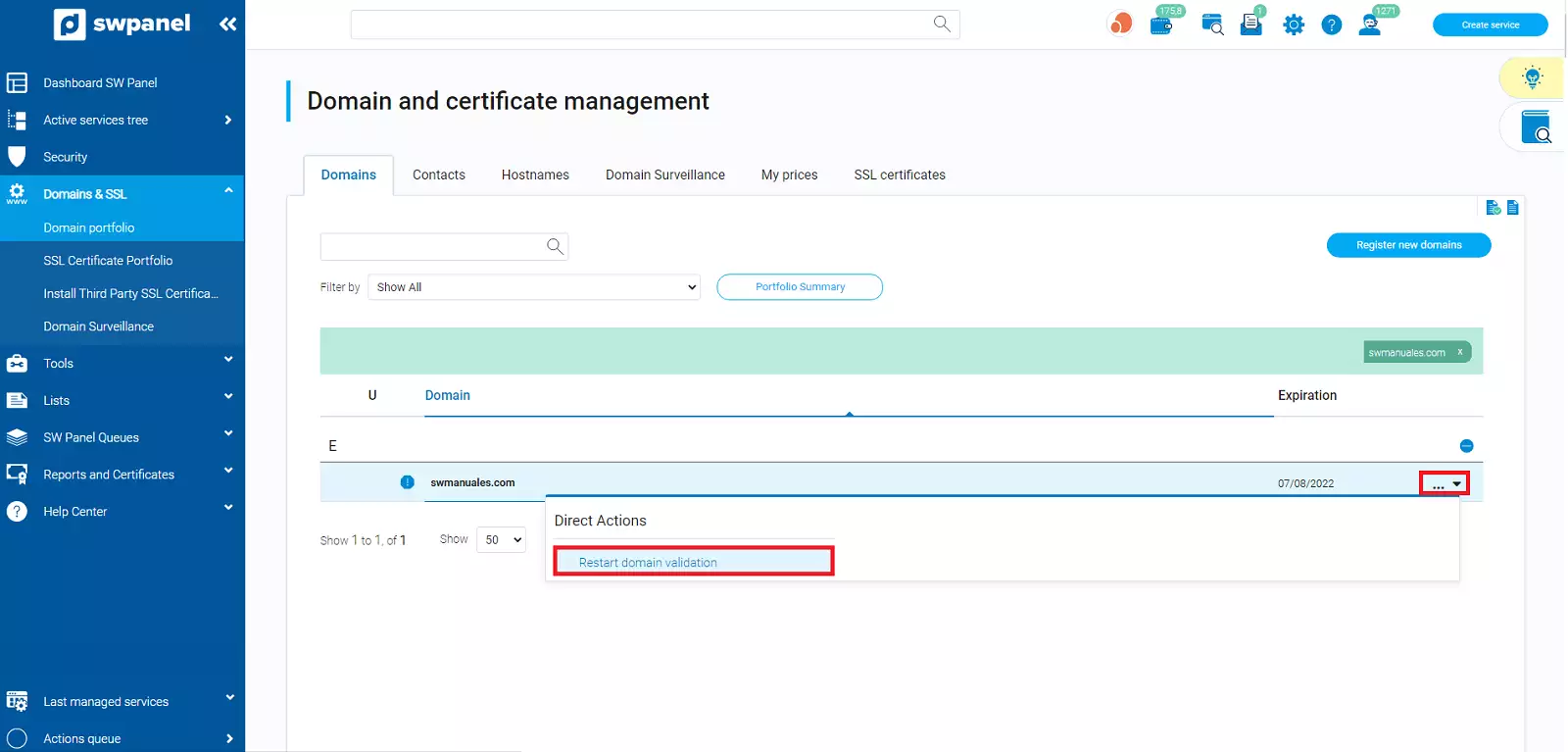
After viewing the domain status, if you place the mouse cursor on the "..." dropdown menu located to the right of your domain's expiration date, you will find the option "Restart domain validation".
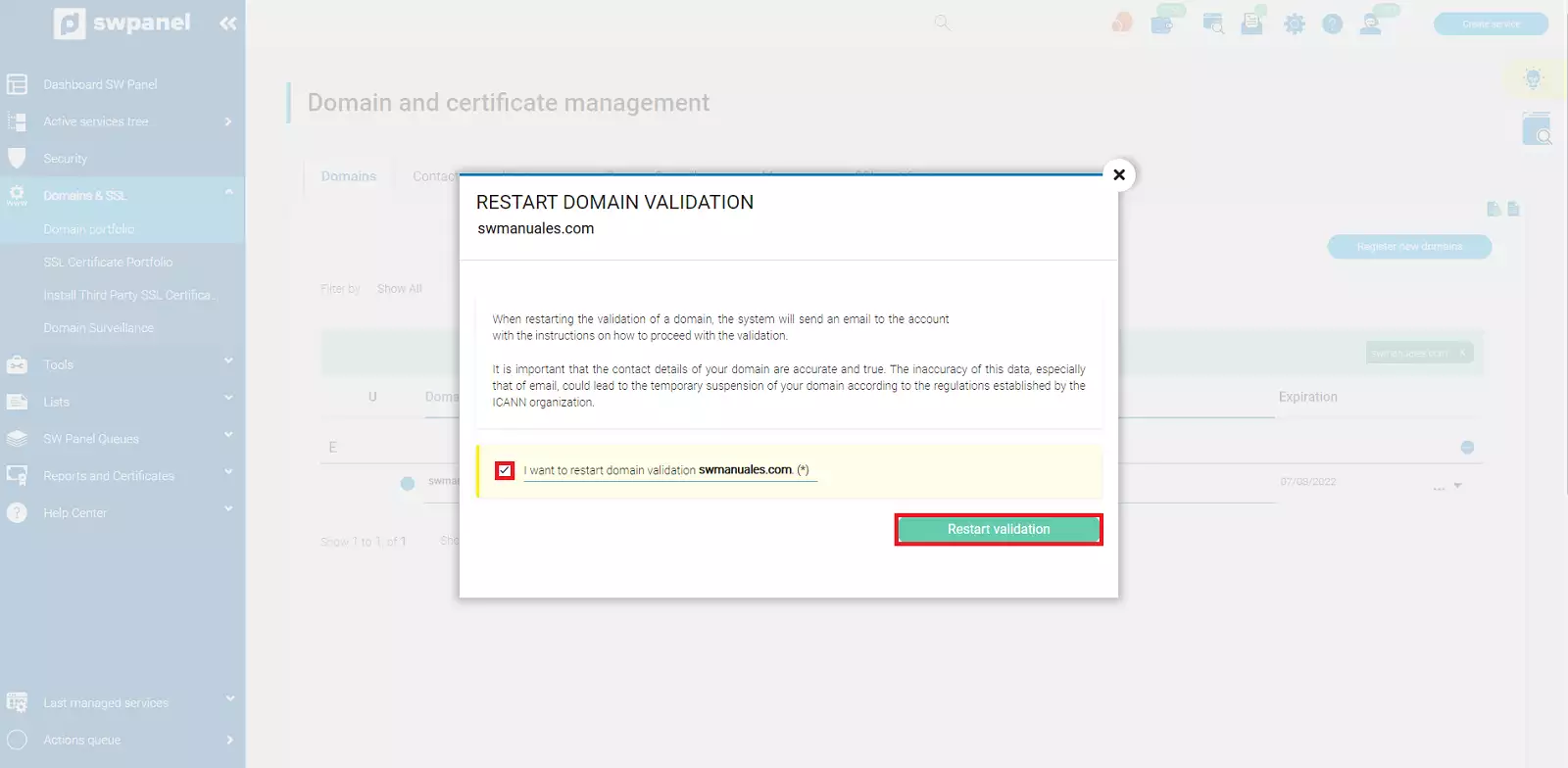
Next, the email address where the request to process the domain validation will be sent will be indicated. You must check the "I want to restart the domain validation..." checkbox and finally click on "Restart validation".
Once this action is completed, you must check the email seen in the previous step to proceed with the domain validation.