
Manage SSL certificates
In this manual, we will access SSL certificate management, as well as see all the management possibilities available.
Access to SSL certificate management
From the main SWPanel Dashboard, we click on 'Domains and SSL' > 'SSL Certificate Portfolio':
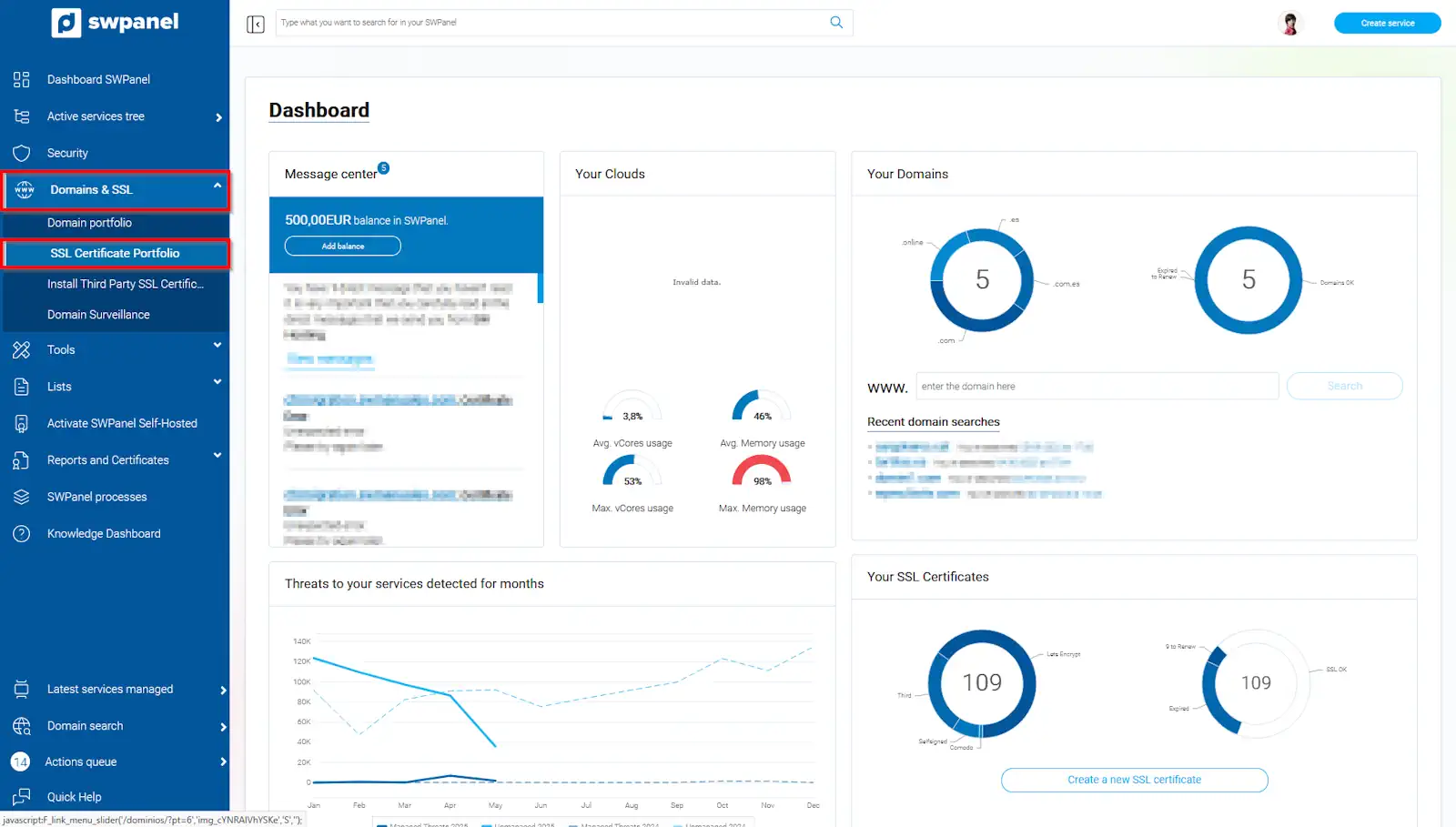
info_capture The screenshot is for guidance purposes. It was taken using version 2025.004.0001 dated 11/05/2025. It may differ from what the current version of SWPanel shows.
We will access the SSL certificates panel, where we can see all installed certificates:
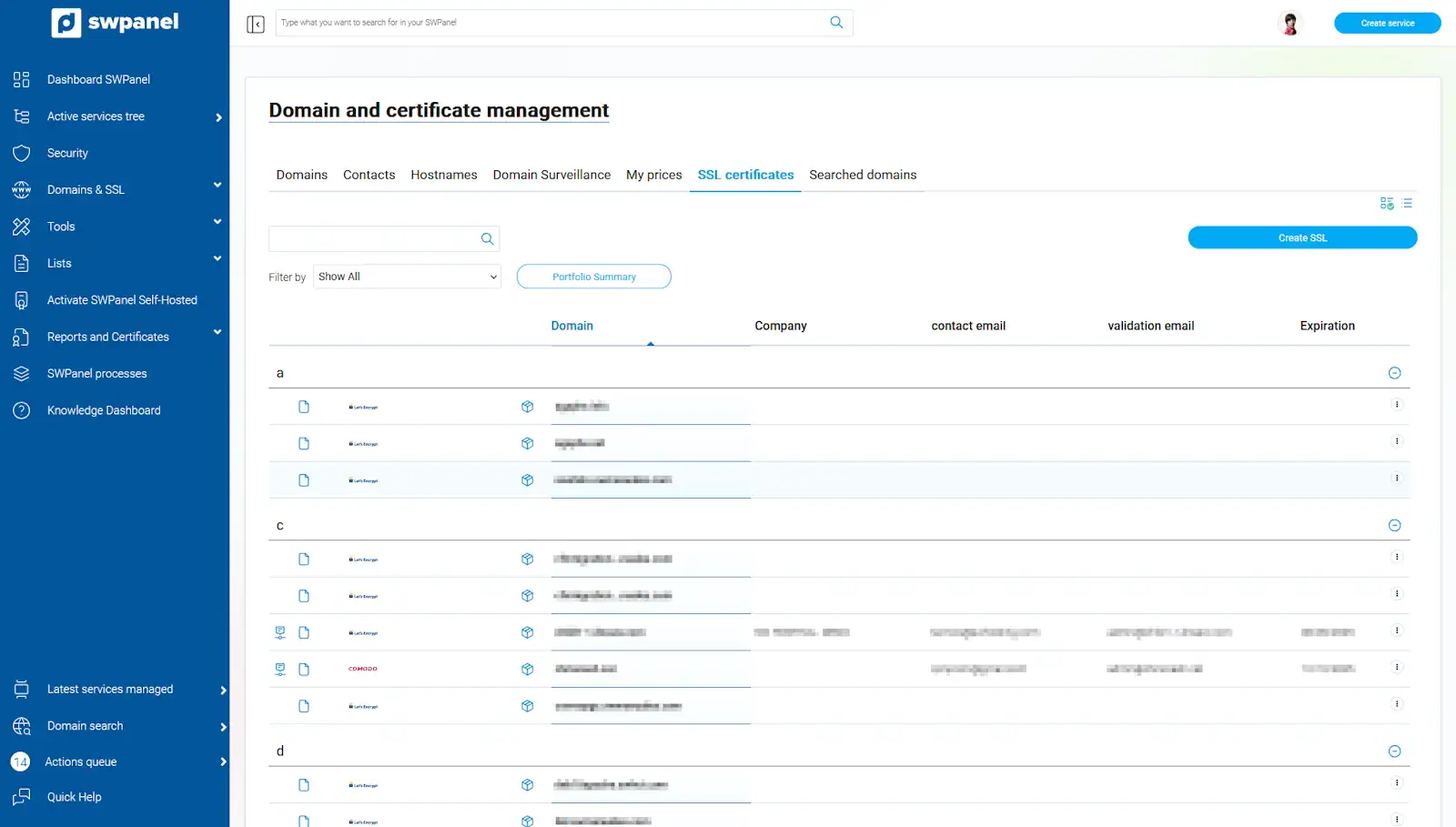
info_capture The screenshot is for guidance purposes. It was taken using version 2025.004.0001 dated 11/05/2025. It may differ from what the current version of SWPanel shows.
From this section, we can purchase a new SSL certificate by clicking on 'Create SSL' or perform various actions on already acquired certificates by clicking on the dropdown menu to the right of each one.
For more information about SSL certificates and how to create one with SWPanel, you can consult our manual Manuel : SSL Certificates.