
How to activate country-based traffic blocking for your Hosting service via SWPanel
The Traffic blocking by country option in a Hosting service allows you to restrict access by countries and continents for users connecting to your Website.
In this way, you will avoid receiving traffic that is potentially malicious or of no interest to you, benefiting the server load and the website's response speed.
info This option is only available for Hosting services on a Cloud with SWPanel and Debian 11 operating system or higher.
How to activate traffic blocking by country
To activate Traffic blocking by country in your Hosting service, access your SWPanel and, using the search bar at the top, go to your Hosting service Dashboard:

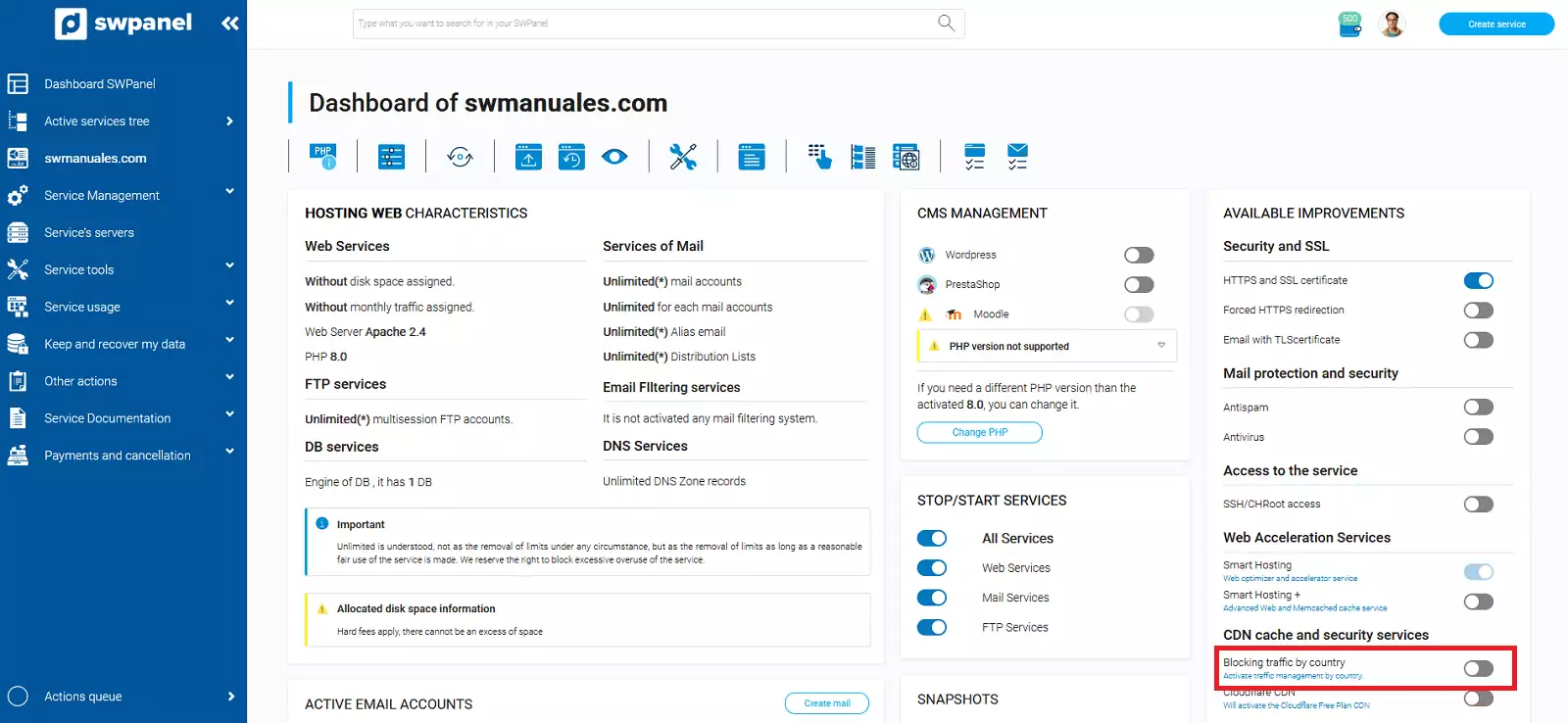
Next, from the 'Available Improvements' block, activate the 'Traffic blocking by country' improvement:
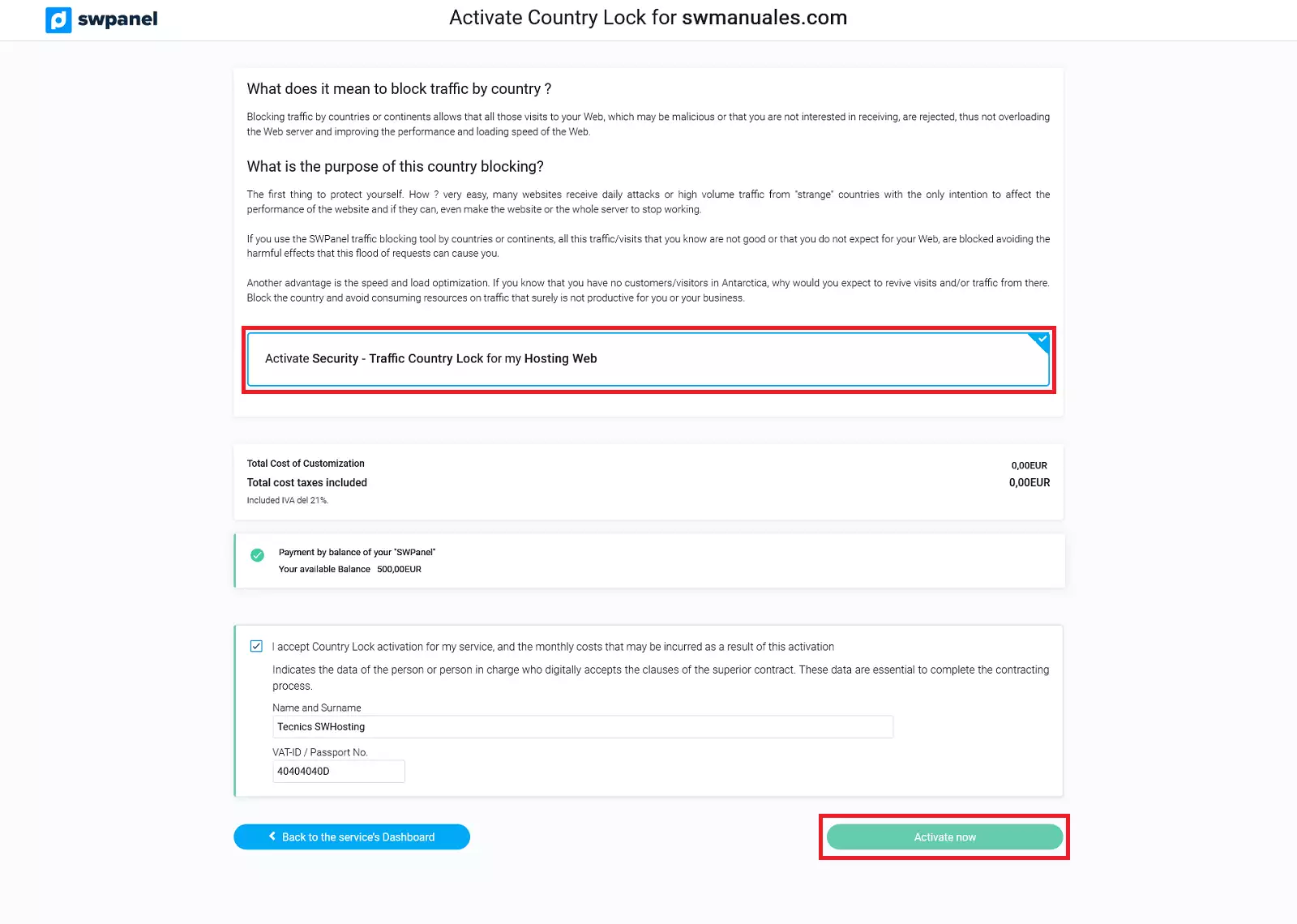
You must accept the activation of the 'Traffic blocking by country' improvement by clicking on the 'Activate now' button:
Manuals of interest: