How to view and manage your invoices from SWPanel
Mis à jour le
2026-09-25 18:00:56
56
visites
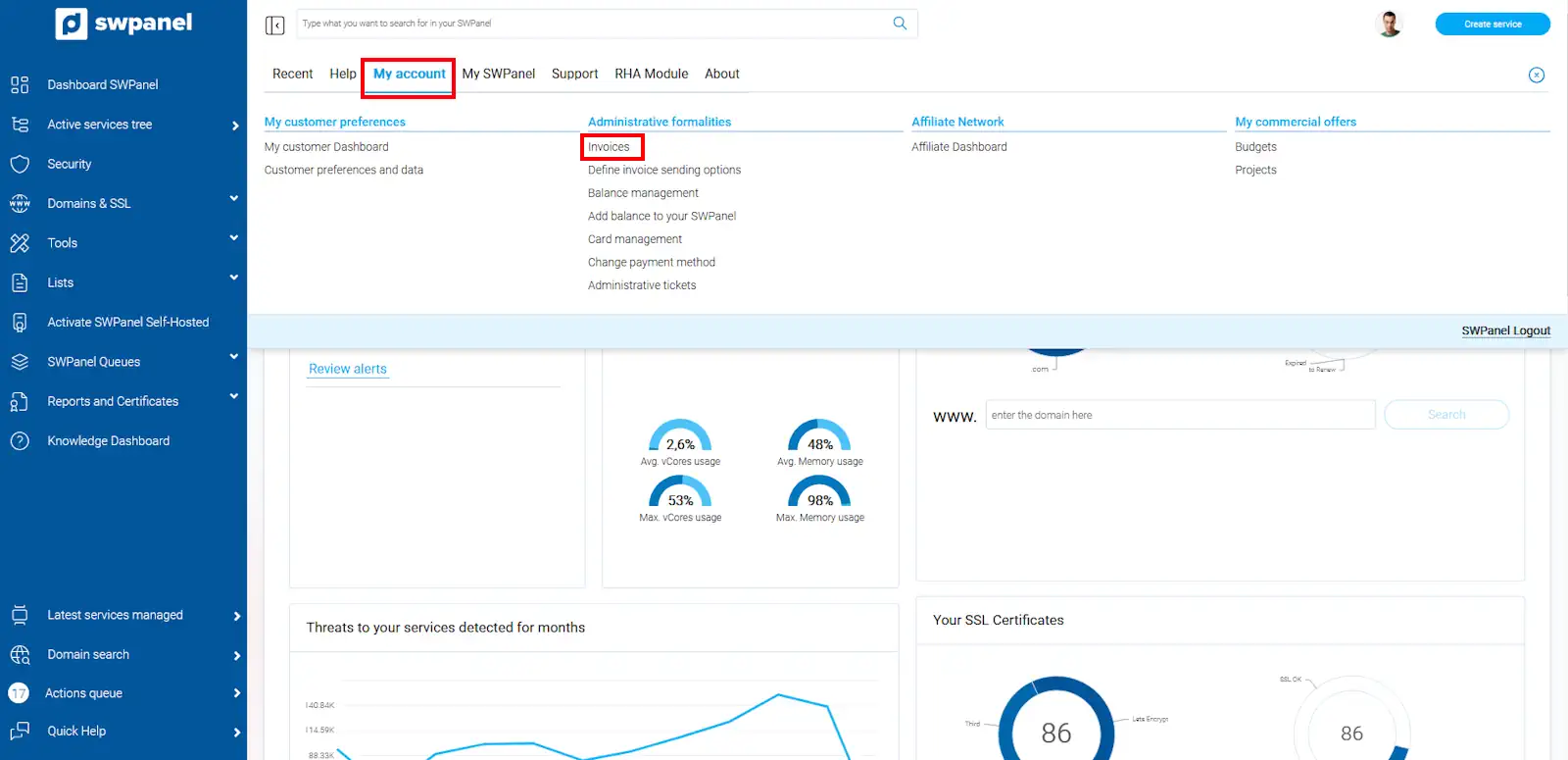
To consult all the invoices generated by your customer account, position your mouse cursor over the logo of your customer account -> "My account". Then click on Invoices:
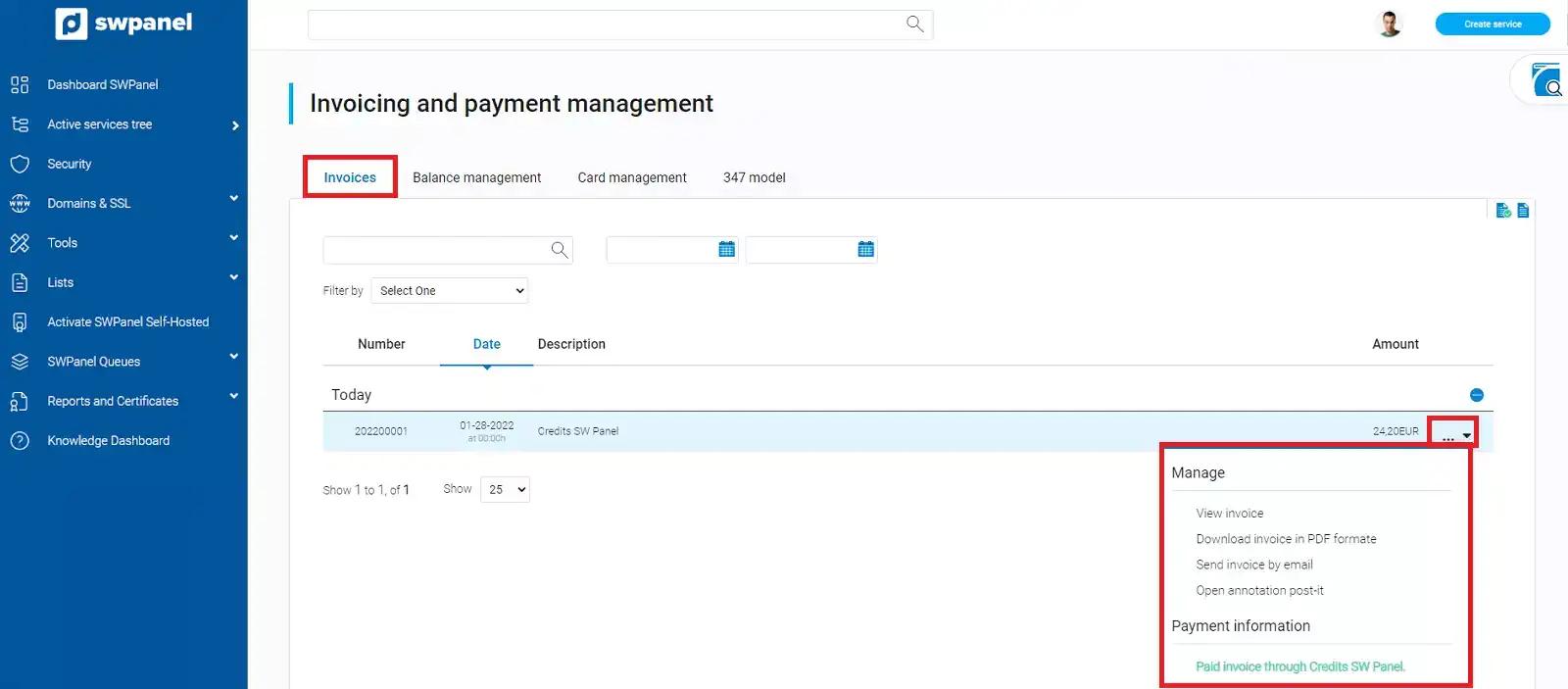
Here you will see all the invoices issued by SWHosting. You will visualize the invoice number, the date, the description and the amount of the invoice. Also, from the menu [ ··· ] located on the right side of the invoice, you will have the option to download it in PDF format or send it by e-mail.