How to install Prestashop on your Hosting
With our Hosting services, you will be able to install PrestaShop in a matter of minutes:
Install PrestaShop from SWPanel:
-
Access your SWPanel with your username and password and go to the Dashboard of your Hosting service:
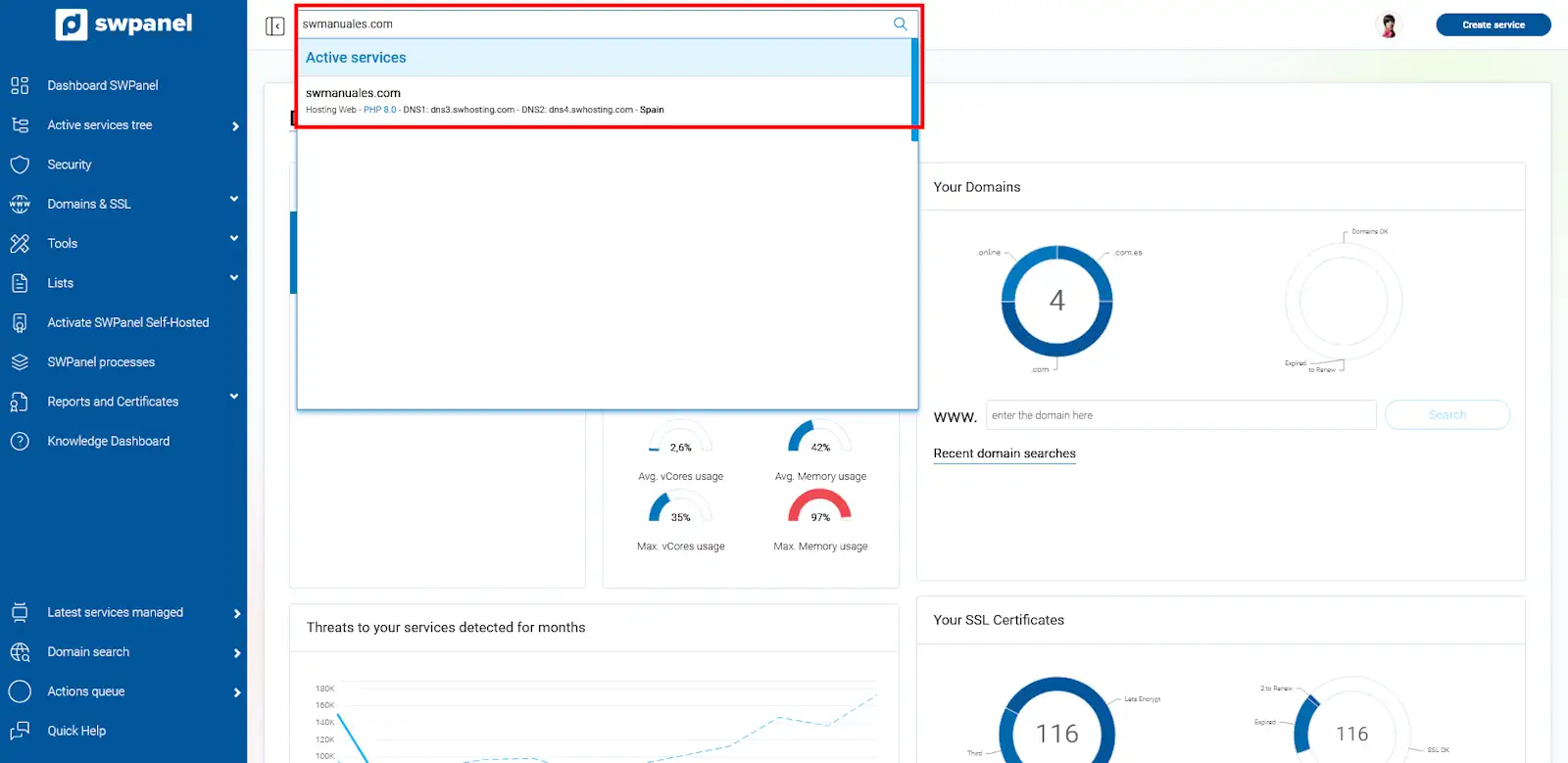
💡 Use the search bar at the top to quickly locate your service.
-
In the CMS Management section, activate the PrestaShop option:
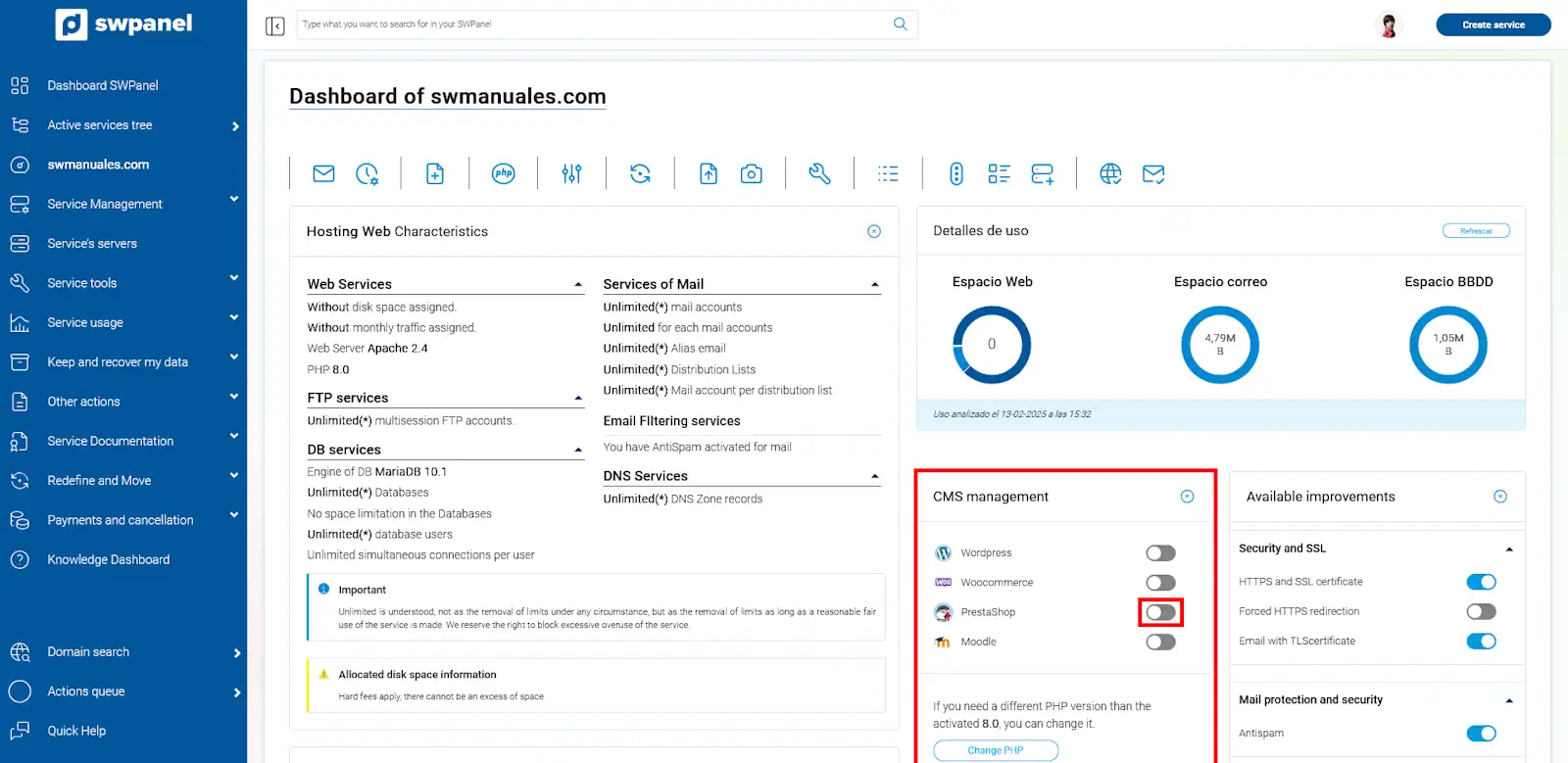
You can only have one CMS application active at a time.
PrestaShop installation process
-
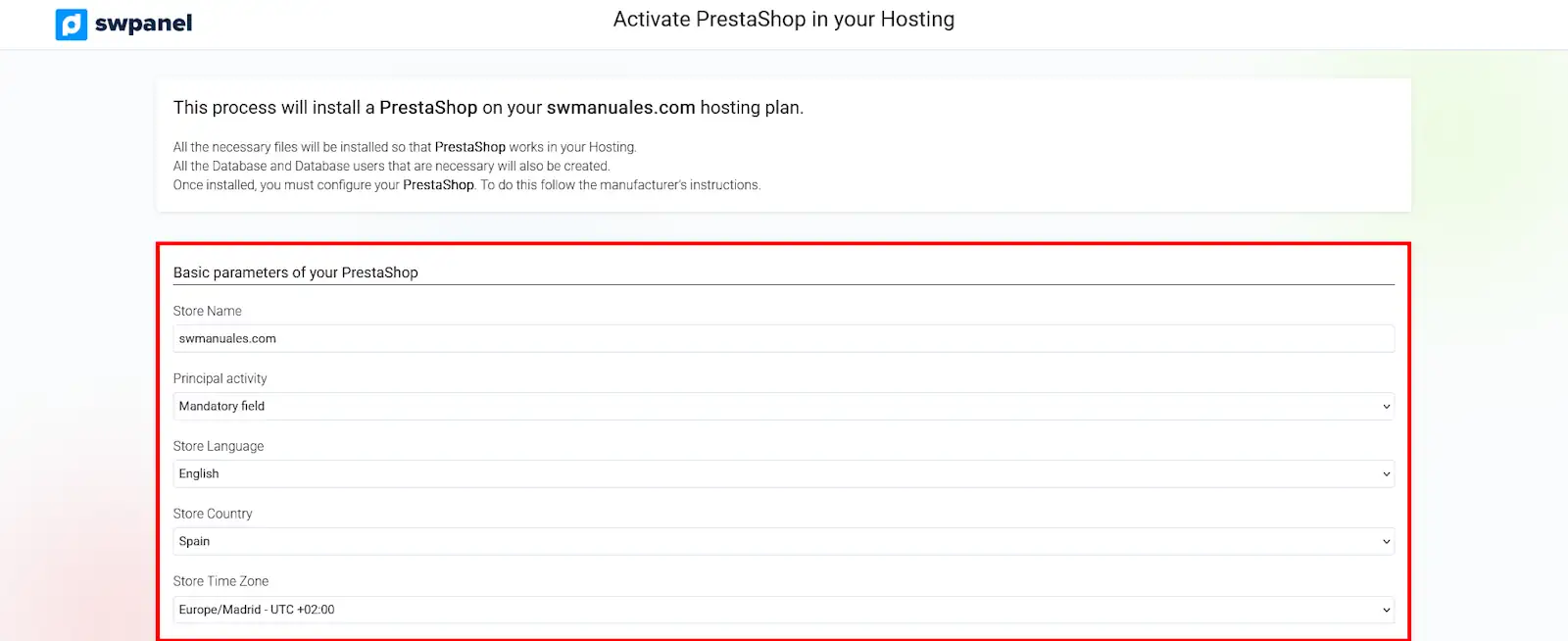
Base parameters of your PrestaShop In this section, you can choose the parameters for your future online store. You can modify any of the default data by clicking on them and making your choice.
-
Access parameters Here you must enter the access parameters for your PrestaShop, as well as the password for your account.
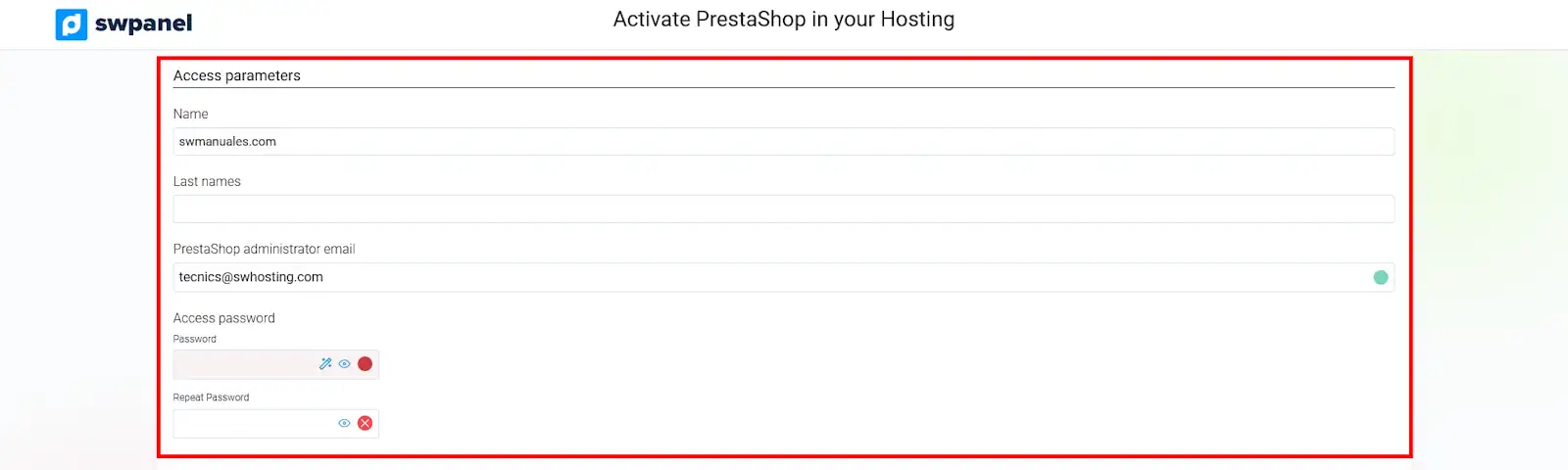
-
Email sending configuration and other settings In these final sections, you must choose or create an email account so that PrestaShop can send emails. Additionally, you can choose whether to activate the SSL certificate (you can also do this later), install demonstration products in your store and/or install all PrestaShop modules.
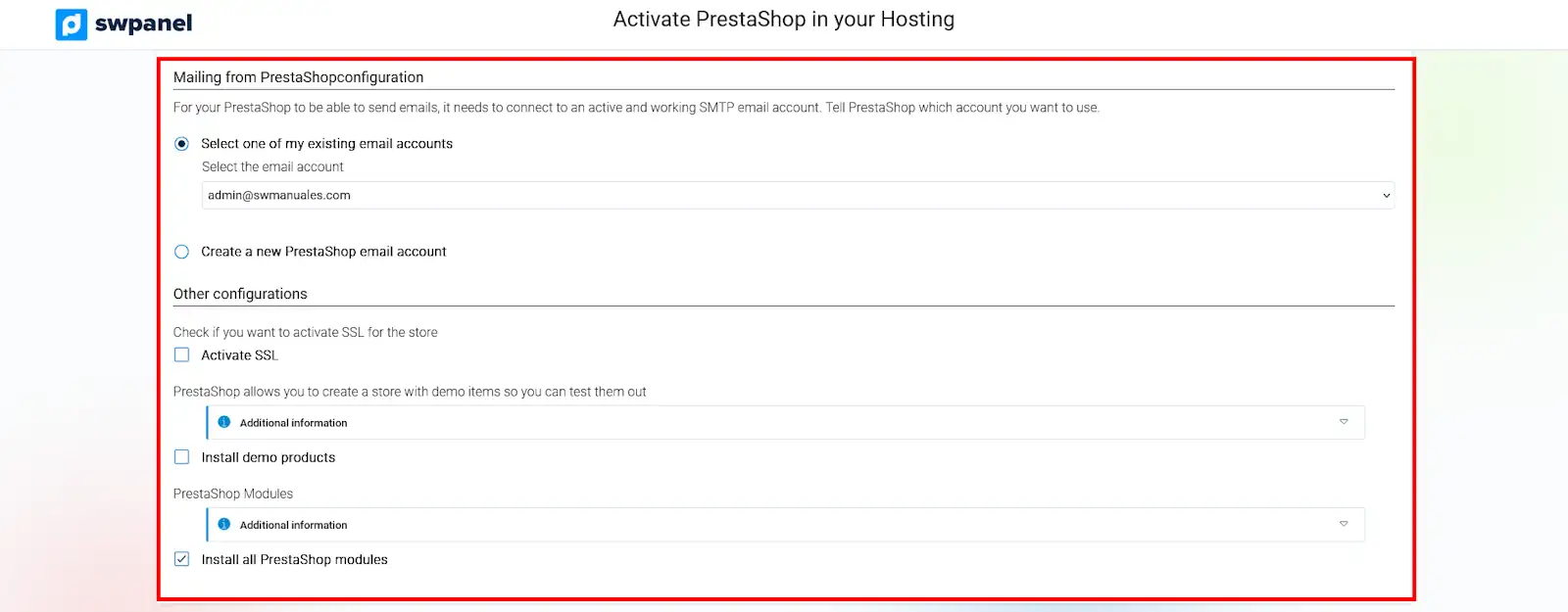
- PrestaShop Installation Finally, click on Activate PrestaShop now to begin the installation. PrestaShop will be installed in a matter of minutes.
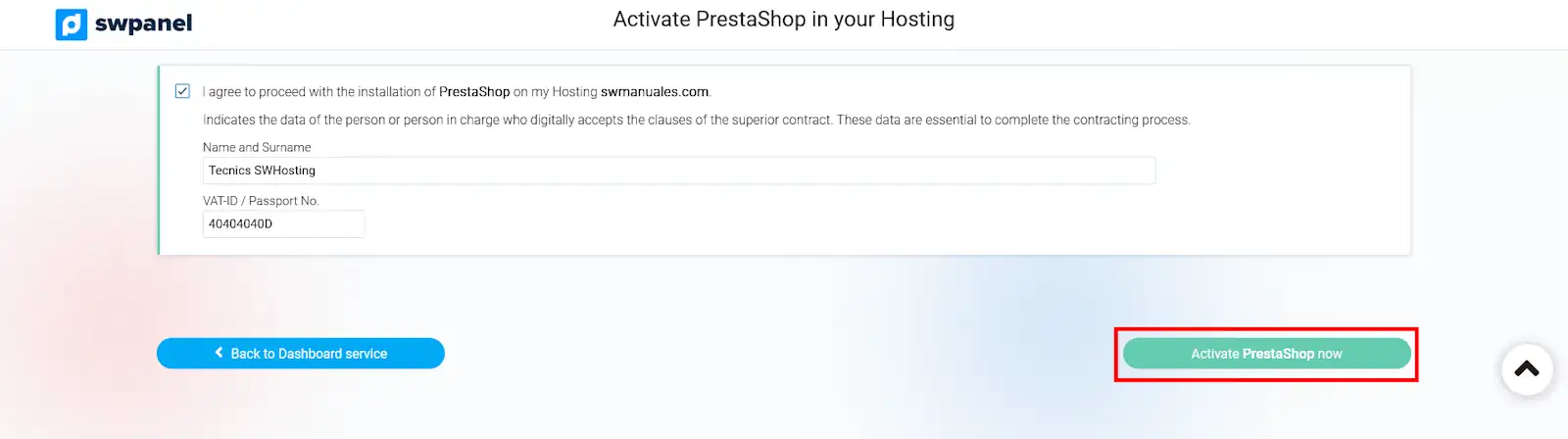
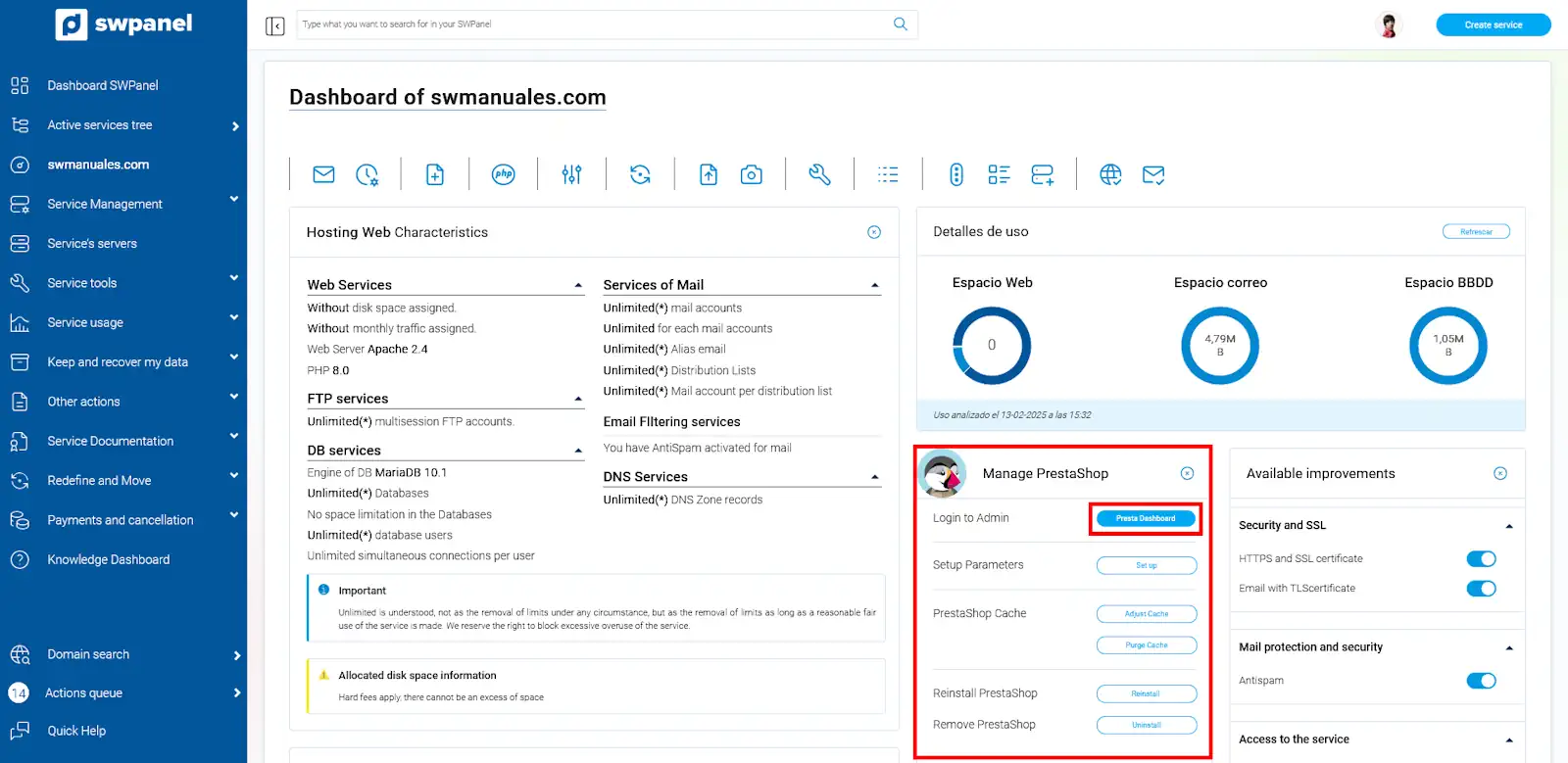
Congratulations! You now have PrestaShop installed on your Hosting service. To access its administration, you can do so from the Presta Dashboard button located in the PrestaShop Management section within the Dashboard of your Hosting service.