How to create a planned resource scaling
What is scheduled scaling?
Scheduled scaling is the increase or decrease of your cloud resources (vCores and RAM) so that it runs automatically on a specific date and time.
In this way, you will be able to provision the necessary resources on your server to handle the load generated by a temporary increase in visits to your websites.
Procedure
To schedule a scheduled scaling for your cloud, you must follow these steps:
-
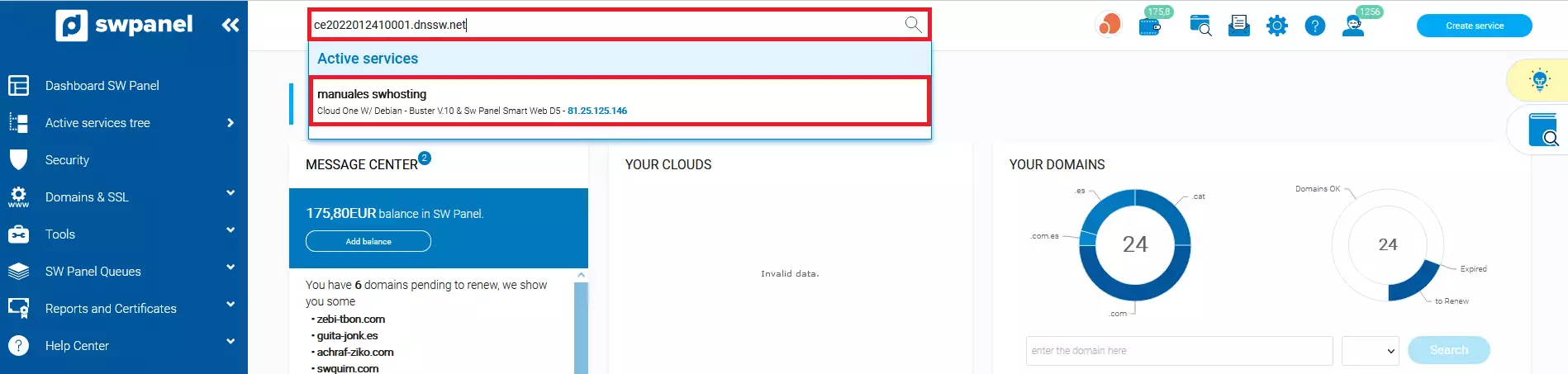
First, you must locate your cloud through the service search in your SWPanel:
-
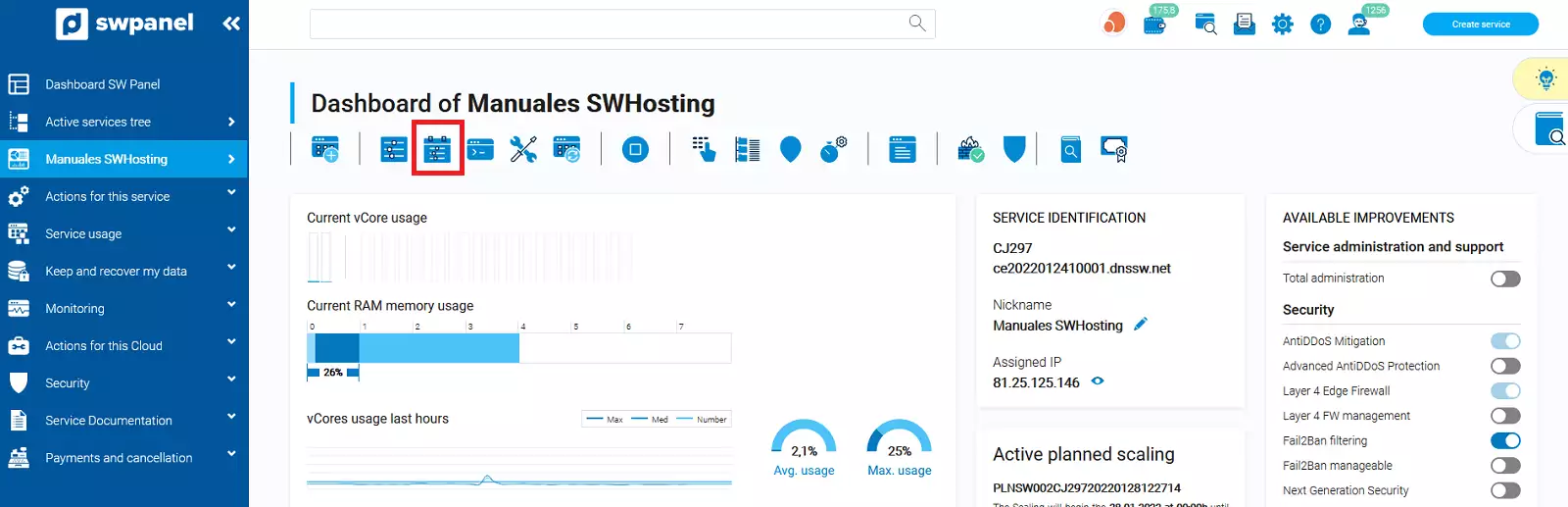
Once you are in the Dashboard of your cloud server, you must select the icon of 'create a scheduled scaling for this cloud'
-
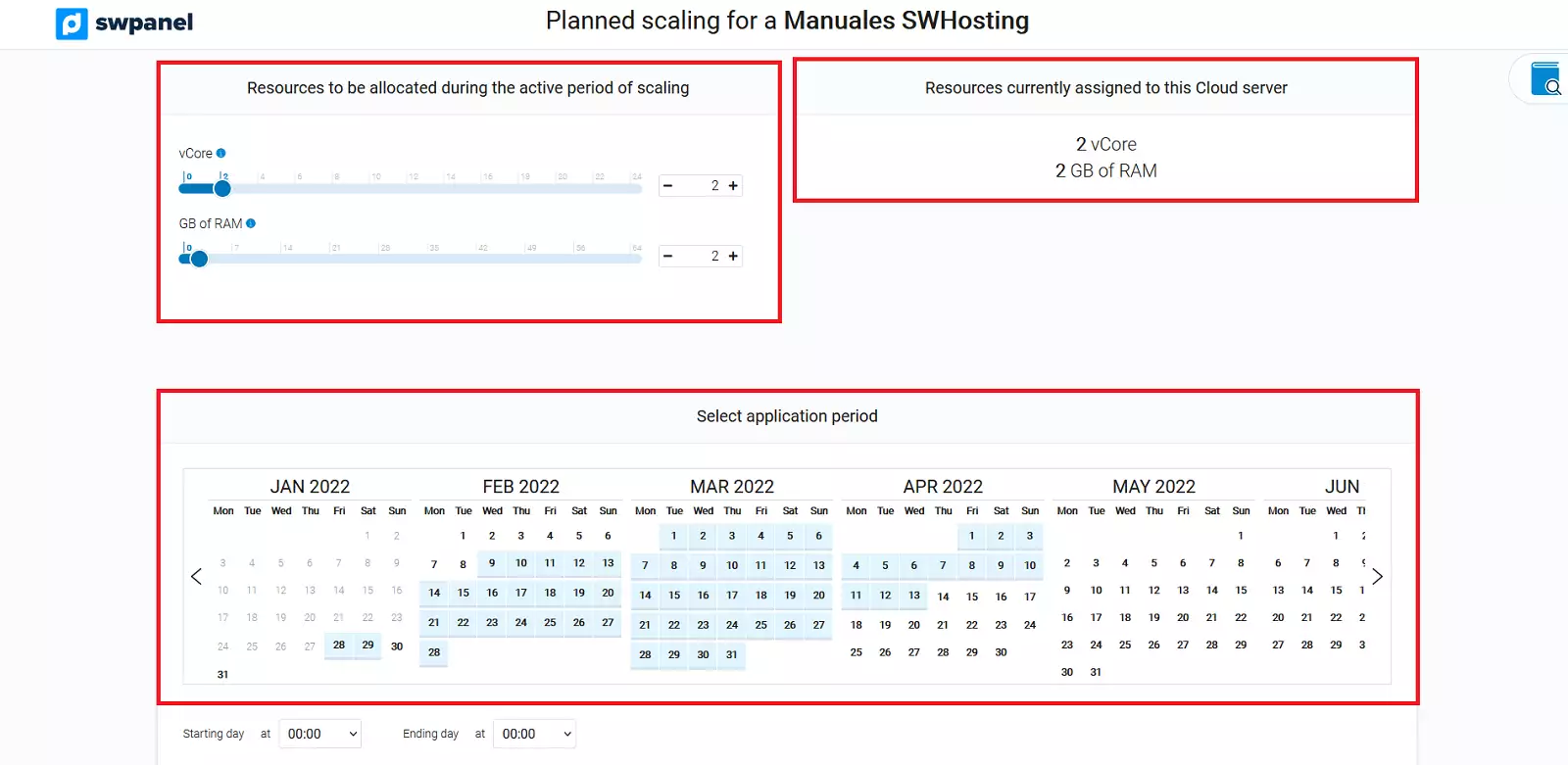
In the following window, in addition to being informed of the resources you currently have on your server, you can define the vCores and RAM that you want to assign to your cloud and the scaling application period.
-
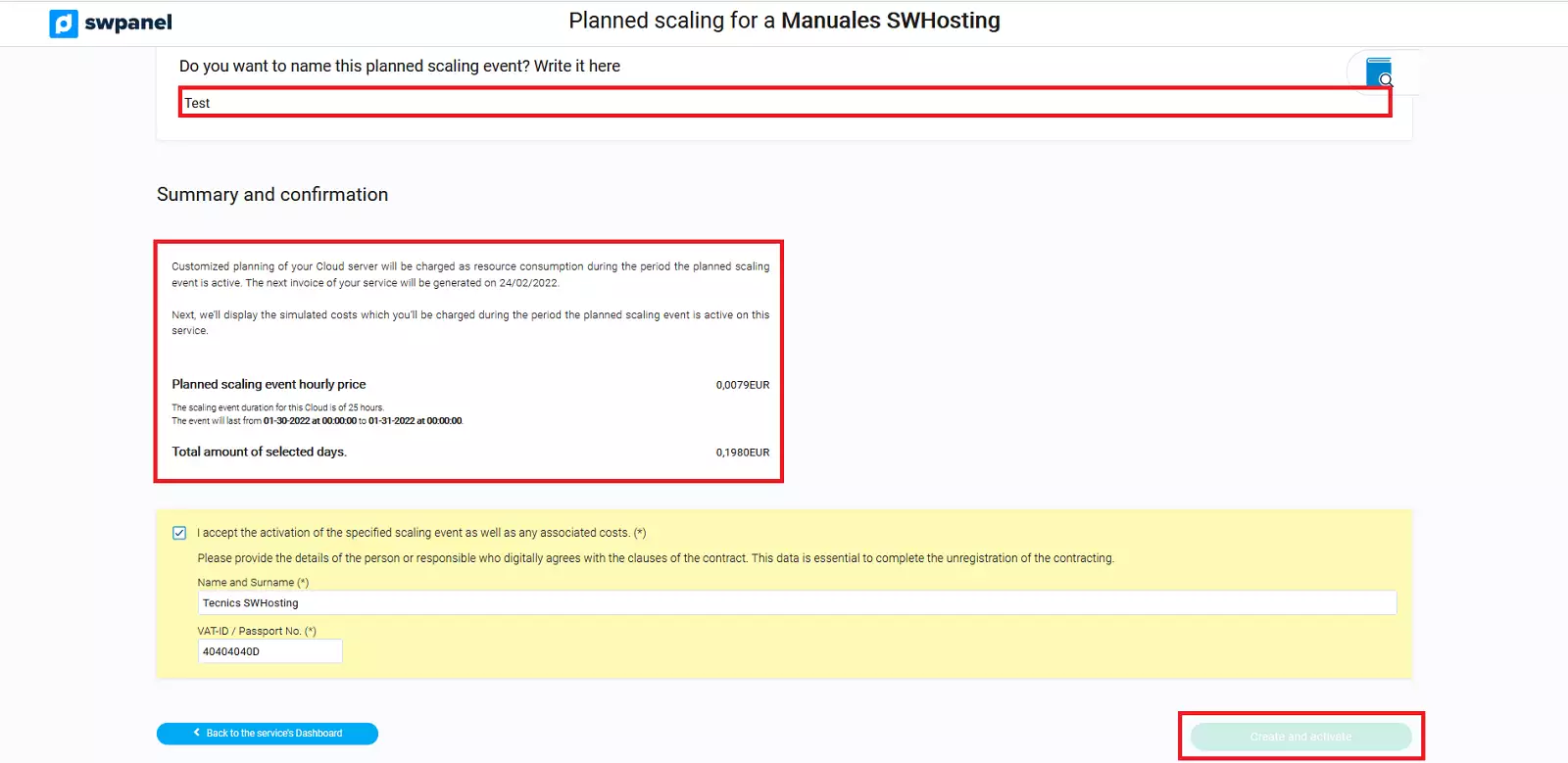
Once the parameters are defined, you can indicate a name for your scaling and you must accept the costs that the requested resources will generate by clicking on the 'Create and activate' button
-
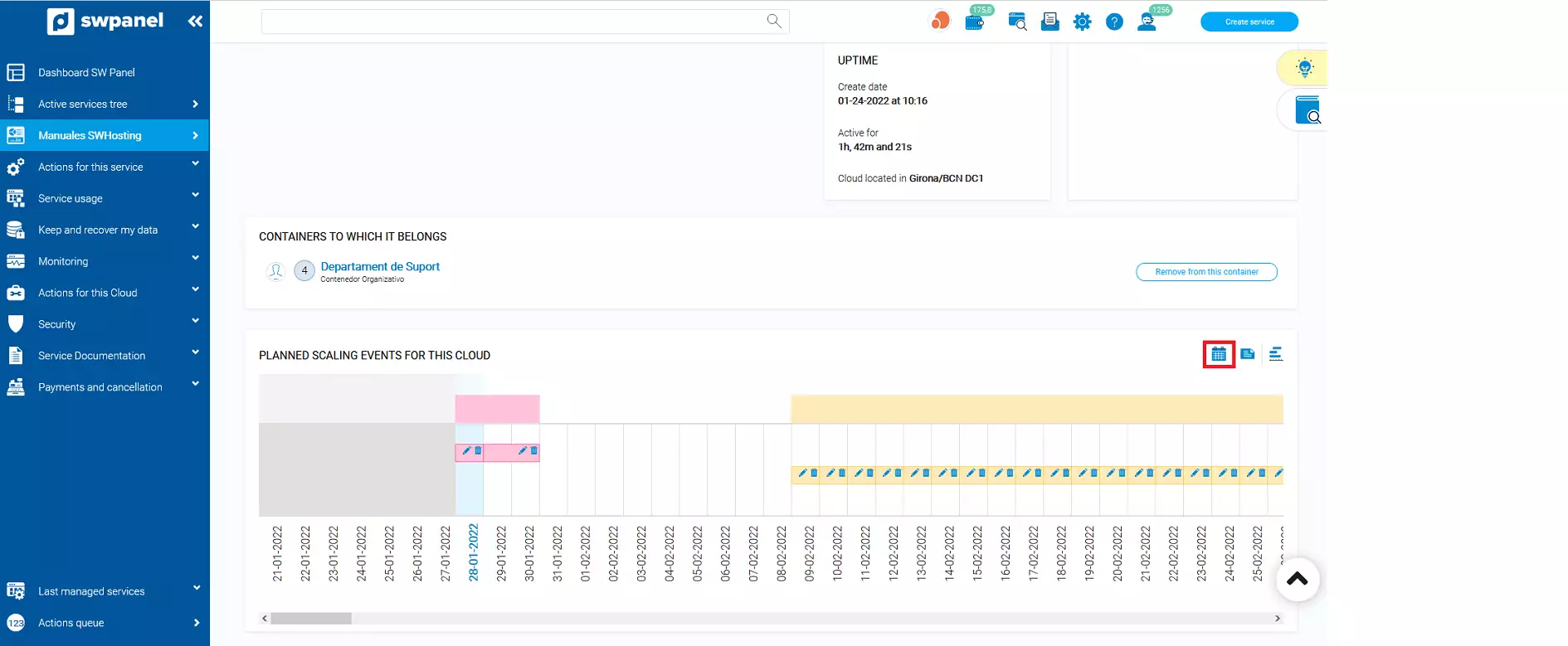
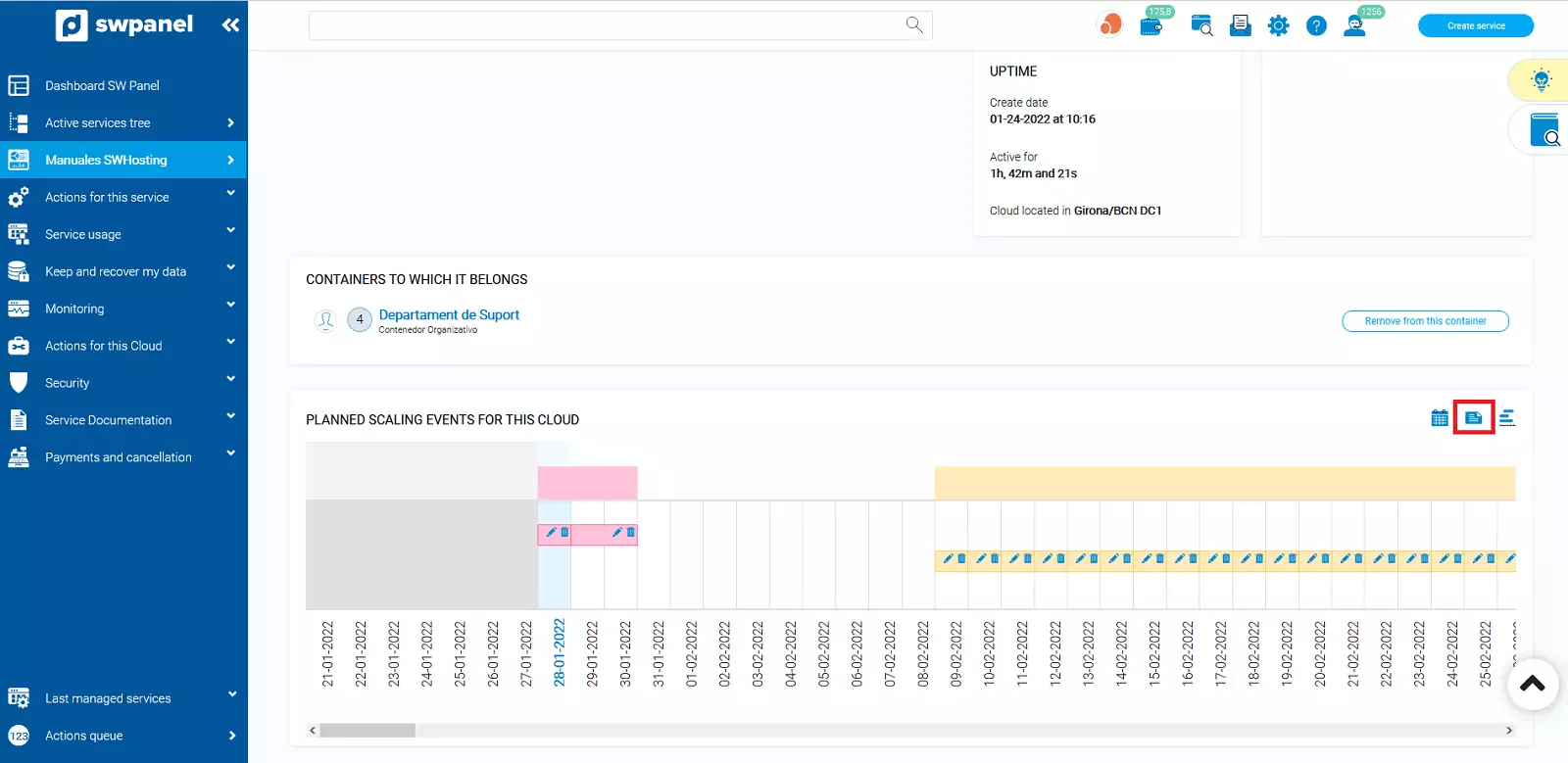
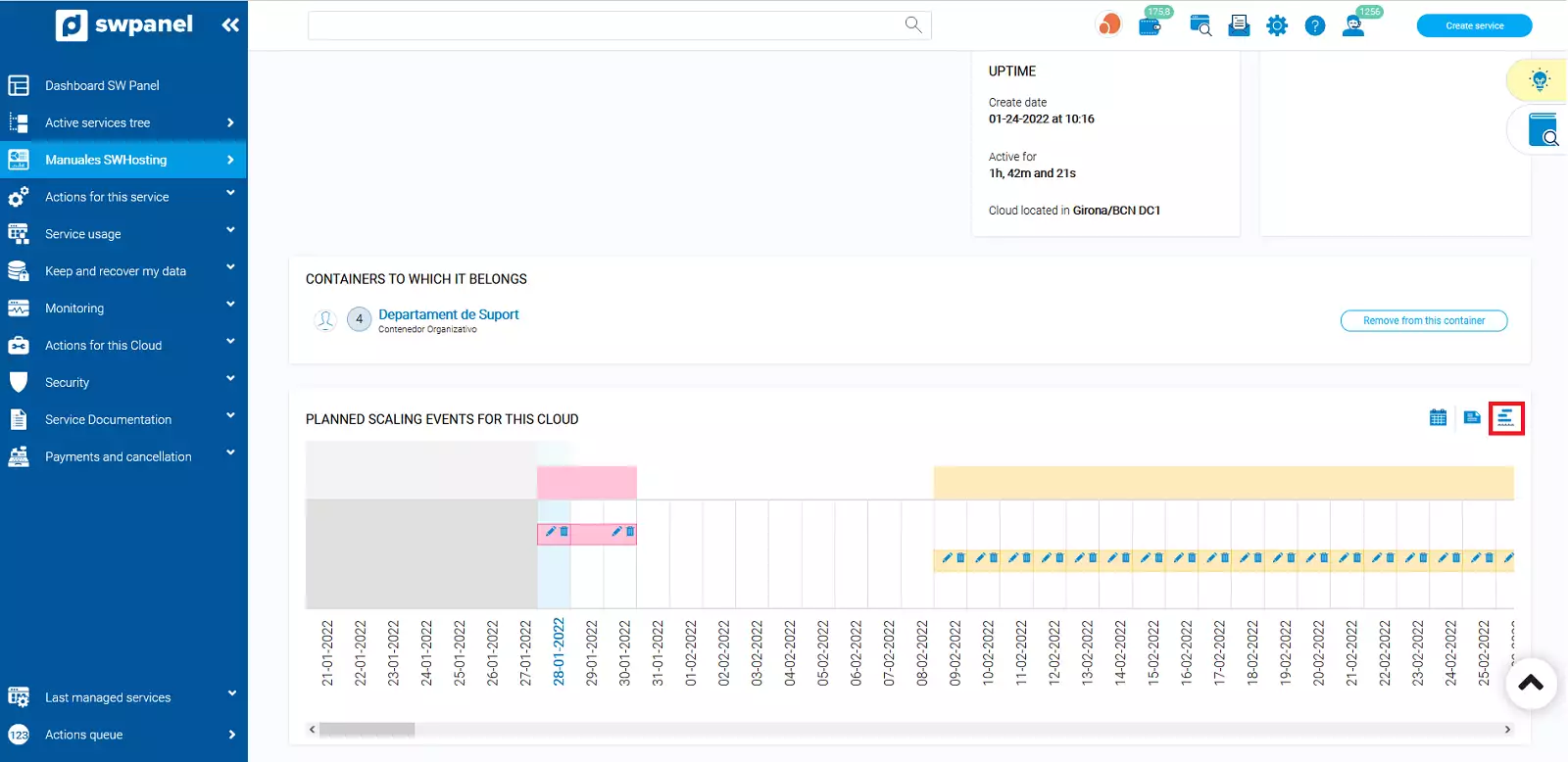
Once the schedule is created, from the Dashboard of your cloud server, you can visualize the scheduled scaling with different types of views.
1. Calendar view
2. List view
3. Timeline view
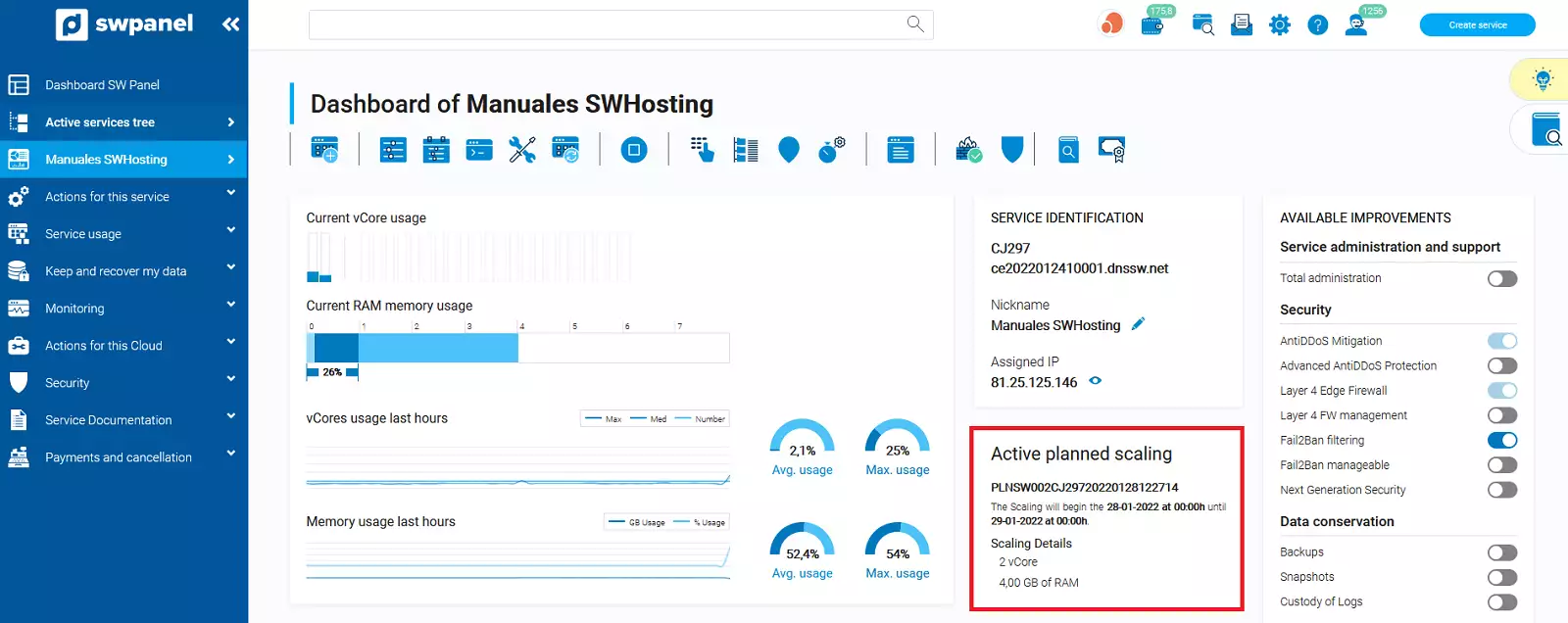
In the same service Dashboard, you can verify that during the scheduled scaling period, the resources have been assigned to your server.