
How to fix Error 500 Internal server error
The Error 500 – Internal Server Error is a general HTTP code that is returned when the website's server detects that something has gone wrong, even if no further information is available regarding it.
You should keep in mind that this error can be notified in different ways, for example, the most common ones are:
- 500 Internal Server Error
- HTTP 500 – Internal Server Error
- Temporary Error (500)
- Internal Server Error
- HTTP 500 Internal Error
- 500 Error
- HTTP Error 500
How can I fix the Error 500 – Internal Server Error?
First, we must differentiate whether the problem has occurred on an external website we are visiting or on our own website, as the steps to follow will be different.
info If you do not yet have hosting to host your website, you can review the offers we provide below.
On an external website
In case you experience this error when visiting a website, it is possible that you have encountered a problem with your browsing. Some steps you can try in this case are:
-
Reload the webpage:
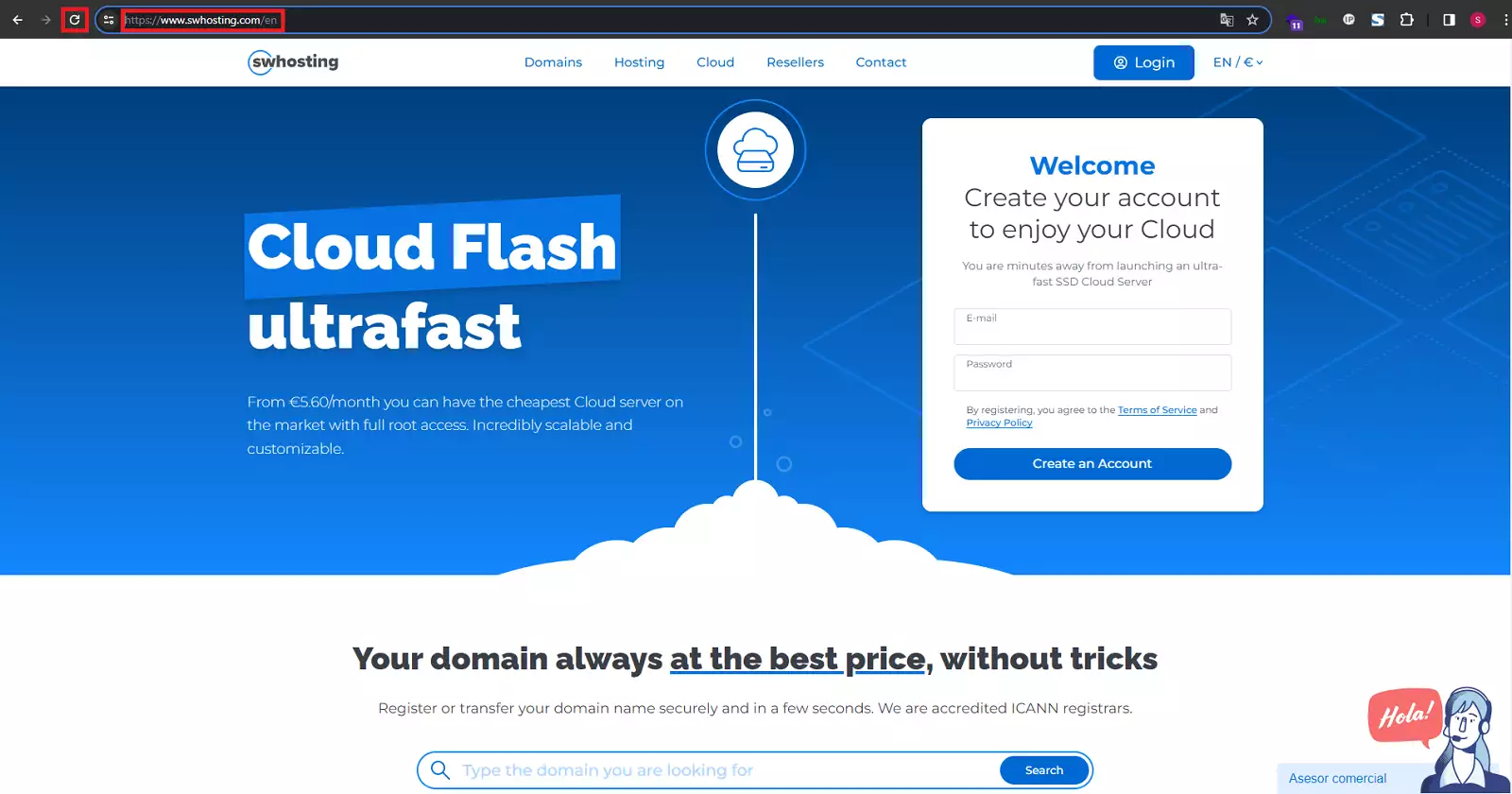
Sometimes these types of problems are temporary, so you can reload the web by pressing the F5 keys or Ctrl + R simultaneously. Alternatively, you can enter the URL again in the address bar, or click on the reload icon.
-
Clear your browser cache:
As we mentioned in the previous point, it is possible that the problem was temporary, but it may persist after reloading the page. This may be because the temporary error was saved as a query result at the browser level. Therefore, it is recommended to clear the browser cache.
Regardless of the browser you use, you will normally find the clear cache or clear browsing data option in the history or privacy settings.
-
Delete browser cookies.
Similarly to the cache, it is possible that your browser has saved cookies that generate this error, so it is also recommended to delete them. Normally, you will find this option next to the option to clear the cache.
-
Contact the website administrators:
It is possible that the website administrators are aware of its status, but it is good practice to report it, as they may be unaware of the situation. In this way, they could be informed and thus benefit each other.
On your own website
In case you have observed that your website is generating this type of error, since it is a generic error, multiple causes may exist. Below, we list the most common ones:
-
Permissions error:
It is very common for this error to occur due to incorrect permissions, whether at the directory or file level. There may be incompatible permissions between a PHP script and CGI, which prevents communication.
In case you need to review the permissions of your website's directories and files, you can use the following attached manual:
-
PHP Timeout
If a command sequence within your code must perform an action or process a request and exceeds the established timeout, this error may occur. Specifying concrete timeout rules or better handling of the command sequence can help in this regard.
-
Code error at the .htaccess level:
It is important to ensure that the .htaccess file is correctly structured; otherwise, errors in said file could generate the 500 error.
Finally, it is possible that you encounter this error and it is not due to any of the mentioned causes; after all, it is a generic error, and not all websites are the same nor do they follow the same code patterns.
For this reason, our strongest recommendation is that you frequently check your website logs, or even your private server (if you have one). These logs will provide you with the information you need to diagnose this or other errors you may find, and they are an essential tool for keeping your website healthy and ready for the public.
If you need to know how to check your web logs, you can follow the manual we attach below:
Handbuch: How to review the event log (logs) of your website
Are you interested in acquiring a private server to host your projects? We invite you to review the offers that we at SWHosting make available to you: