
Add FTP details in WordPress
Plugin updates or updates to the WordPress core itself require FTP server access credentials. Normally, these will be requested each time, but we can choose to include them in the WordPress configuration files so that they are no longer requested.
Here is how to include the FTP credentials in the configuration file:
-
Access the directory where you have hosted WordPress (usually: '/datos/web/').
-
Modify the file 'wp-config.php'.
info You can choose to access via FTP to modify the file. If you have doubts about how to access it, consult our manual ? Manual: How to create an FTP account
- Add the following lines:
define('FTP_USER', 'Username');
define('FTP_PASS', 'Password');
define('FTP_HOST', 'FTP_Server_IP');
define('FS_METHOD', 'direct');
-
Modify the following parameters:
- Username: FTP access user.
- Password: FTP access password.
- FTP-Server-IP: Address or IP of the FTP server.
As an example:
define('FTP_USER',  'swdemo');
define('FTP_PASS',  'SwC0ntras3ña!');
define('FTP_HOST',  '81.25.0.1');
define('FS_METHOD', 'direct');
Remember that if you need to download or update any component, WordPress will need write permissions in the 'wp-content' directory.
To do this, from SWPanel access Services > Select the service where WordPress is installed > Permissions Management and click on the 'wp-content' directory icon:
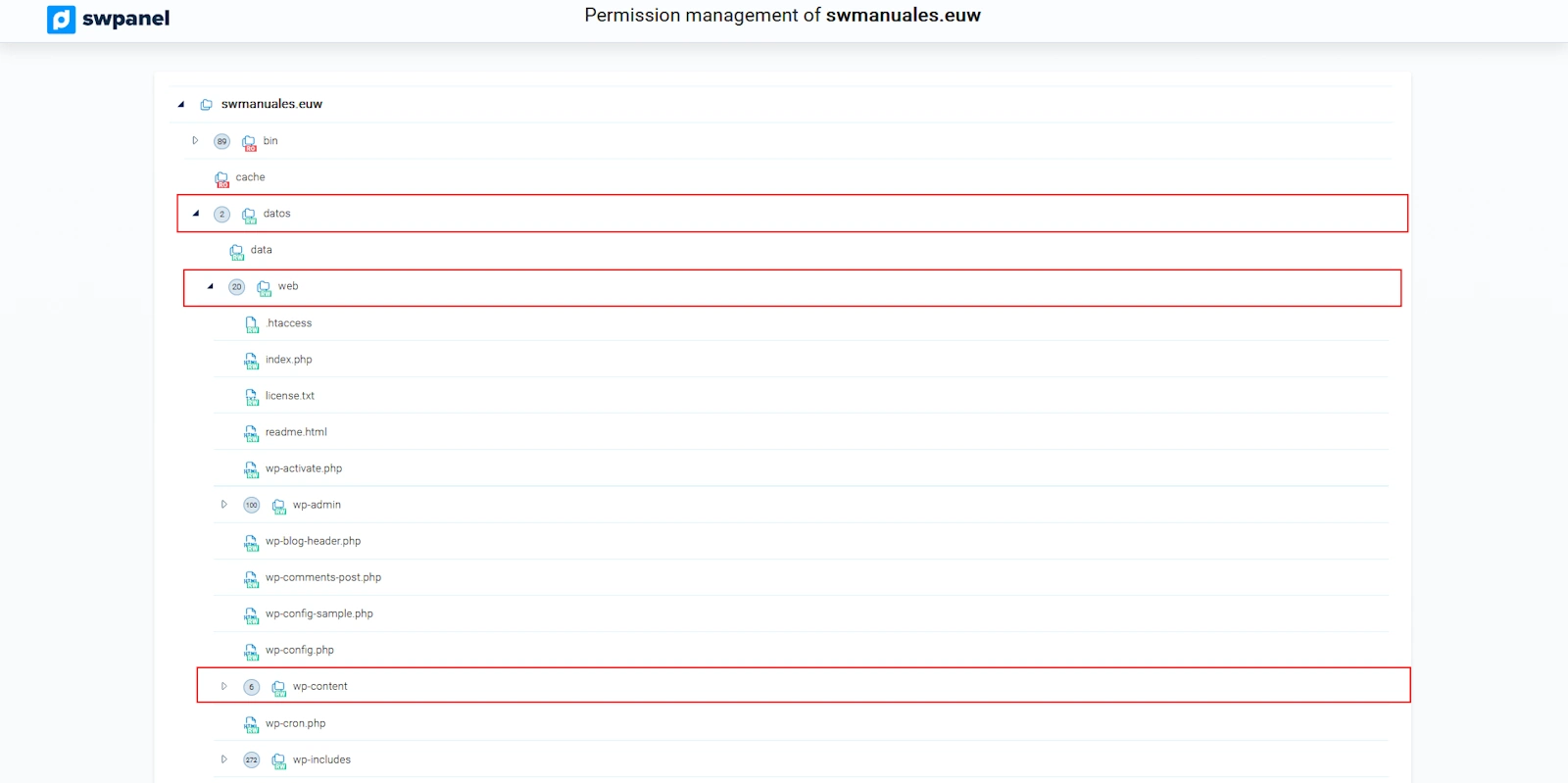
If the icon is shown in green, it means it has write permissions.
We have now configured the FTP credentials in WordPress!