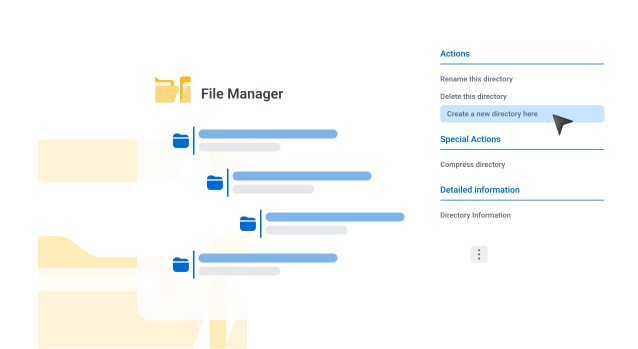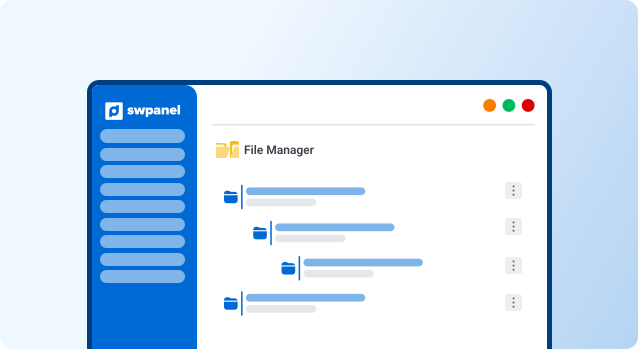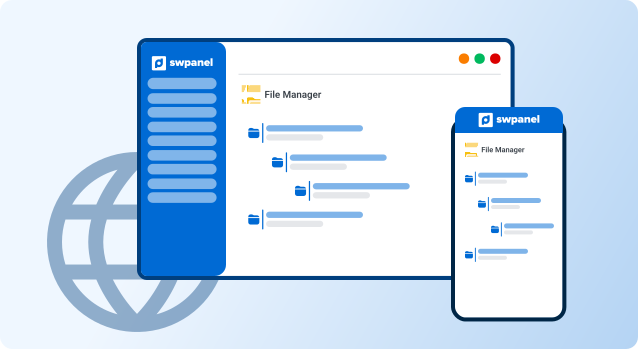
The file manager is an essential tool in managing a website, allowing administrators to upload, modify, and organize files directly on the server.
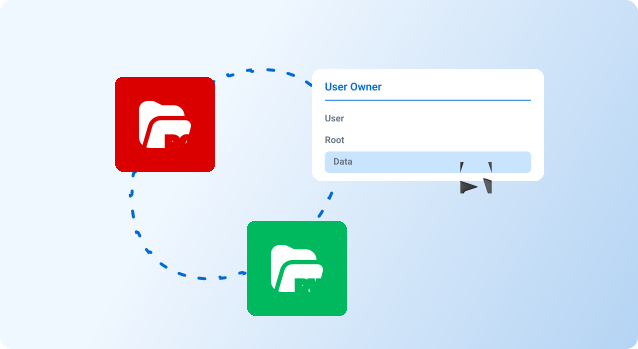
Proper permission management is vital to ensure that only authorized users can perform certain actions, thus protecting the integrity and security of the site.
Most file managers in SWPanel hosting have an easy-to-use graphical interface, similar to a file explorer in an operating system, making it easy to use.
Allows setting read, write, and execute permissions for files and folders, ensuring that only authorized persons can access or modify certain content.
The file manager supports a wide range of formats, including HTML, CSS, JavaScript, images, and documents, making it easier to manage the entire website.
Thanks to efficient DNS record management, my website is always available, and my customers never have trouble accessing it.
The technical support for DNS setup has been excellent, making integration with other services easy.
DNS management is simple and efficient, which has allowed my site to stay online without issues.
This feature allows you to upload multiple files at once, saving time and effort, especially on content-heavy sites.
Allows editing files directly from the manager, removing the need to download, modify, and re-upload them.
DNS records are entries in a database that indicate how internet traffic should be directed to a specific domain.
From your hosting SWPanel, you can access the DNS section and modify or add new records.
Generally, the complete propagation of a DNS change can take between 24 and 48 hours.
Discover the most powerful and flexible way to manage your servers. Leave us your email and we'll send you the steps to get started in minutes.
Already have an account? Log In