
Solution for Marketing Agencies
SEO, lead capture and campaigns in SWPanel, next to your websites
Turn your clients' websites into results: SEO with competition and work plan, Leads to capture, Newsletter to retain and reports that arrive on their own.
- No credit card
- Integrated security and SEO
- Migration included
For your clients
SEO, leads and newsletter in SWPanel
Real SWPanel 2027 screenshots. Click each tab.
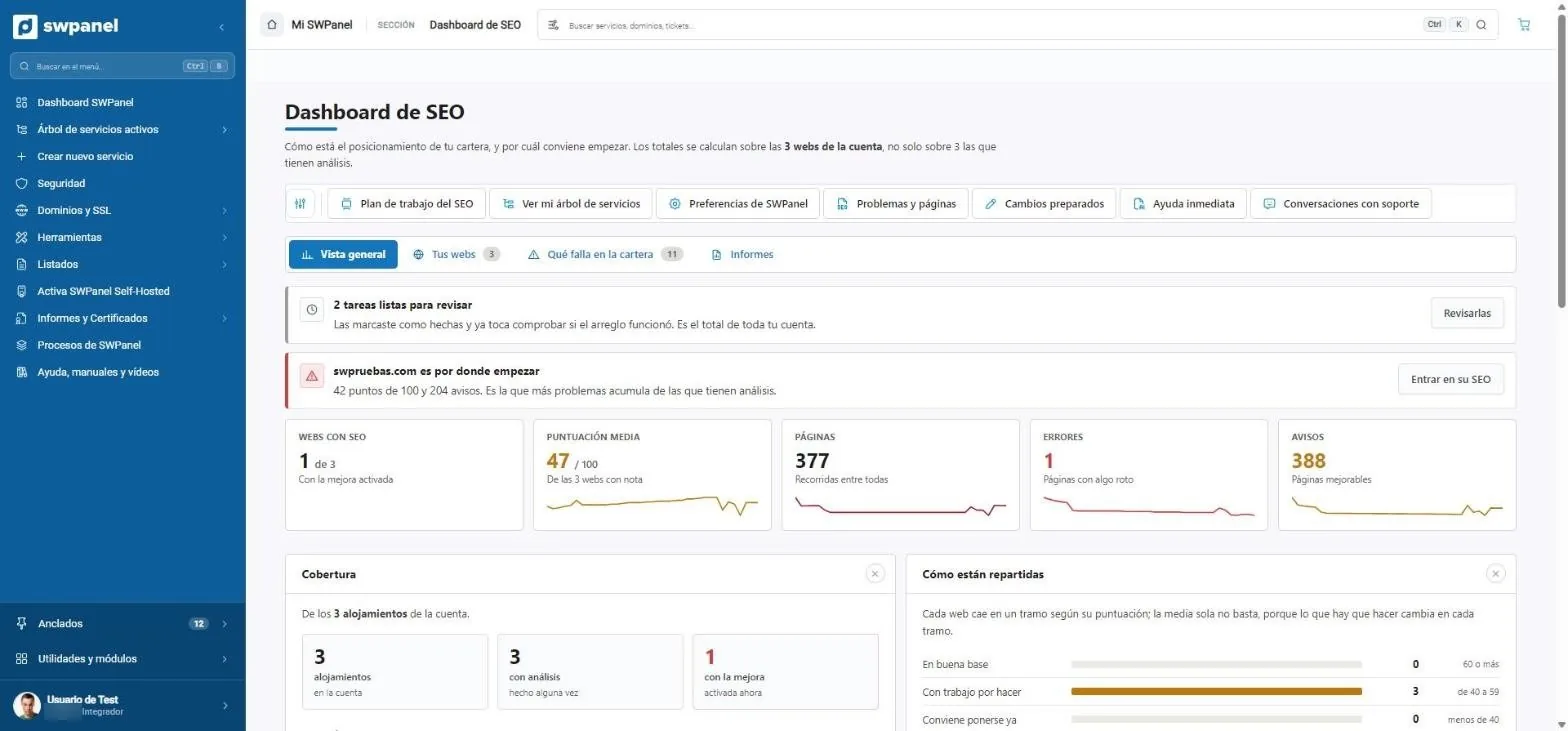
- Tasks ready to review: you marked the fix and it's time to check whether it worked.
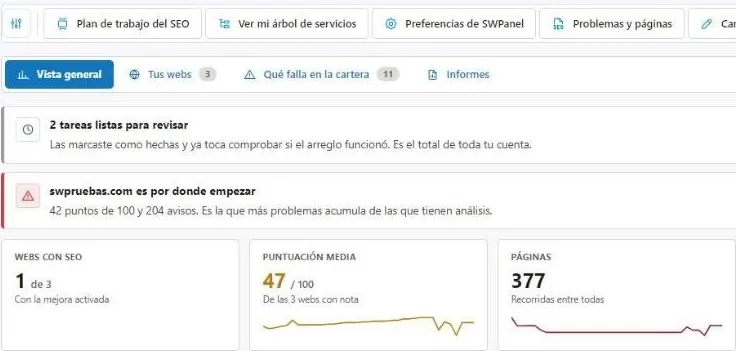
- Where to start: the website with the most problems.
- Websites with SEO, average score, pages, errors and warnings.
- Work plan, problems, prepared changes and Instant help.
- How your websites are distributed by score.
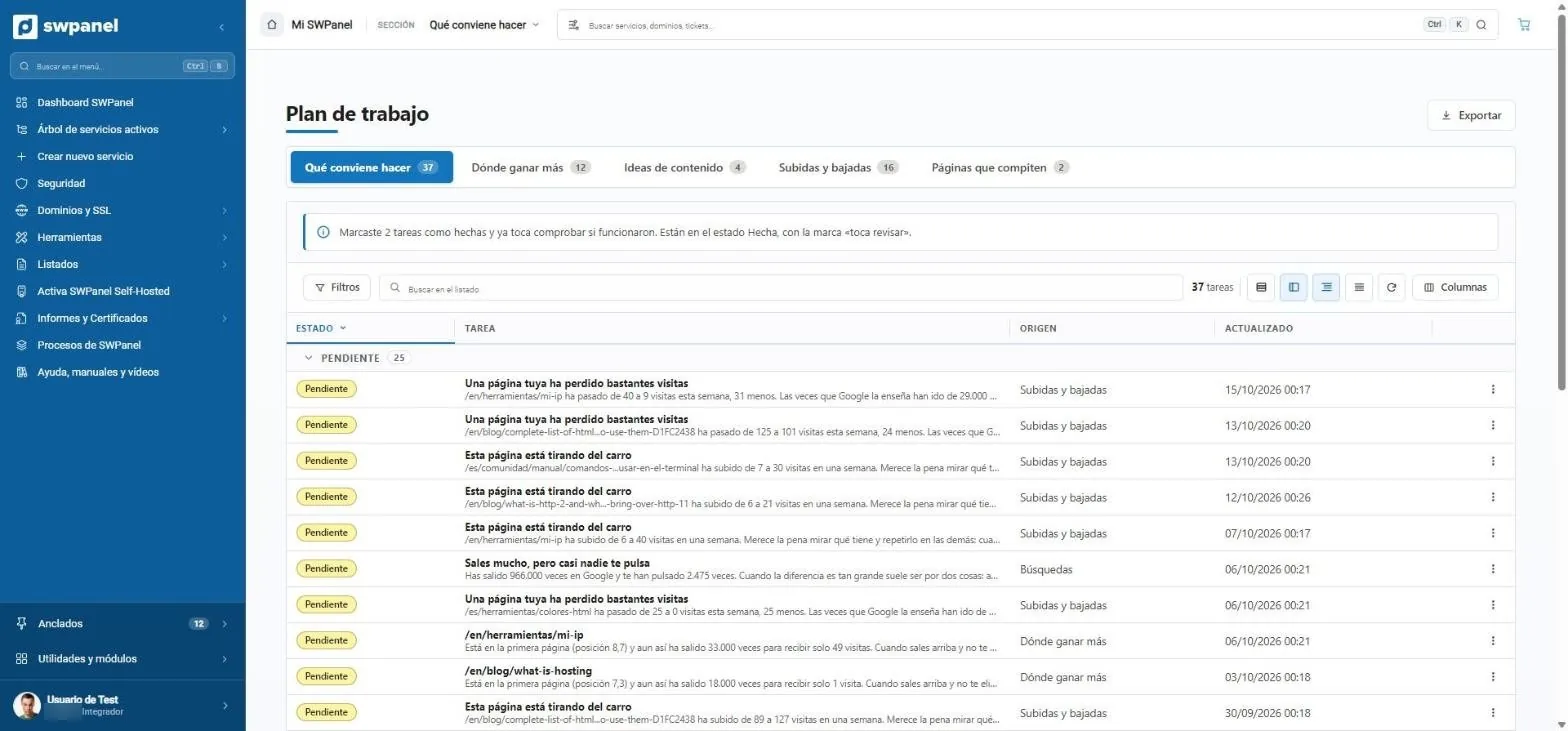
- What to do, where to gain the most, content ideas, rises and drops and competing pages.
- Follow-up: what you marked as done comes back to be checked.
- Tasks in plain language: “one of your pages has lost quite a few visits”.
- “You show up a lot, but almost nobody clicks you”: 966,000 impressions and 2,475 clicks.
- Where each task comes from.
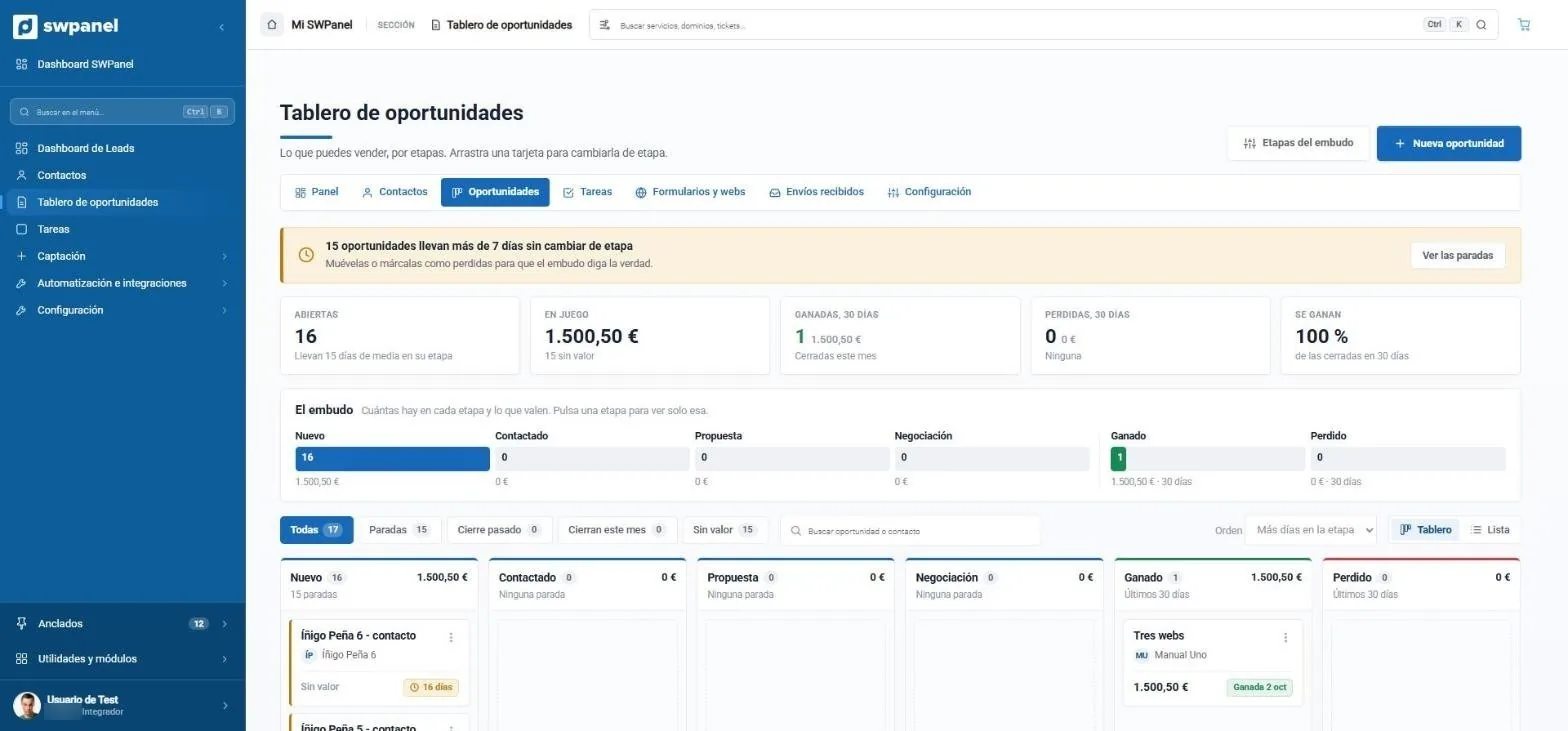
- What has stalled: 15 opportunities have been more than 7 days without changing stage.
- Open, in play, won and lost in 30 days and what share is won.
- The funnel at a glance: how many there are in each stage and what they're worth. Click one to see only that one.
- Funnel stages you can edit.
- New opportunity in one click.
- How long each one has been in its stage. Drag the card to change it.
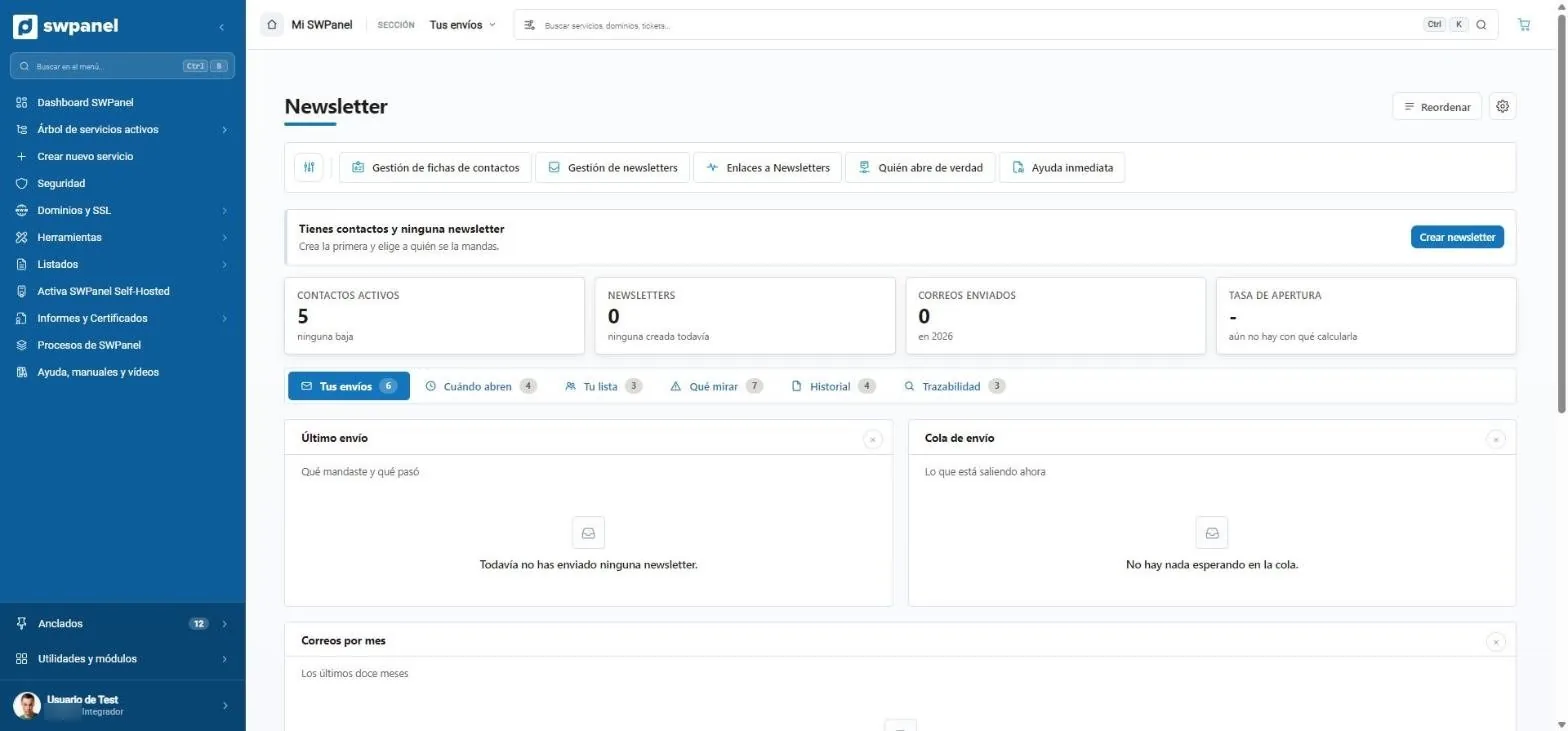
- Who really opens: separates opens by people from those by bots.
- Active contacts, newsletters, emails sent and open rate.
- Sends, when they open, your list, what to look at, history and traceability.
- Create newsletter from the notice.
What's new in 2027 for you
What you gain with SWPanel 2027
SEO Intelligence
Competition, market and Search Console.
See moreClient reports
Automatic and one-time payment.
See moreLeads
Forms, funnel and automations.
See moreNewsletter
Campaigns and deliverability.
See moreAI-built campaign websites
Landing pages in minutes.
See moreContent ideas
For searches on the second page.
See moreHow to get started
Up and running in 4 steps
-
Create your account
Free and with nothing to install.
-
Connect or deploy
Your server or a new one at your provider.
-
Activate the modules
SEO with no activation fee
-
Scale
Add upgrades, automate and grow.
SWPanel 2027 for marketing agencies
Create your free account and connect a server or a hosting plan. No card and nothing to install.