
How to change the invoice delivery email
Updated on
2026-10-28 13:01:34
10
visits
To be able to change the email account to which the invoices generated by your SWPanel services are sent, first you must position the mouse cursor over the logo of your customer account -> 'My account', subsequently you must click on 'Invoice sending definition':
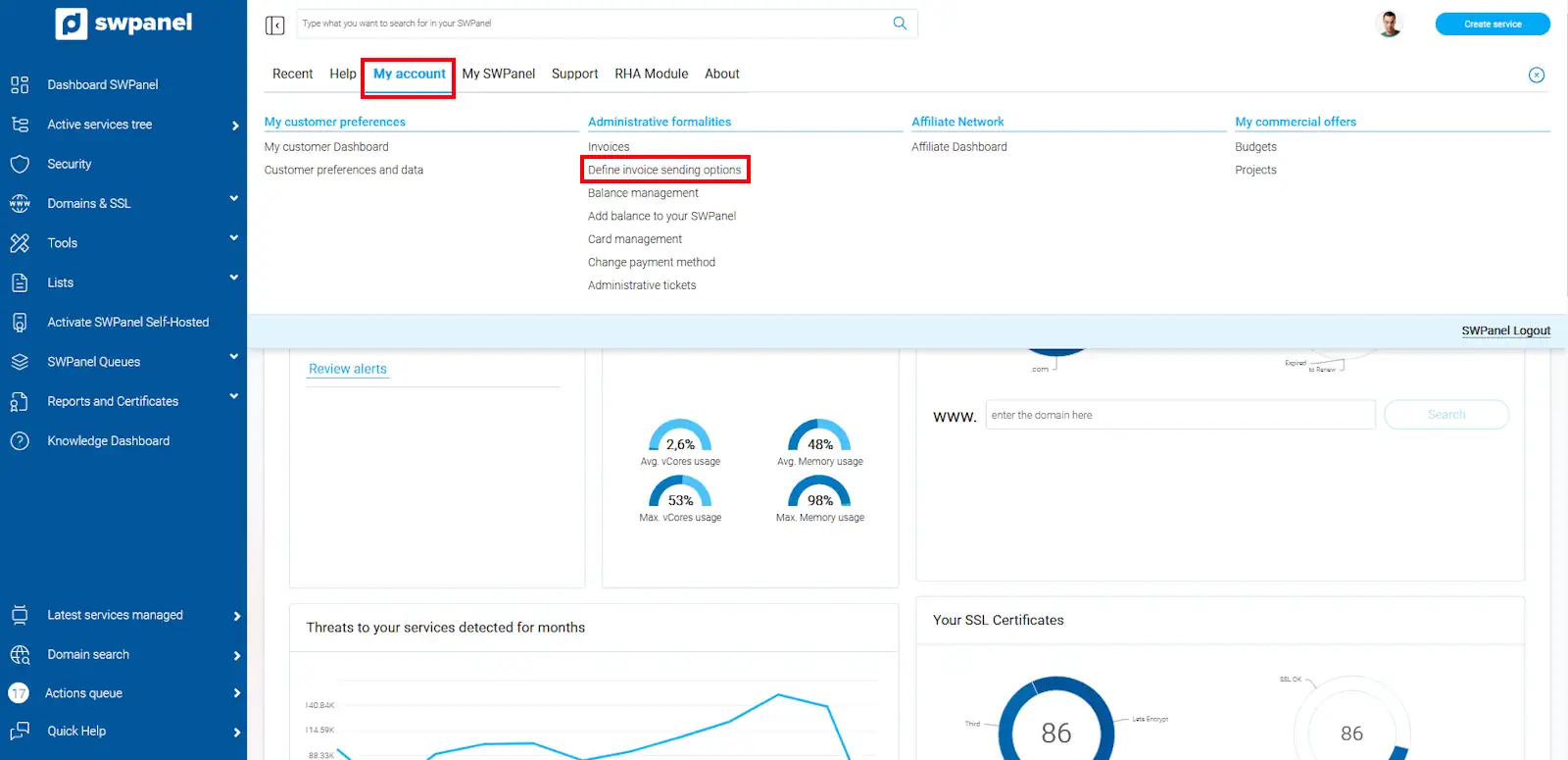
info_capture The screenshot is for guidance purposes. It was taken using version 2025.00.0016 dated 04/12/2024. It may differ from what the current version of SWPanel displays.
In this new window, you must enter the email account or accounts to which you want the invoices to be sent. Finally, you must save the changes using the 'Save Preferences' button
