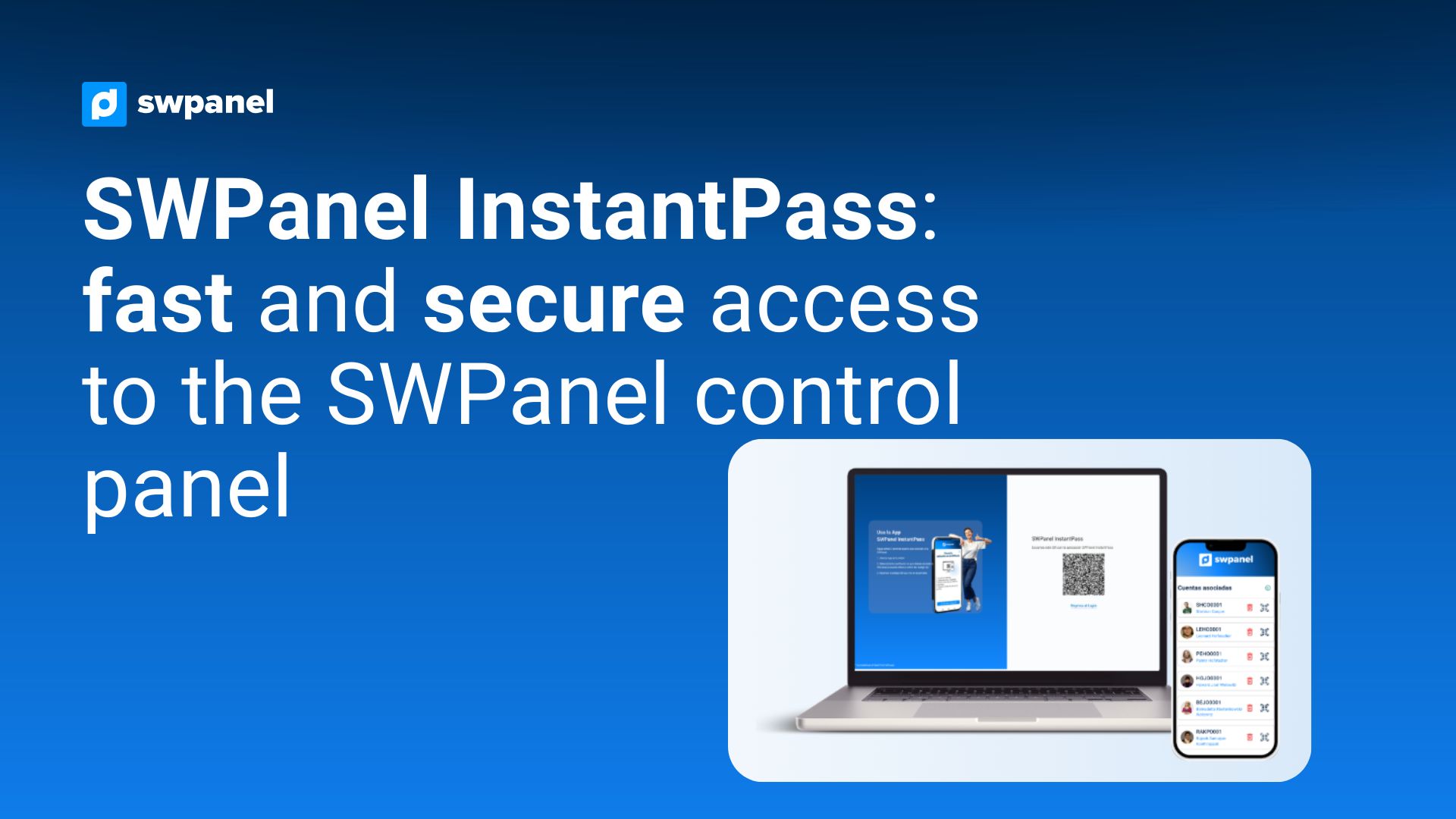
SWPanel InstantPass: fast and secure access to the SWPanel control panel, ,
,In the current landscape of infrastructure and cloud services management, security and fast access to control panels are key factors. In this context, SWPanel has launched InstantPass, an application designed to simplify access to the administration panel in a secure, fast, and efficient way.
What is SWPanel InstantPass
SWPanel InstantPass is a mobile application developed to allow access to the SWPanel control panel without the need to manually enter credentials on every login.
Its operation is based on authentication using QR codes and secure tokens, allowing users to access their account directly from their mobile device.
According to official information, the application acts as a “secure digital key” for accessing the control panel, without storing sensitive personal user data.
How it works
Using SWPanel InstantPass is simple and designed to reduce steps in daily access:
- The user logs into their SWPanel account from the web panel.
- They activate the InstantPass option in the security section.
- They download the application on their mobile device.
- They scan the QR code displayed in the panel.
- From that moment on, they can access the panel by scanning the code from the app.
Once the device is linked, access becomes almost instant.
For a detailed guide covering all the setup steps, please refer to the complete manual for activating SWPanel InstantPass:
Main features
Fast access via QR
The main feature of InstantPass is eliminating the need to enter a username on every login. A simple QR code scan grants direct access to the panel.
Multi-account management
The application allows linking up to five SWPanel accounts on a single device, making centralized management easier for users with multiple projects or clients.
Enhanced security
Security is one of the core pillars of the application. Access is performed using real-time generated and encrypted tokens, without storing personal information on the device or external servers.
Biometric integration
The app can take advantage of the device’s biometric systems, such as fingerprint or facial recognition, although this data is not managed or stored by SWPanel.
Benefits for users and administrators
Using SWPanel InstantPass provides clear advantages:
- Reduced access time to the control panel
- Greater convenience in daily service management
- Improved security through dynamic authentication
- Ability to manage multiple accounts from a single environment
- Elimination of passwords in regular access
Overall, these improvements optimize the infrastructure management experience in SWPanel, especially for users handling multiple servers or projects.
Integration within the SWPanel ecosystem
SWPanel is a platform for managing hosting, servers, and cloud services that centralizes infrastructure administration in a single control panel.
Within this ecosystem, InstantPass acts as a complementary tool focused on improving access, reinforcing the platform’s philosophy of simplicity and centralization.
Conclusion
SWPanel InstantPass represents another step forward in the evolution of technical management platform access systems. Its focus on security, speed, and simplicity makes it a useful tool for system administrators, developers, and companies that need quick access to their infrastructure.
In a context where every second counts, solutions like InstantPass help reduce friction in repetitive tasks without compromising security., ,