
How to cancel a domain registration or transfer
When registering or transferring a domain, the process may result in an error due to various reasons (missing contact data, incorrect authcode, blocked domain, etc.). When this happens, our system sends a domain status email indicating that an error has occurred.
You then have two options: Restart or Cancel the registration/transfer
Cancel the registration/transfer of a domain
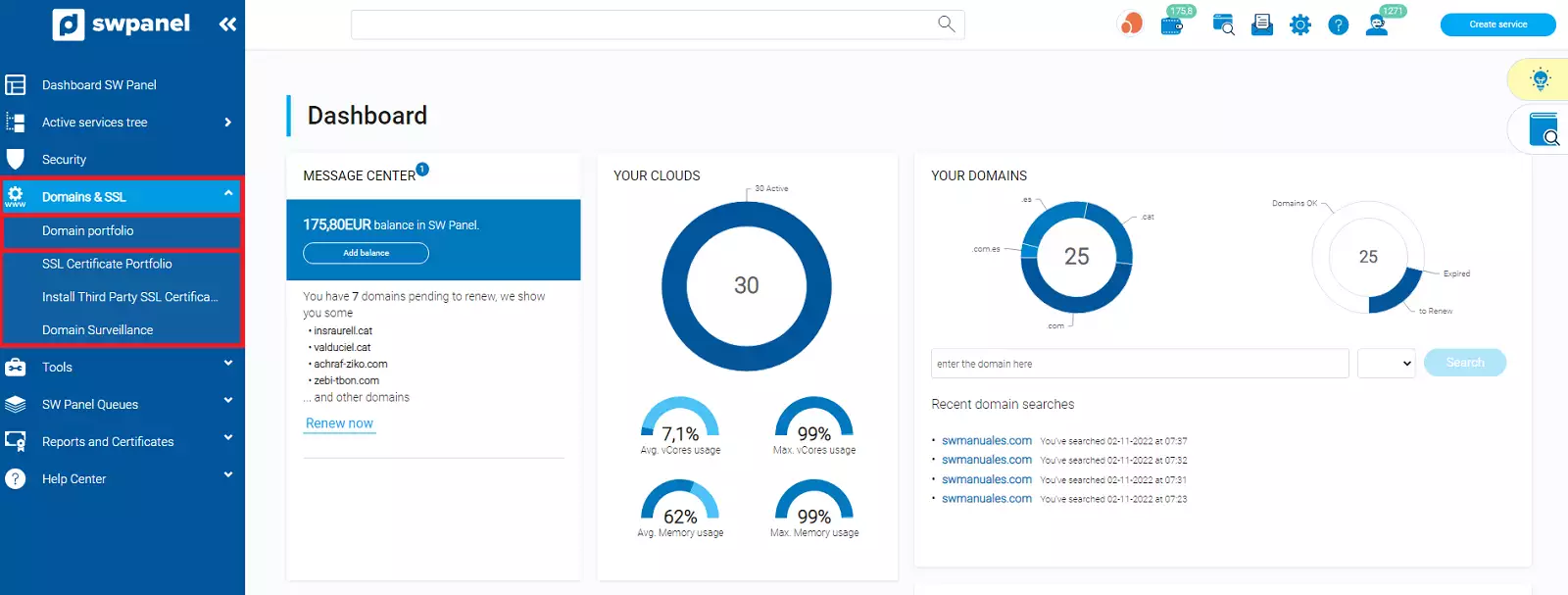
To cancel the registration or transfer of a domain, you must access your SWPanel and click on the Domains and SSL tab that appears in the blue left side menu -> Domain Portfolio
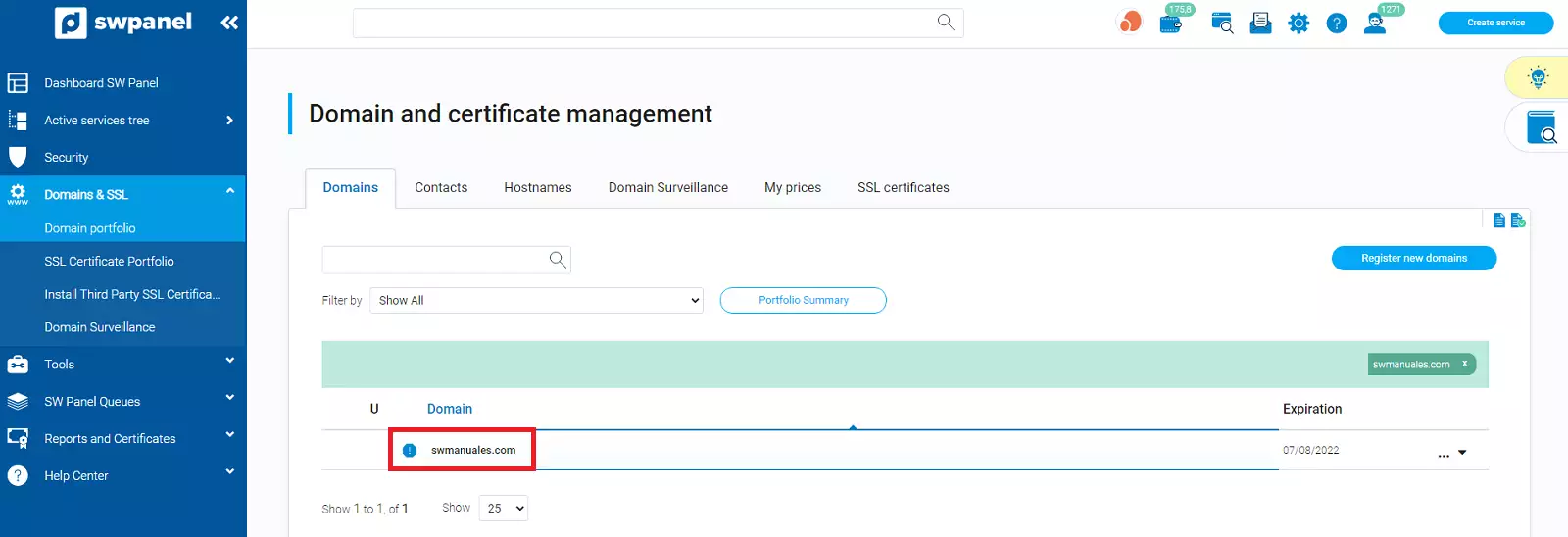
Here your domain will appear with an error icon to its left:
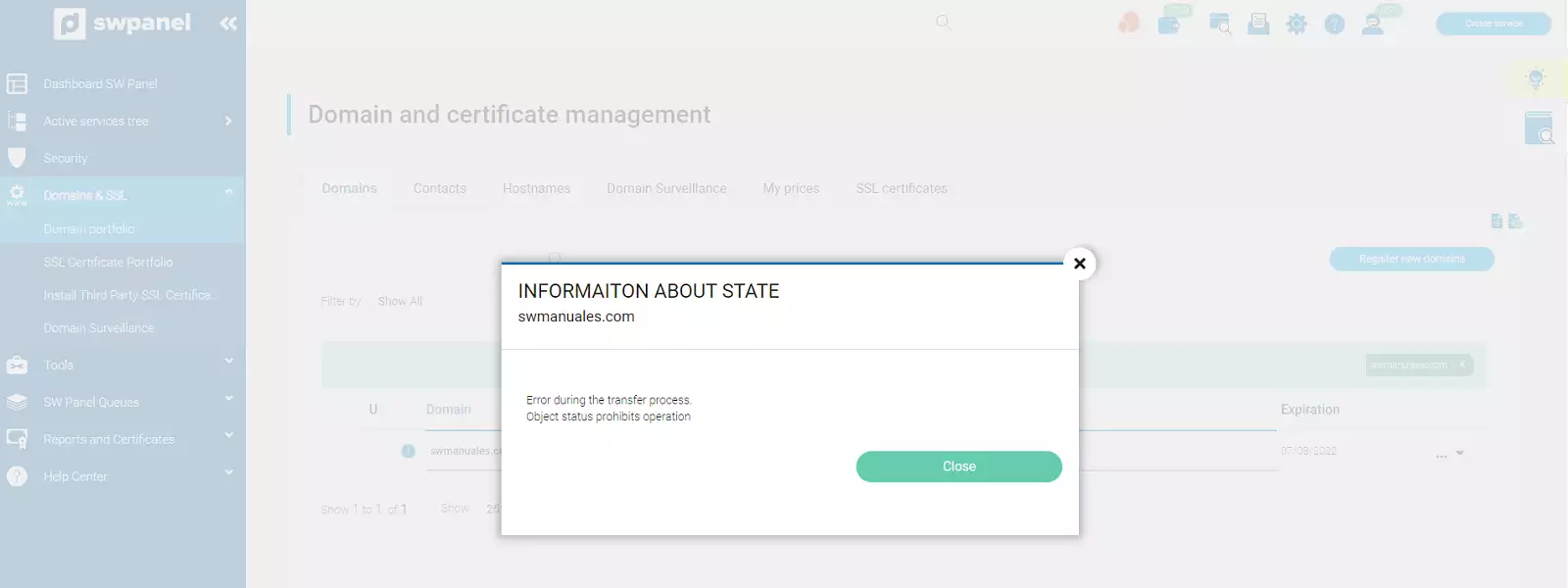
If you click on it, the type of error that occurred will be detailed:
If you expand the tab that appears to the right of the domain, you can cancel its registration or transfer
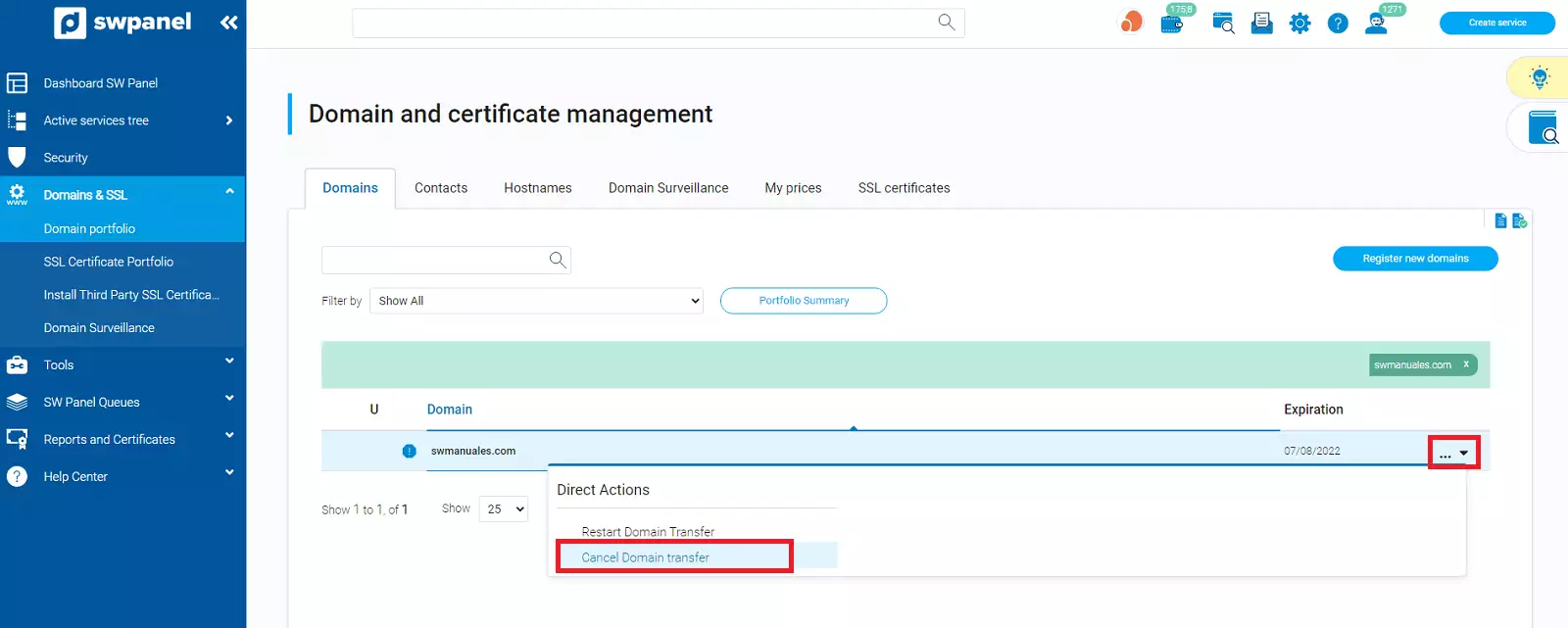
In a short period of time, the system will automatically refund the amount of the domain registration/transfer cost according to your stipulated payment method.