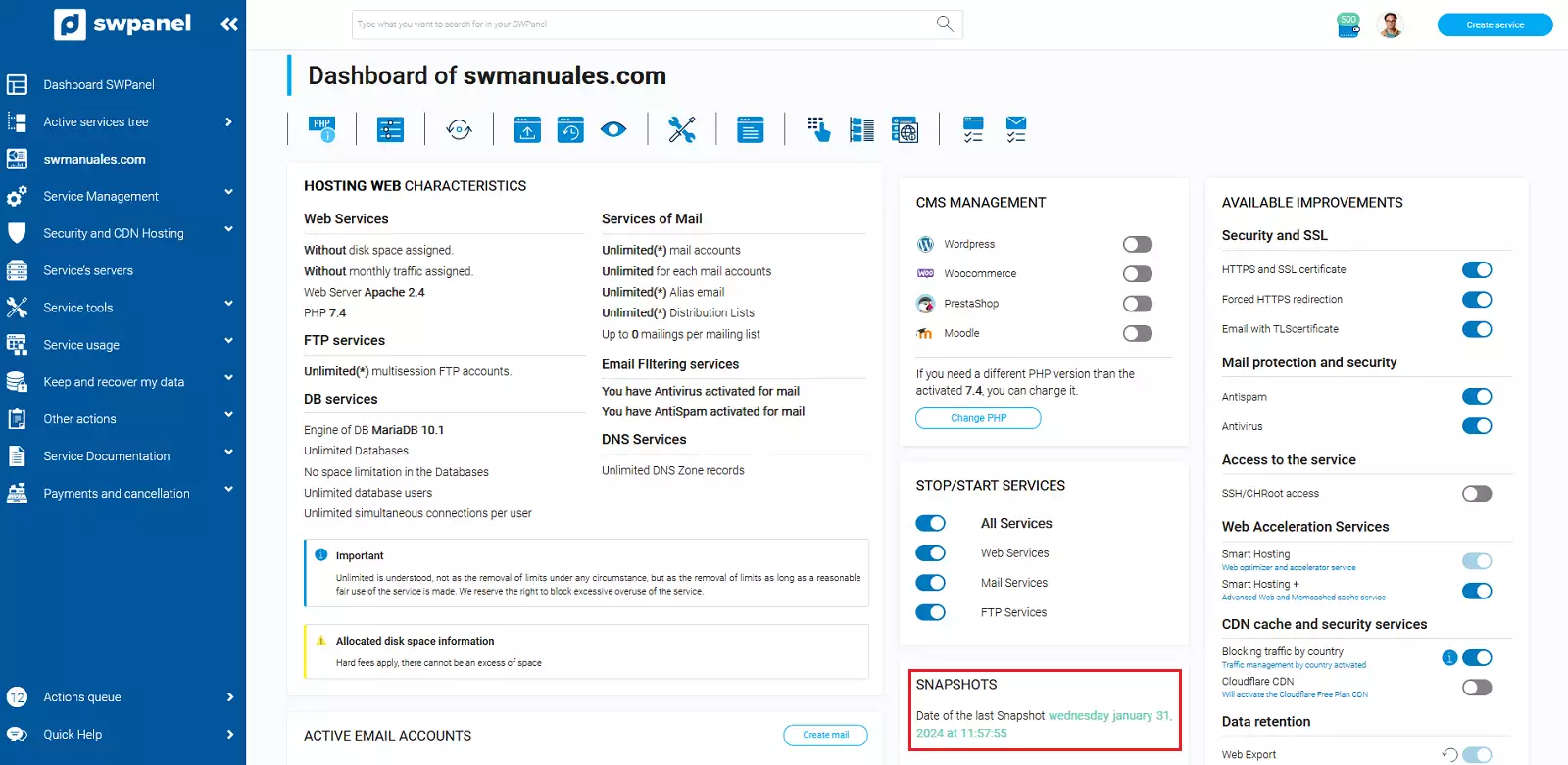
How to create Snapshots of your Web
A website snapshot is a snapshot of the content of your website on a specific day and time.
At SW Hosting, you can create snapshots of all your websites through your service management tool, SWPanel.
The steps to create a snapshot are:
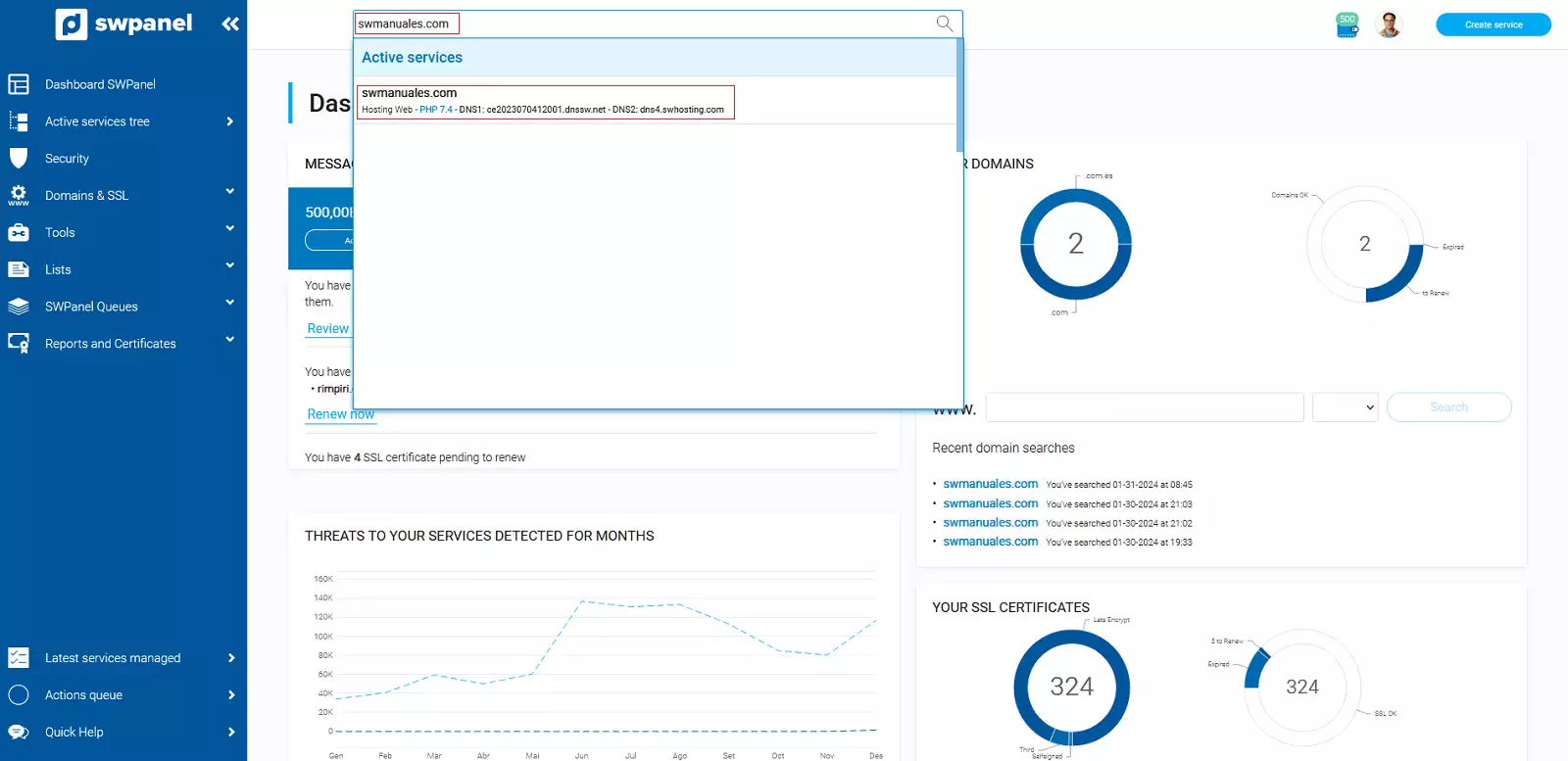
1. From the search box of your SWPanel, you must locate the service where the website you want to create a Snapshot for is hosted
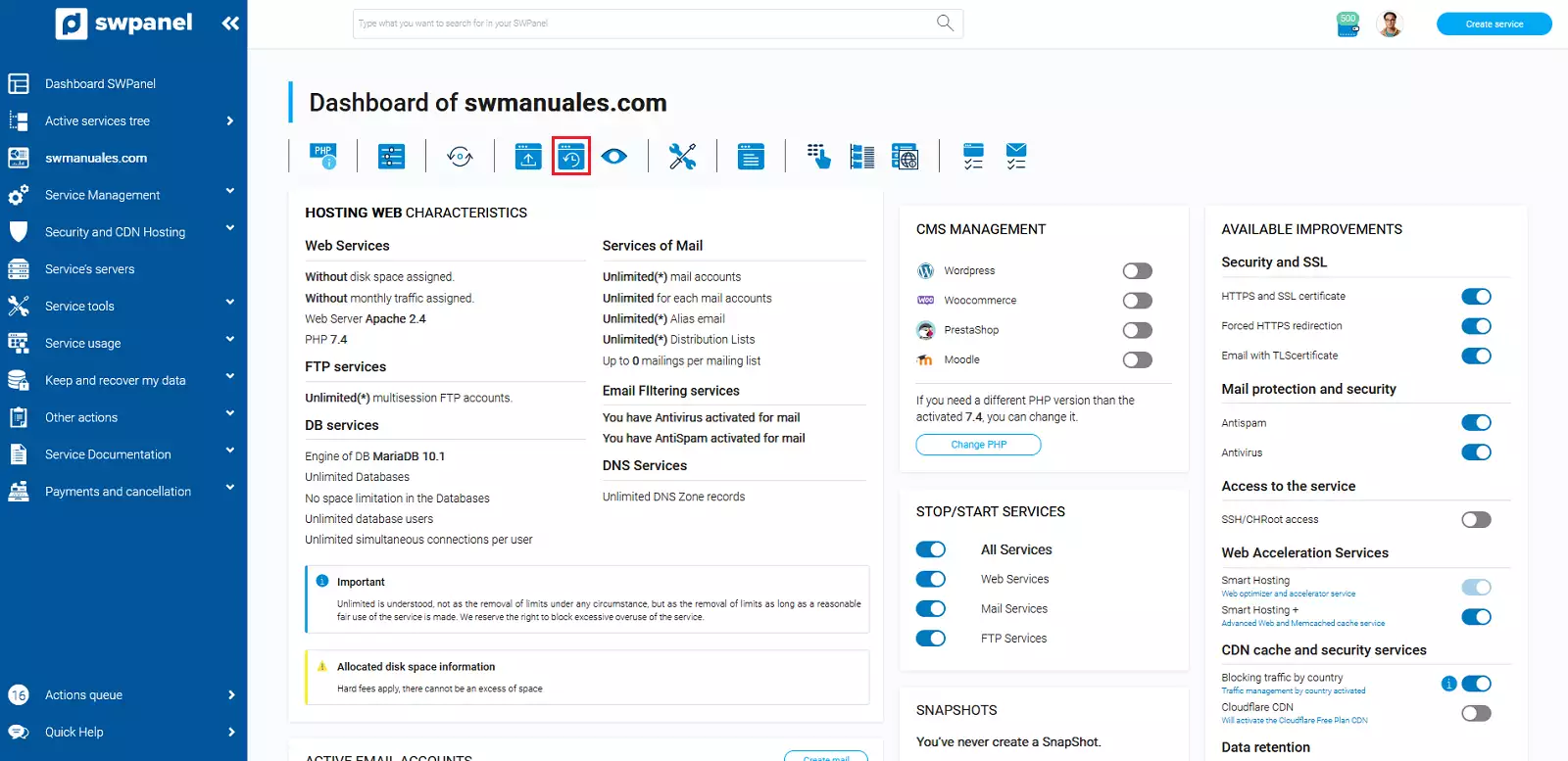
2. Once you are in the service Dashboard, you must click on the snapshot icon that appears at the top:
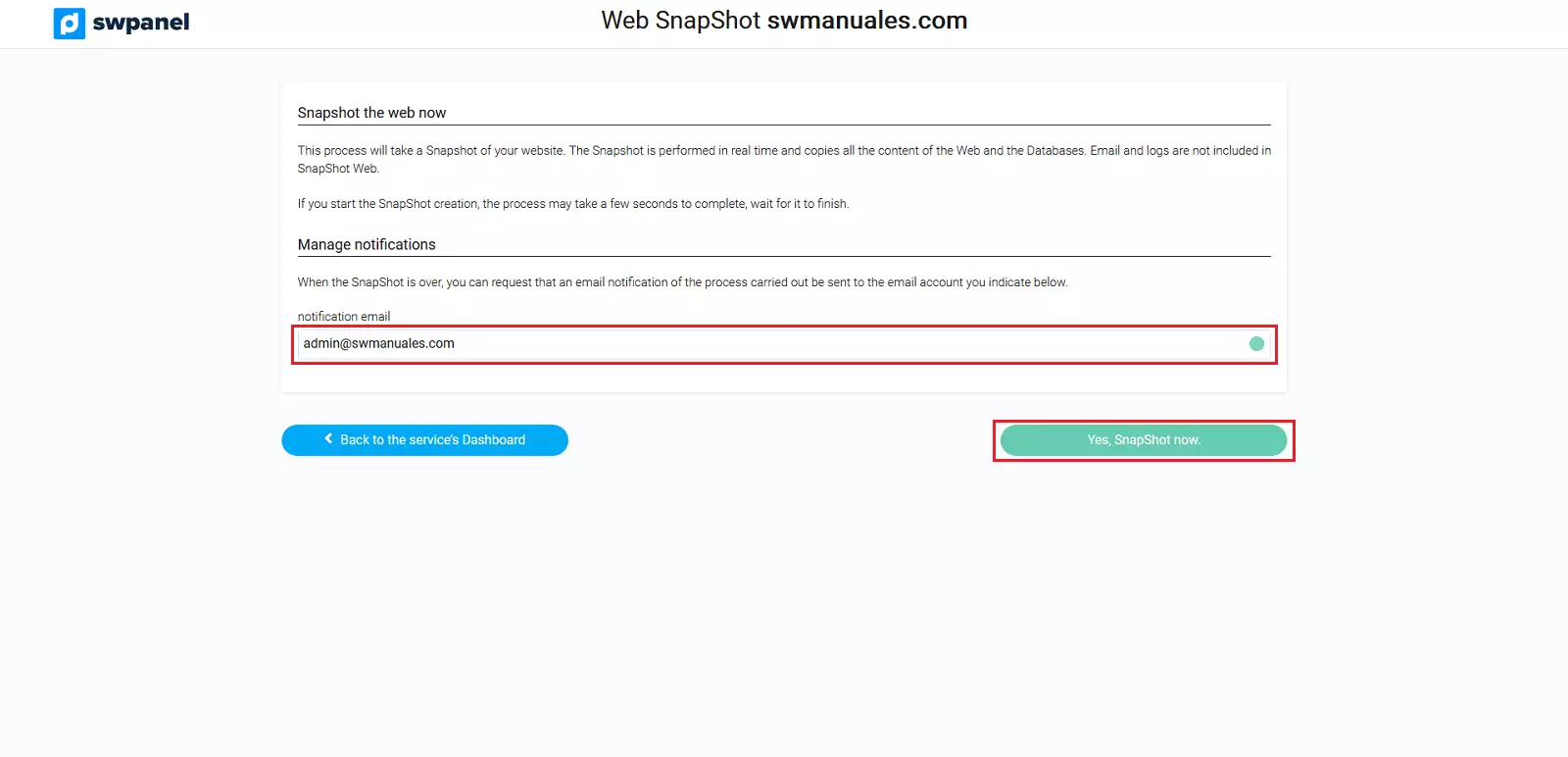
3. Provide an email address to be notified of the creation of your snapshot and click on the "Yes, make Snapshot now" button
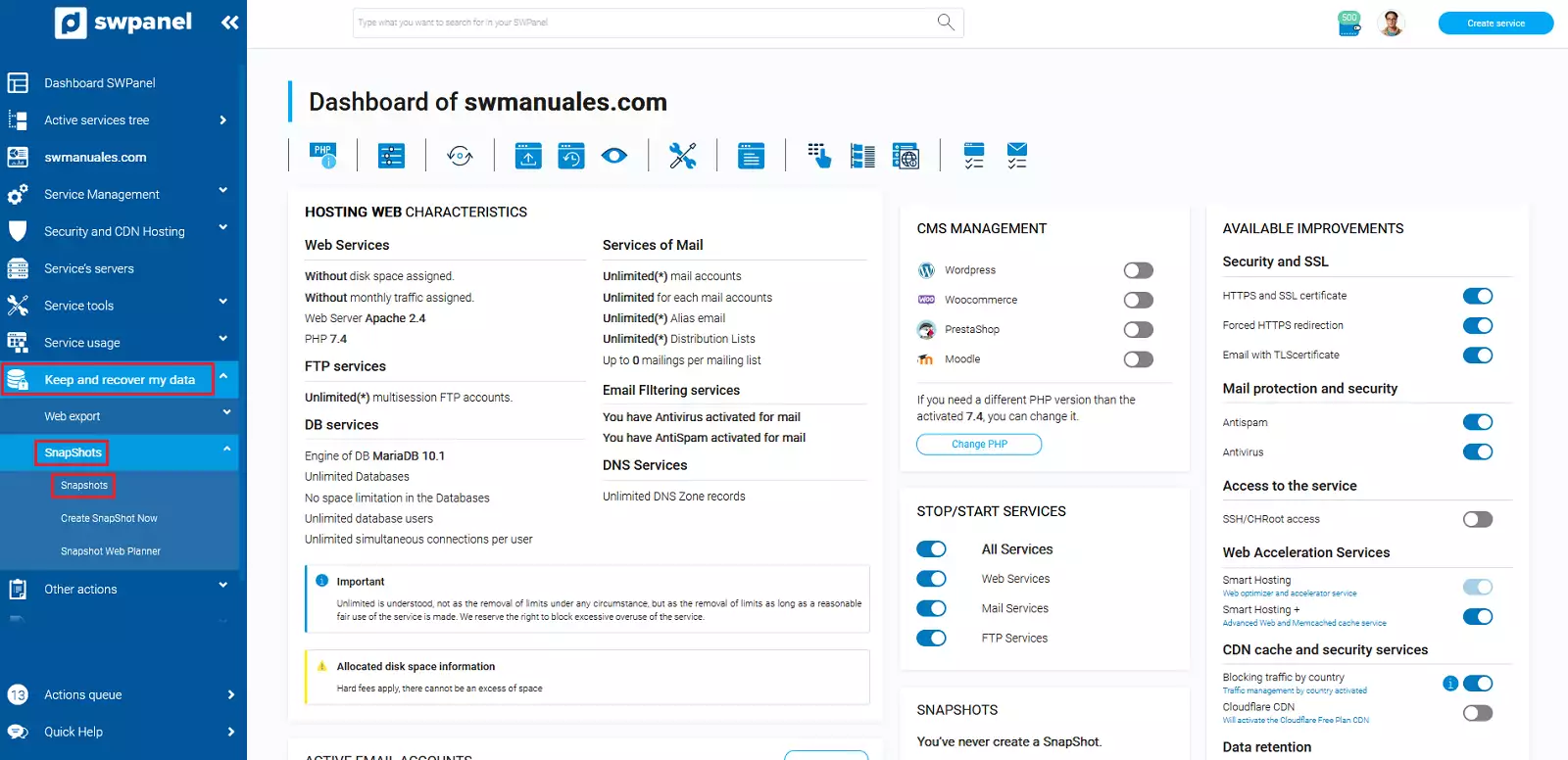
4. In a matter of seconds, your Snapshot will have been created, and you can manage it by clicking on Keep and recover my data -> Snapshots -> Snapshot Management.
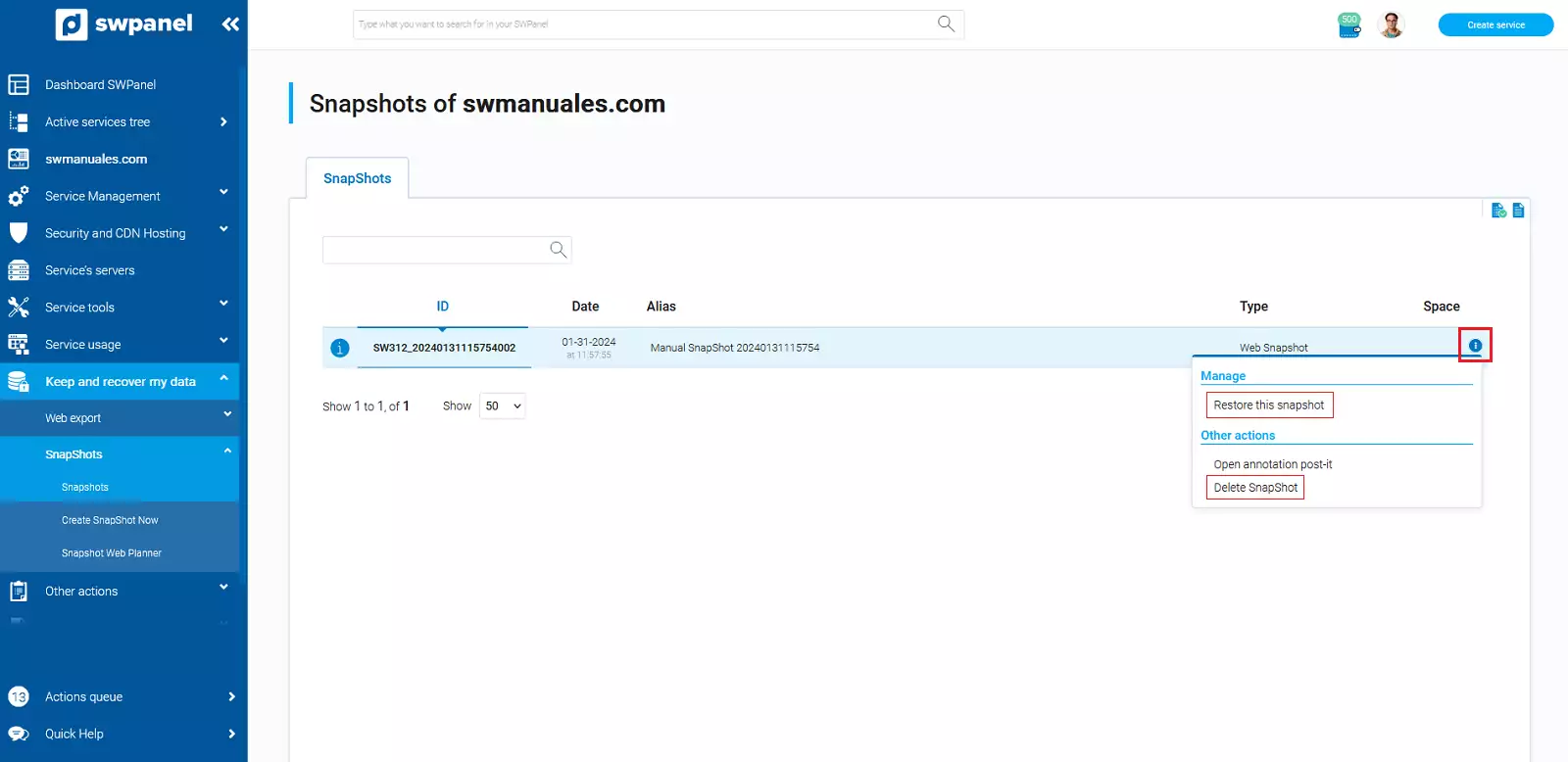
Once the Snapshot Management screen loads, you will see a list of all created Snapshots, and you will be able to restore or delete them
From your services Dashboard, you can also see the details, date, and time of your last created Snapshot