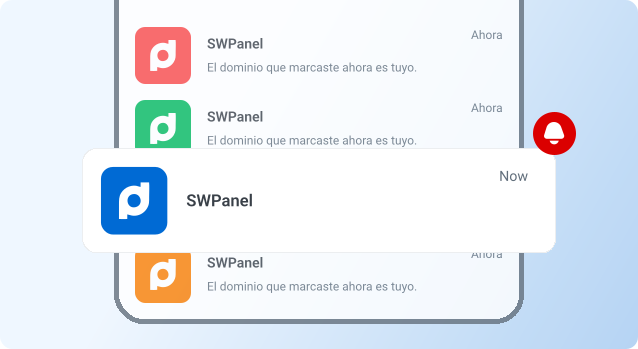
You can effectively manage the balance available in your SWPanel account, as well as manage the linked credit cards to make payments or reloads.
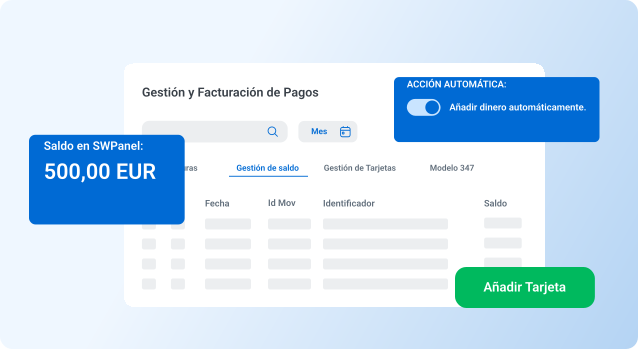
There is no simpler way to manage your balance instantly.
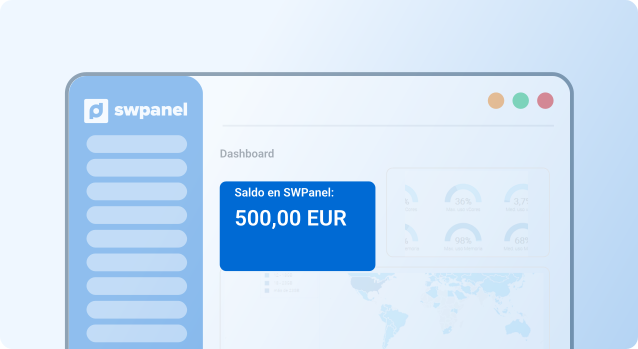
Check the available balance in your account in real time to make payments.
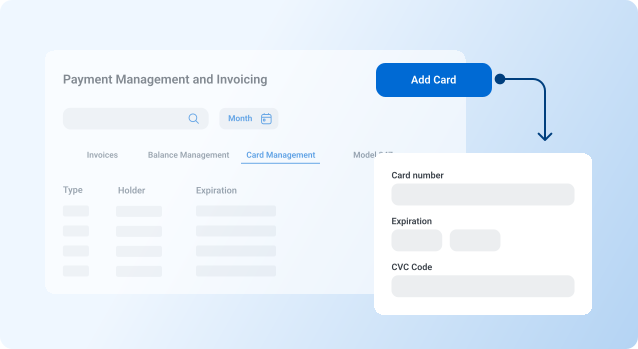
Add, delete or update associated credit cards for greater flexibility in payments.
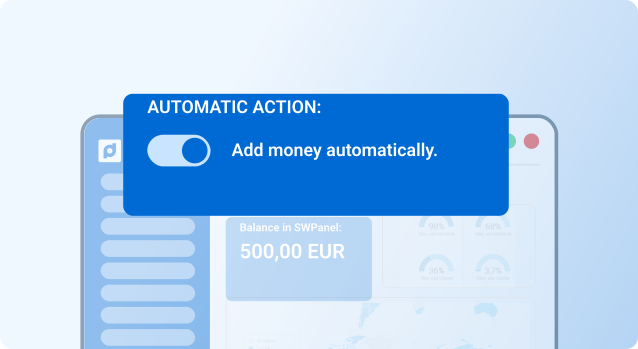
Set up automatic credit replenishment when balance falls below a set threshold.
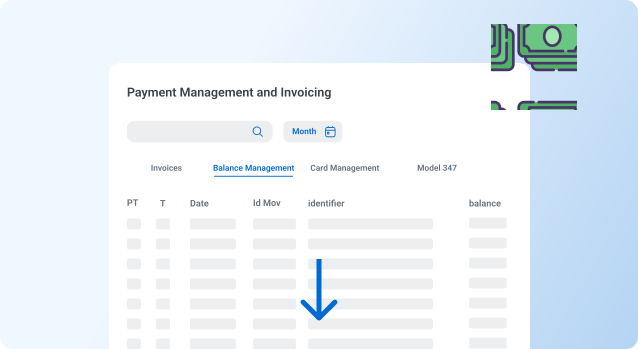
Access to a detailed history of all top-ups and payments made with the account balance.
Automatic notifications when the available balance is low, avoiding service interruptions.
No, once issued, the invoice must be paid using the selected method. However, you can change the method for future invoices.
From the payment method management section, select "Add new method" and follow the instructions.
Yes, all payments are protected by advanced security protocols and comply with international regulations.