How to install Woocommerce in Wordpress
WooCommerce is an open-source plugin for WordPress.
This plugin allows you to create online commerce stores using the content management system (CMS). It is designed for large and small online stores with WordPress.
WooCommerce is the most popular e-commerce option to date and, furthermore, it is free.
In this manual, we will explain how to install WooCommerce in WordPress.
WordPress
First of all, we must have the WordPress content manager in our web environment.
WordPress is the most popular content manager for creating web environments.
At SWHosting, we offer the installation of WordPress on your hosting in a very simple way:
If you wish to do it manually, you can follow the official WordPress guide:
- https://developer.wordpress.org/advanced-administration/before-install/howto-install/
⚠️Once you have WordPress, you must log in as an administrator⚠️
How to install WooCommerce
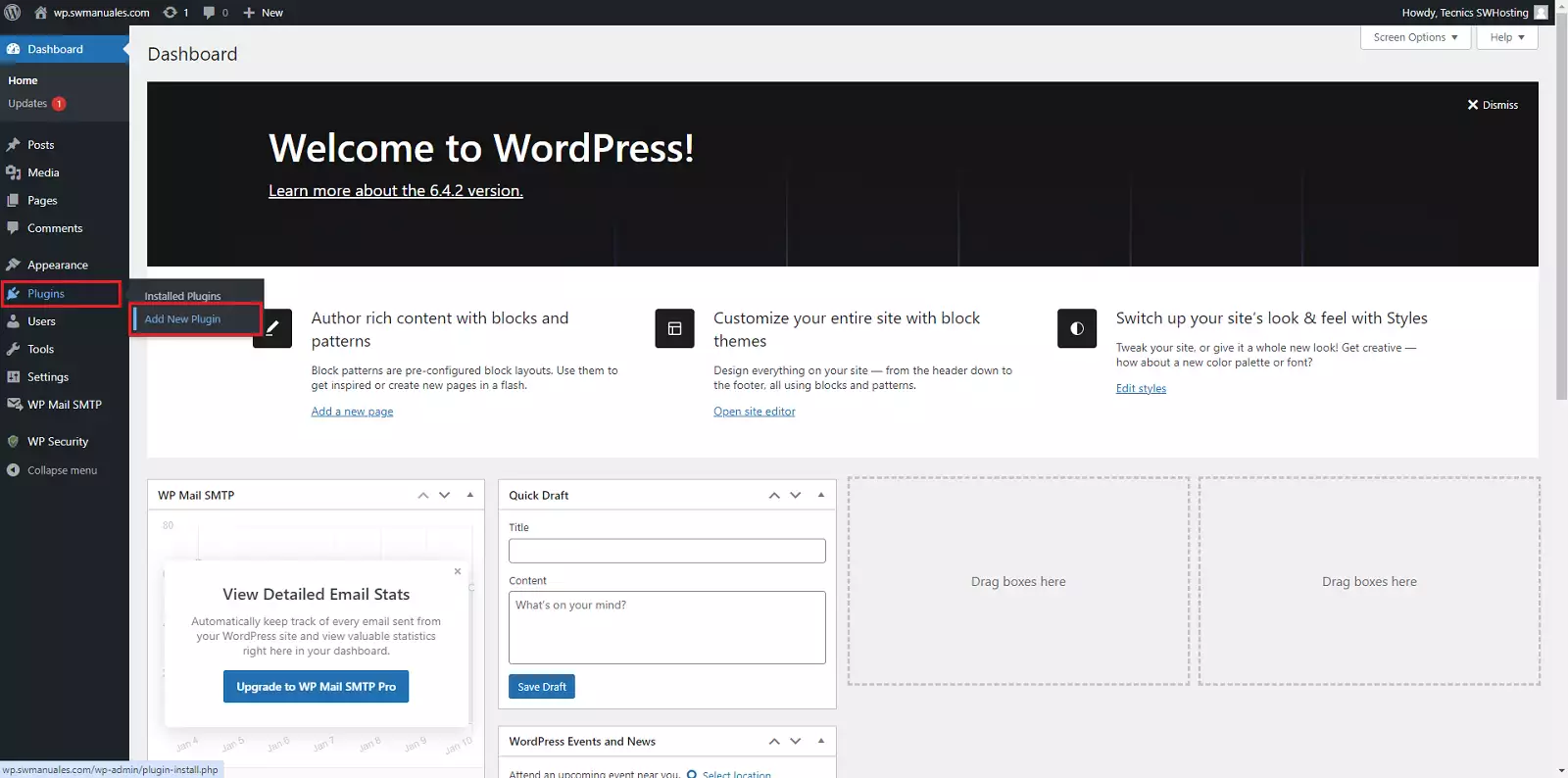
Once inside WordPress, we will go to the 'Plugins' -> 'Add New Plugin' section:
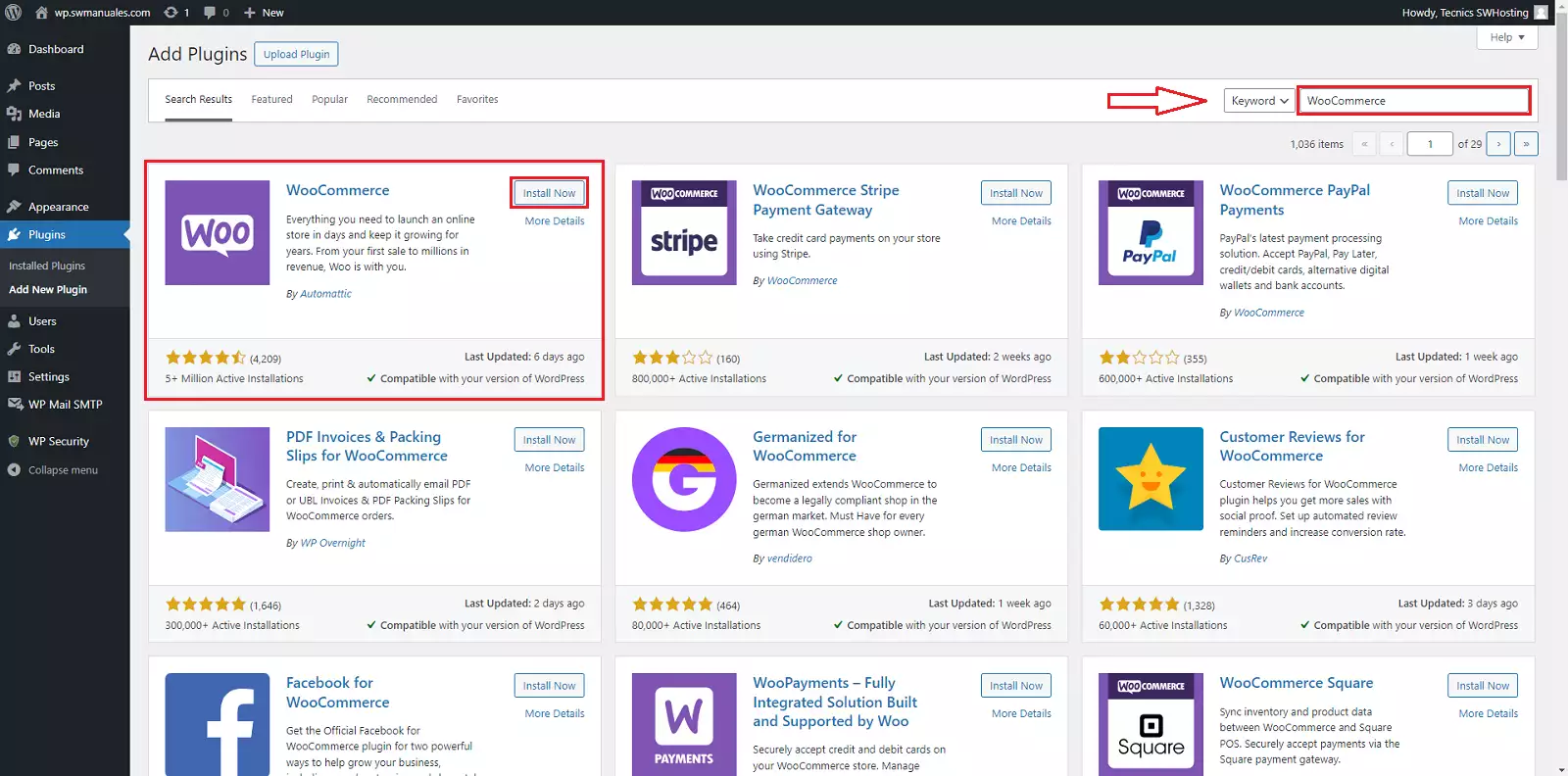
In the search bar located in the right corner, we will search for the 'WooCommerce' plugin and then install the first option that appears:
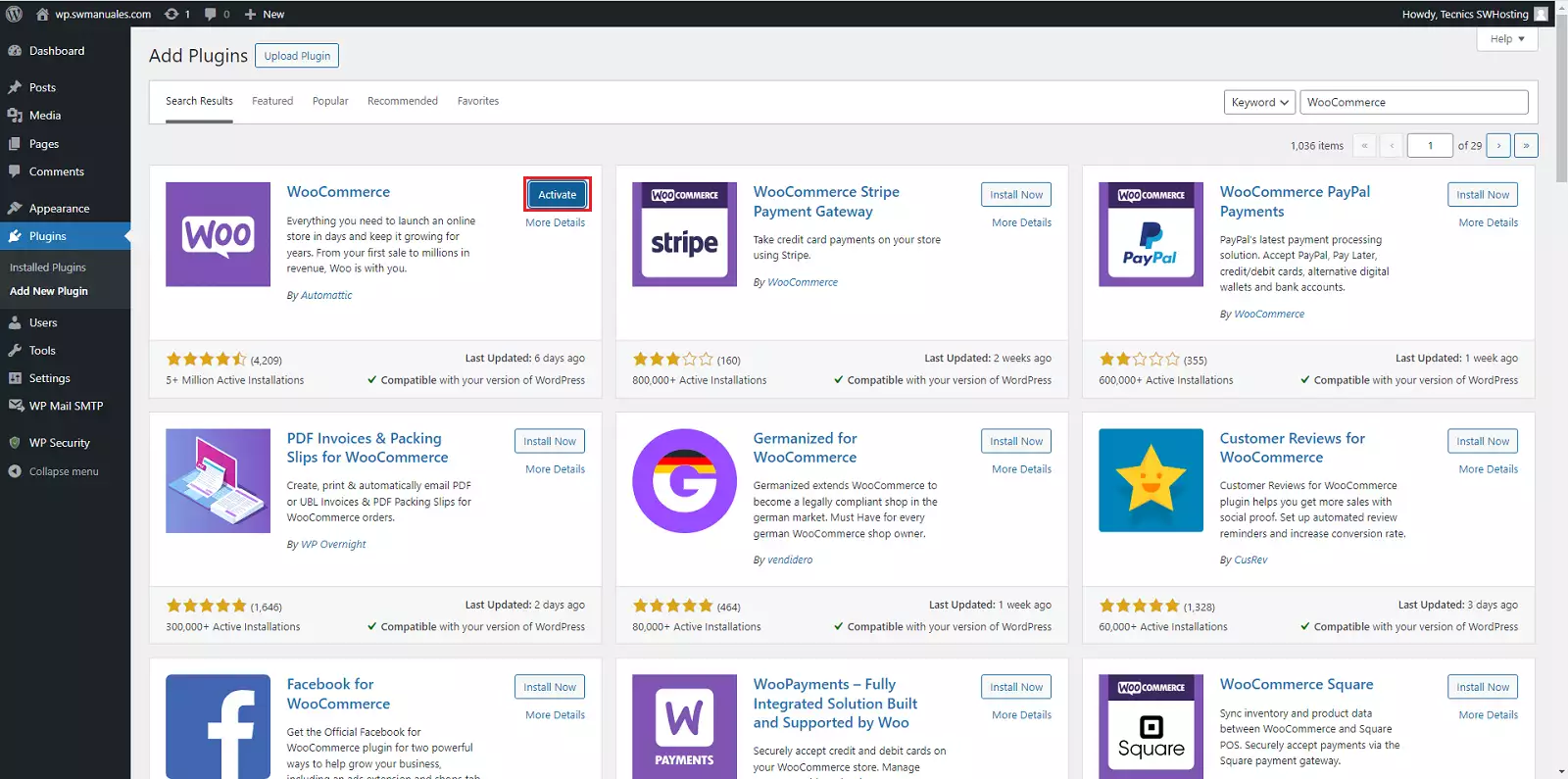
And we click on the 'Activate' button:
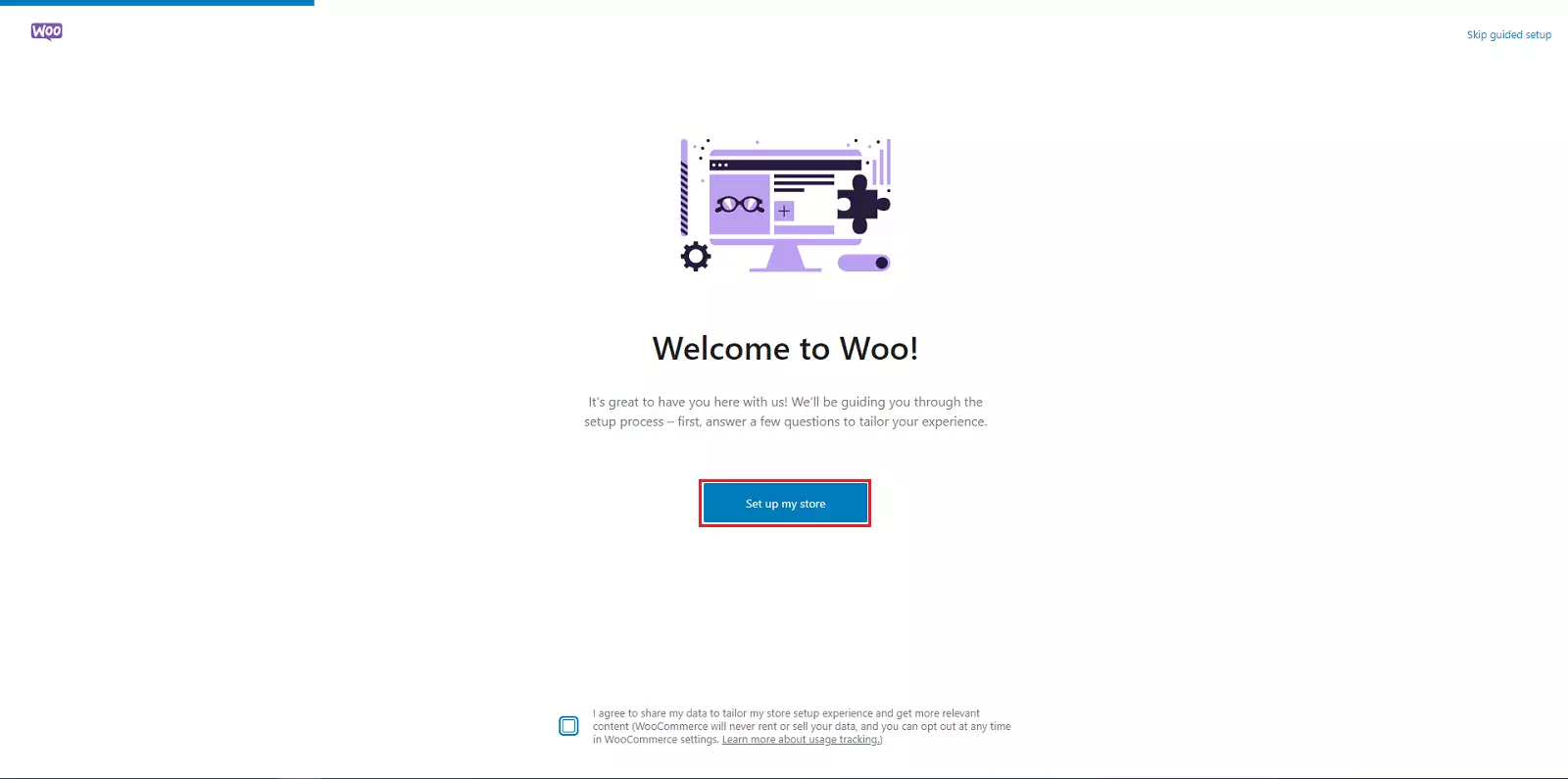
Once done, the default WooCommerce configuration will appear; we will go to 'Configure my account':
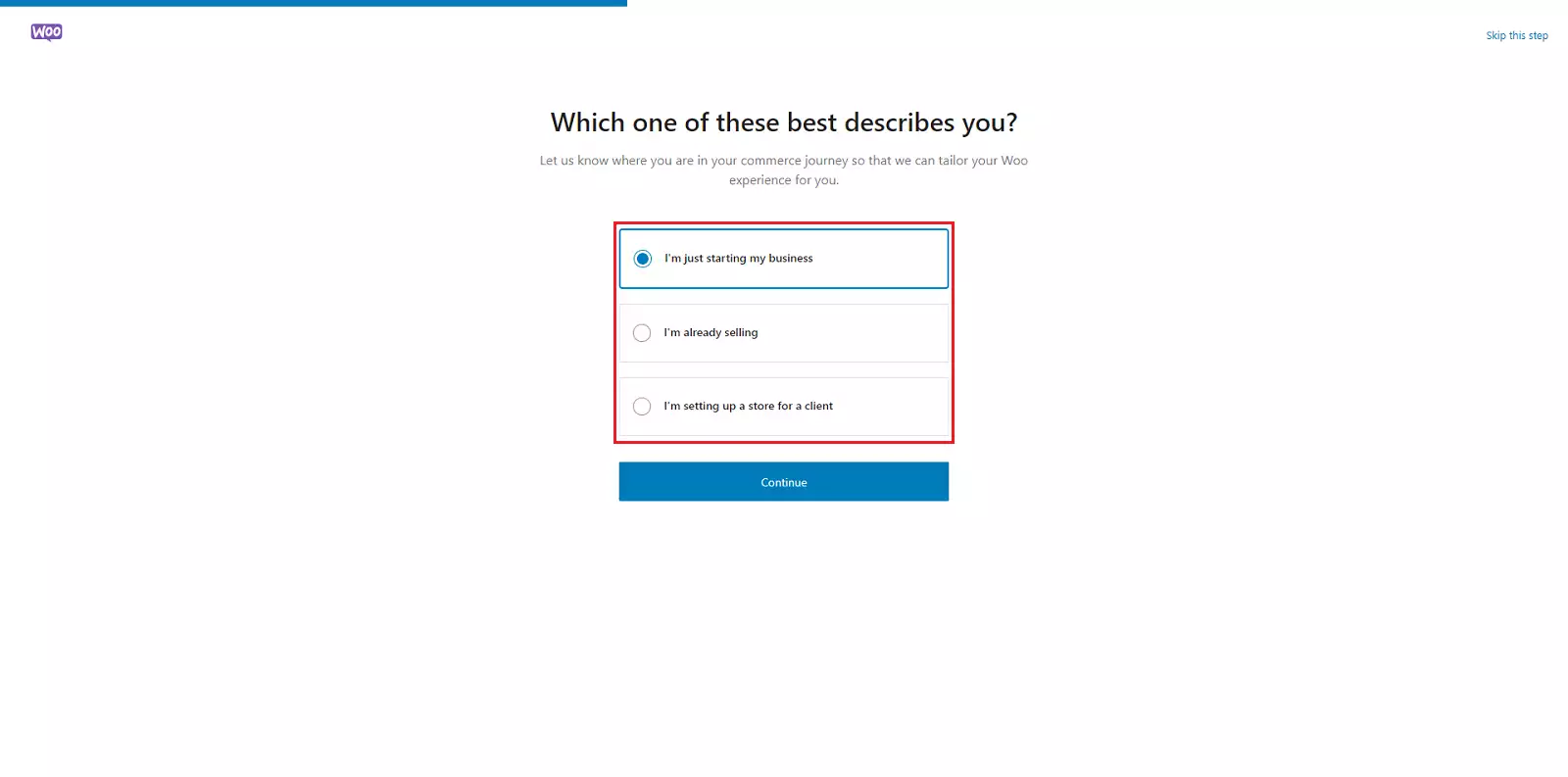
We will select the option that best suits us:
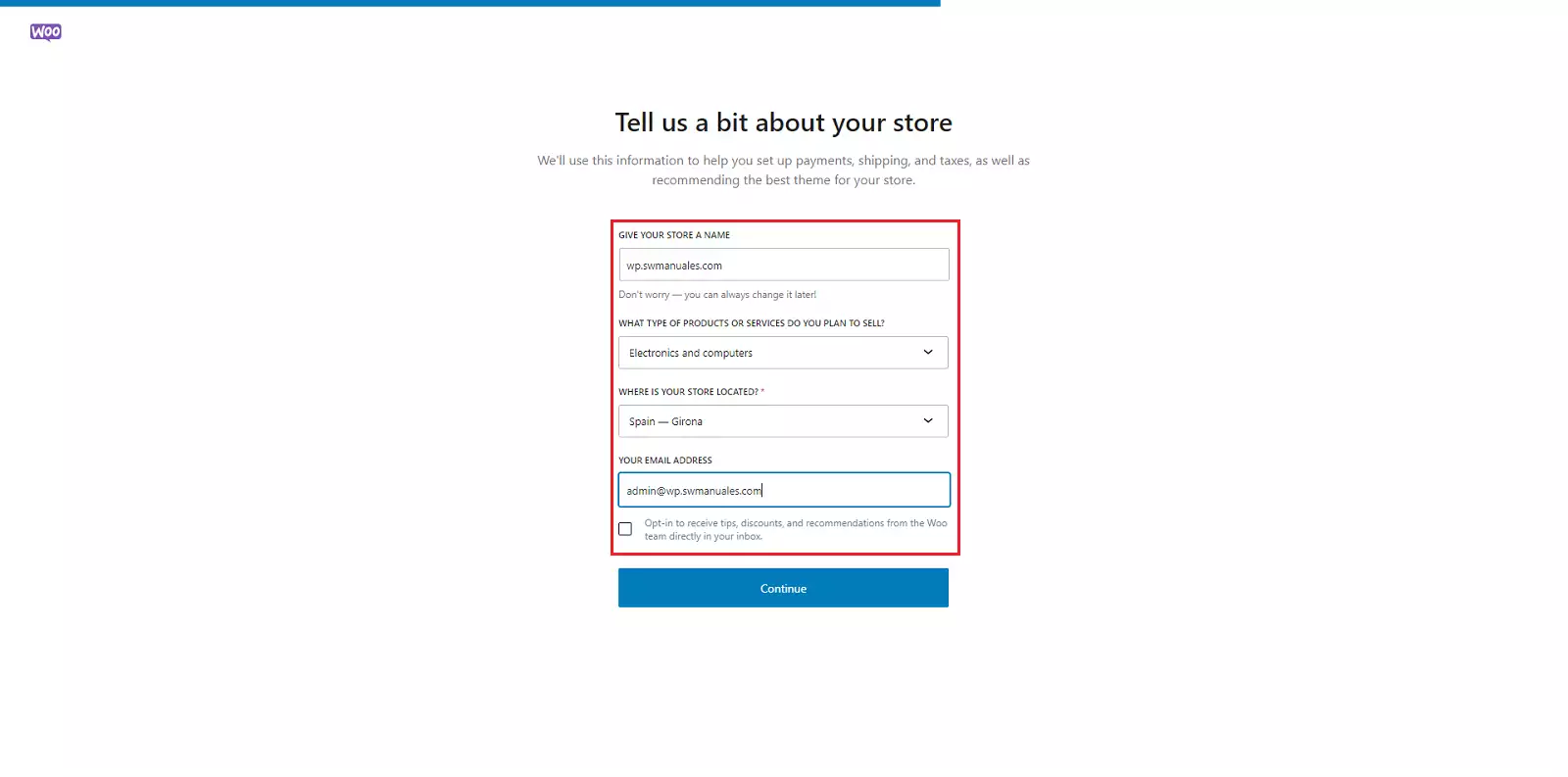
And we add the information for our online store:
Once done, it allows us to add different features for our business; we will evaluate and install the necessary ones:
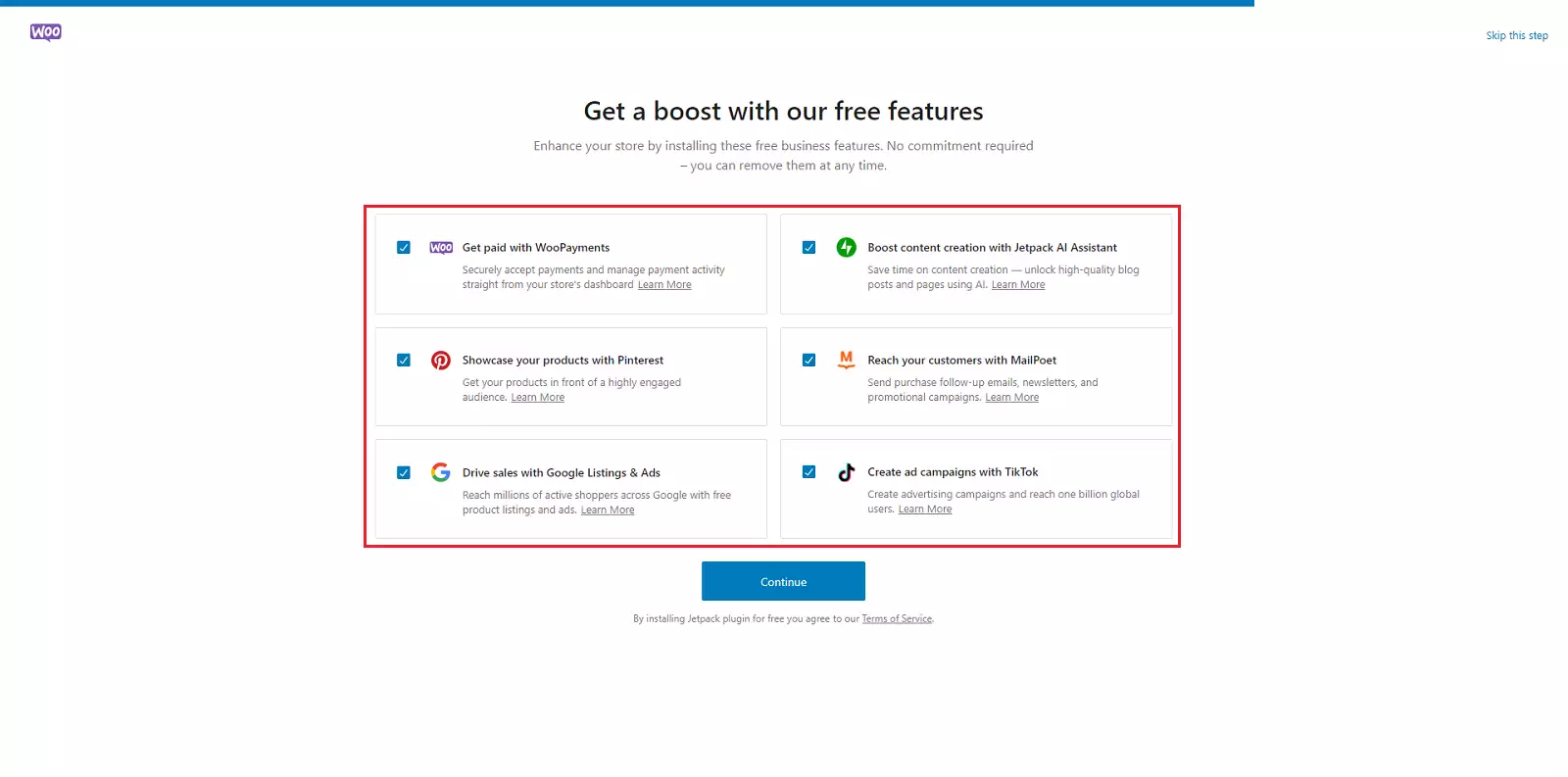
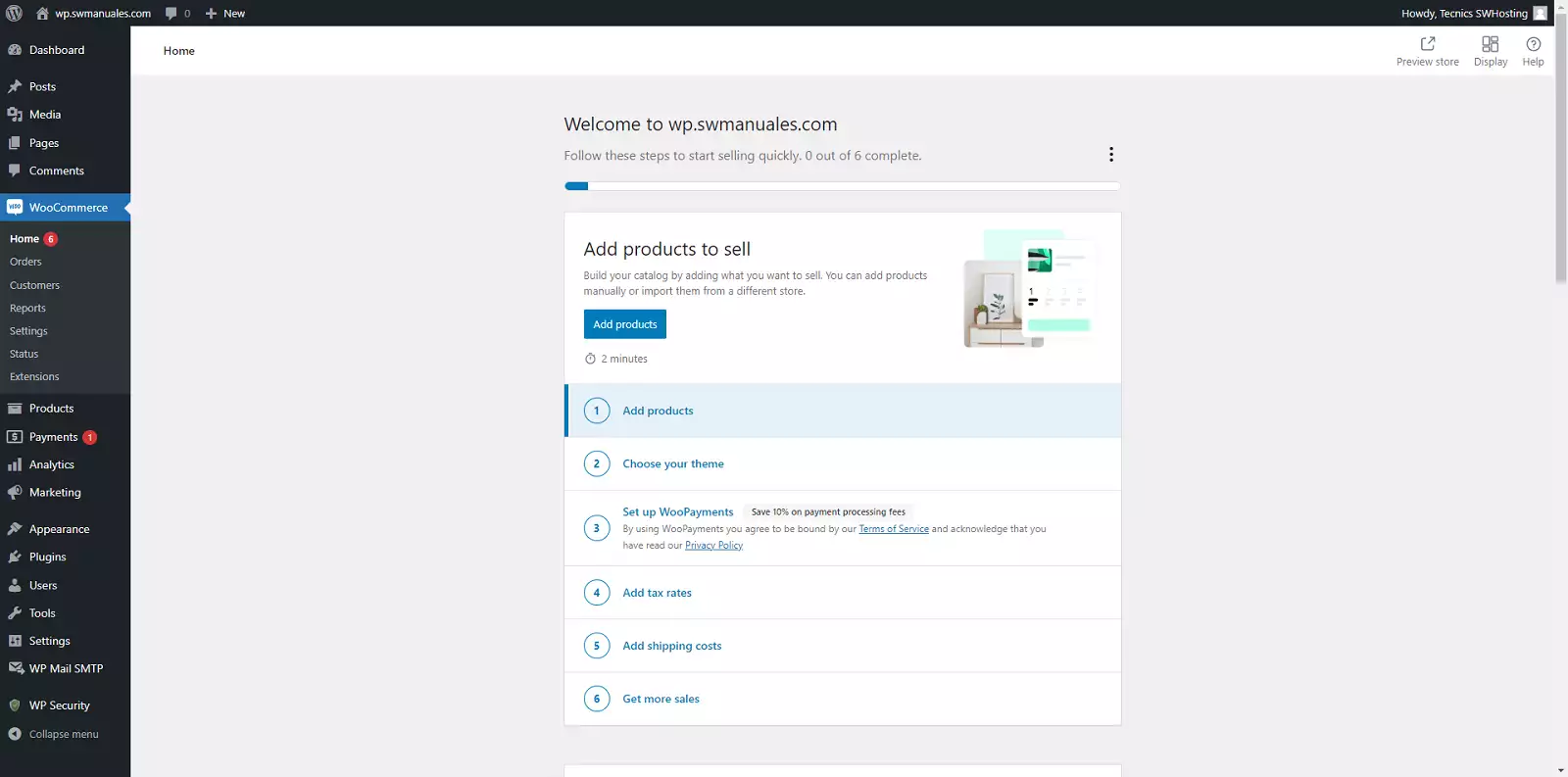
And we would then have WooCommerce installed in our WordPress. All that remains is to start configuring and adding our content: