
Sur cette page 4 sections
In this manual, we will explain how to increase and/or decrease the resources of your Cloud server.
Access your SWPanel by entering your username and password.
First, locate the Cloud whose resources you wish to modify. You can do this from the "Active services tree" section or by using the general SWPanel search bar:
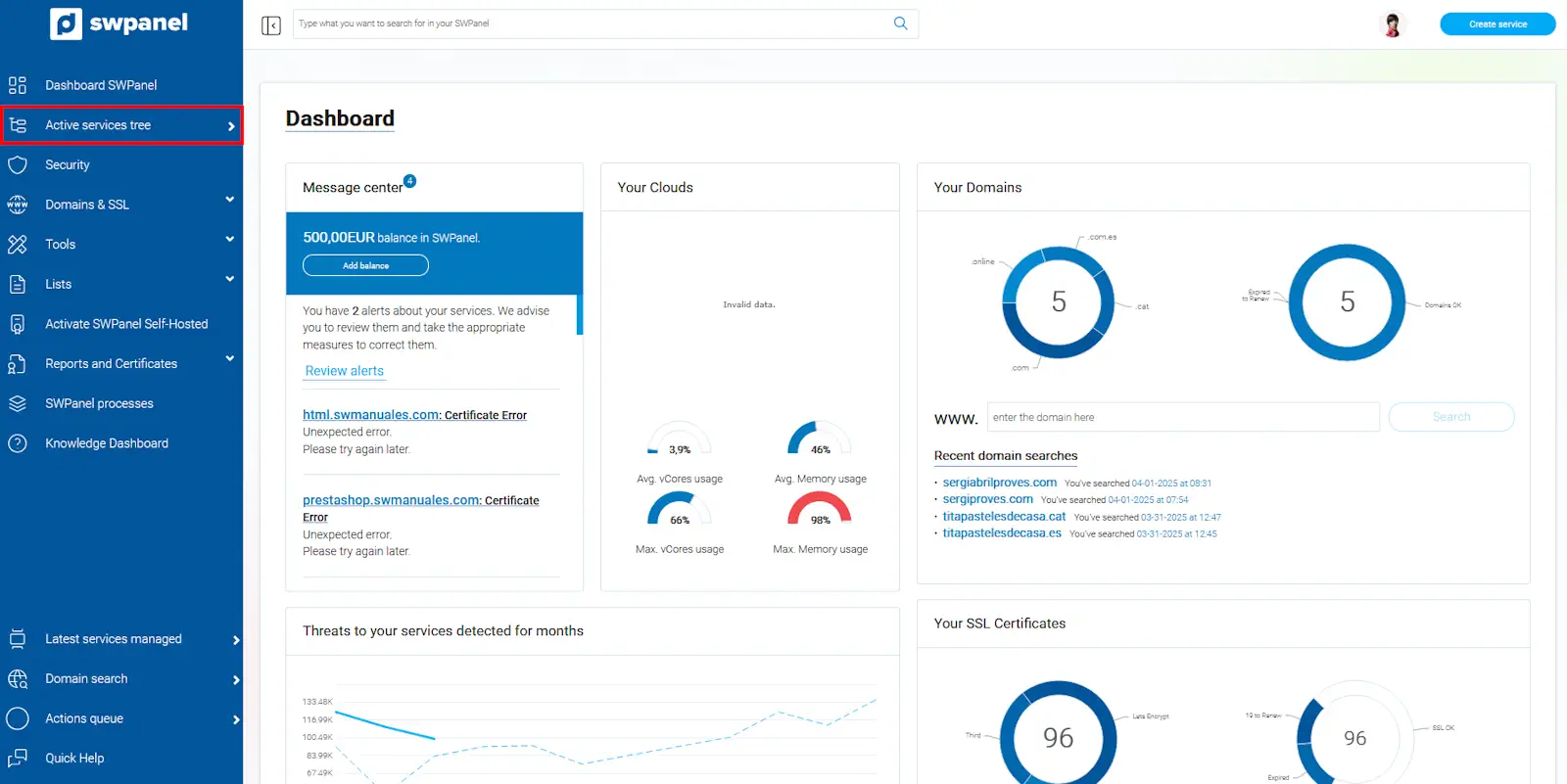
The screenshot is for guidance purposes. It was taken using version 2026.001.0057 dated 17/05/2026. It may differ from what the current version of SWPanel shows.
Once inside the Cloud server, you will find a button bar with all the available actions for the service.
You must click on the first icon in the "Resources" section. From here, you can customize the resources of your Cloud. As you will see, there are many options which we will explain one by one:
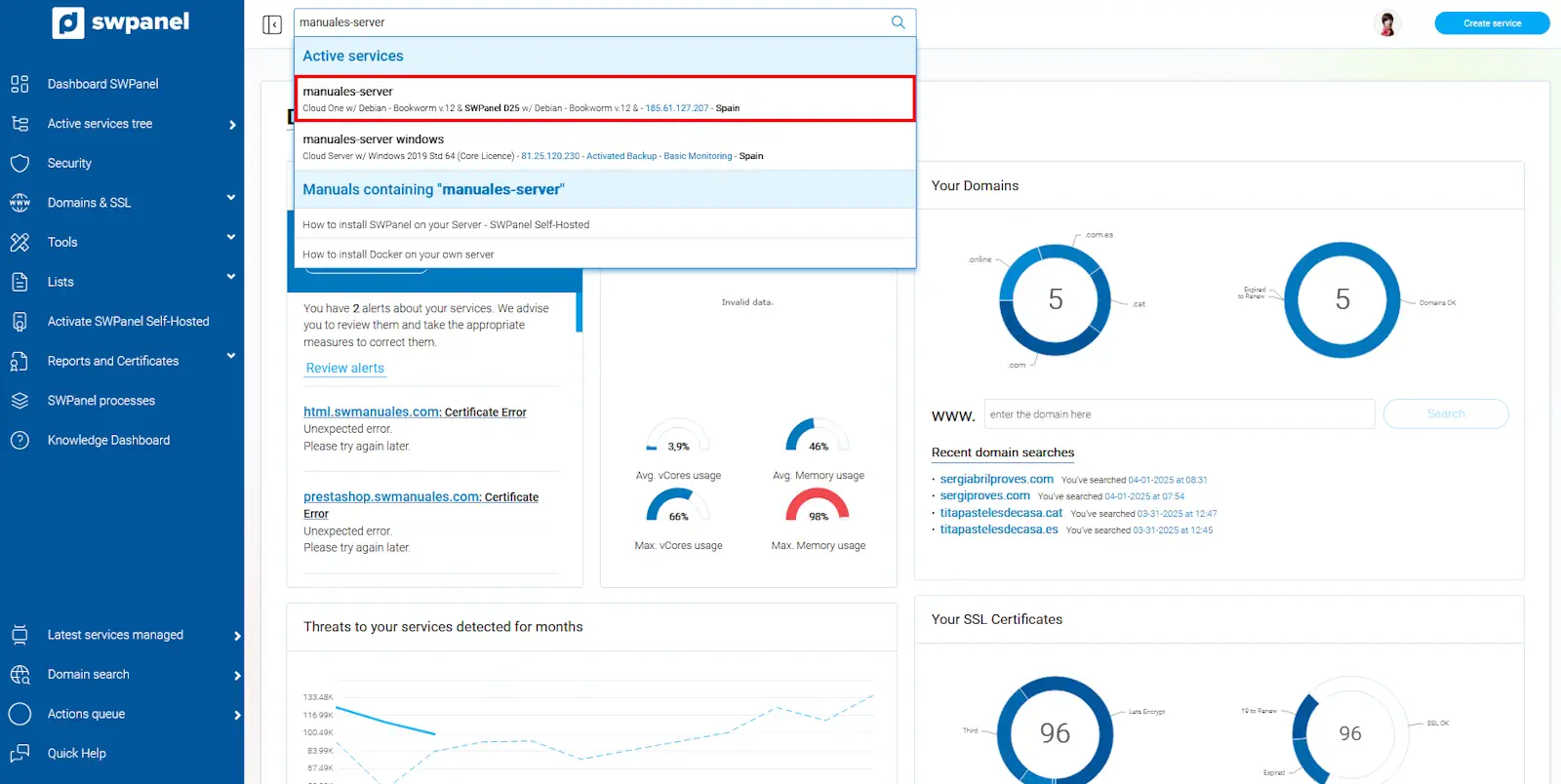
The screenshot is for guidance purposes. It was taken using version 2026.001.0057 dated 17/05/2026. It may differ from what the current version of SWPanel shows.
Customize service resources
From this section, you can:
- Increase hard drive capacity.
- Add new public IPs to your server.
Important: It is not possible to reduce the size of a disk already in use, as this could cause data loss and system errors.
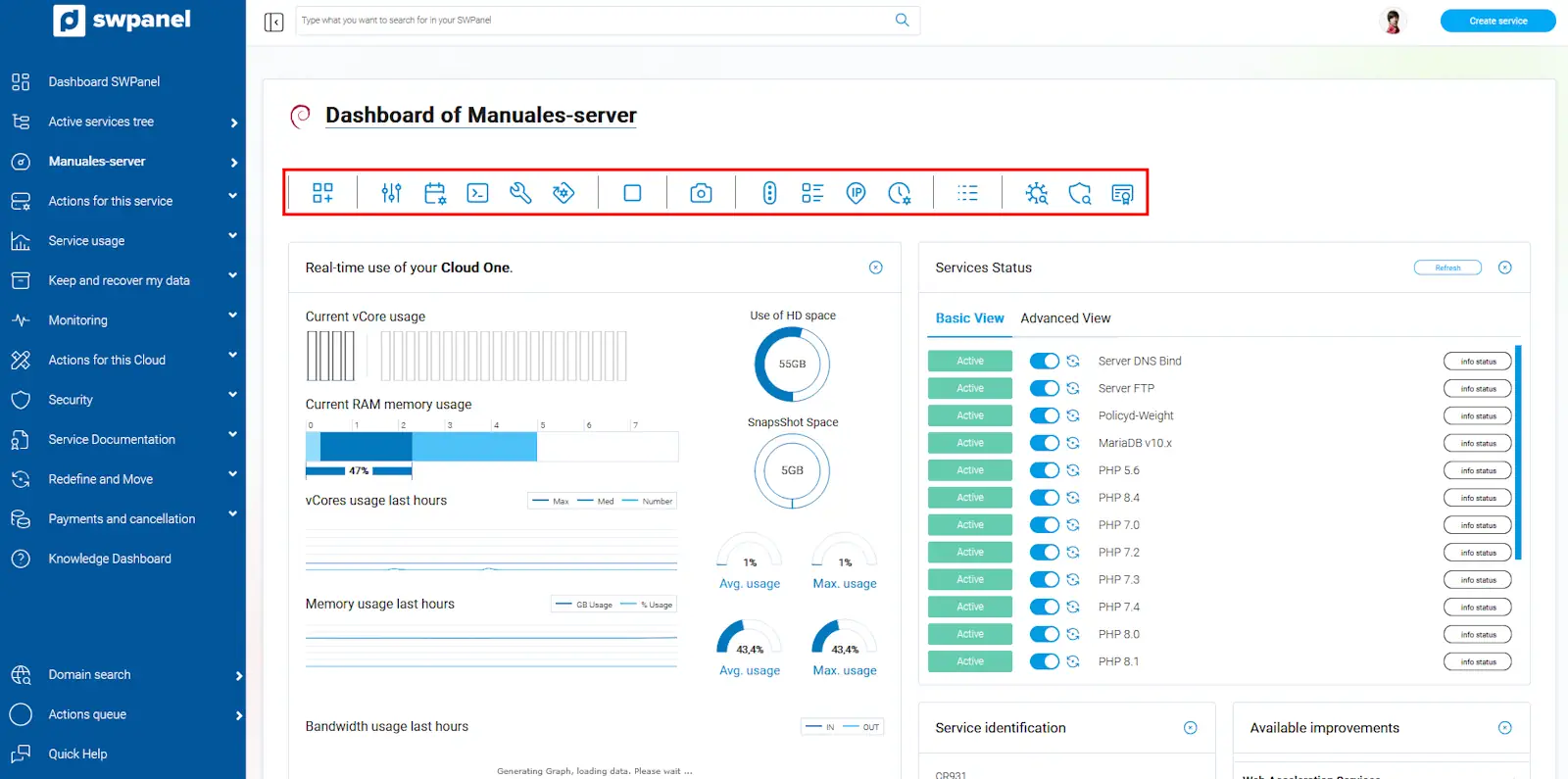
The screenshot is for guidance purposes. It was taken using version 2026.001.0057 dated 17/05/2026. It may differ from what the current version of SWPanel shows.
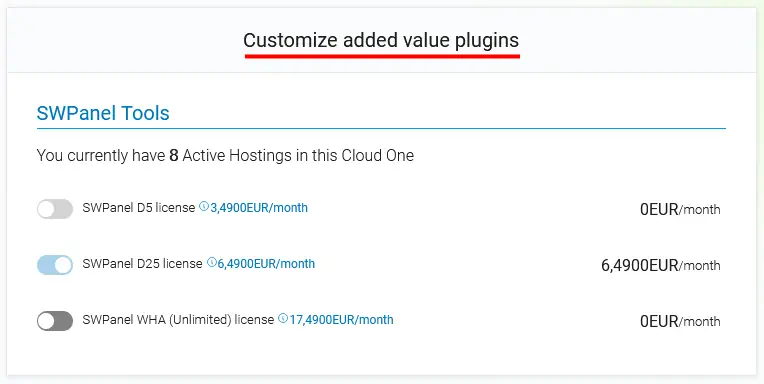
Customize value-added add-ons
In this section, you can manage and modify the additional services and domains associated with the Cloud.

The screenshot is for guidance purposes. It was taken using version 2026.001.0057 dated 17/05/2026. It may differ from what the current version of SWPanel shows.
Customize installed software or services
Here you can configure different services related to:
- Remote access.
- DNS servers.
- Web and FTP services.
- Databases.
- Email services.
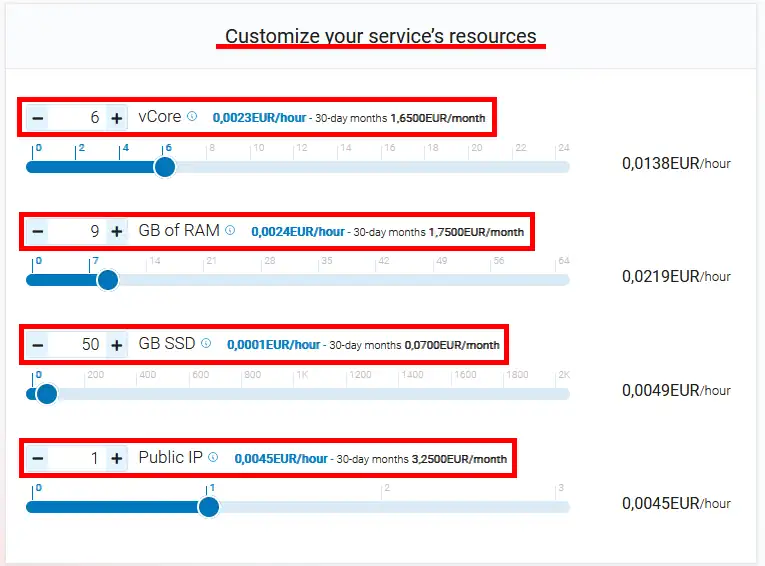
The screenshot is for guidance purposes. It was taken using version 2026.001.0057 dated 17/05/2026. It may differ from what the current version of SWPanel shows.
Connection and Traffic, Management and Control
From this section, you can configure options related to:
- Unlimited server traffic.
- Storage space dedicated to Snapshots.
The screenshot is for guidance purposes. It was taken using version 2026.001.0057 dated 17/05/2026. It may differ from what the current version of SWPanel shows.