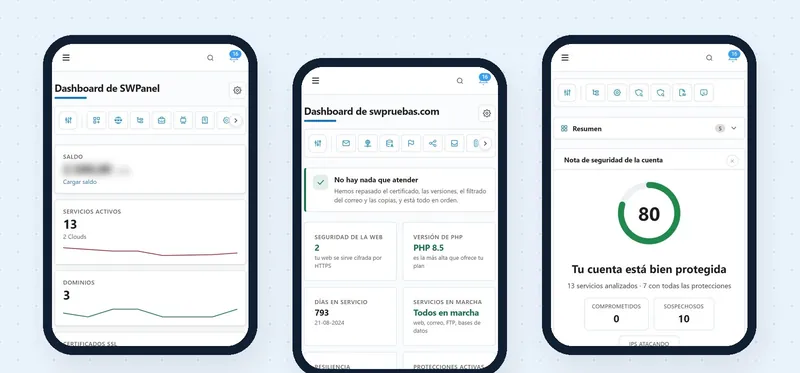
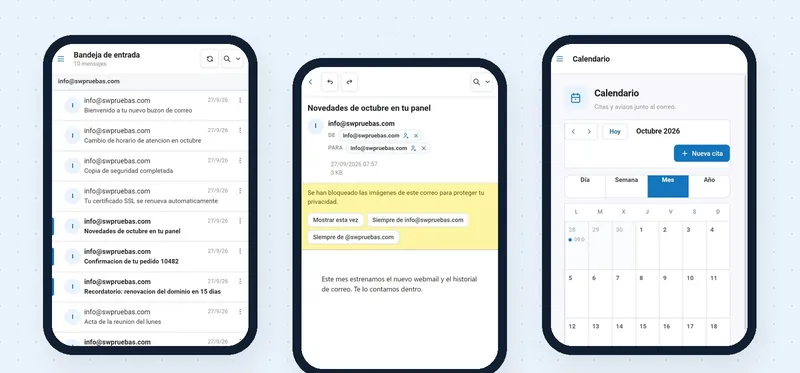
DB Manager app · iOS and Android
MySQL and MariaDB, in your pocket
The DB Manager app is SWPanel's database manager, adapted to the phone. It opens in read-only mode, tells you what to look at in each database and lets you view data or run a query. You sign in once and then open it with your fingerprint or your face.
- iOS and Android
- Read-only by default
- Login with fingerprint or face
In screenshots
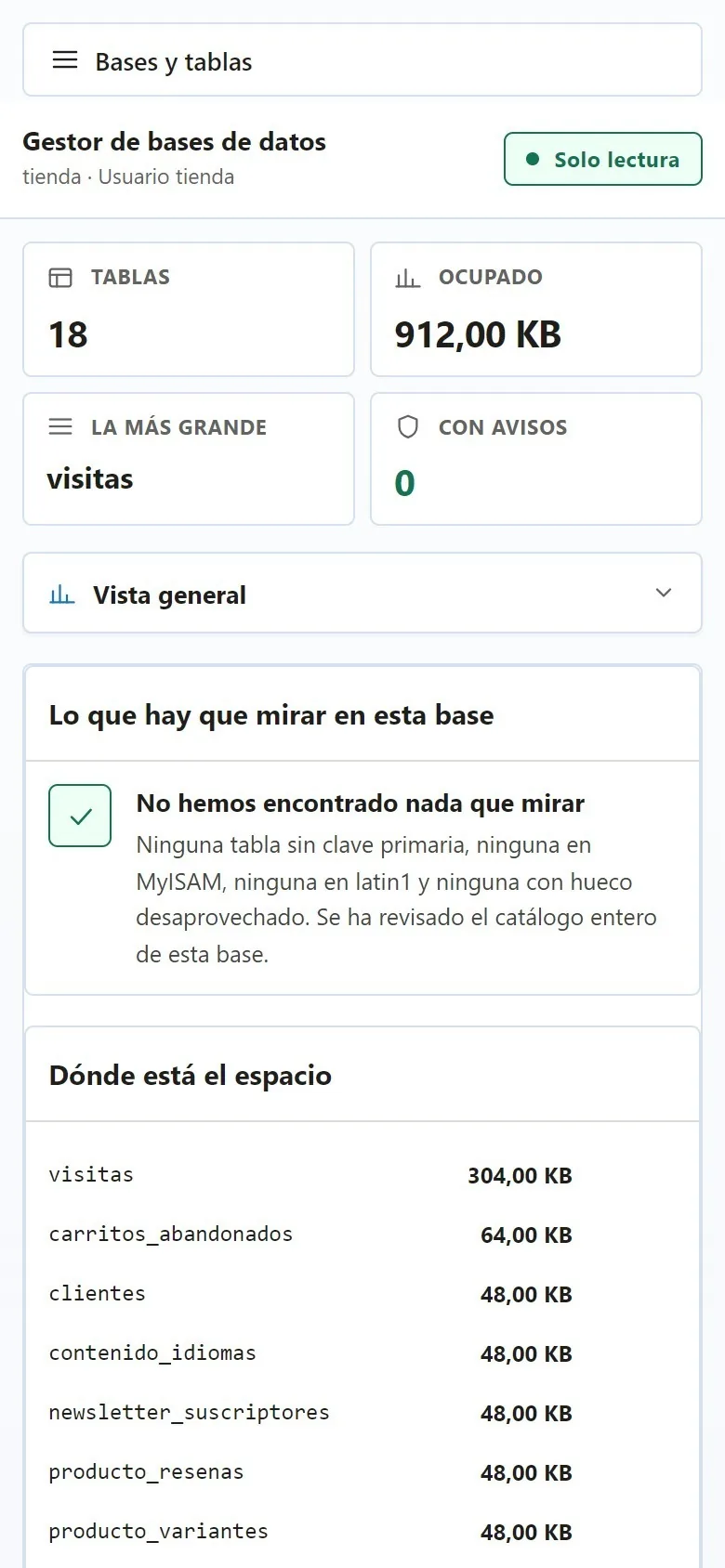
This is how the manager looks on your phone
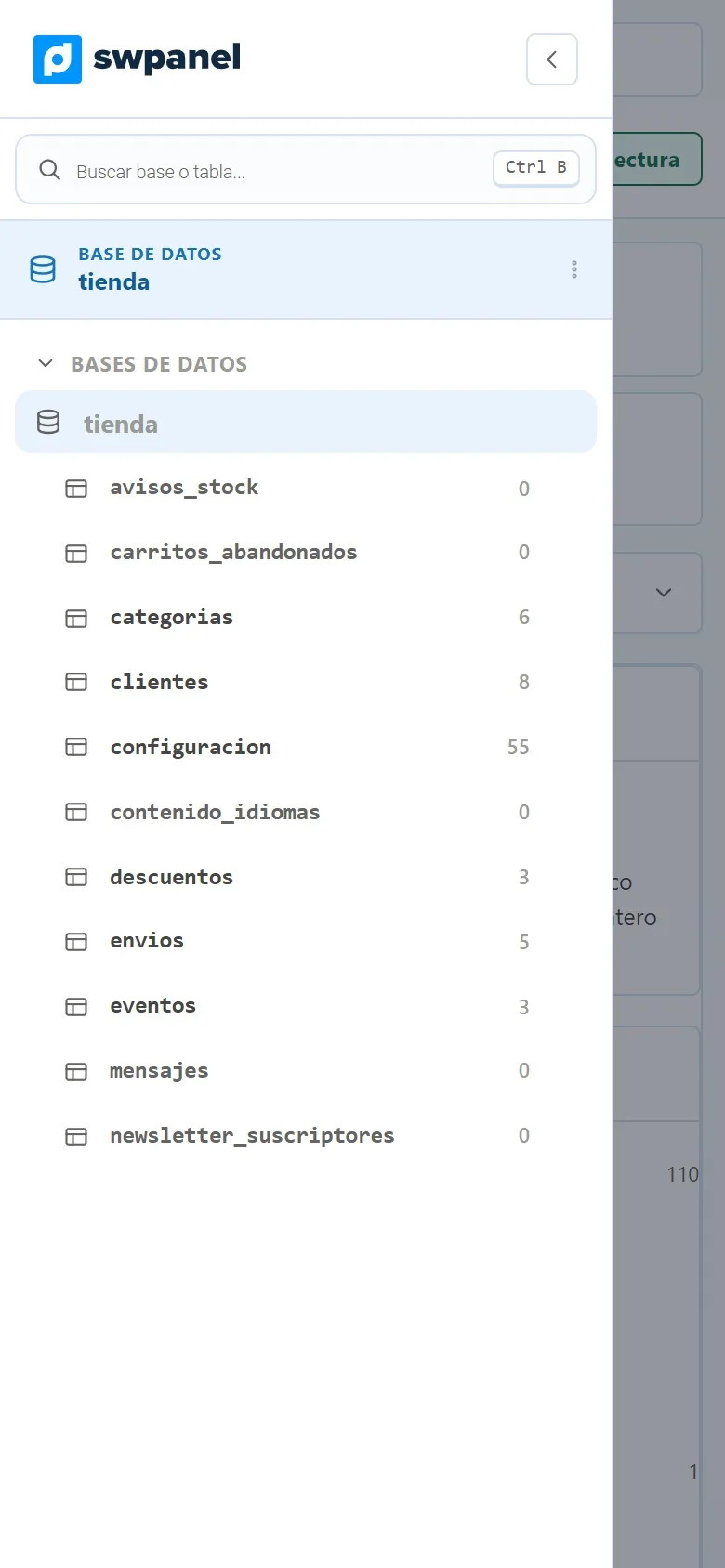
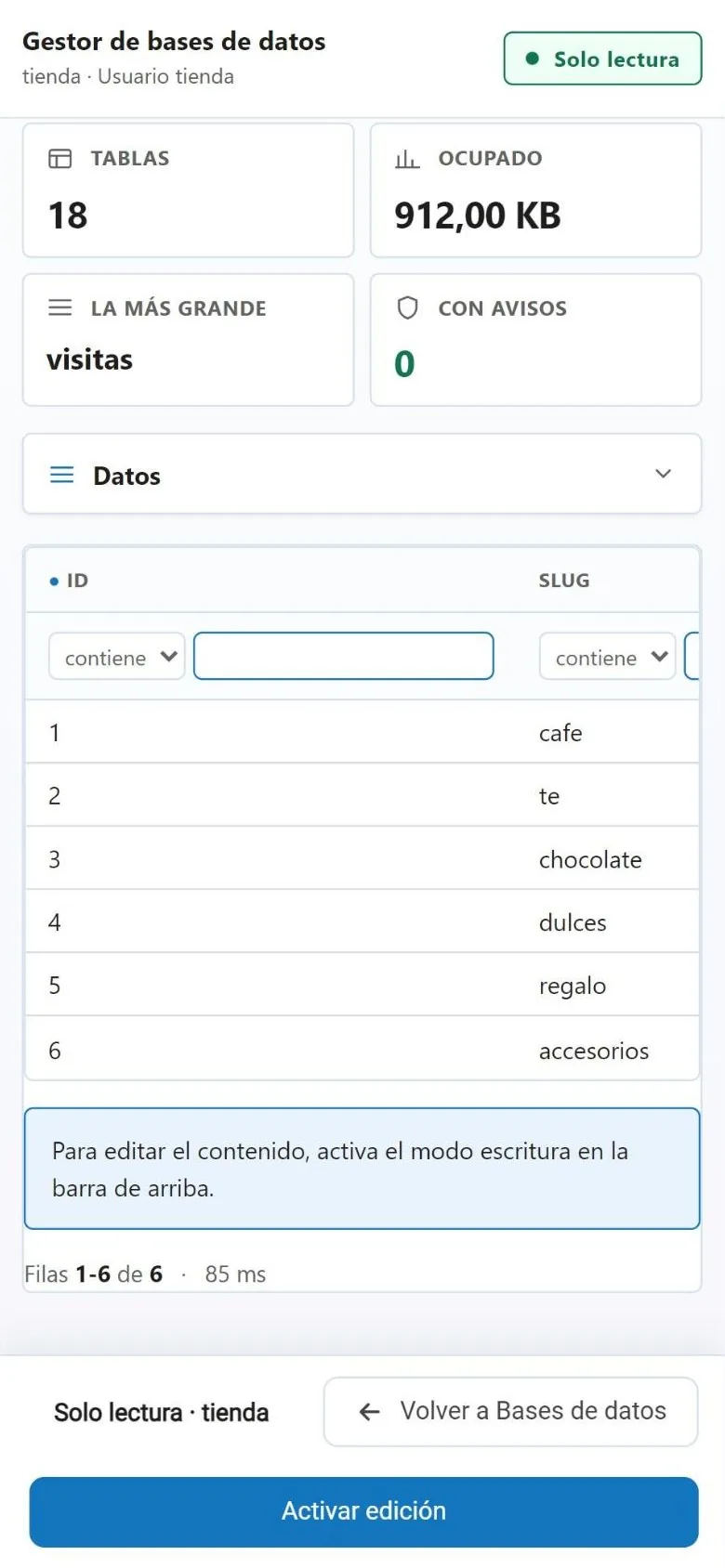
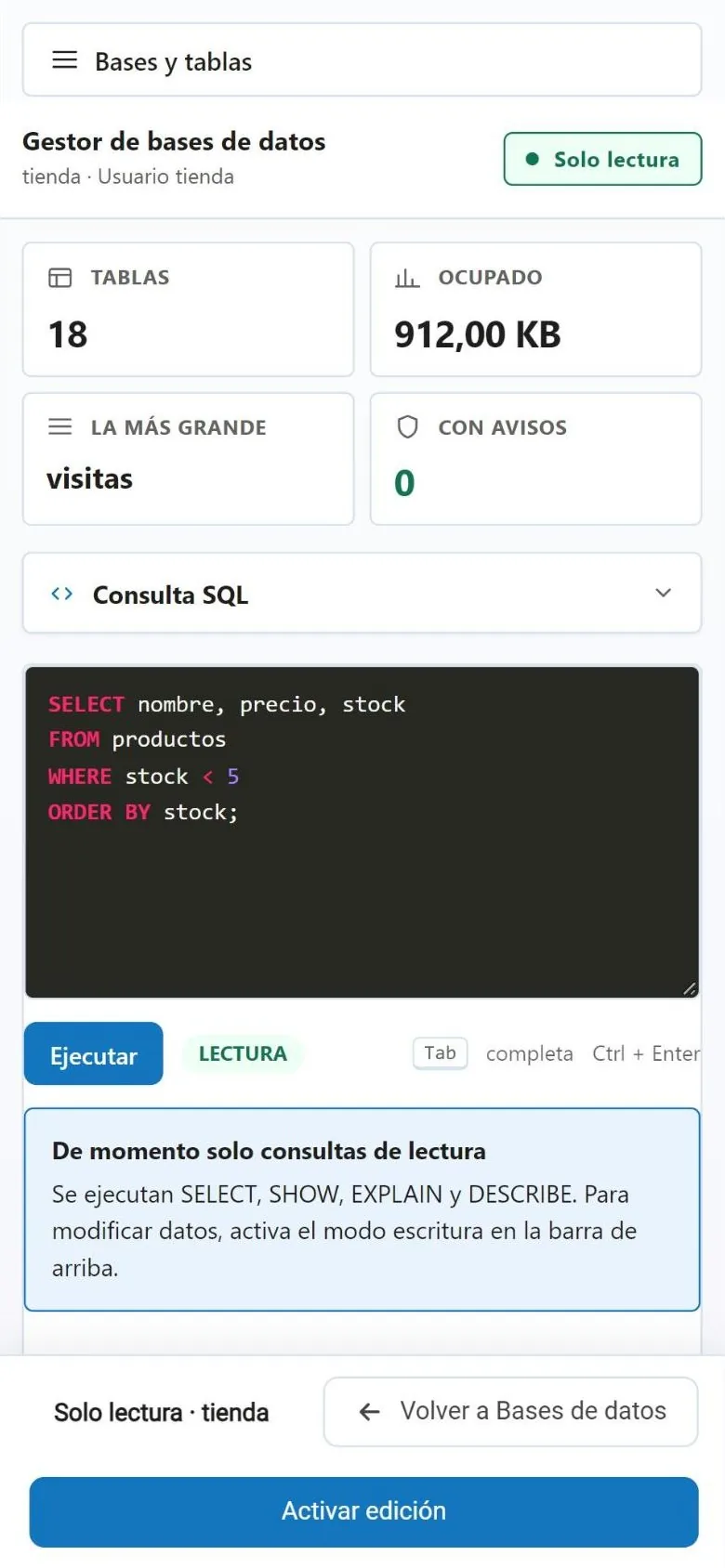
Real SWPanel 2027 screenshots on a phone screen, with a test account. We have hidden the IP and the service name. The status bar is a drawing.
From your phone
Looking breaks nothing. Changing is up to you
The same manager as on the computer, with the same protections.
Read-only by default
To change data you turn on editing, and only on that database. Meanwhile, you can explore without fear.
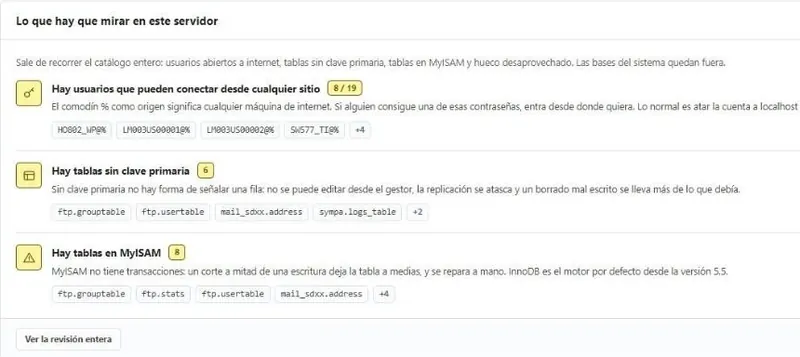
The health of each database
Tables without a primary key, in MyISAM or latin1, and wasted space, with the explanation of each warning.
Where the space is
The tables that take up the most, with their size, to know what is growing.
Search and filter
A search for databases and tables, and a filter on each data column.
SQL query
With highlighting. The app tells you if the query is read-only before running it.
The whole manager
Structure, relationships, search, health and failures, maintenance, backups and log.
How you log in
You log in once. After that, with a gesture
The DB Manager app stores your login on the phone and protects it with the biometrics you already use to unlock it: fingerprint or face recognition.
-
Download the app
From Google Play or the App Store, on your iPhone or Android.
-
Log in once
With your usual login details, as on the computer.
-
Save the access
Enable biometric access: it's stored on the phone and protected with your fingerprint or your face.
-
Open it with a gesture
From then on you log in with your fingerprint or your face, without typing the password again.
The app doesn't see your fingerprint or your face: the phone itself does the check, just as when you unlock it. Want to log in without a password on your computer too? InstantPass does that: you scan a QR code with your phone.
Frequently asked questions
Questions about the DB Manager app
Your databases, one gesture away
Download the DB Manager app and save your login with your fingerprint or your face.