SWPanel app · iOS and Android
All of SWPanel, on your phone
The SWPanel app is SWPanel as it is, adapted to the phone screen: your services, your domains, security and alerts, with the same menu as on the computer. You sign in once and then open it with your fingerprint or your face.
- iOS and Android
- Login with fingerprint or face
- Your usual account
In screenshots
This is how SWPanel looks on your phone
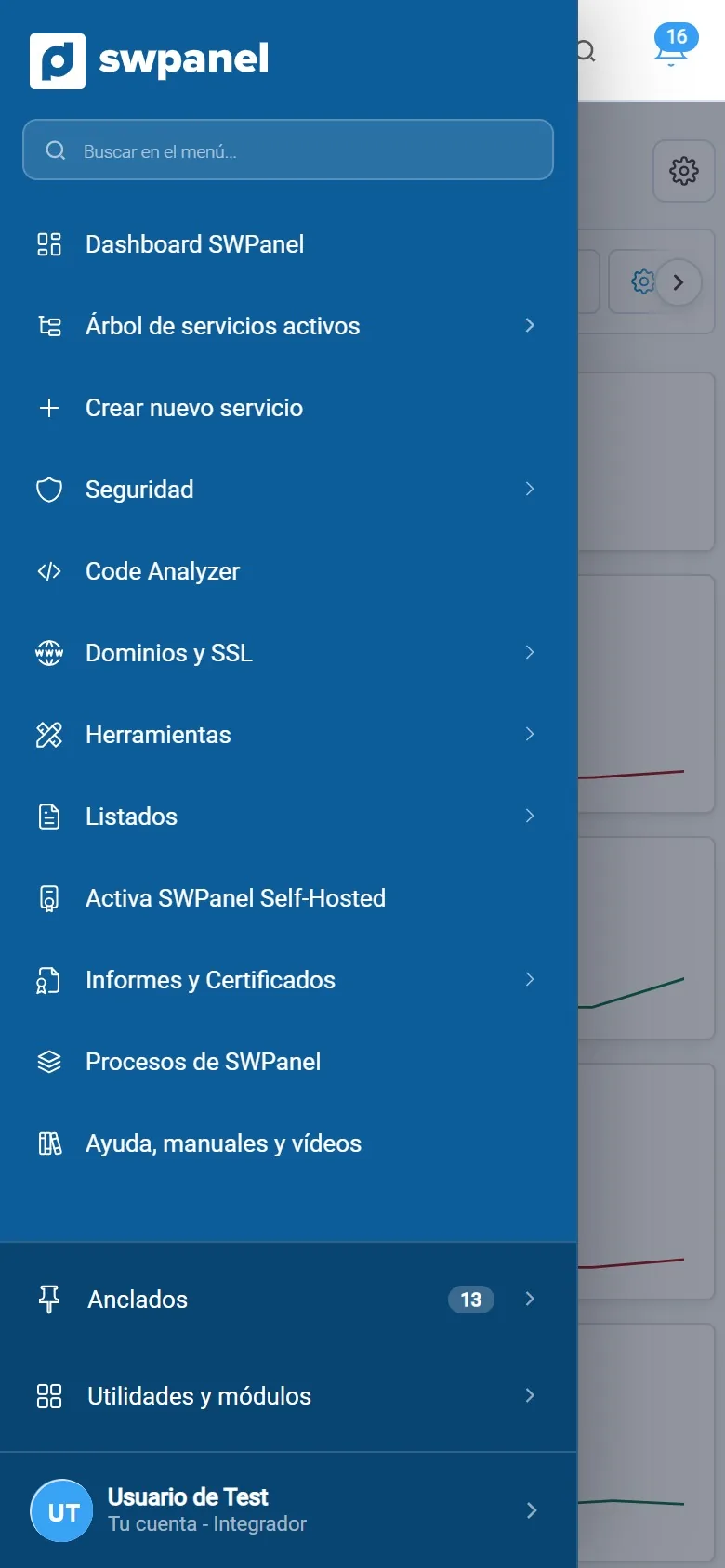
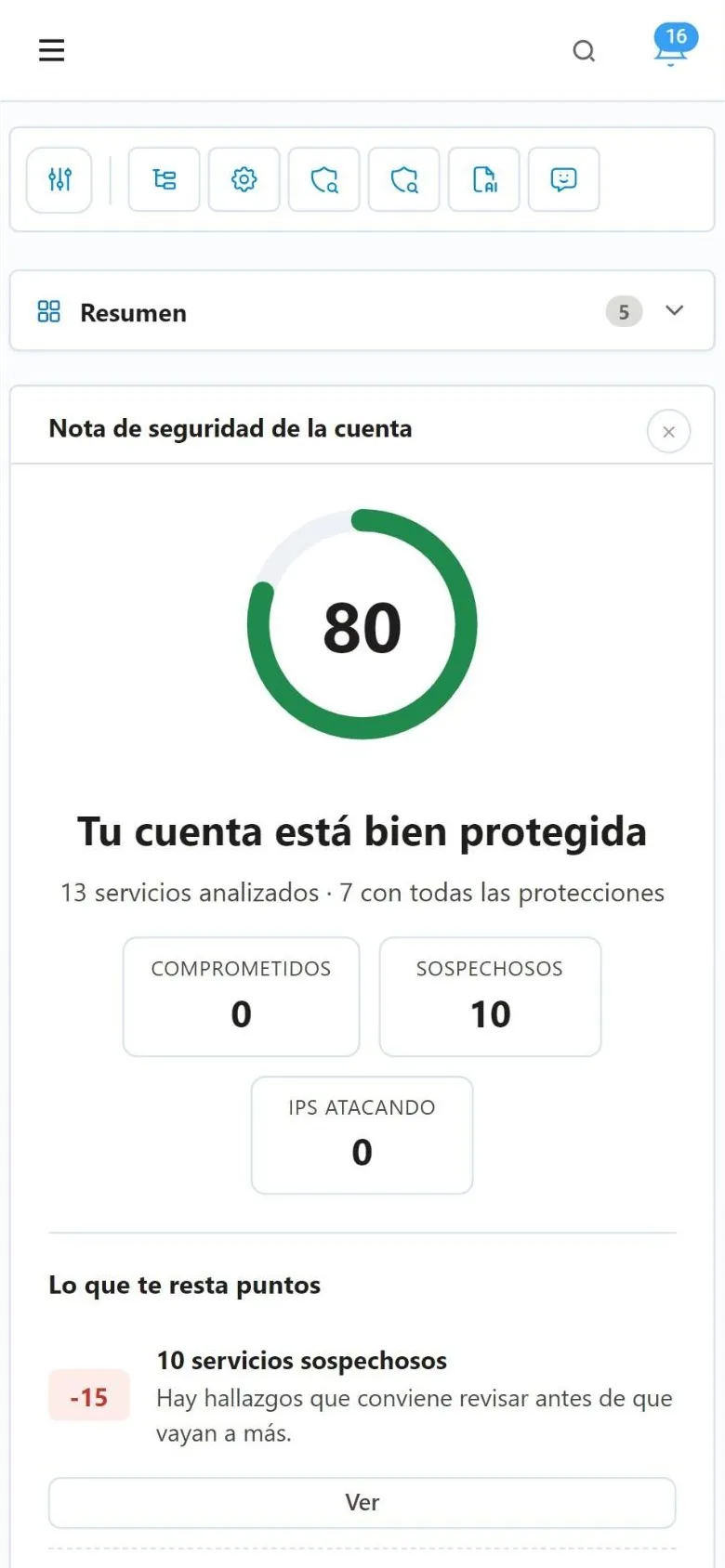
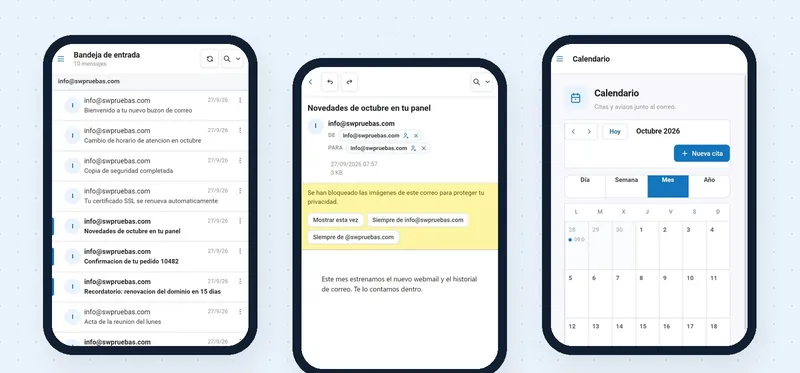
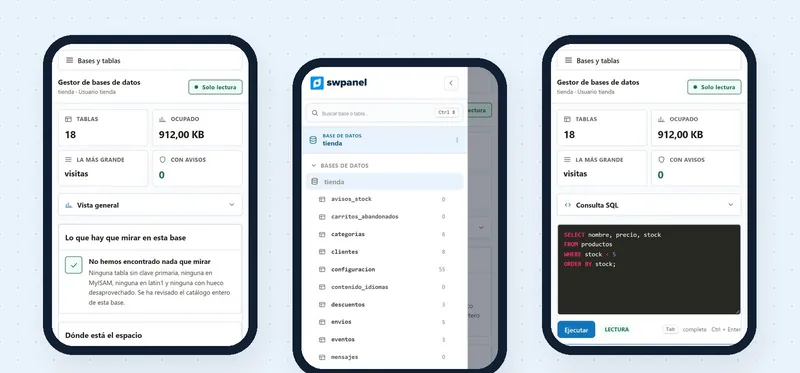
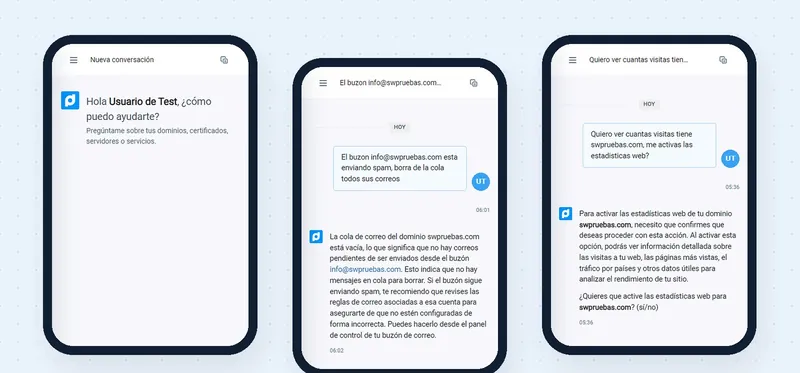
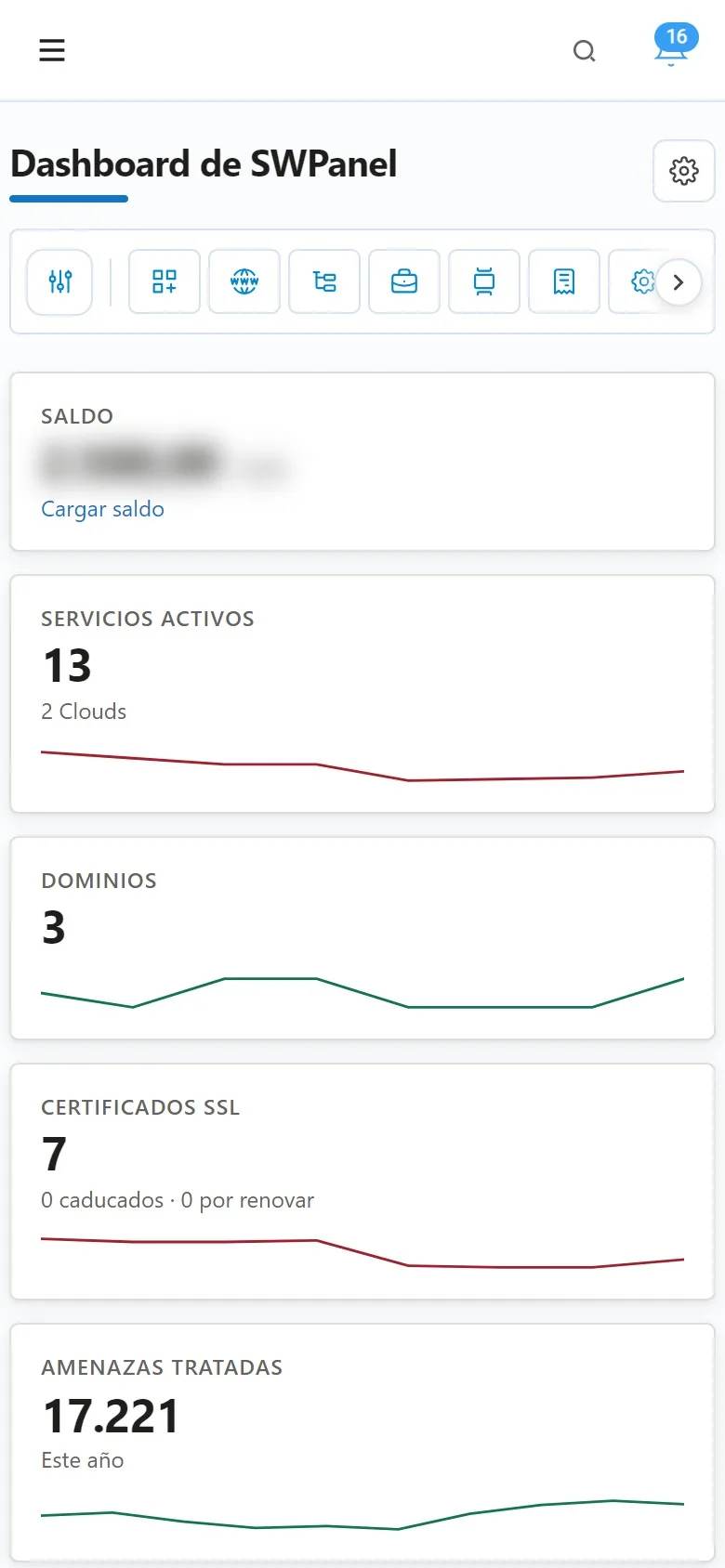
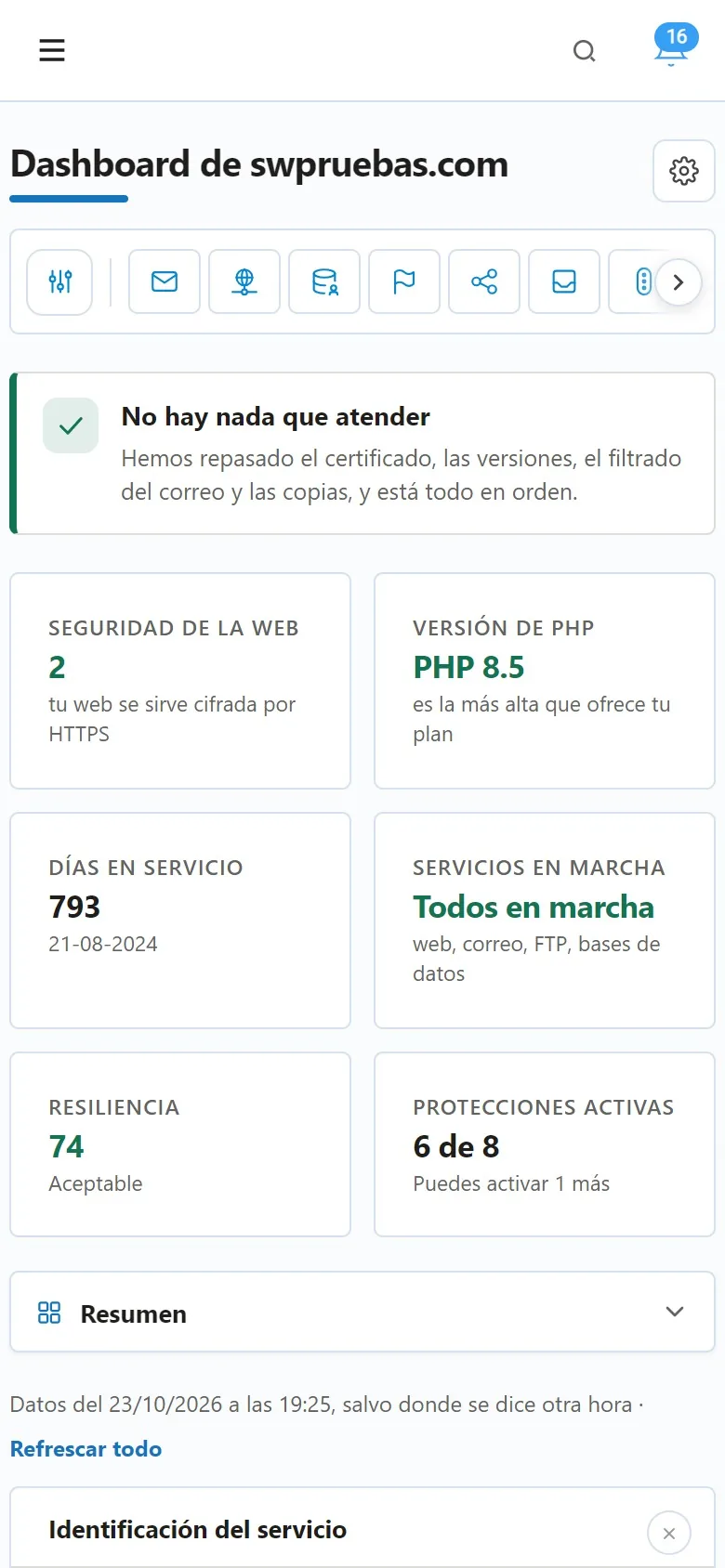
Real SWPanel 2027 screenshots on a phone screen, with a test account. We have blurred the balance and hidden the account details. The status bar is a drawing.
From your phone
What you do without opening your laptop
It's all of SWPanel. These are the things people do most with the phone in hand.
See how everything is going
The dashboard summarizes the account: active services, domains, expiring certificates and handled threats.
Handle an alert
The bell gathers SWPanel's alerts and takes you to what needs looking at.
Review a service
Each hosting or Cloud has its own dashboard: what to attend to, PHP, days in service, resilience and protections.
Check security
The account's security score and, below it, what takes points off and where to look.
Domains and SSL
Your domains and your certificates, with the expired ones and those due for renewal.
Go straight there
The header search and the menu search, to reach a service or a screen without navigating.
How you log in
You log in once. After that, with a gesture
The SWPanel app stores your login on the phone and protects it with the biometrics you already use to unlock it: fingerprint or face recognition.
-
Download the app
From Google Play or the App Store, on your iPhone or Android.
-
Log in once
With your usual login details, as on the computer.
-
Save the access
Enable biometric access: it's stored on the phone and protected with your fingerprint or your face.
-
Open it with a gesture
From then on you log in with your fingerprint or your face, without typing the password again.
The app doesn't see your fingerprint or your face: the phone itself does the check, just as when you unlock it. Want to log in without a password on your computer too? InstantPass does that: you scan a QR code with your phone.
Frequently asked questions
Questions about the SWPanel app
Carry SWPanel in your pocket
Create your account, download the app and save your login with your fingerprint or your face.