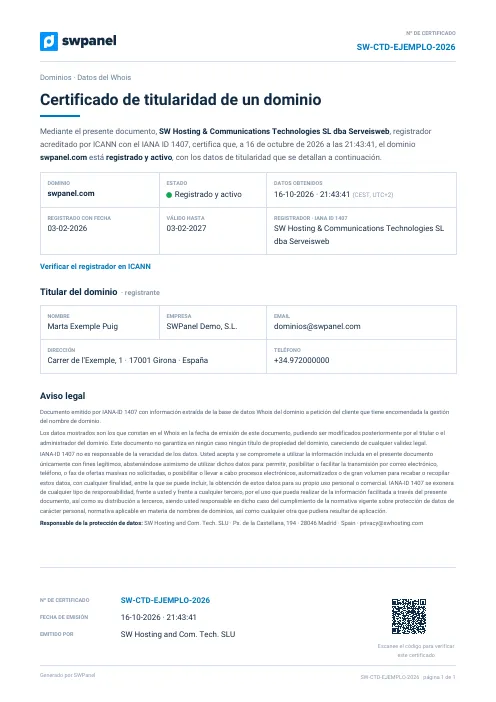
Certificate
Domain ownership
A domain's Whois data, certified by the ICANN-accredited registrar: holder, status and registration and expiry dates.
SW-CTD-… 1 page

Reports and certificates
SWPanel issues certificates, verifications and reports as PDFs. Each one is born with a unique number and token that tie it to the original stored in SWPanel: whoever receives it can check that it is authentic and untouched. Here is a real example of each.
Certificates
They attest a fact at a date and time: who owns a domain, where the data is, that the infrastructure is certified or that the data was deleted. They are issued by SW Hosting as the service provider.
A domain's Whois data, certified by the ICANN-accredited registrar: holder, status and registration and expiry dates.
SW-CTD-… 1 page
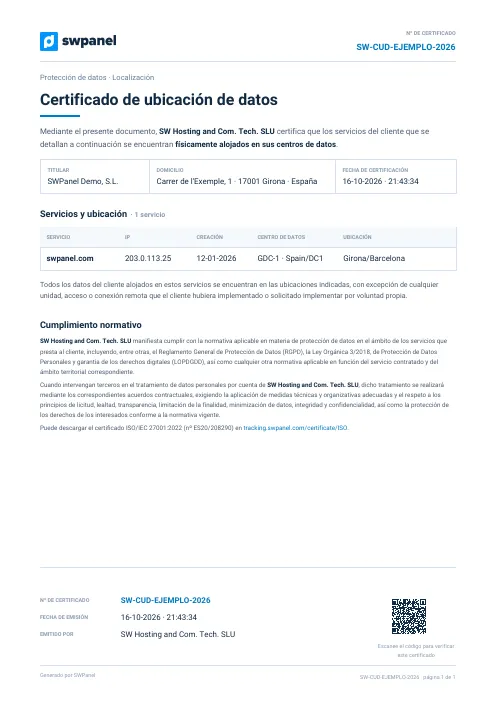
In which data center and country a service and its data are located. It is requested by Kit Digital, many tenders and data protection officers.
SW-CUD-… 1 page
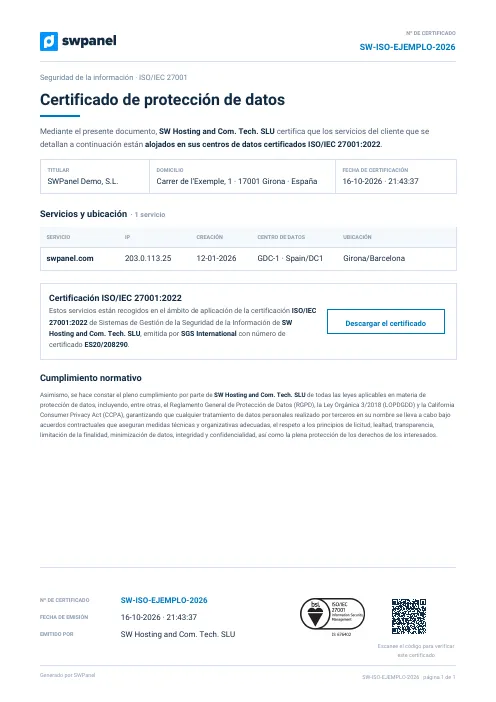
Attests that the service is hosted in ISO/IEC 27001:2022 certified data centers, with the certificate number and the link to download it.
SW-ISO-… 1 page
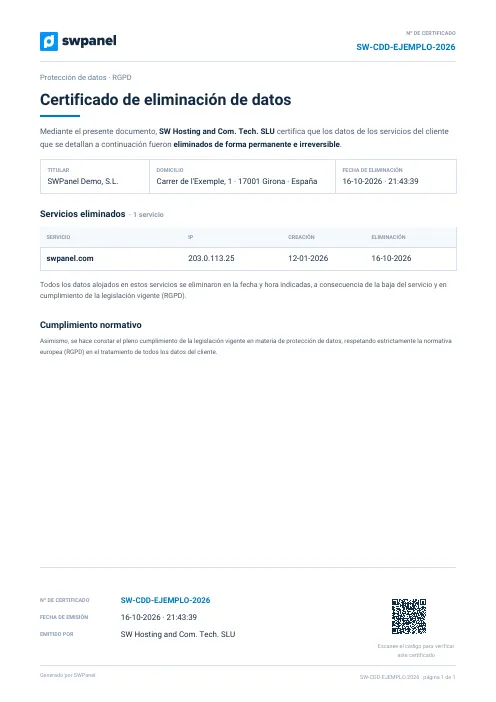
When a service is cancelled, it certifies that its data was permanently and irreversibly deleted, in compliance with GDPR.
SW-CDD-… 1 page
Verifications
SWPanel checks the service at the moment you request it and records each check: what is fine, what needs review and how to fix it.
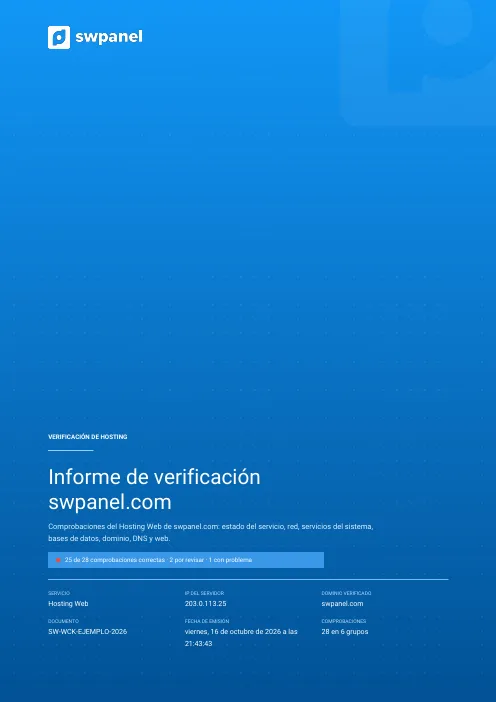
28 checks in 6 groups: service status, network, system services, databases, domain, DNS and web. With the proposed fixes.
SW-WCK-… 12 pages
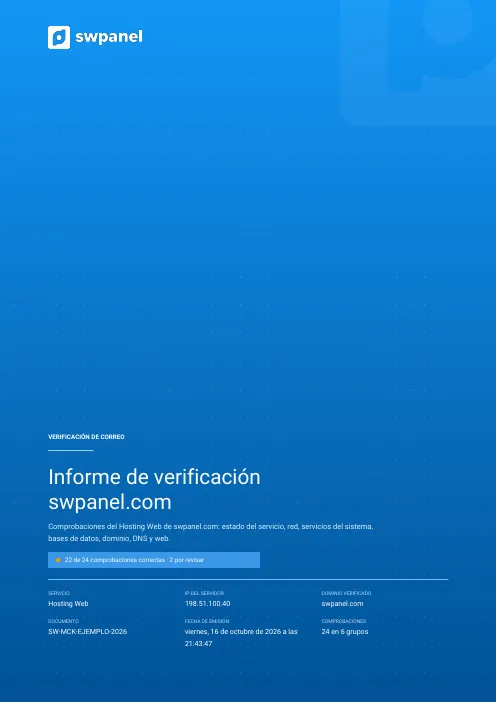
Accounts, aliases, lists, antivirus and antispam of a hosting's email: 24 checks, what needs review and how to fix it.
SW-MCK-… 11 pages
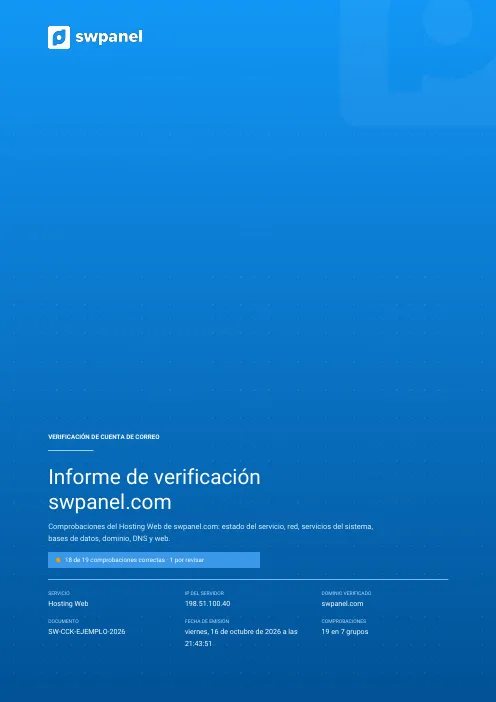
A specific mailbox: size and space used, forwards, auto-reply and 19 checks in 7 groups, with the proposed fixes.
SW-CCK-… 11 pages
Reports
Security, code and SEO. They reach your email when ready. Security ones are requested by period: the last 7 or 30 days, or the previous month.
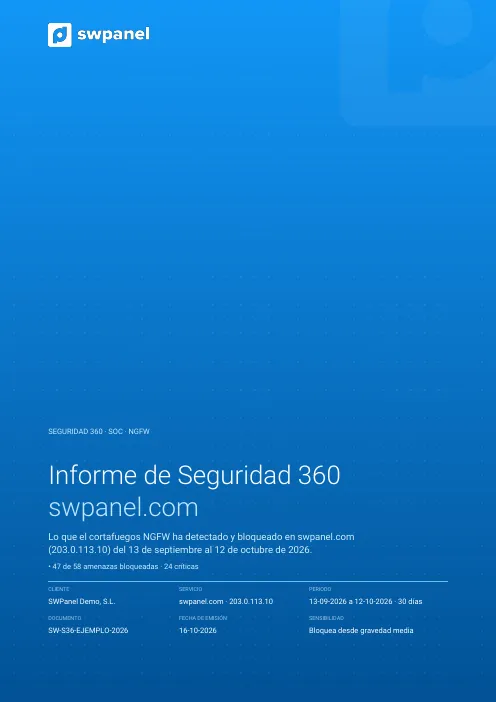
A service's security month: NGFW threats, SOC findings, blocked countries and bots, code analysis, adaptive WAF, what was done and next month's plan.
SW-S36-… 47 pages
What the NGFW detected and blocked in a period: by severity, type and origin, the changes over the last six months and what to do first.
SW-NGF-… 29 pages
The programming errors left in Apache or Nginx logs, file by file, with each fix and the malware analysis. Premium version, with an executive security summary.
SW-COD-… 73 pages
Technical and speed audit, business and keywords, content, brand reputation and a prioritized action plan.
SW-SEB-… 96 pages
Everything in basic, plus a full crawl of the site page by page, internal linking, cannibalization, competitors, SWOT and content opportunities.
SW-SEP-… 147 pages
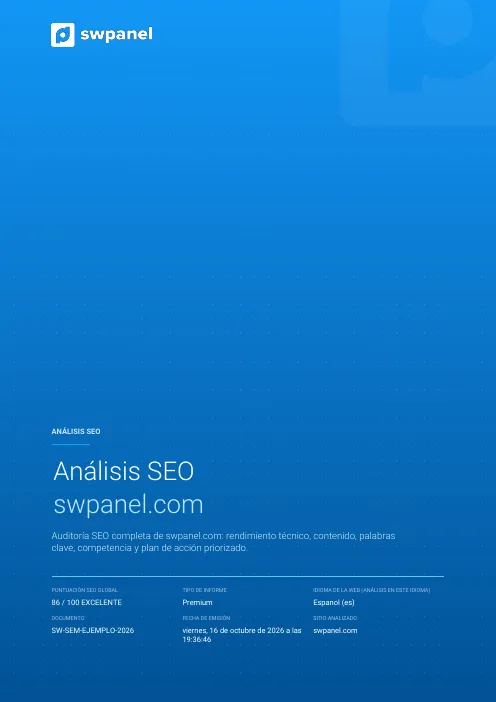
Everything in professional, plus the evolution since the previous report, backlinks, visibility share, the economic value of your SEO and growth projection.
SW-SEM-… 164 pages
All the examples in one ZIP 13 documents in Spanish, Catalan and English, and the Standard code analysis: 40 PDFs, 8.2 MB.
Download ZIPTraceability
Everything SWPanel issues, reports and certificates, is born with a unique token. With it, SWPanel guarantees the document is its own and anyone can verify that not a comma has been changed.
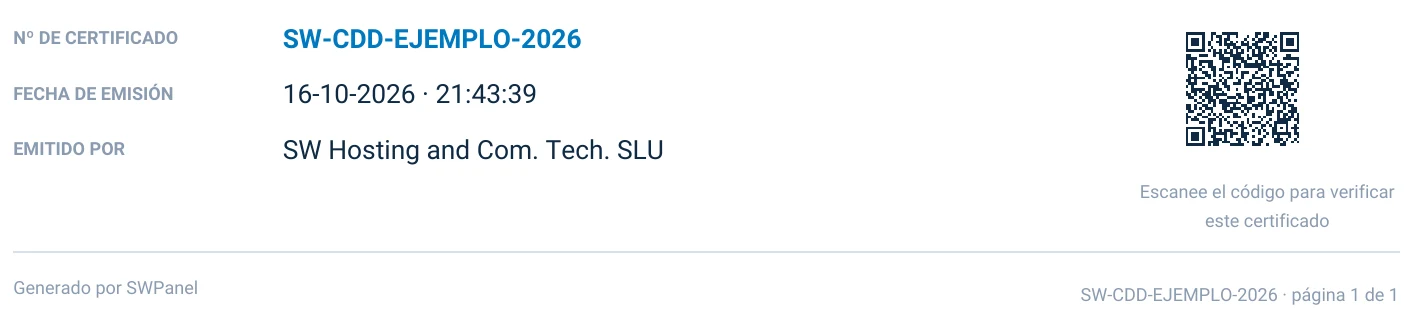

The token is generated when the document is issued and is never repeated. It ties each PDF to its issuance: which service, which customer, what date and time, and with what data.
The original is kept in SWPanel. Whoever receives a certificate checks it by scanning the QR, without calling anyone or signing up anywhere.
If someone changes a date, a holder or a figure, it stops matching the original. The alteration shows when you compare it.
How a certificate is checked
With your phone camera, from the PDF or from paper.
At tracking.swpanel.com, the version SWPanel keeps, with its data, date and number.
If it matches, the certificate is authentic and has not been modified. If not, someone has changed it.
For resellers
With the RHA module, the ownership and location certificates you request for your customers come out with your provider details, with the same token and the same verification QR. It is what they need, for example, to justify the Kit Digital. Learn about RHA.
Frequently asked questions
Go into any service, open “Certificates and reports” and choose the one you need.