Instant Help app · iOS and Android
SWPanel support, in your pocket
The Instant Help app is the same SWPanel Instant Help, with its entire AI engine, on your phone. You ask it like a person and it answers in seconds with the data of your services. If needed, it acts with your confirmation or passes you to a technician.
- iOS and Android
- Login with fingerprint or face
- With the data of your services
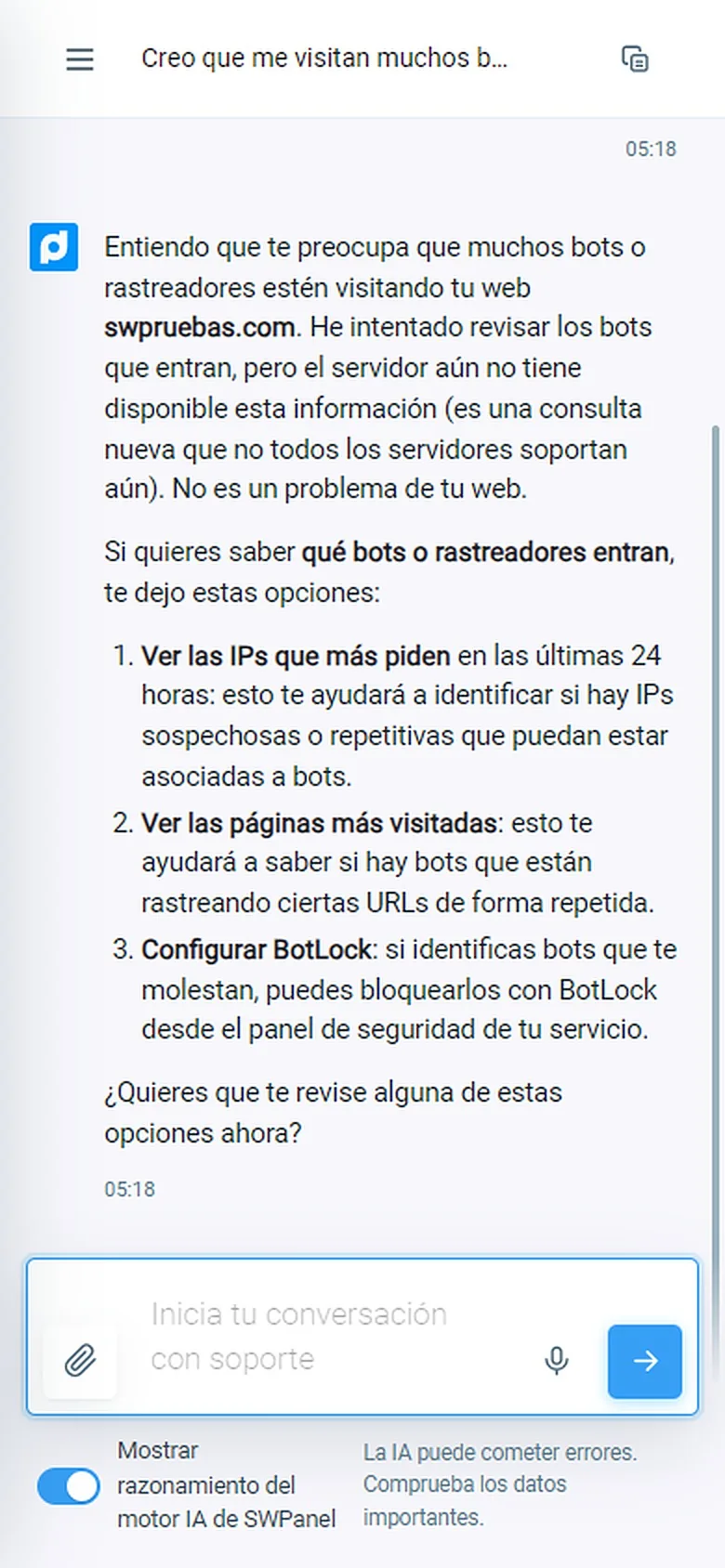
In screenshots
This is how support looks on your phone
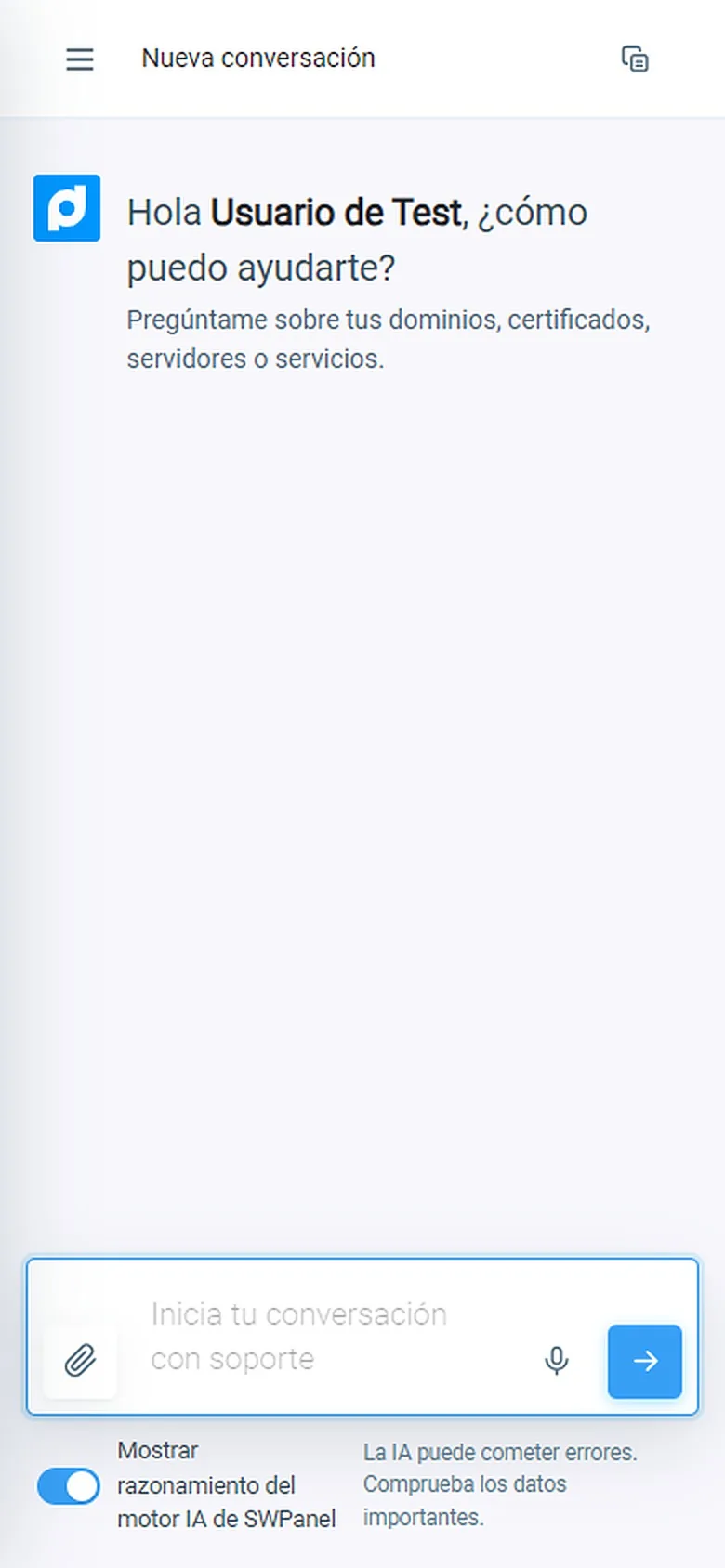
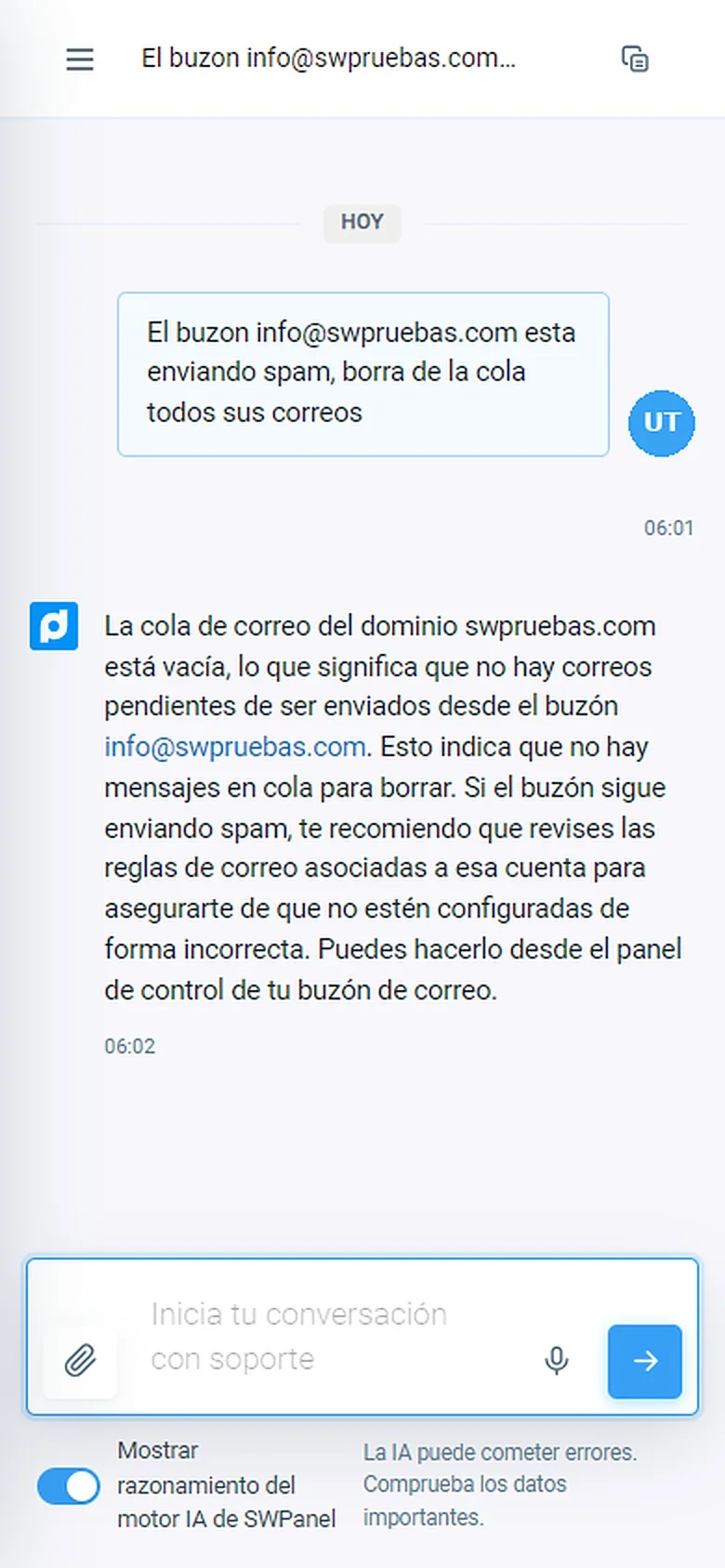
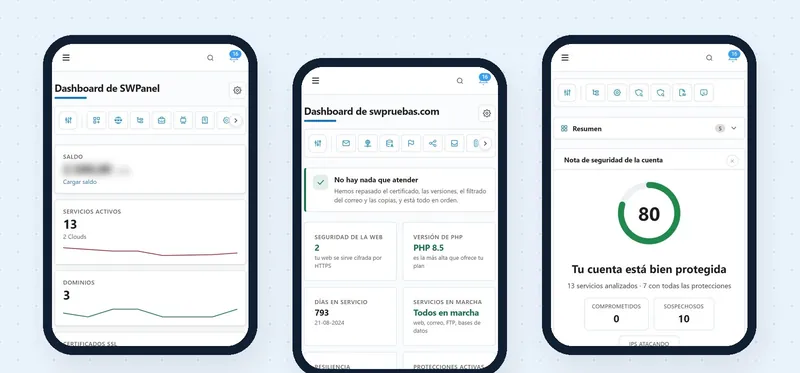
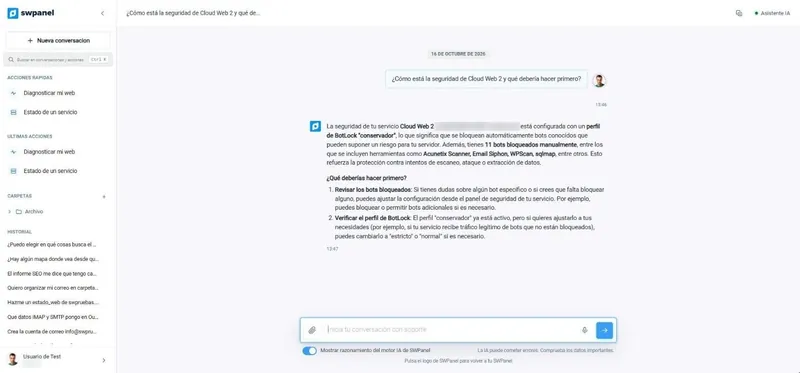
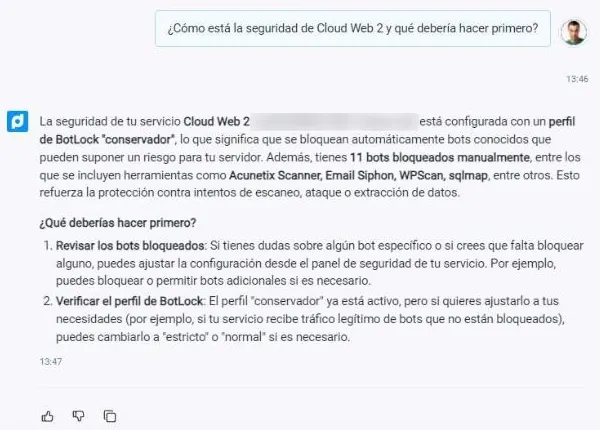
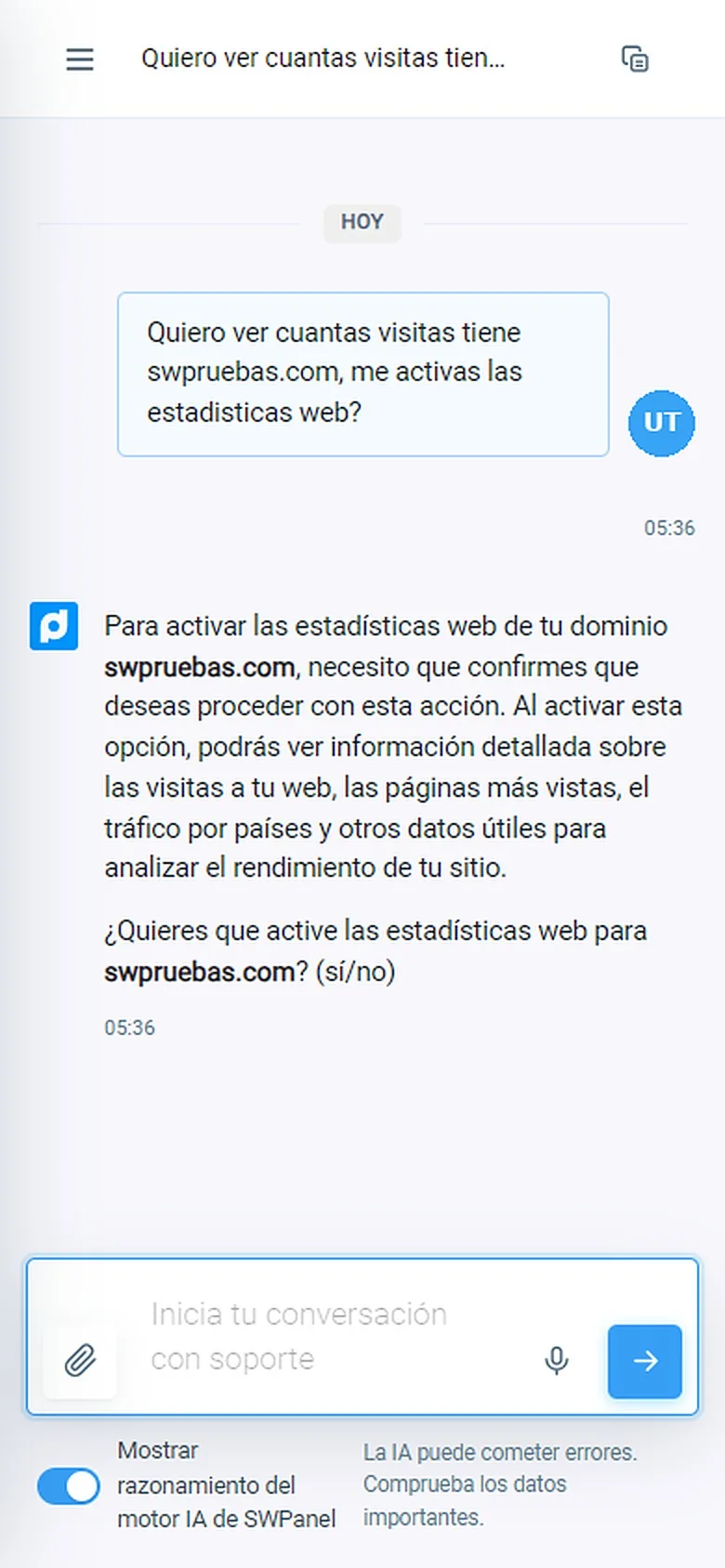
Real SWPanel 2027 screenshots on a phone screen, with a test account. We have changed the user's photo. The status bar is a drawing.
From your phone
First-level support, one message away
The same as SWPanel Instant Help, without having to open your computer.
Ask like you would a person
No searching through menus or manuals: type your question, dictate it or attach a file.
With the data of your services
It answers about your domains, certificates, servers and services, not with a generic answer.
Acts with your confirmation
If the solution is to change something, it proposes it and waits for your “yes” before touching anything.
And if needed, a person
What the AI doesn't solve, it passes to a technician.
Your conversations, saved
The history, with search and folders, the same you have in SWPanel.
You see how it reasons
If you want, it shows the reasoning of SWPanel's AI engine before each answer.
The AI engine
SWPanel's entire AI engine, in your pocket
The app isn't a generic chat: it's the AI engine SWPanel designed to support its customers, with access to your services and to the SWPanel manuals.
On our own infrastructure
Own GPUs, data in the EU
- It runs on SWPanel's AI engine, in European Union Data Centers
- It answers based on your services and the official manuals
- It warns you that AI can make mistakes and lets you verify the data
Designed for support
First level, with a technician behind it
- It diagnoses and tells you what is happening on your services
- It acts only with your confirmation
- If it doesn't solve it, it passes you to a person
How you log in
You log in once. After that, with a gesture
The Instant Help app stores your login on the phone and protects it with the biometrics you already use to unlock it: fingerprint or face recognition.
-
Download the app
From Google Play or the App Store, on your iPhone or Android.
-
Log in once
With your usual login details, as on the computer.
-
Save the access
Enable biometric access: it's stored on the phone and protected with your fingerprint or your face.
-
Open it with a gesture
From then on you log in with your fingerprint or your face, without typing the password again.
The app doesn't see your fingerprint or your face: the phone itself does the check, just as when you unlock it. Want to log in without a password on your computer too? InstantPass does that: you scan a QR code with your phone.
Frequently asked questions
Questions about the Instant Help app
SWPanel support, one gesture away
Download the Instant Help app and save your login with your fingerprint or your face.