Verification
Email service verification
Accounts, aliases, lists, antivirus and antispam of a hosting's email: 24 checks, what needs review and how to fix it.
SW-MCK-… 11 pages

Webmail · New in 2027
The new SWPanel Webmail works with any hosting, Cloud or server you manage from SWPanel. It runs on SWPanel's infrastructure, not yours, brings several accounts onto the same screen, including Gmail or Outlook, and opens without a password with SWPanel InstantPass.
Why it's different
In most panels, webmail is another application installed on your server. In SWPanel 2027 it is part of SWPanel: it opens from the email account and asks nothing of your machine.
It isn't installed on your hosting or your Cloud. It works from SWPanel and connects to your mailbox, so the CPU, memory and disk remain for your websites.
Shared hosting, Cloud or dedicated server: if you manage email with SWPanel, you get the same webmail, with nothing to install or update.
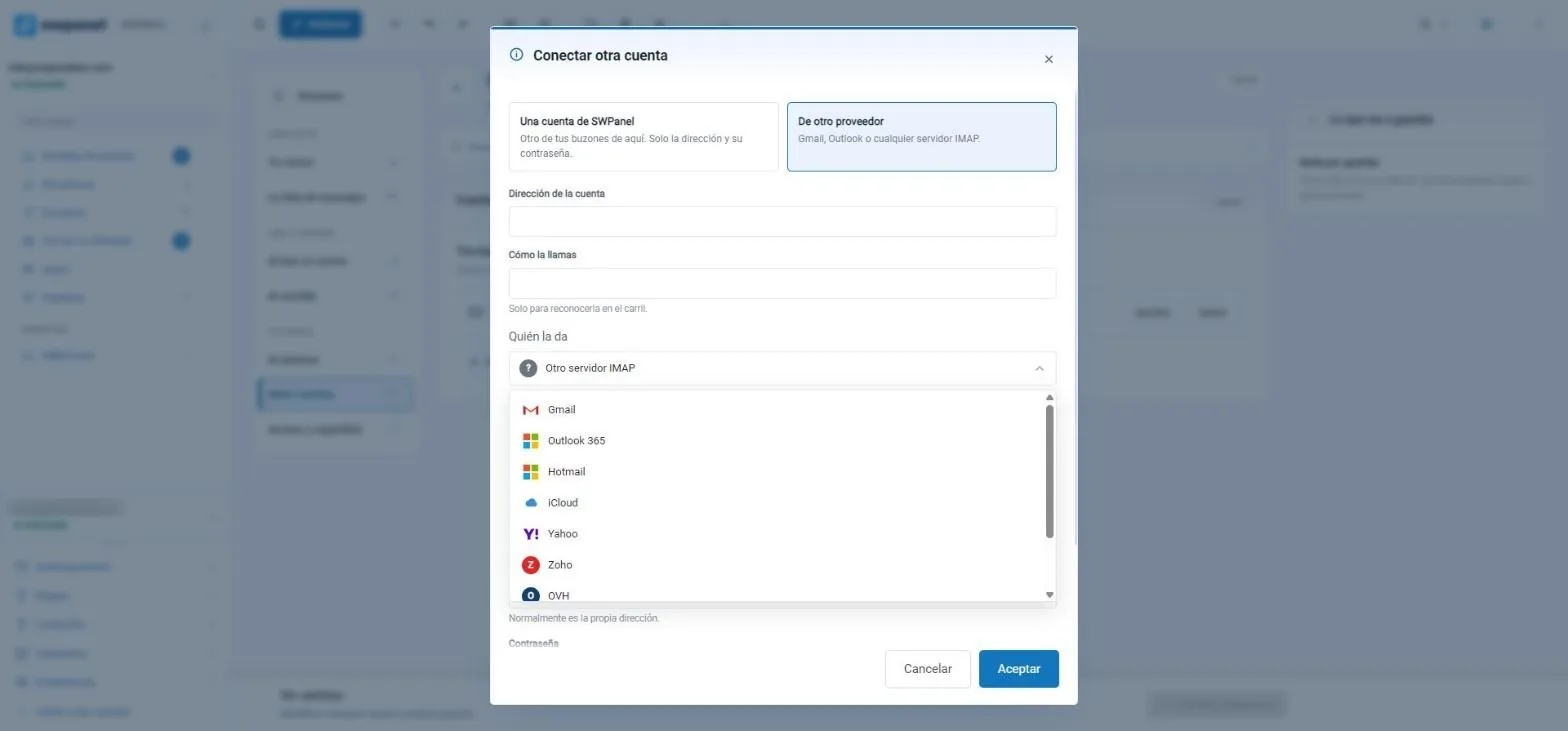
Add other mailboxes from SWPanel or from outside, such as Gmail, Outlook 365 or iCloud, and view them together without logging out.
What it looks like
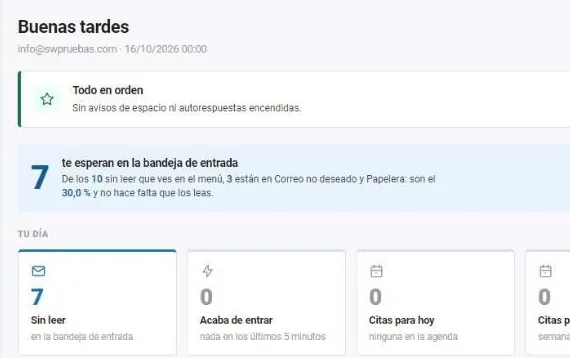
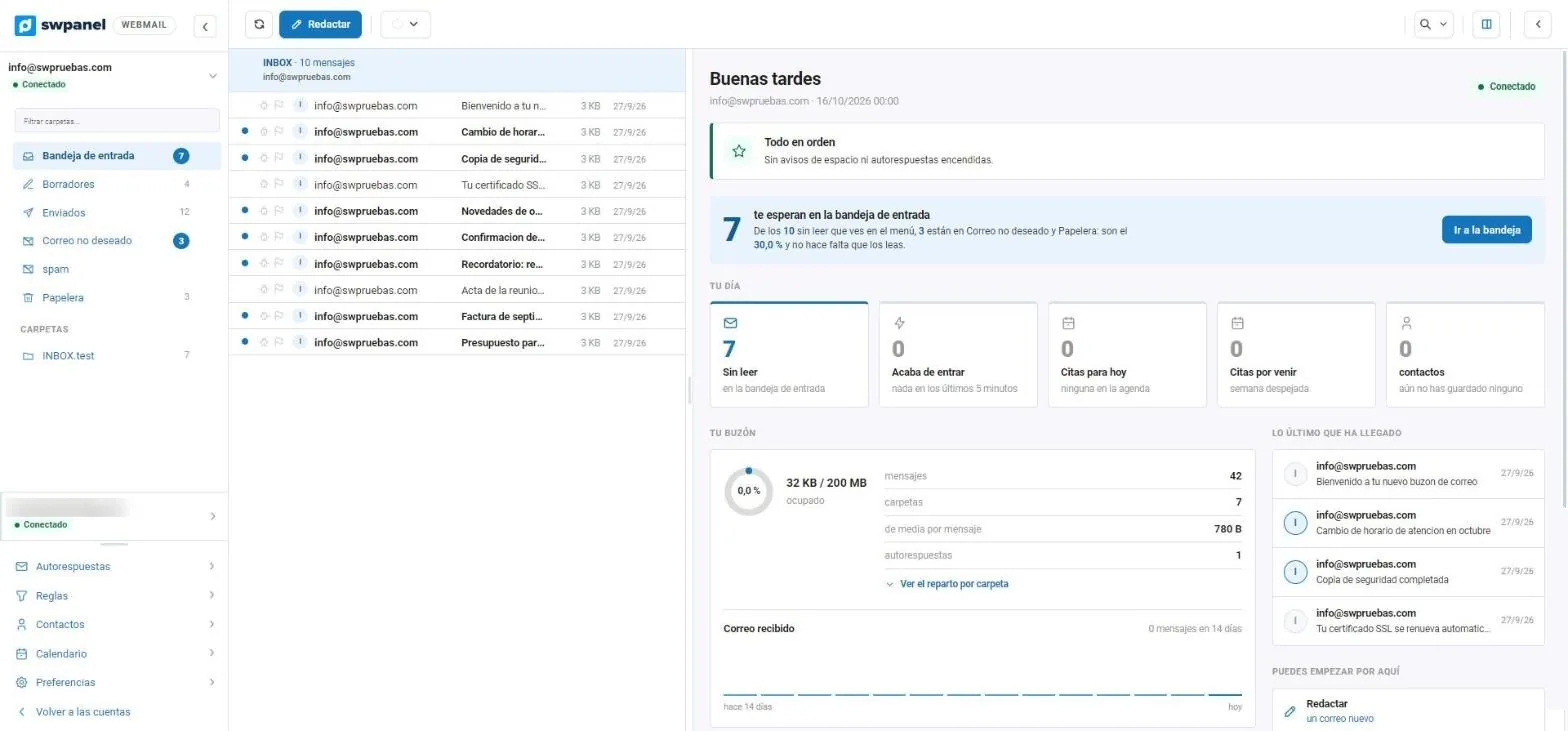
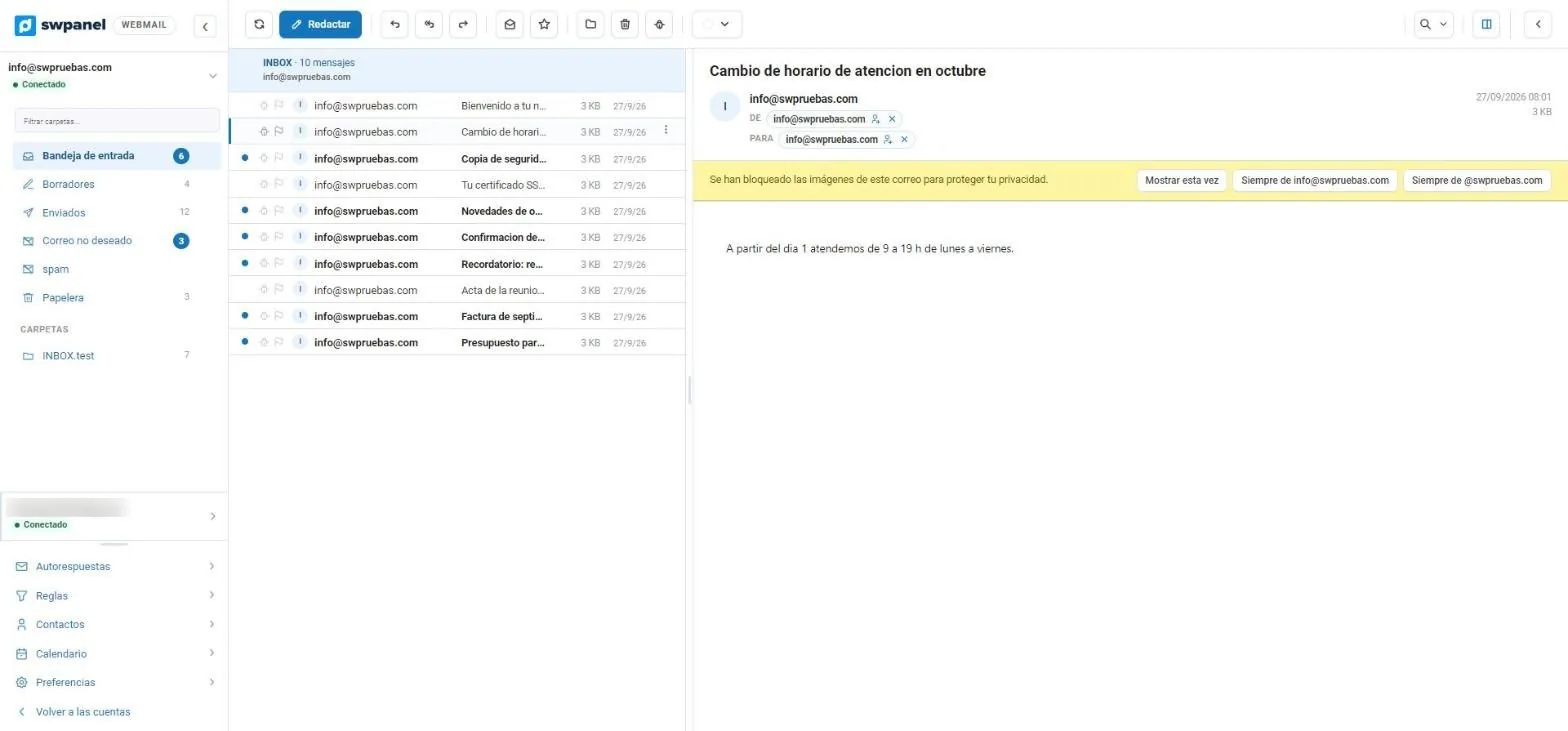
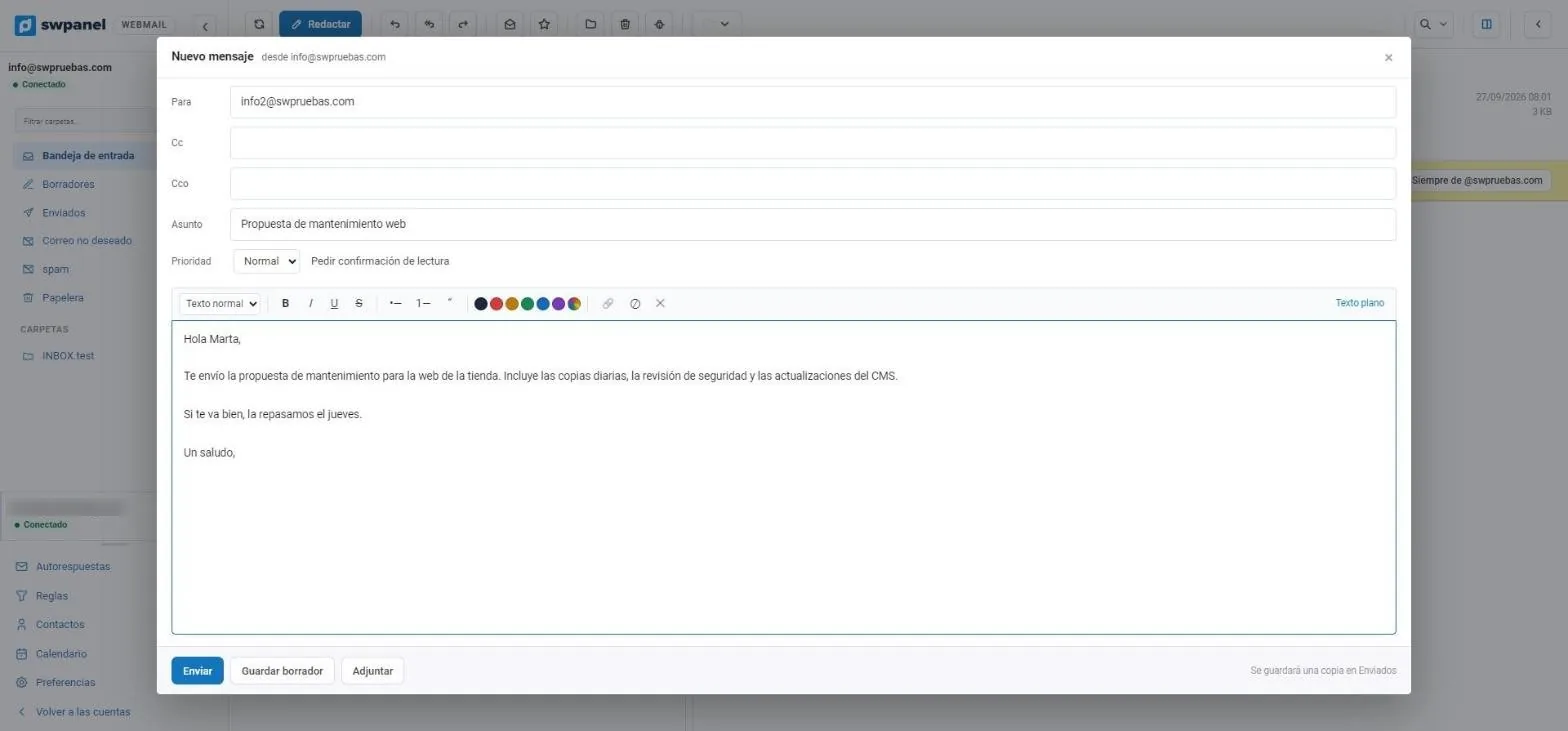
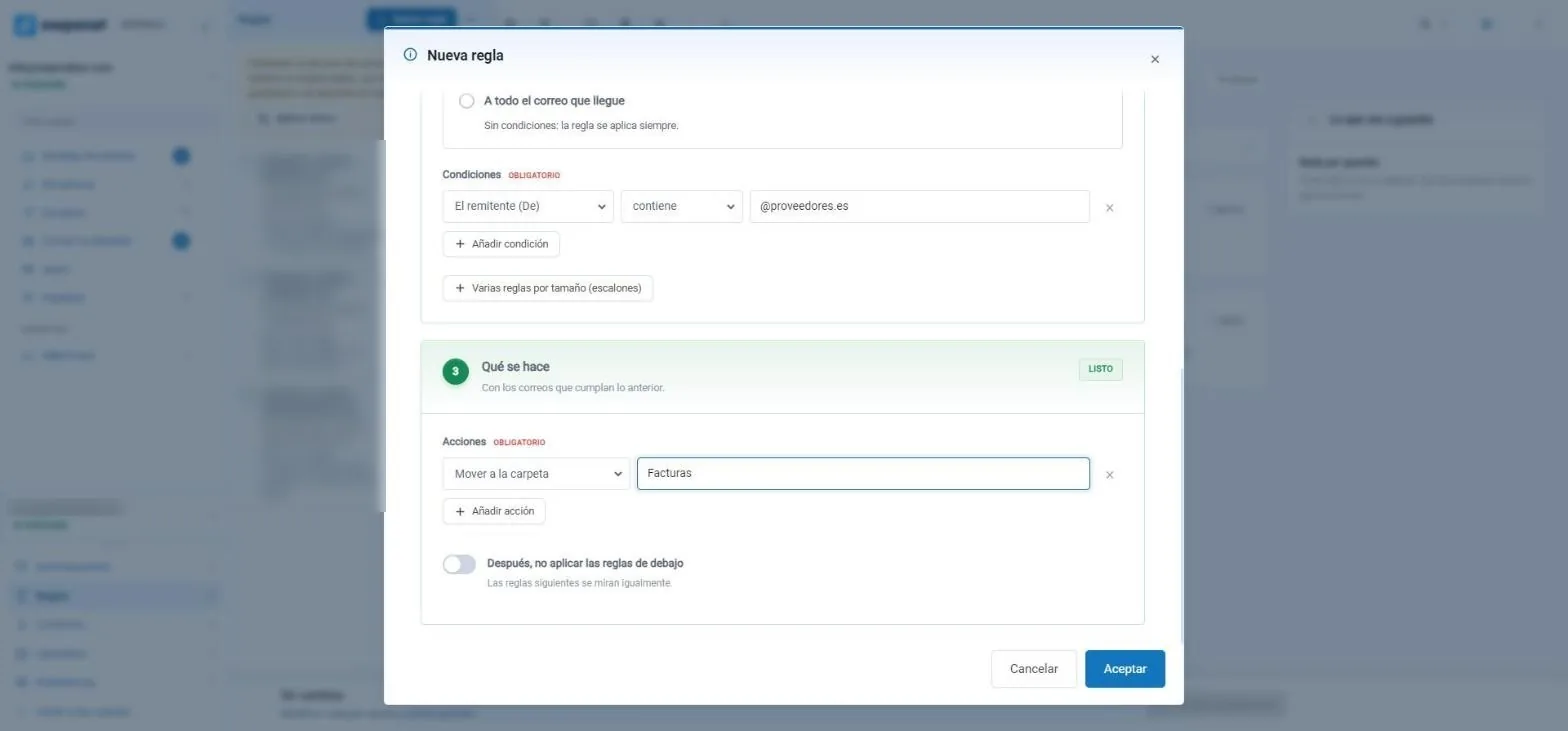
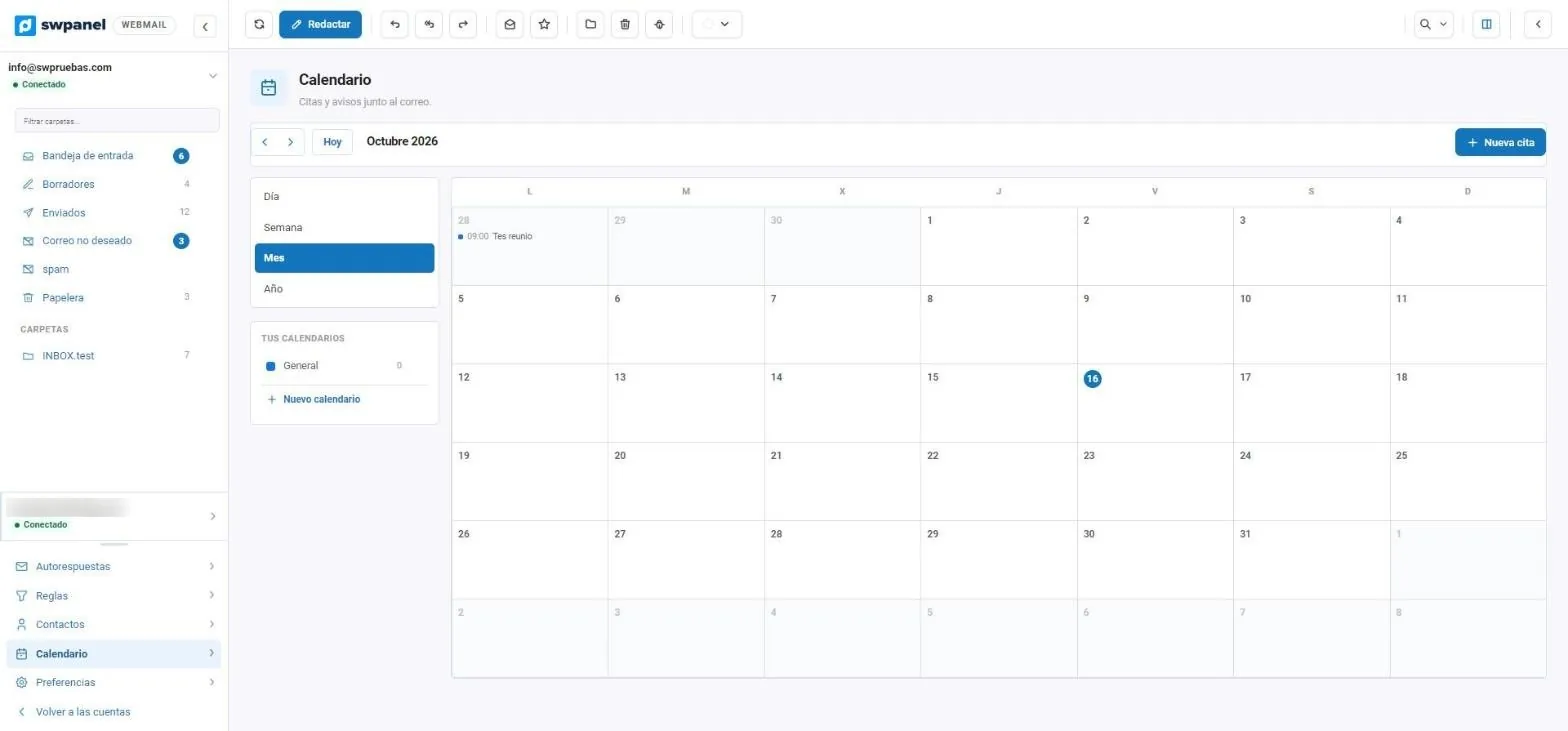
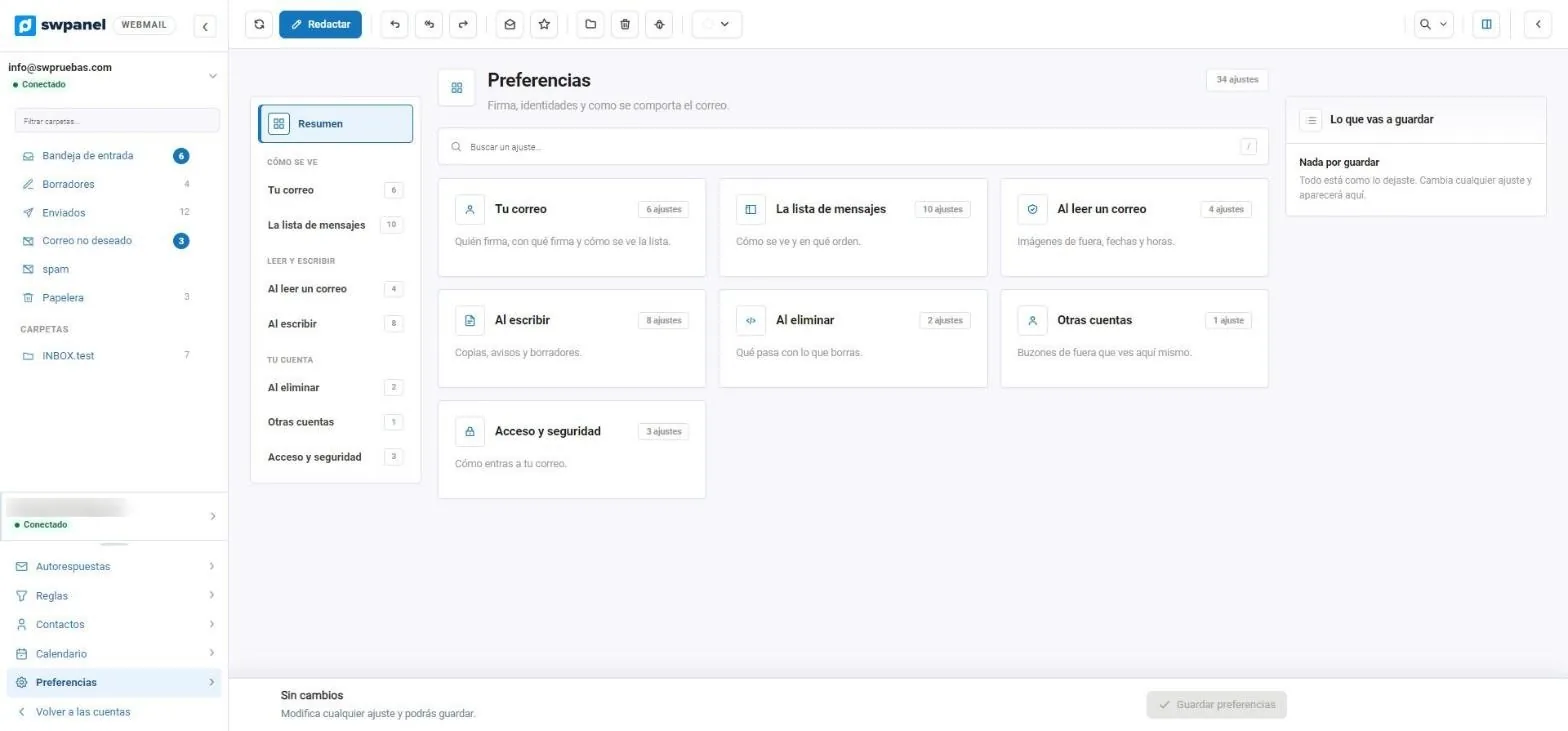
These are screenshots of SWPanel 2027 webmail with a test account. We have blurred the address of the second connected account.
Options
The rules alone already give hundreds of combinations. The rest is grouped by what you want to do, with a search to jump straight to the setting.
SWPanel InstantPass
InstantPass is SWPanel's free app to log in without passwords. In 2027 it also opens webmail: each mailbox can have its own paired phone.
Free on Google Play and the App Store. Works on Android 7.0 or higher and on iPhone and iPad with iOS 16.6 or higher.
Scan the linking QR code once. From SWPanel you see which phone is paired and unlink it with one click.
On the login screen, scan the QR and confirm with your fingerprint or face. Without typing anything.
Account detail
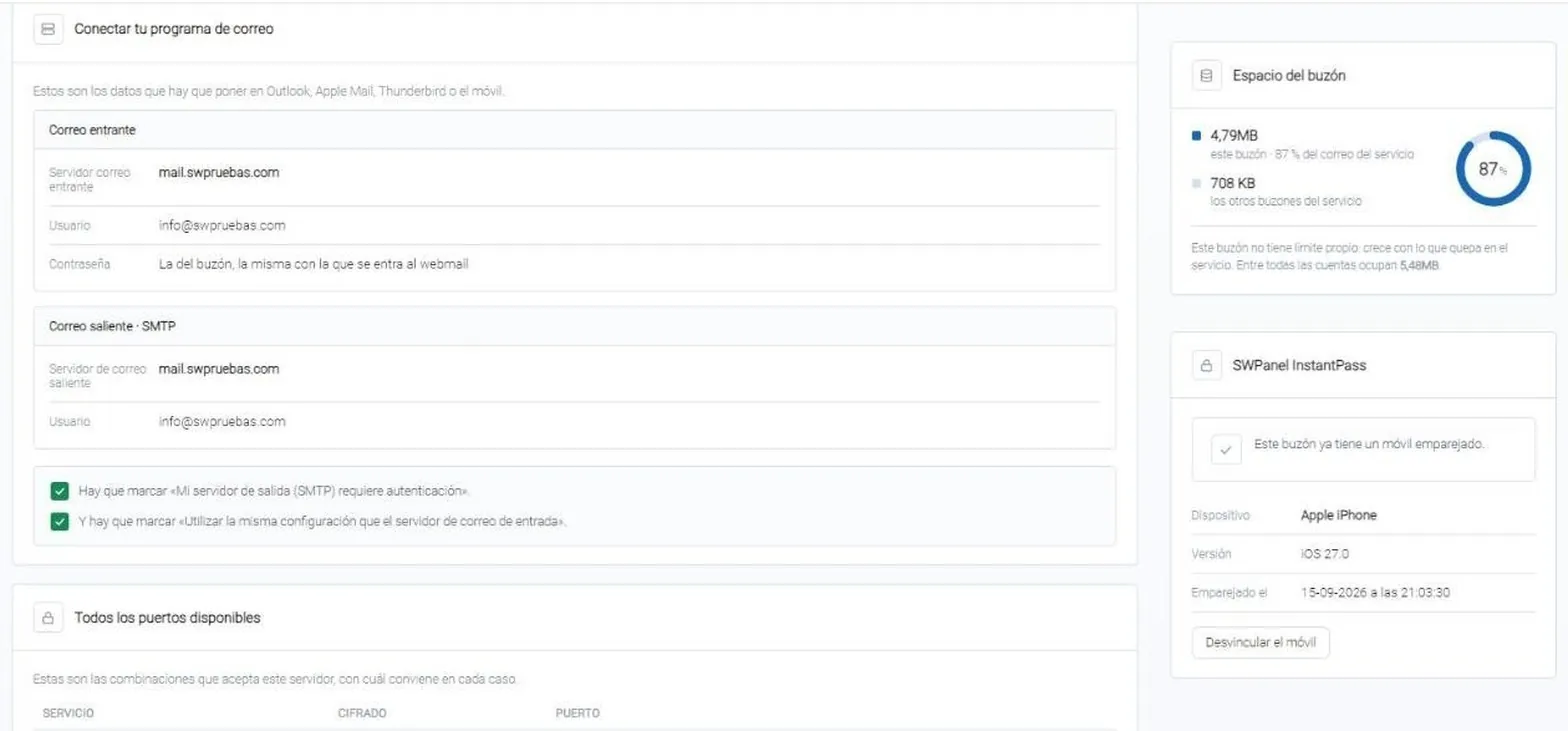
In each email account's details you see whether it has InstantPass, with which device and since when. Beside it, the details for setting up email in any program.
Webmail login
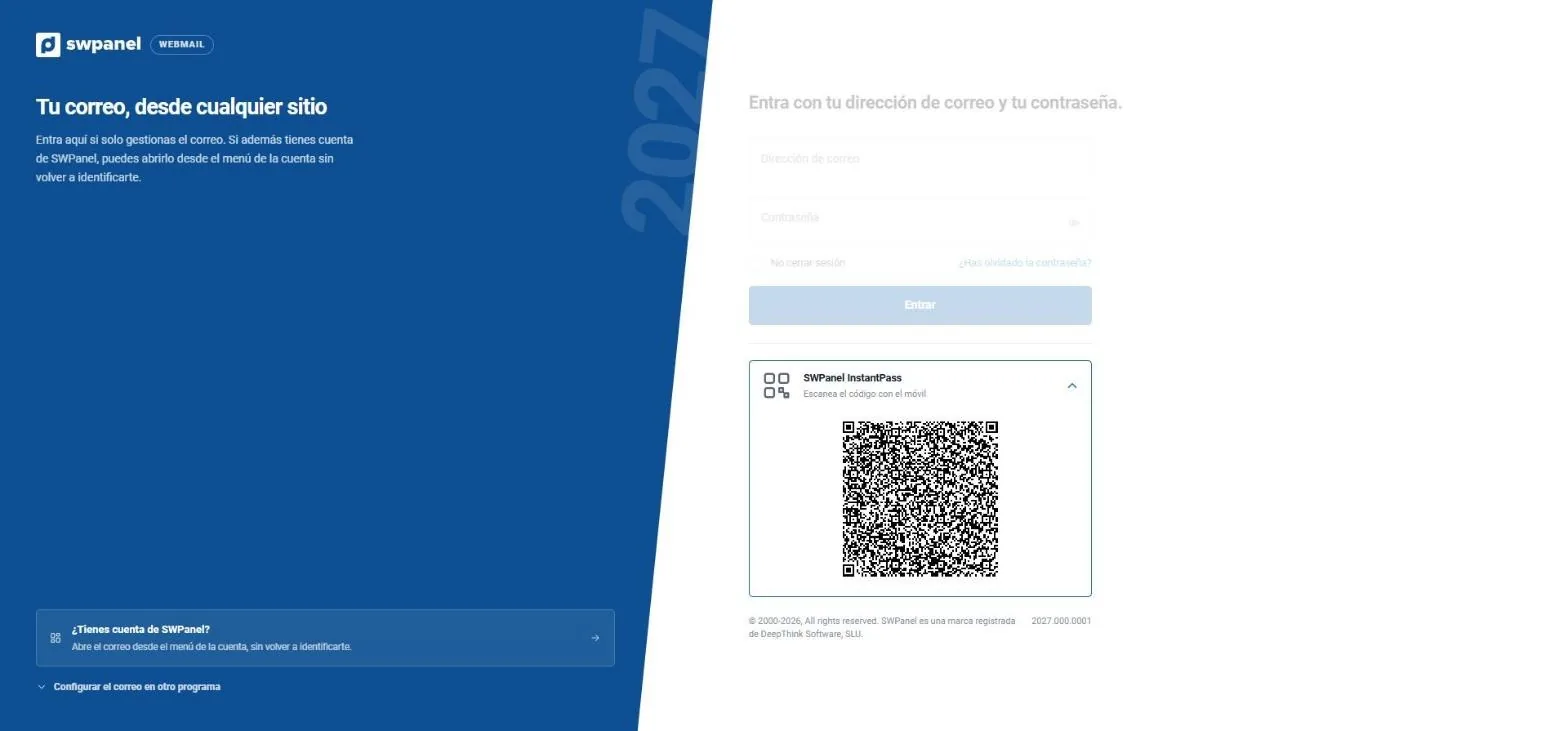
The 2027 webmail login screen, with InstantPass open. For those who only manage email; if you have a SWPanel account, you open it from the account menu without identifying yourself again.
From SWPanel
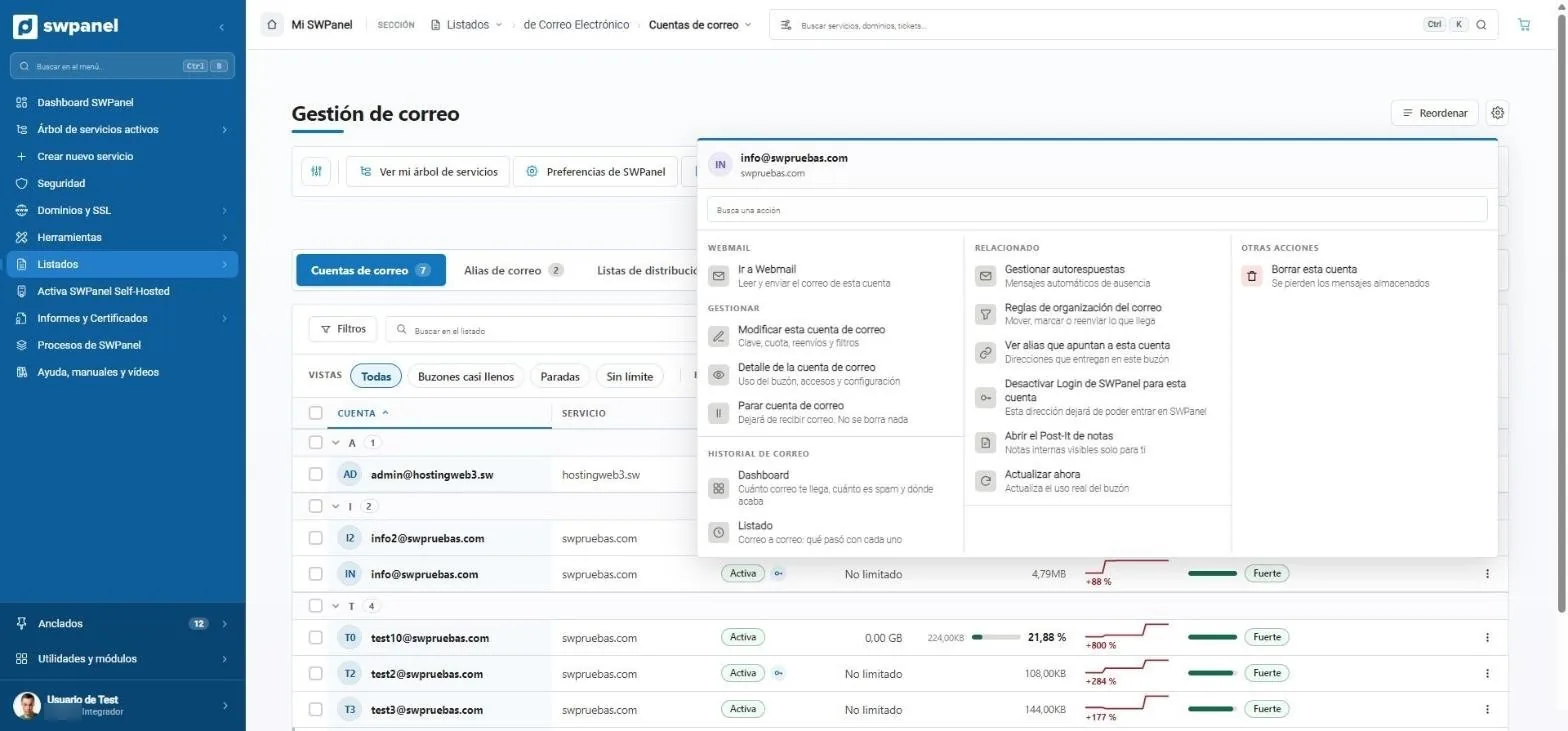
Webmail opens from the menu of each email account. In the same menu you have what you need to manage it.
Email accounts
Change the password, quota or forwards, stop the account, view its email history or aliases, and decide whether that address can also log in to SWPanel with its own profile.
Compared
cPanel, Plesk and DirectAdmin usually ship Roundcube: a good webmail, but installed on your own server and separate from the panel.
Email verifications
Request a verification of the email service or of a specific mailbox and receive the result as a PDF, with what needs fixing.
Accounts, aliases, lists, antivirus and antispam of a hosting's email: 24 checks, what needs review and how to fix it.
SW-MCK-… 11 pages
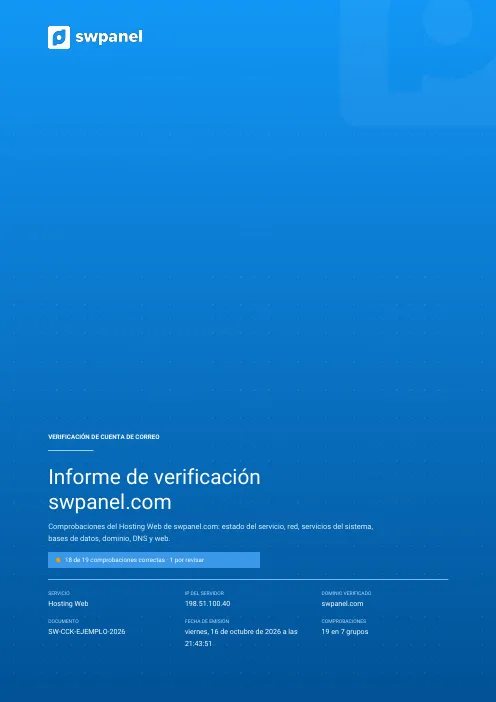
A specific mailbox: size and space used, forwards, auto-reply and 19 checks in 7 groups, with the proposed fixes.
SW-CCK-… 11 pages
Each document carries a unique number and token linking it to the original stored in SWPanel. How it's verified.
Frequently asked questions
Create your account, connect a hosting or a Cloud and open the webmail of any mailbox with one click.