
Antivirus and AntiSpam
Your email, clean and monitored
Antivirus and AntiSpam on all the service's mailboxes, email events inside the SOC and AI incident diagnosis.
- Security module enabled at no cost
- Configured from SWPanel
- Cancels at the end of the paid period
Reaches the server
-
Antivirus Message and attachments
-
AntiSpam Scores each message
-
Inbox Only what matters
- May invoice
- Order 1042
- Attachment “factura.zip” Virus
- “You've won a phone” 9,1
- “Your account will be closed today” 8,4
And the SOC watches the mailbox: suspicious logins and anomalous sending.
What's included
Clean email in every mailbox
Email remains the favorite entry point for attacks. Security 360 includes antivirus and AntiSpam for all the service's mailboxes, in hosting and in Cloud.
Email antivirus
Analyzes messages and their attachments before they reach the mailbox.
- Messages and attachments
- In all the service's mailboxes
- Nothing to configure on the client
AntiSpam
Separates unwanted email so your team only sees what's important.
- Filtering on the server
- In all mailboxes
- Less noise in the inbox
Inside the SOC
Email events also reach the SOC and traceability.
- Suspicious email logins
- Anomalous sending
- Email history
How an email travels
Antivirus and AntiSpam, before it reaches the mailbox
Every message a service mailbox receives goes through two filters on the server. What's dangerous doesn't arrive; what's junk is set aside; what matters comes in clean.
- Reaches your server Before touching any mailbox, each message goes through the service's security. Nothing to configure in Outlook, Gmail or on your phone.
- Antivirus It opens the message and every attachment, including compressed ones, and compares them with virus signatures. If it finds one, the email doesn't reach the mailbox.
- AntiSpam It scores each message: who sends it, from where, what it says and where it links. If it exceeds the limit, it goes to the spam folder instead of the inbox.
- Your exceptions With the whitelist, a sender of yours never ends up in spam. With the blacklist, an annoying one doesn't get in again.
- The SOC, behind the scenes Suspicious logins to a mailbox and anomalous sending reach the SOC and traceability: if a password is stolen, you see it.
What it prevents
-
Without antivirus
One infected attachment is enough to encrypt the files of an office computer or steal its passwords.
-
Without AntiSpam
The team wastes time every day and, among hundreds of messages, someone ends up clicking the wrong link.
-
Without mailbox monitoring
A stolen mailbox can send thousands of messages in your name and get your domain onto blacklists.
With the AI Systems Administrator
A poorly tuned AntiSpam is also a problem
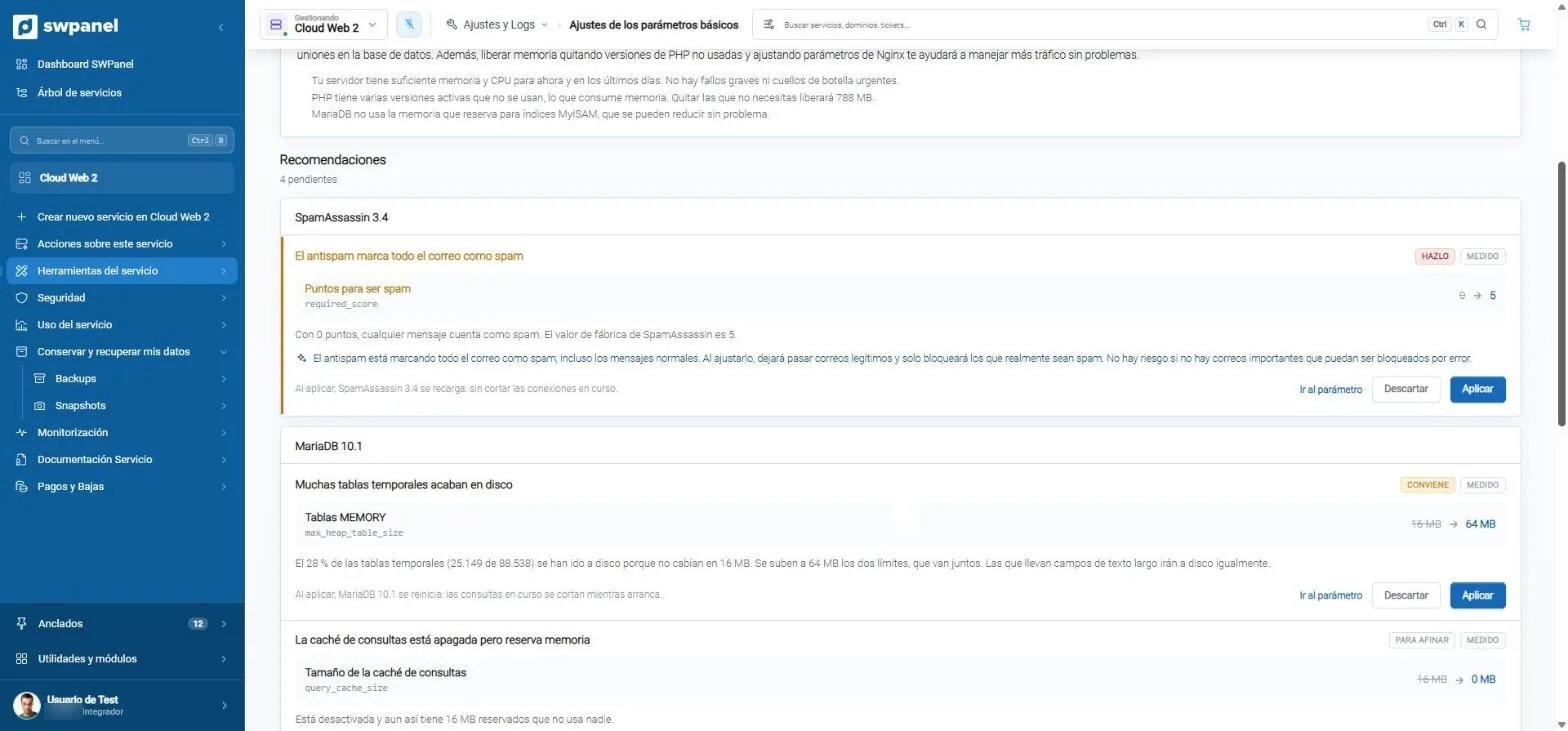
If the limit is too low, good email ends up in spam; if it's too high, junk gets in. The tuning consultant measures the server, detects it and proposes the value, with one click to apply it and another to undo it.
- The tuning consultant reviews AntiSpam: here, it was at 0 points and marked everything as spam.
- It sets it to 5, the factory value, and tells you what will happen when you apply it.
AI diagnosis
When email fails, you know in seconds
The new Instant Help diagnoses email problems and takes you to the button that fixes it. A real case: an email outage that lasted 26 hours is now diagnosed in about 4 seconds.
01
Instant Help
Ask in natural language why an email isn't reaching you. The AI looks at your services — only yours and with your permissions — and proposes the action with confirmation.
- Answer in seconds
- Actions with confirmation
- Respects each user's permissions
“I'm not receiving emails at info@” Question
The info@ mailbox has exceeded its quota. You can increase it or empty the trash. Shall I increase the quota to 5 GB?
Frequently asked questions
Questions about email
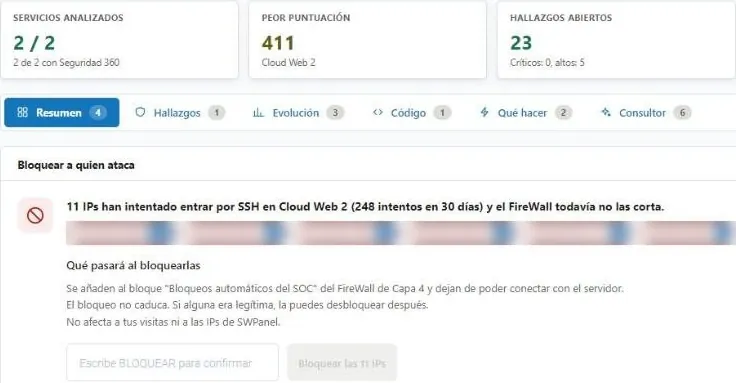
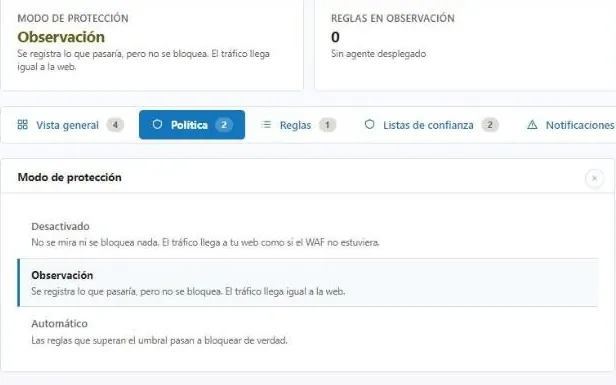
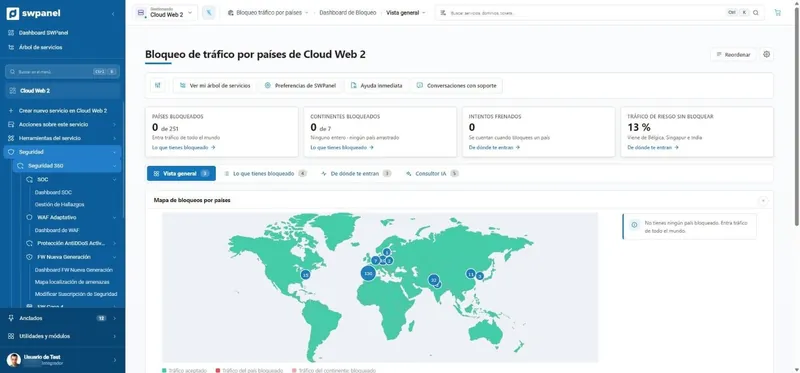
Protect your services with Security 360
The Security module comes already enabled at no cost in your account. Add Security 360 to each hosting, Cloud or server you want to protect.