Webmail app · iOS and Android
Your email, with your fingerprint
The Webmail app is the new SWPanel Webmail, adapted to the phone: email, calendar and contacts in tabs, and several accounts at once. You sign in once and then open it with your fingerprint or your face.
- iOS and Android
- Login with fingerprint or face
- Several accounts
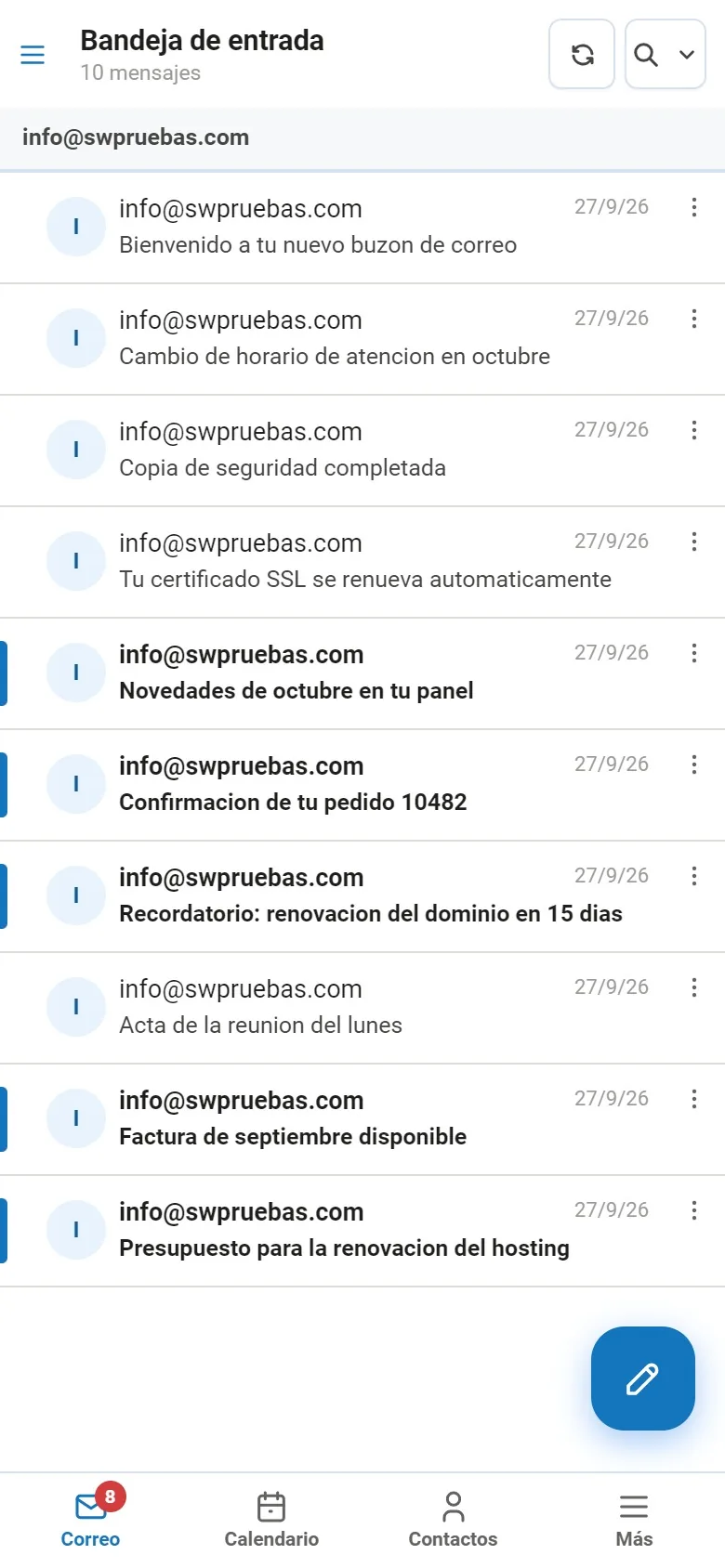

In screenshots
This is how the webmail looks on your phone
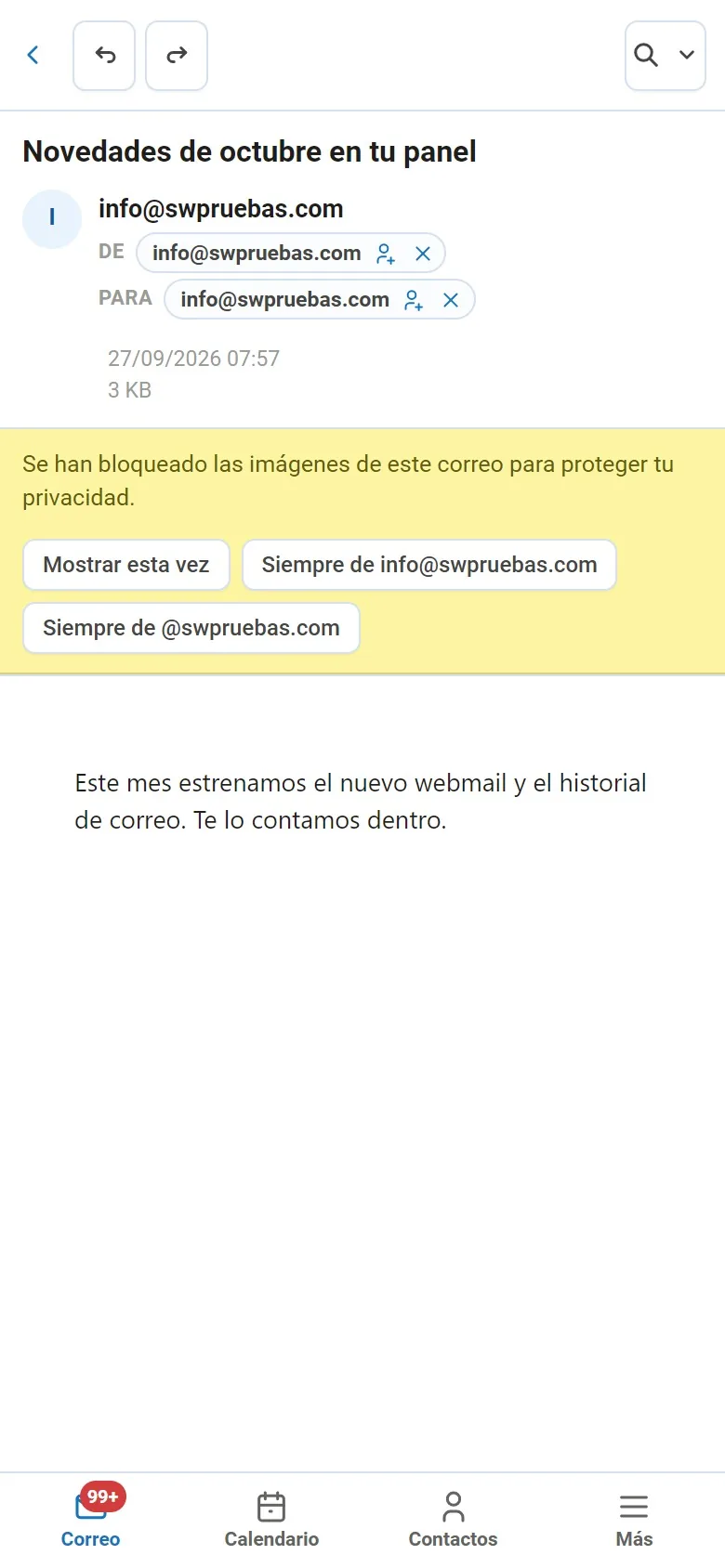
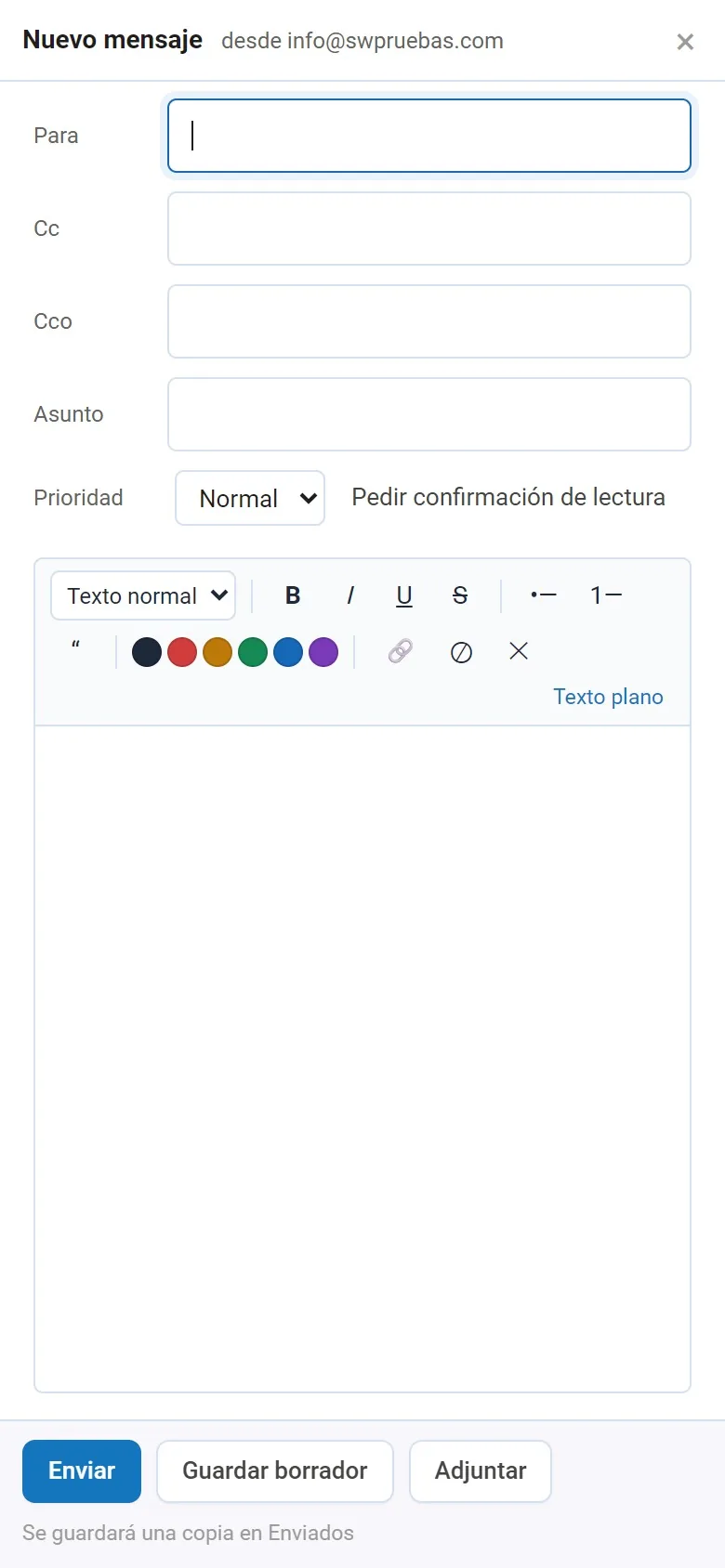
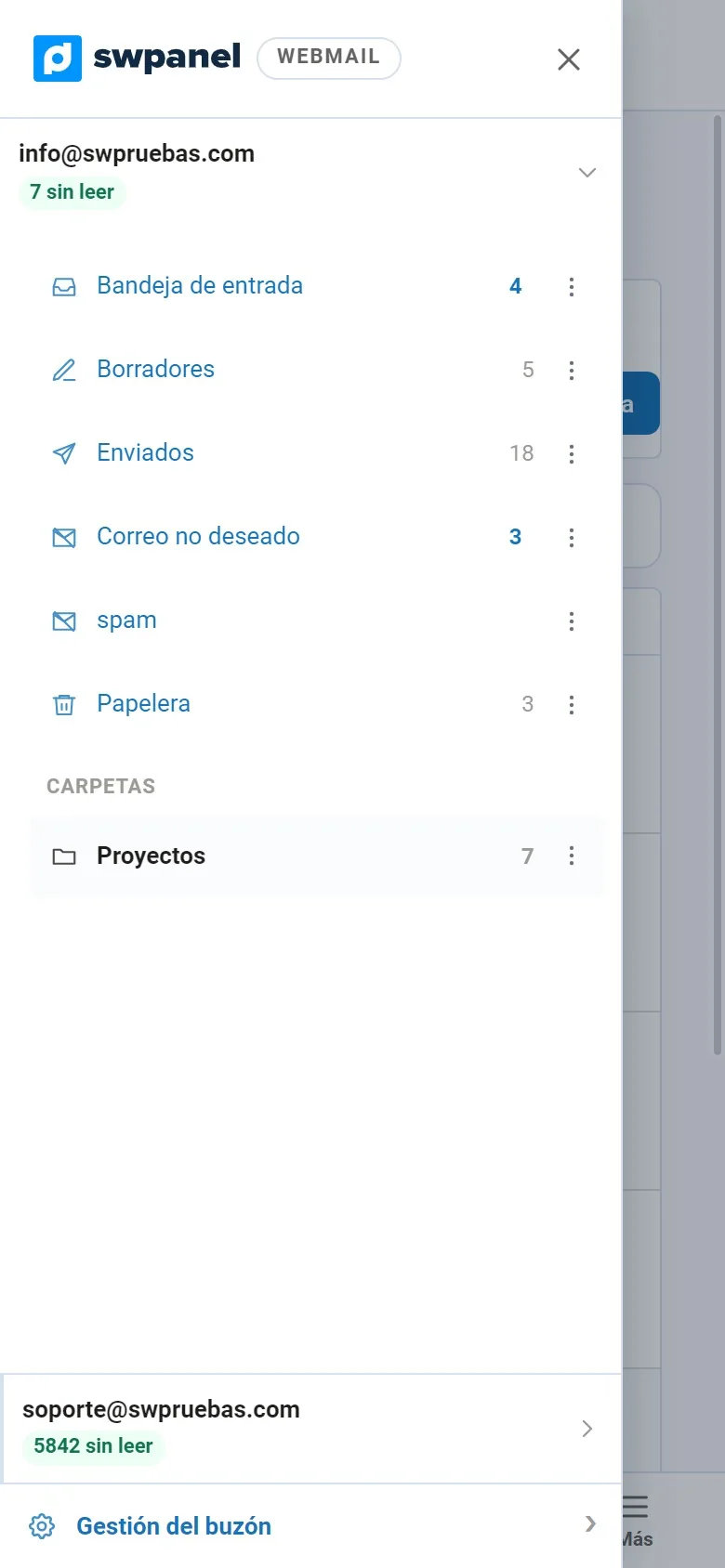
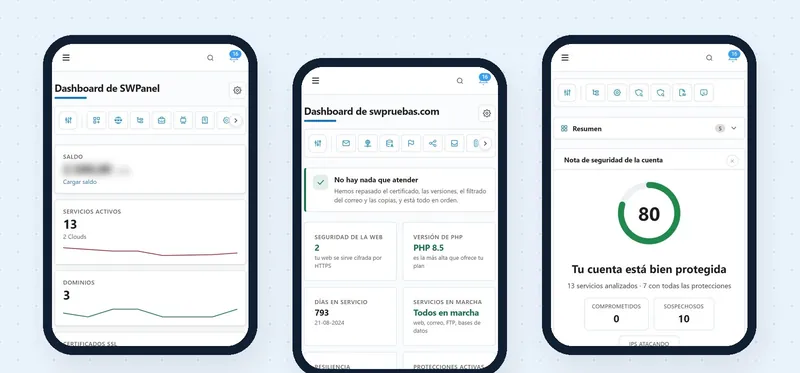
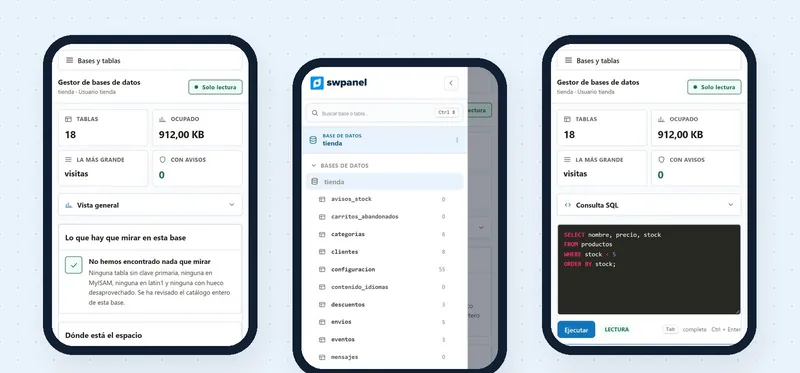
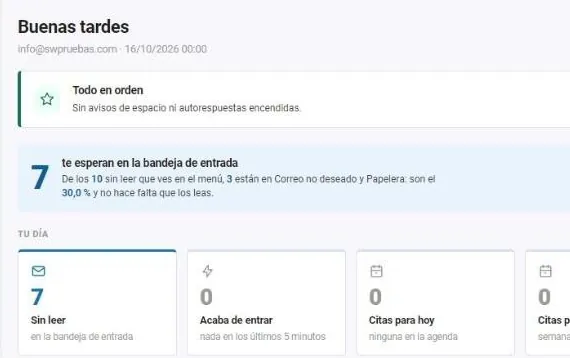
Real SWPanel 2027 screenshots on a phone screen, with a test account. We have changed the name of the second account. The status bar is a drawing.
From your phone
All your email, in four tabs
Mail, Calendar, Contacts and More, always at the bottom, within thumb's reach.
Several accounts
Switch mailboxes without leaving, each with its own folders and unread counts. Also from Gmail, Outlook or iCloud.
Full email
Read, reply, forward, write with formatting, save drafts and attach files.
Calendar
Appointments and reminders next to your email, with day, week, month and year views.
Contacts
Your address book in its own tab, one tap from your email.
Privacy
A message's images don't load until you decide: that way nobody knows when you open it.
Rules and auto-replies
In Mailbox management: auto-replies, rules and preferences, from your phone too.
How you log in
You log in once. After that, with a gesture
The Webmail app stores your login on the phone and protects it with the biometrics you already use to unlock it: fingerprint or face recognition.
-
Download the app
From Google Play or the App Store, on your iPhone or Android.
-
Log in once
With your usual login details, as on the computer.
-
Save the access
Enable biometric access: it's stored on the phone and protected with your fingerprint or your face.
-
Open it with a gesture
From then on you log in with your fingerprint or your face, without typing the password again.
The app doesn't see your fingerprint or your face: the phone itself does the check, just as when you unlock it. Prefer to get into your email from your computer without a password? InstantPass does that.
Frequently asked questions
Questions about the Webmail app
Your email, one gesture away
Download the Webmail app and save your login with your fingerprint or your face.