
WordPress
Two official SWPanel plugins for WordPress
SWPanel Migrator brings your WordPress to SWPanel from the WordPress dashboard itself. SWPanel AI Builder creates the website with an assistant and helps you write it inside the block editor. Both install from the official WordPress.org directory.
- Official plugins on WordPress.org
- WordPress 6.8 or higher
- PHP 7.4 or higher
SWPanel Migrator
Your WordPress to SWPanel, from the WordPress dashboard
You install the plugin on the WordPress you want to bring over, paste the token and secret key of your migration from SWPanel and click “Start Export”. The plugin does the rest and shows you each step.
Database
Complete SQL dump
Files
WordPress, plugins, themes and uploads
At the destination
Runs the dump and updates the configuration and URLs
Security
Token, secret key and encryption
Step 1
In SWPanel, choose “WordPress”
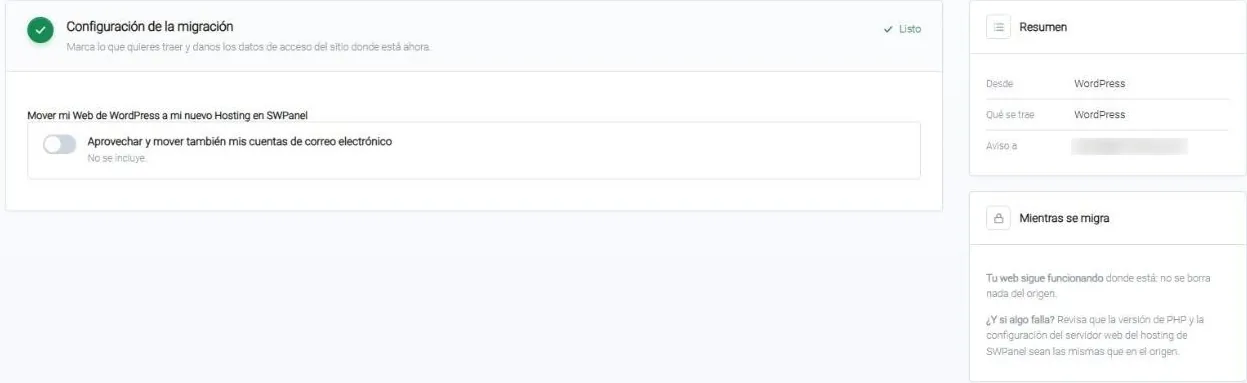
In the migration wizard you choose WordPress, the easiest path, and the destination: a new hosting, purchased in the same step, or one you already have. If you want, you also add your mailboxes.
Step 2
Install SWPanel Migrator on your WordPress
On the source WordPress: Plugins › Add New, search for “SWPanel Migrator” and activate it. Or download it from WordPress.org and upload it.
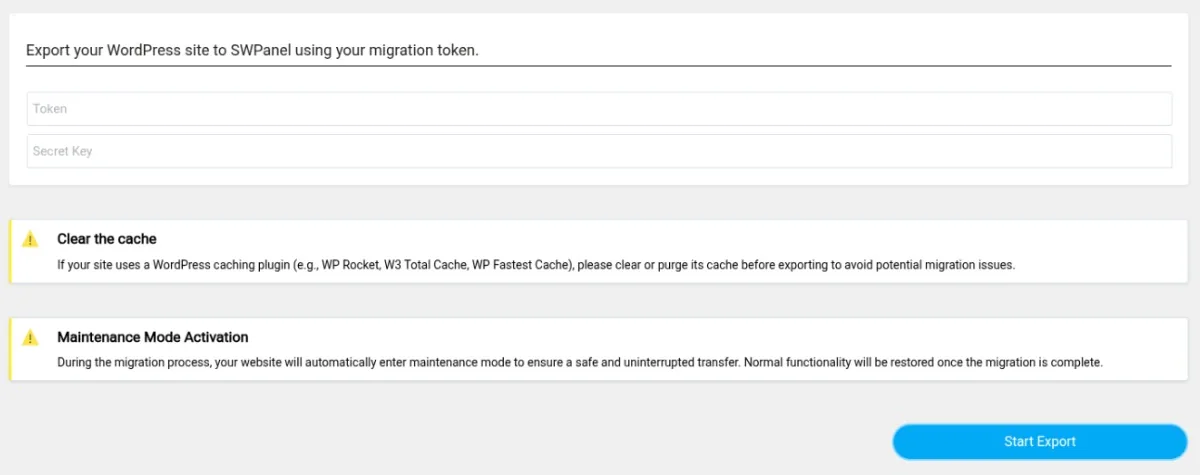
- Clear the cache beforehand if you use WP Rocket, W3 Total Cache or another caching plugin
Step 3
Paste the token and key, and start
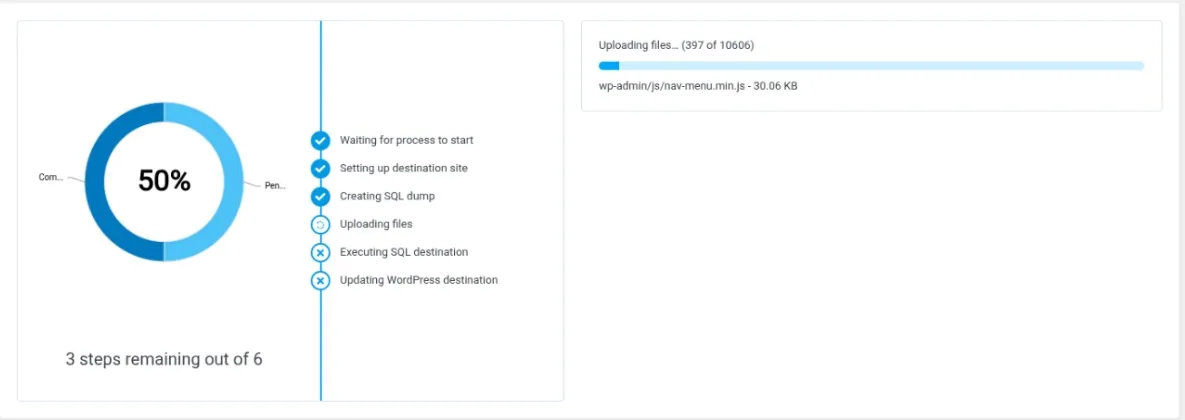
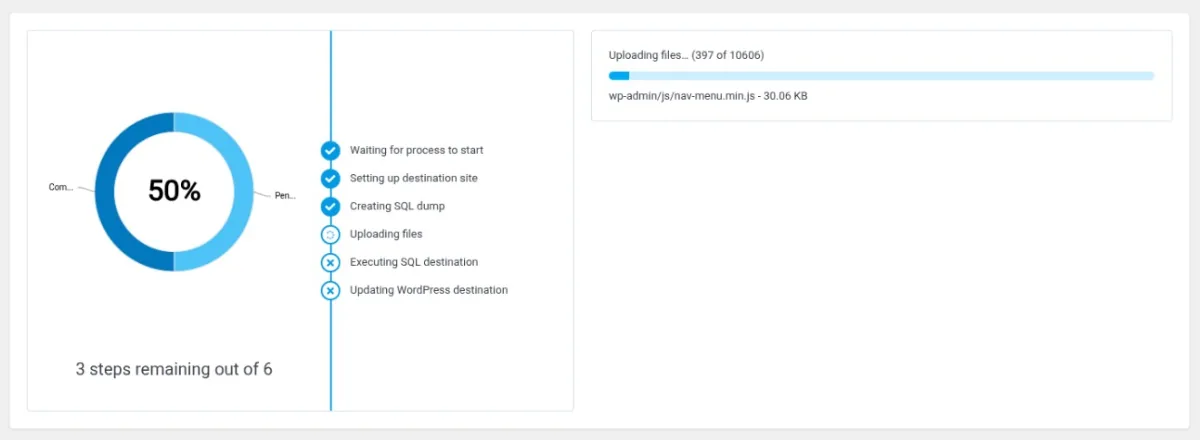
With “Start Export”, the site enters maintenance mode while it's copied and returns to normal when finished. You see progress file by file and the six steps: preparing the destination, the SQL dump, uploading files, running the SQL and updating WordPress in SWPanel.
- It only sends data when you start the migration
- If something fails, it tells you and you can retry
- You can cancel the migration
Version 1.0.4 (October 5, 2026). Requires WordPress 6.8 or higher and PHP 7.4 or higher.
SWPanel AI Builder
SWPanel's AI inside your WordPress
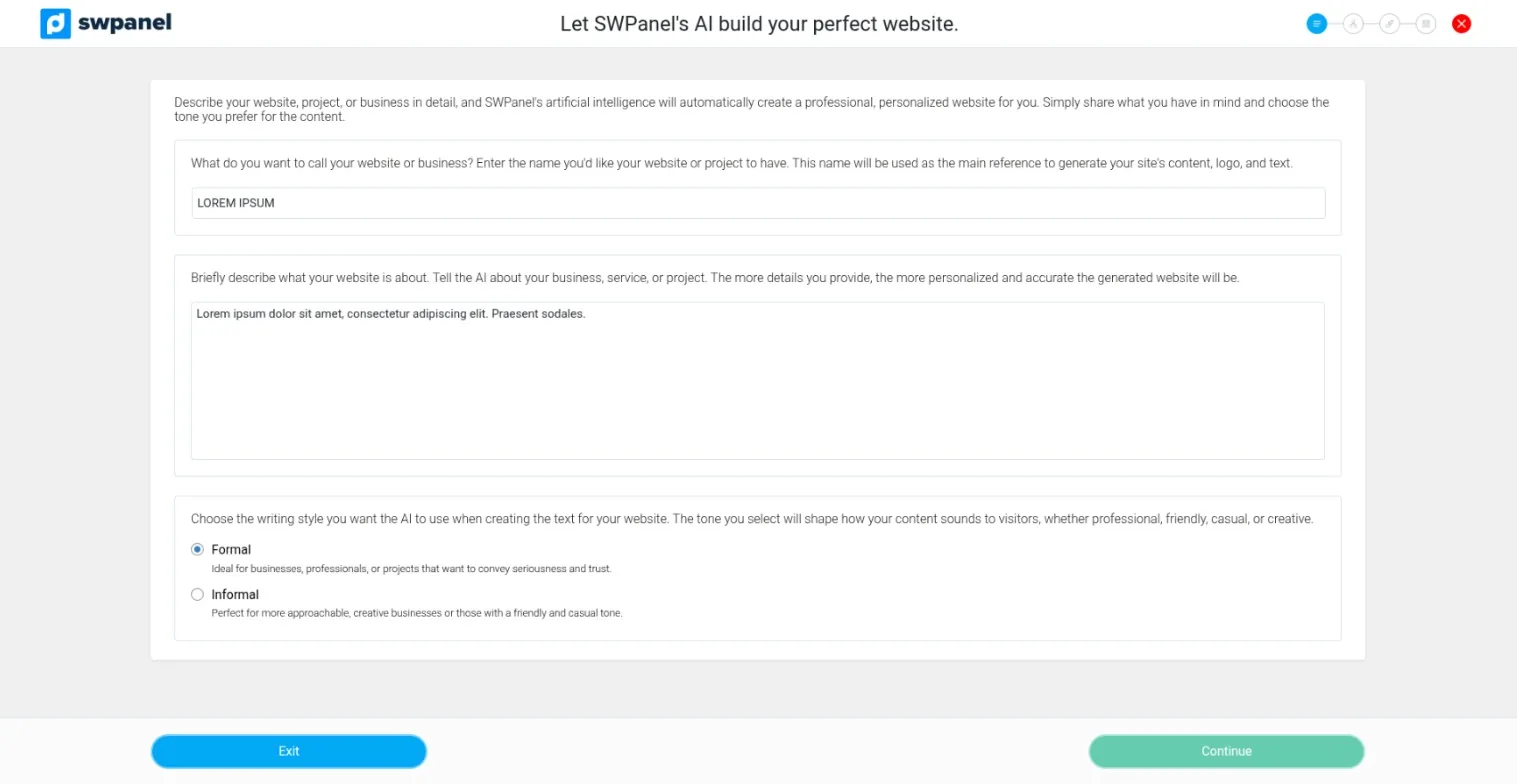
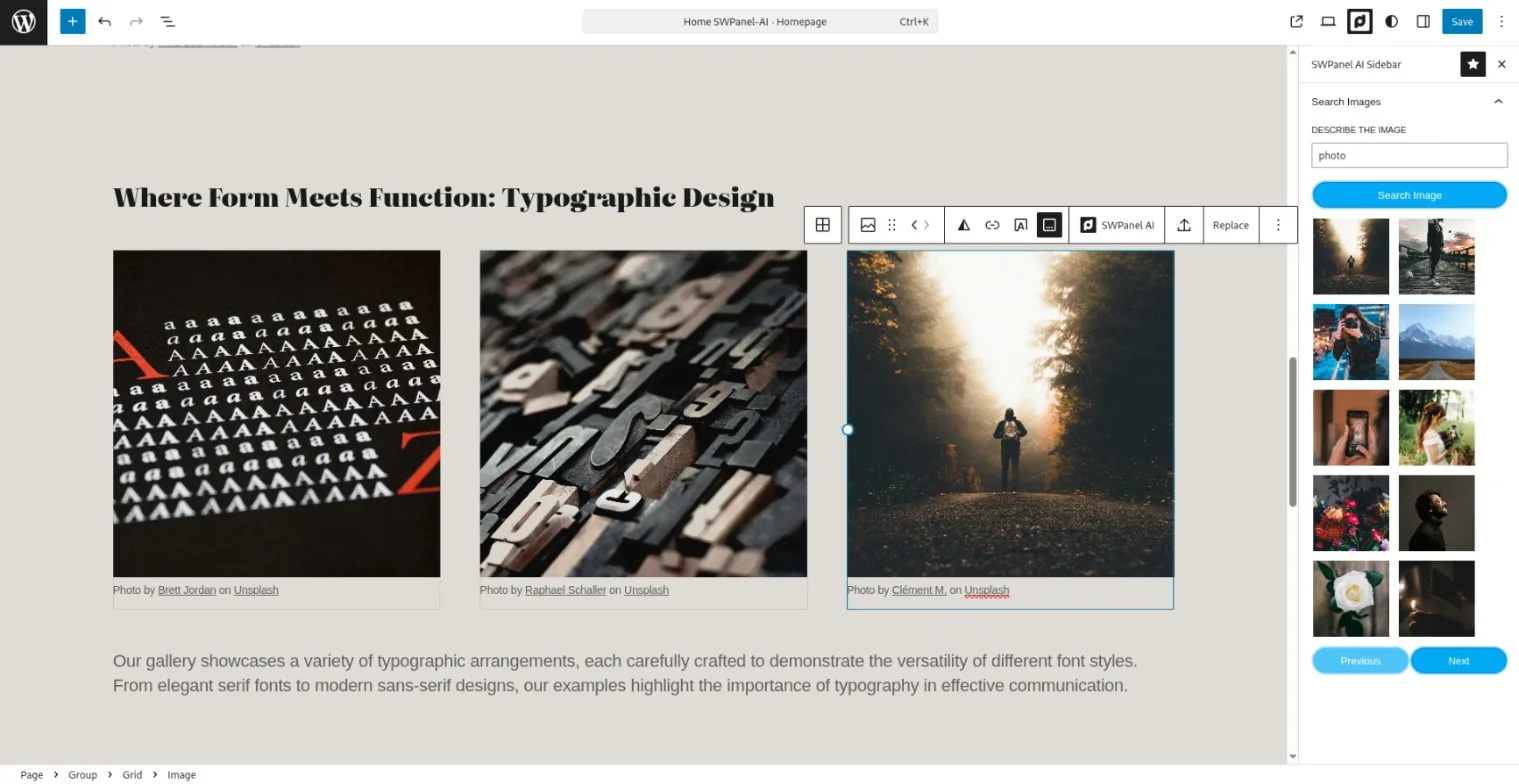
An assistant that creates the website from what you tell it about your business, and a sidebar in the block editor to find images and write better. You need a SWPanel account with an AI license and an API token.
The assistant
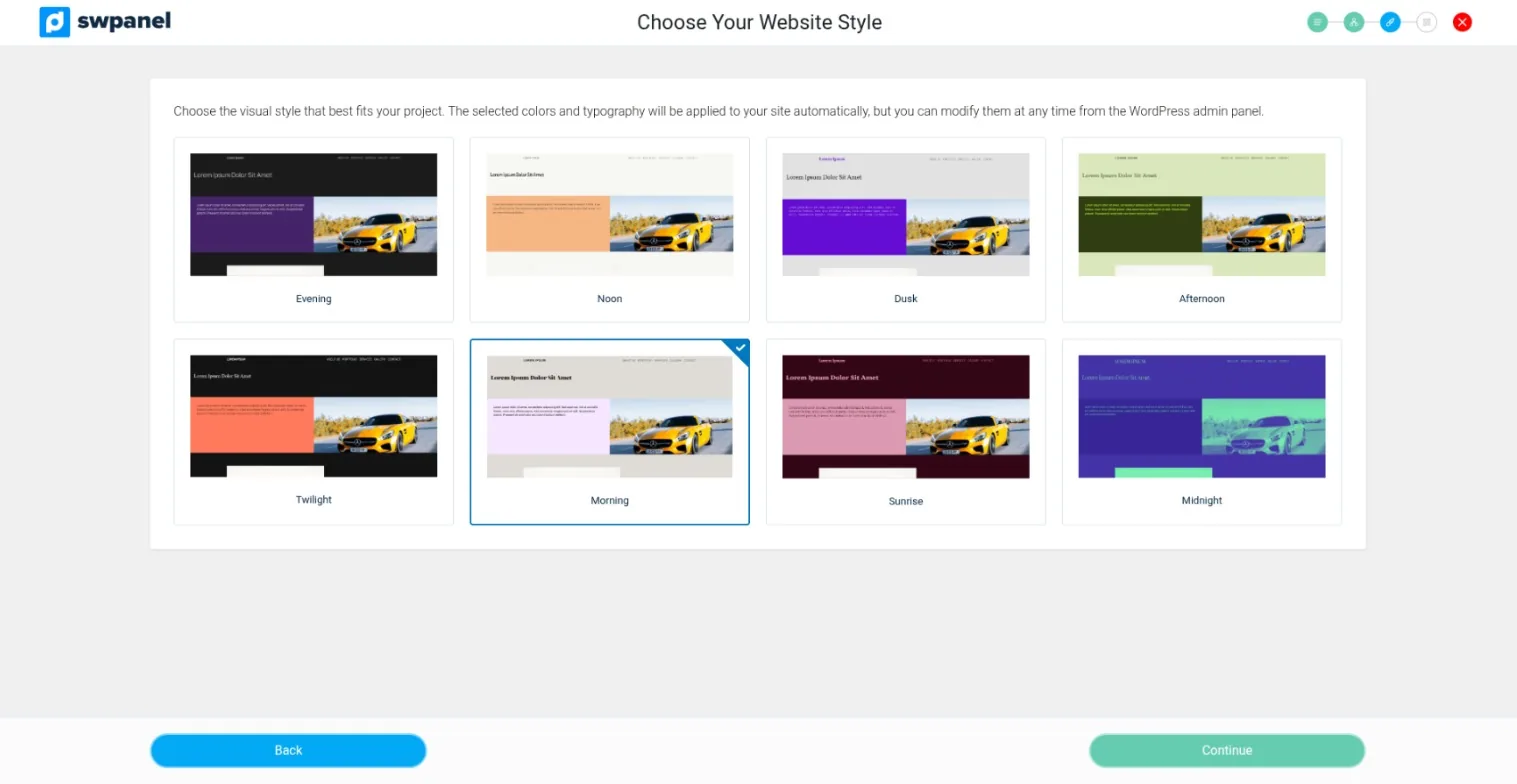
Website details, the structure of one page or several, style and a design pattern. It generates the pages: home, about us, services and contact, and blog posts.
In the block editor
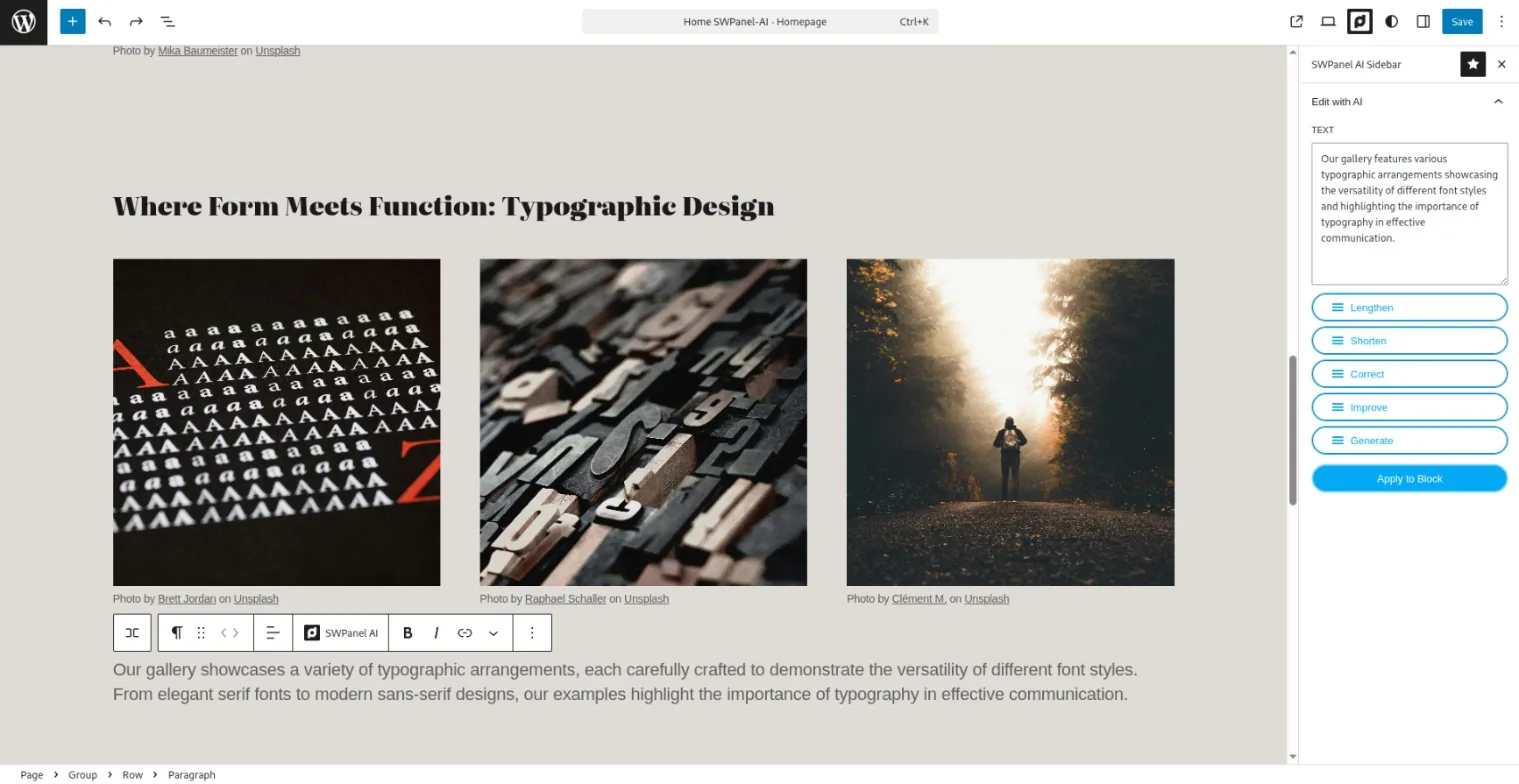
The SWPanel AI sidebar improves grammar and structure, corrects spelling, expands or shortens a text and writes a new one from your instructions.
Languages
The interface is in Spanish, Catalan and English. It generates the content in the language you ask for.
Your data
It only sends data when you use an AI feature, and once an hour it validates the token. Nothing else is sent in the background.
Version 1.0.3 (January 30, 2026). Requires WordPress 6.8 or higher and PHP 7.4 or higher. The plugin screenshots are those from their official WordPress.org listing, in English.
Which one suits you?
AI Builder or SWPanel's AI websites
SWPanel AI Builder
- If your website is, or will be, a WordPress
- You work in the usual block editor
- Requires a SWPanel AI license and an API token
SWPanel AI websites and stores
- If you want the website or store built and published on your SWPanel hosting
- With its own visual editor and store management from SWPanel
- Nothing to install
Frequently asked questions
About the WordPress plugins
WordPress is a registered trademark of the WordPress Foundation. SWPanel is not affiliated with or endorsed by the WordPress Foundation.
Your WordPress, in SWPanel
Create your account, prepare the migration and install SWPanel Migrator on your WordPress.